-80%

The Mix Bundle
Five plugins for the core of a mix
EGP 999.99 EGP 4,999.99
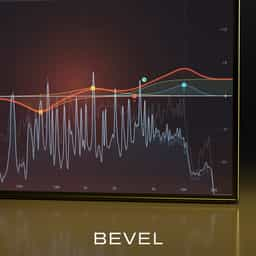
A 24-band EQ for vocals, beats and mixes. Double-click to add a band, drag it to shape the sound, and let dynamic bands tame harshness only when it shows up.
Clears mud and harshness from any track
A 24-band EQ for vocals, beats and mixes. Double-click to add a band, drag it to shape the sound, and let dynamic bands tame harshness only when it shows up.
Clears mud and harshness from any track
Five plugins for the core of a mix

Thirteen plugins. One collection.
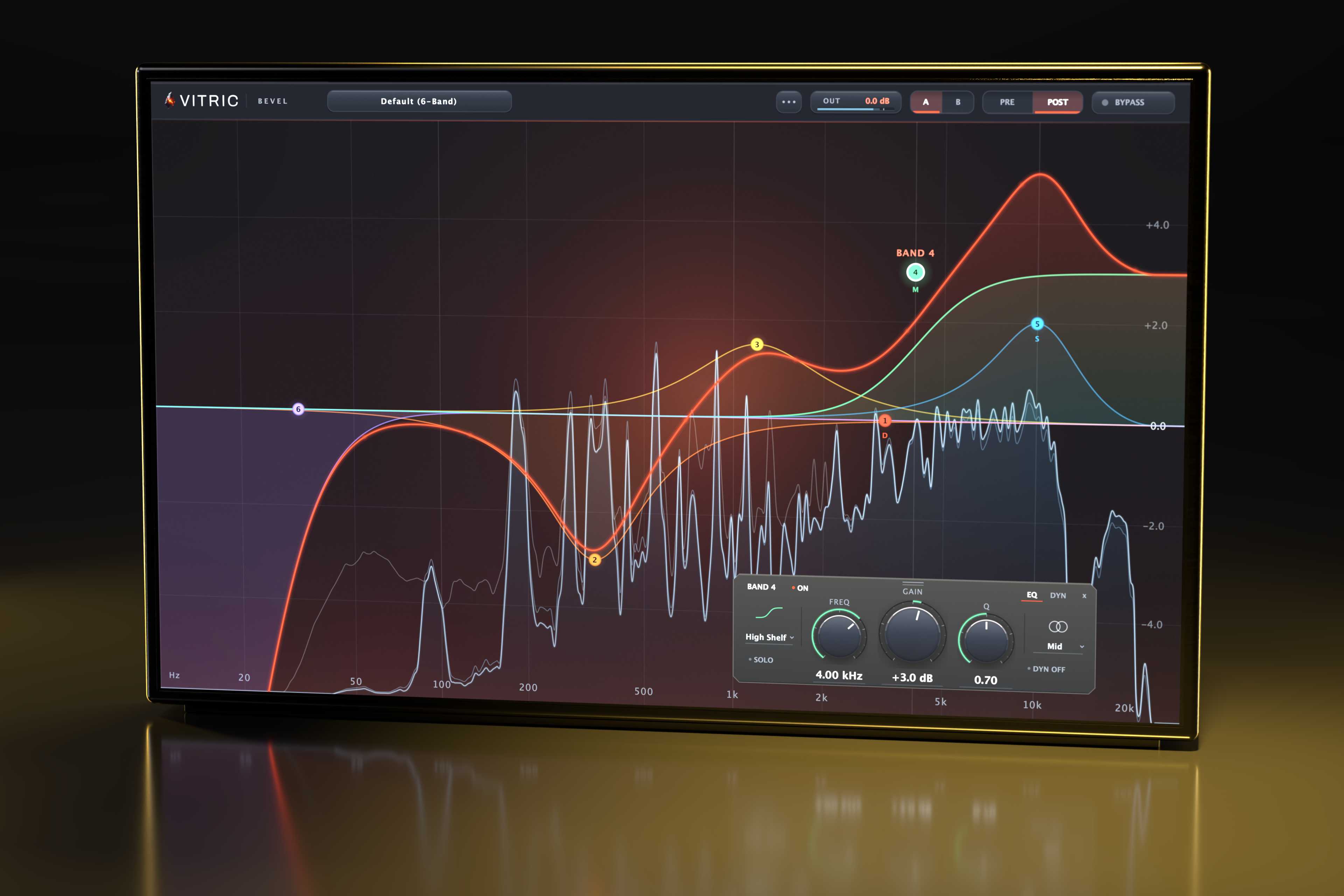
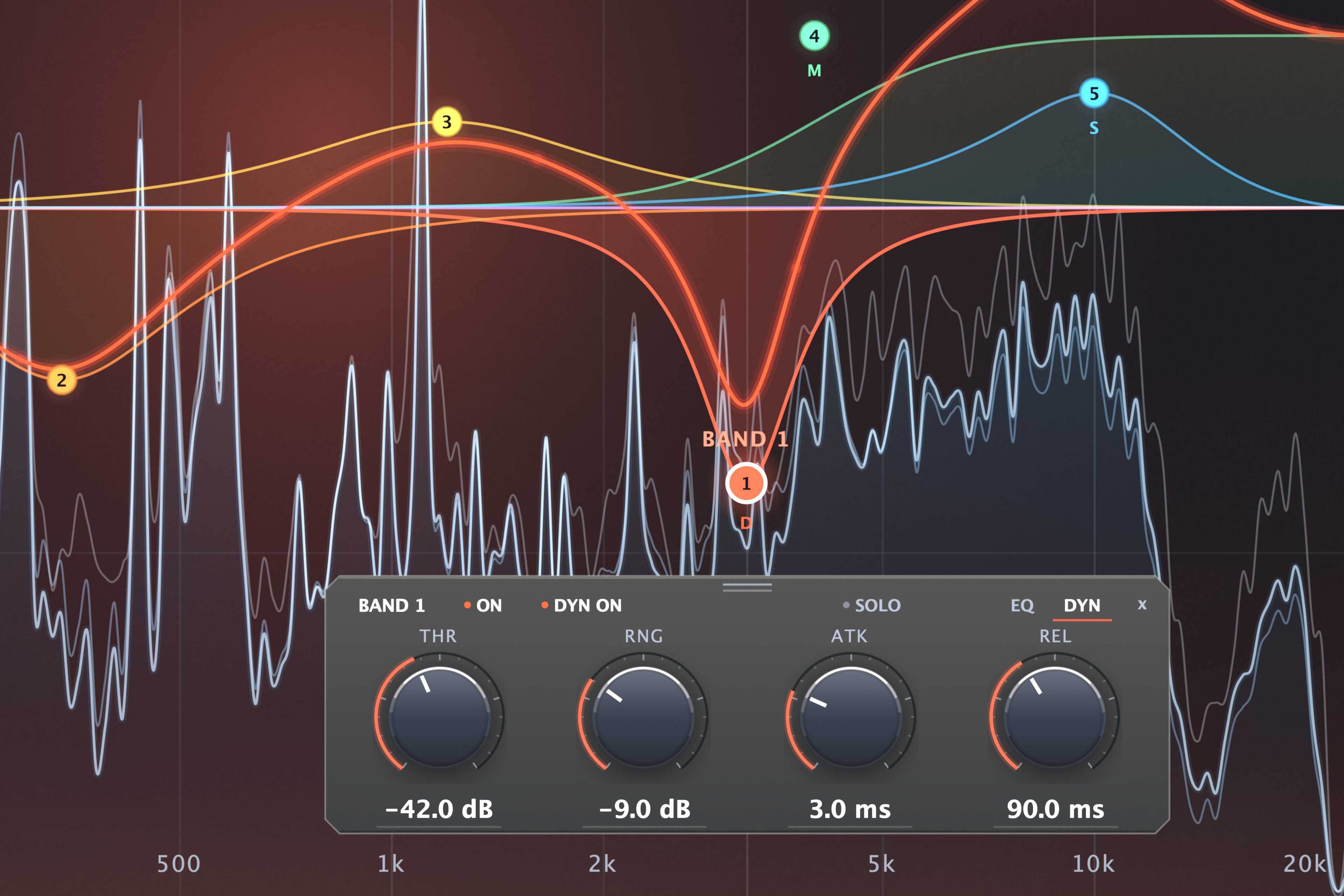
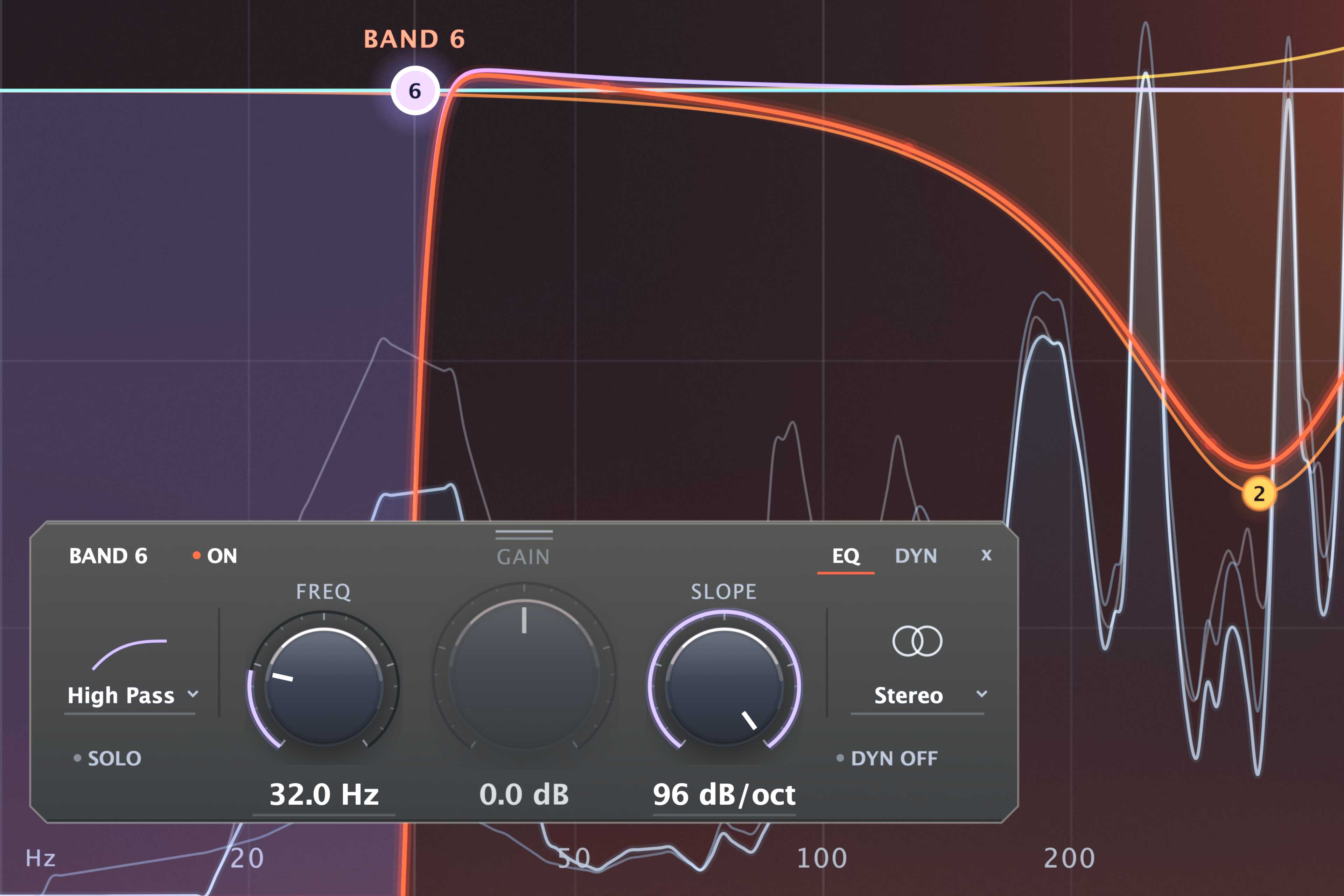
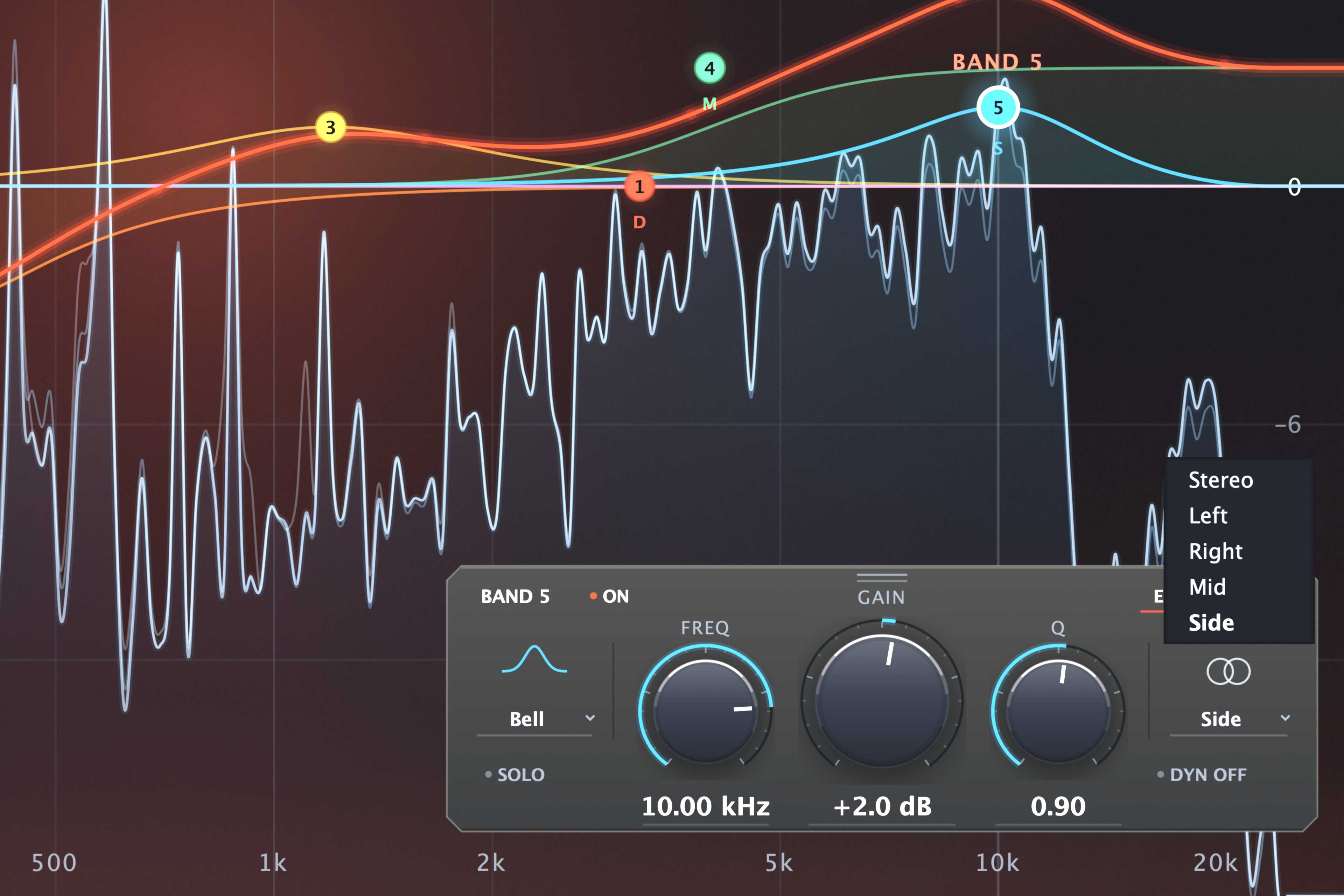
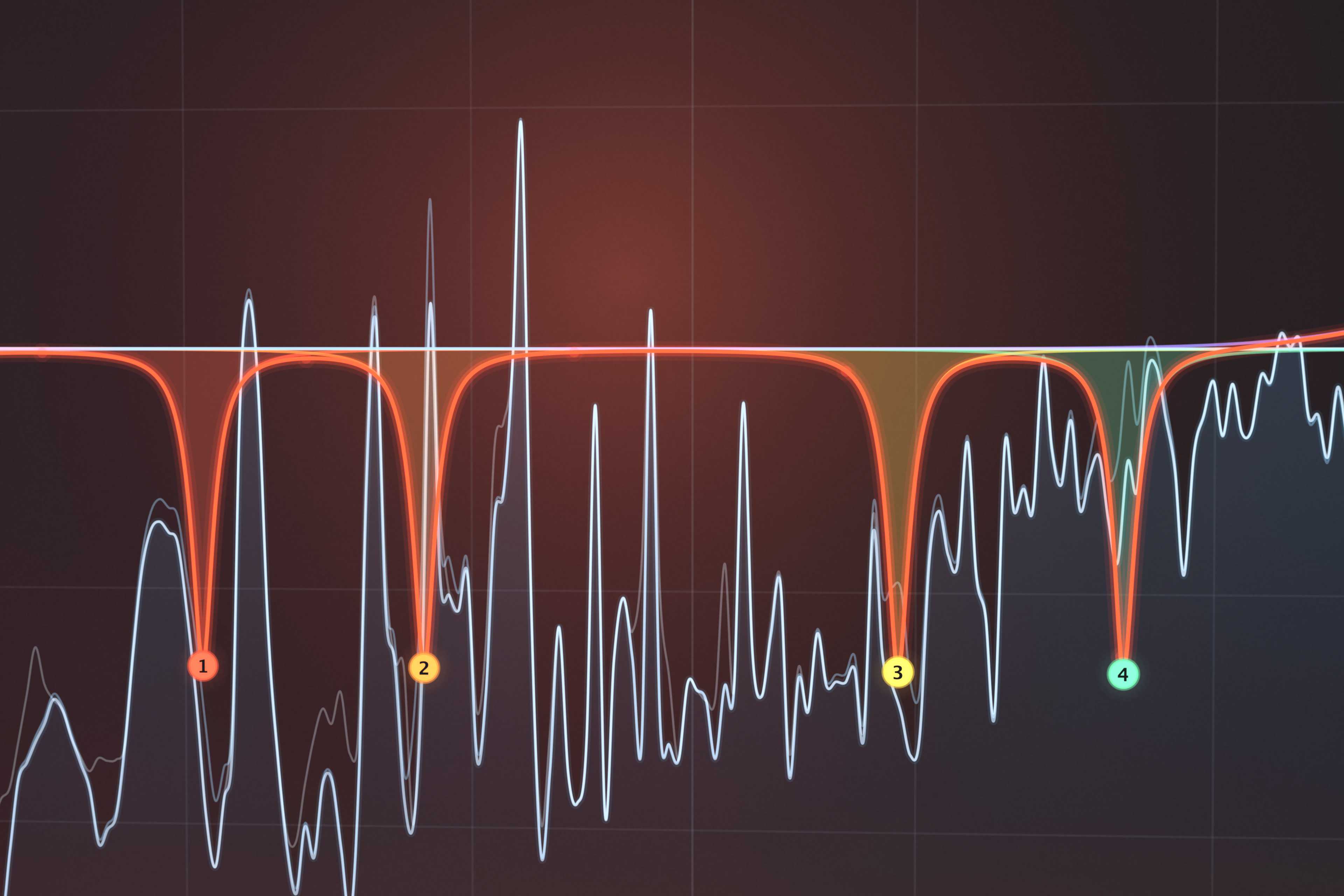
Bevel EQ makes a track sound clearer. Cut the rumble under a vocal, the boom in a bass or the harsh ring of a cymbal, and lift the warmth or the air you want more of. It is made for singers, rappers, podcasters, beatmakers and home producers: a lead vocal, a spoken voice, an 808, a drum bus or a whole mix. Your music is drawn under the curve, so you can see where a problem lives. Double-click to add a band there, then drag it to set where it works and how much it boosts or cuts. Solo plays only the part of the sound a band touches, so you can find a problem by ear. Switch a bell or shelf to dynamic and it moves only when that part of the sound gets loud, taming a harsh s or a boomy note and leaving the rest alone. Bevel adds no latency at its default quality, so you can record through it, and in the VST3 and AU versions you can save your own default for every Bevel you add. AU, VST3 and AAX on macOS; VST3 and AAX on Windows. Installs and updates through MuseHub, with no license key.

Parametric 10-band EQ

One-Knob Voice EQ

8-Band Parametric Equalizer

THREE BAND TONE
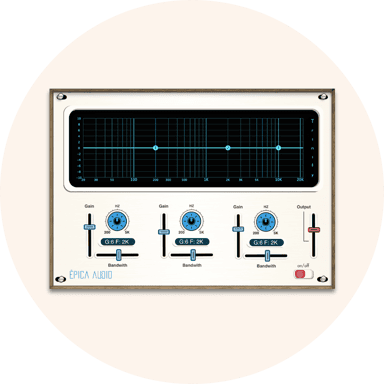
Precision EQ with Harmonic Saturation
Reduce background noise while keeping audio clear
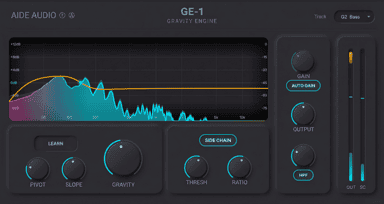
Adaptive Tilt EQ for Bass
Reduce room echo and reverb in your recordings
Precision EQ with Harmonic Saturation
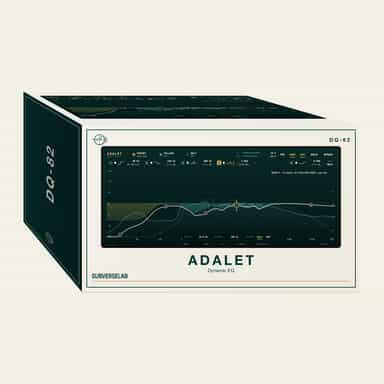
Zero-latency dynamic EQ that finds the problem

The Ultimate Synth Filter Ecosystem
Powerful Stereo Spatialization Plugin
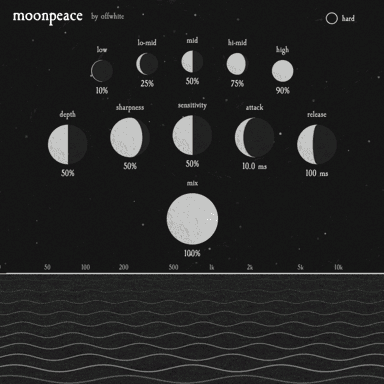
Lunar Resonance Suppressor
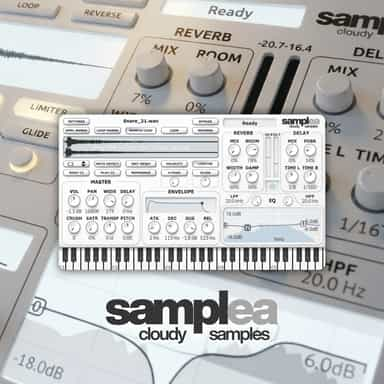
Precision in Simplicity.

The simple route to professional vocals

Simple, powerful multi-band compressor

British Analogue Vintage Desk Channel

Channel strip for shaping, control and character