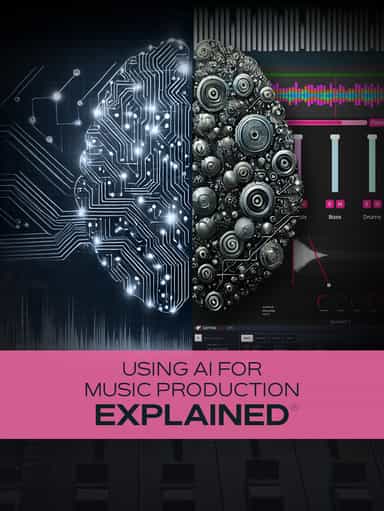
Using AI for Music Production Explained
Create, Remix, and Expand Music Ideas with AI Tools and Plugins
SAR 59.99
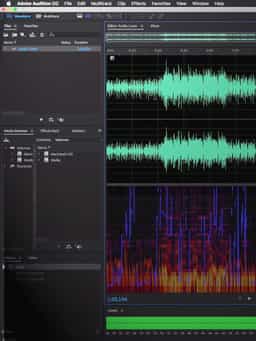
“Editing Audio with Adobe Audition” teaches you how to work efficiently inside Adobe’s Audition audio editing software. In this course, Gary Hiebner walks through the core tools and workflows used for recording, editing, processing, and exporting audio. The training begins with an overview of how Audition fits into audio production, followed by a detailed tour of the interface. You’ll learn how to set up your audio device, record and edit audio in the Waveform Editor, apply audio effects, and use the Spectral View for detailed editing. Next, the course covers workflow tools such as the Batch Processor, Match Loudness, and Multitrack View. You’ll also learn how to add video to a project, extract its audio for editing, and send sequences from Adobe Premiere to Audition. Additional lessons explore track versus clip effects in Multitrack View, working with the mixer, creating send effects and bus submixes, automating clips and tracks, and exporting finished audio.
Not enough reviews yet
Create, Remix, and Expand Music Ideas with AI Tools and Plugins

Learn EDM Structure, Kick & Bass Design, Builds, Stereo Width & Automation
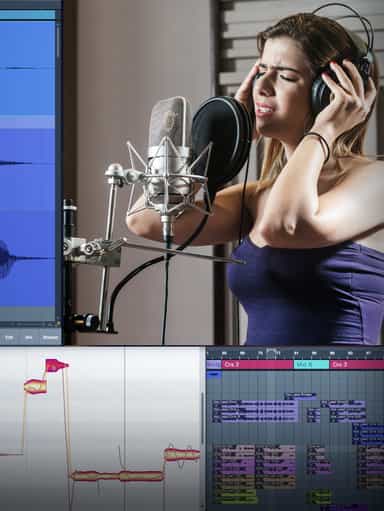
Edit, Comp, Tune, and Produce Professional-Quality Vocals in Your DAW

Analyze Audio, Phase, Transients & Loudness with an Oscilloscope
Learn tips on how to create effective HyperPop productions with these informative video tutorials.
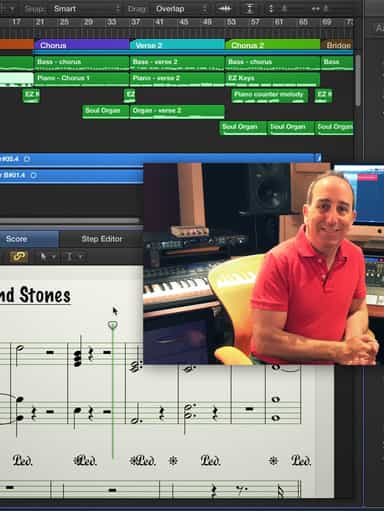
Turn a Song Idea into a Full Band Arrangement & Finished Mix
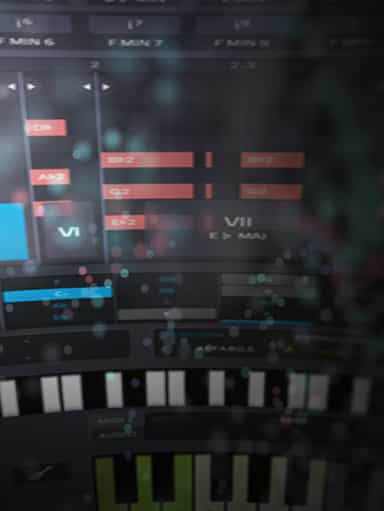
Create Chord Progressions and Arrangements Using Captain Plugins & Scaler 2
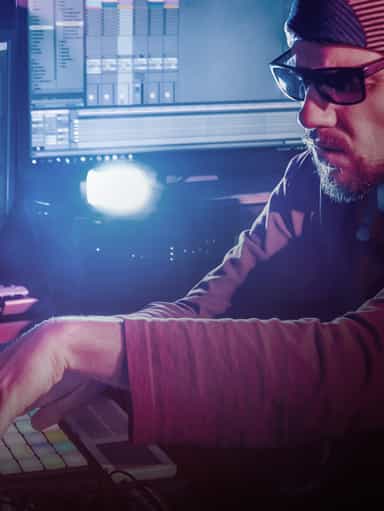
Develop Better Production Skills with Focused Practice Techniques
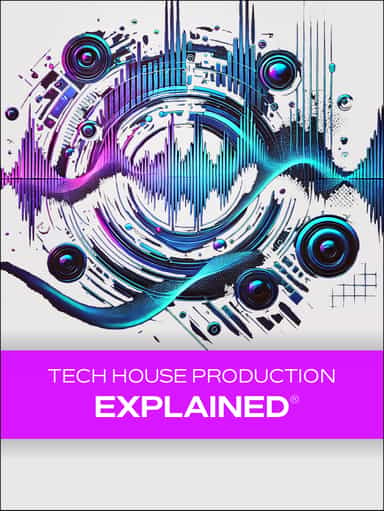
Build, Arrange, Mix & Master a Complete Tech House Track

Recording, Editing & Mixing Audio for Video Inside Pro Tools
Not enough reviews yet