
ARROOM
Four saturation styles with flexible control
SAR 14.99 SAR 24.99
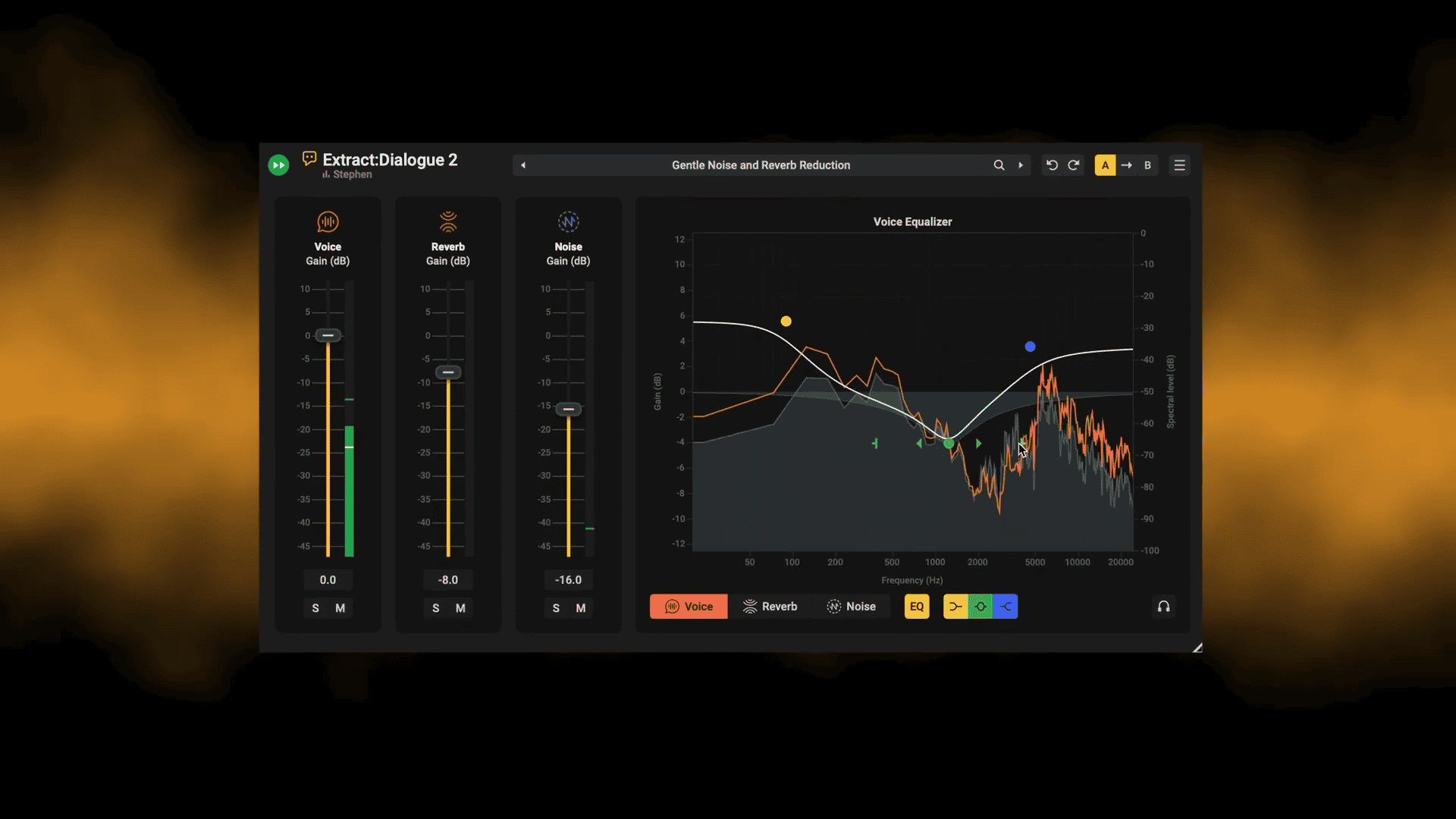
Removes background noise and room reverb from dialogue in real time, with a separate fader for each — one plugin instead of separate denoise and de-reverb tools
AI dialogue cleanup for podcasts and video
Removes background noise and room reverb from dialogue in real time, with a separate fader for each — one plugin instead of separate denoise and de-reverb tools
AI dialogue cleanup for podcasts and video
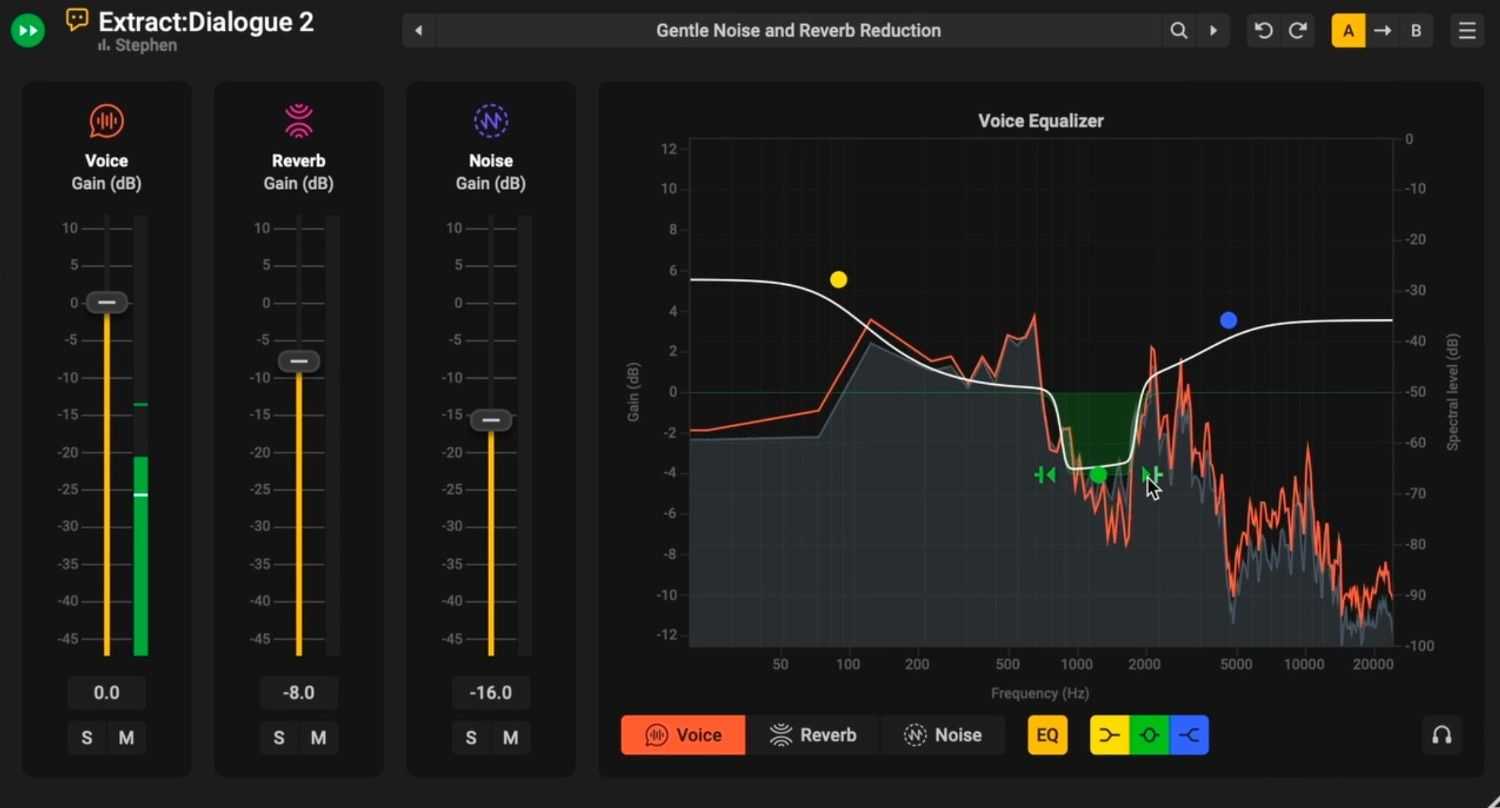
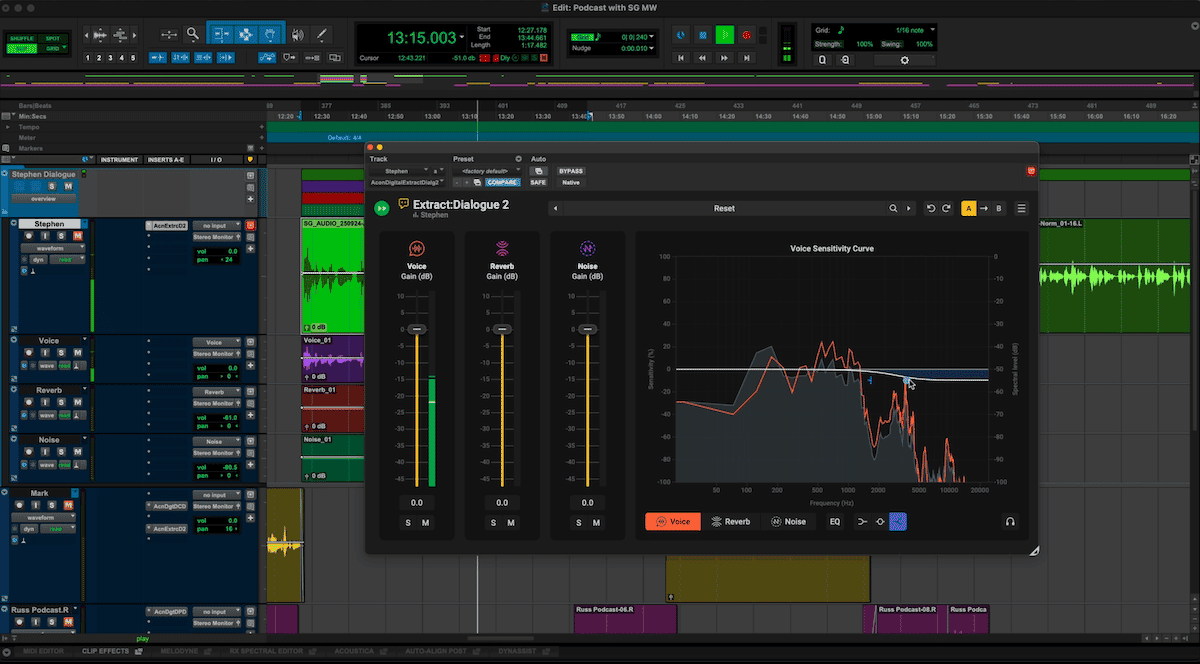
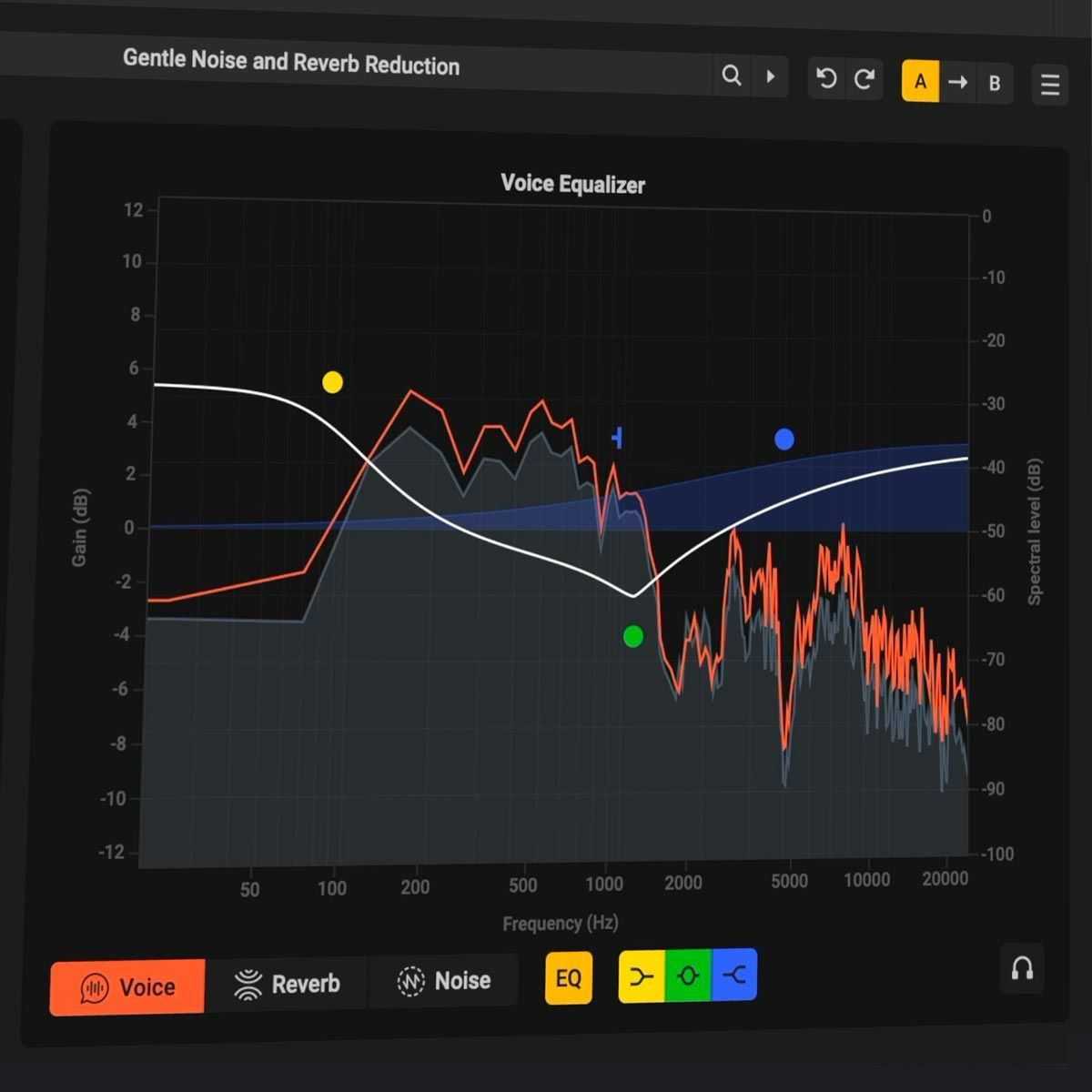
- Type: AI dialogue noise and reverb removal plugin - Formats: EXE · PKG - Works in: Pro Tools · Logic Pro · DaVinci Resolve · Adobe Premiere · Audition · Media Composer · Nuendo · Cubase · Reaper · Ableton Live · FL Studio · Studio Pro · Luna · Reason - OS and chip: Windows 10 / 11 · macOS 10.13 or later, Apple Silicon and Intel native - Sample rates: Up to 96 kHz - Download size: Up to 41 MB - Licence: Through MuseHub — no serial number, no login, no activation screen - Developer: Acon Digital - Version: 2.0.12 WHAT DOES IT DO FOR YOU? 1. CLEAN DIALOGUE FROM NOISY LOCATIONS The AI separates voice from background noise as it plays. Turn the noise down with its own fader, mute it, or solo it to hear what is being removed 2. LESS ROOM ECHO ON DIALOGUE Version 2 adds reverb reduction. Pull the reverb fader down to dry out dialogue recorded in echoey rooms. The sensitivity curve sets which frequencies are treated. 3. VOICE, NOISE AND REVERB ON SEPARATE TRACKS Each part gets its own fader, mute, solo, and EQ. Export them as separate stems, or route them to separate outputs in supported DAWs. IS IT FOR YOU? FOR: Post-production editors, podcasters, broadcasters, and video creators cleaning up recorded dialogue. NOT FOR: Sung vocals over music, or surround formats REQUIREMENTS AND INSTALLATION - Windows 10 / 11 · macOS 10.13 or later (Apple Silicon and Intel native) - Installed and updated through the MuseHub app - 1366 x 768 display resolution (1920 x 1080 or higher recommended) - 1 GB RAM (4 GB or more recommended) - 1 GB of free HD space - A host application that is compatible with VST, VST3, or AAX - Please review the User Guide below
Not enough reviews yet
Not enough reviews yet
Four saturation styles with flexible control
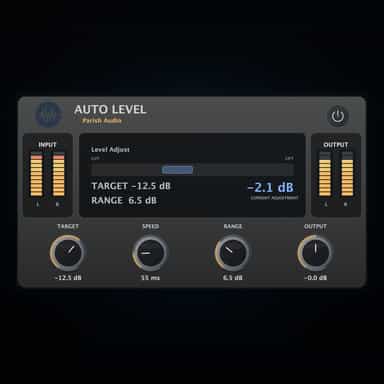
Automatic Leveling Without Riding the Fader

Spend less time editing, more time creating.
Reduce background noise while keeping audio clear
Automatic level riding for smooth, even audio
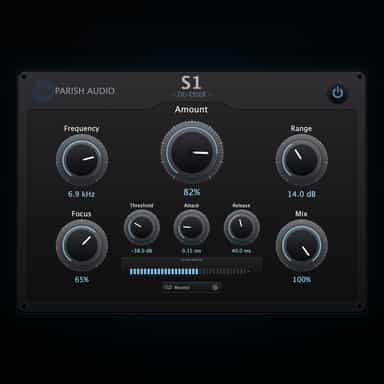
Smooth, Natural Sibilance Control
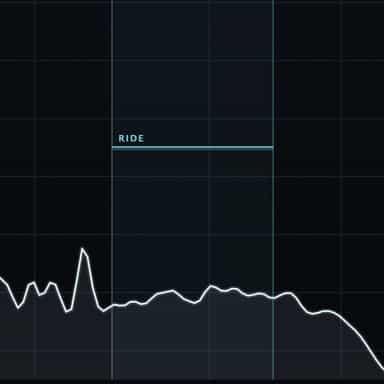
Eases the edge. Rides the performance.

Smooth and natural sounding gate plugin

Remove hum while preserving your sound

Remove background noise in perfect studio quality.