Using AI for Music Production Explained
Create, Remix, and Expand Music Ideas with AI Tools and Plugins
DKK 84
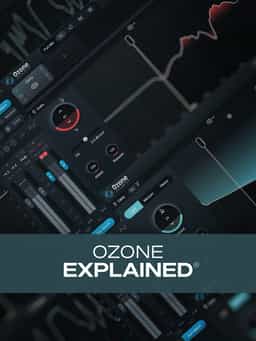
If you're into mixing or mastering your own music, you know that iZotope's Ozone is one of the most full-featured tools around. In this Ozone 11 video course, Production expert Eli Krantzberg will take you through Ozone 11 in full detail, leaving no stone unturned and providing plenty of musical demonstrations so you can see and hear it in action. You'll learn how to make the most of the various modules (Dynamics, Maximizer, Impact, Clarity, etc.) and explore all the parameters in the process, leaving you will a complete working knowledge of the software and the confidence to use it effectively on your own productions. These videos are for new Ozone 11 users.
2 hr 44 min · Eli Krantzberg
If you're into mixing or mastering your own music, you know that iZotope's Ozone is one of the most full-featured tools around. In this Ozone 11 video course, Production expert Eli Krantzberg will take you through Ozone 11 in full detail, leaving no stone unturned and providing plenty of musical demonstrations so you can see and hear it in action. You'll learn how to make the most of the various modules (Dynamics, Maximizer, Impact, Clarity, etc.) and explore all the parameters in the process, leaving you will a complete working knowledge of the software and the confidence to use it effectively on your own productions. These videos are for new Ozone 11 users.
2 hr 44 min · Eli Krantzberg
“Ozone 11 Explained®” delivers a comprehensive walkthrough of iZotope’s Ozone 11 mastering suite. In this course, Eli Krantzberg guides new users through the full feature set, demonstrating how each module functions and how it can be applied in real-world mixing and mastering scenarios. The training begins with an overview of the suite’s primary capabilities, global metering, channel processing modes, and workflow tools. From there, you’ll explore the Equalizer module, including transient/sustain processing and delta monitoring, followed by in-depth coverage of the Dynamics module for single- and multi-band compression and limiting. Additional lessons examine Dynamic EQ, the redesigned Maximizer with upward compression, Clarity, Low-End Focus, Impact, Stabilizer, Imager, Master Rebalance, and Master Assistant. You’ll also see how vintage modules and intelligent processing tools integrate into a complete mastering workflow. By the end, you’ll understand how to navigate Ozone 11 efficiently and apply its modules to enhance clarity, balance, loudness, and tonal control in your productions.
Not enough reviews yet
Create, Remix, and Expand Music Ideas with AI Tools and Plugins
Learn EDM Structure, Kick & Bass Design, Builds, Stereo Width & Automation
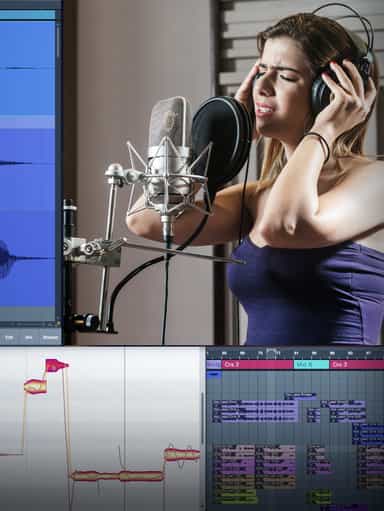
Edit, Comp, Tune, and Produce Professional-Quality Vocals in Your DAW
Learn tips on how to create effective HyperPop productions with these informative video tutorials.
Analyze Audio, Phase, Transients & Loudness with an Oscilloscope
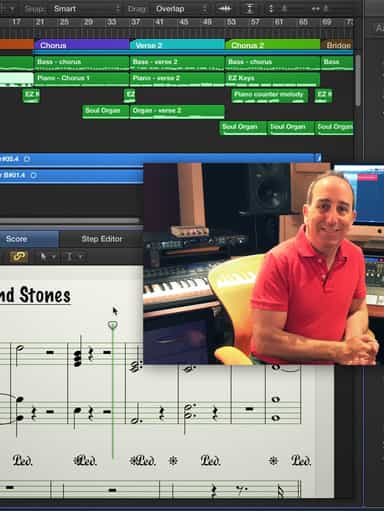
Turn a Song Idea into a Full Band Arrangement & Finished Mix
Create Chord Progressions and Arrangements Using Captain Plugins & Scaler 2
Develop Better Production Skills with Focused Practice Techniques
Build, Arrange, Mix & Master a Complete Tech House Track

Recording, Editing & Mixing Audio for Video Inside Pro Tools
Not enough reviews yet