moonpeace
Lunar Resonance Suppressor
CA$19.99
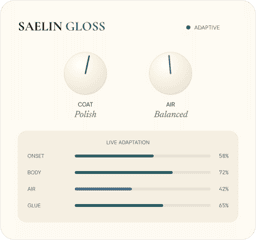
Adds air and presence to home recordings while keeping sibilance in check — no de-esser or EQ chain to set up.
Automatic polish for vocals and instruments
Adds air and presence to home recordings while keeping sibilance in check — no de-esser or EQ chain to set up.
Automatic polish for vocals and instruments
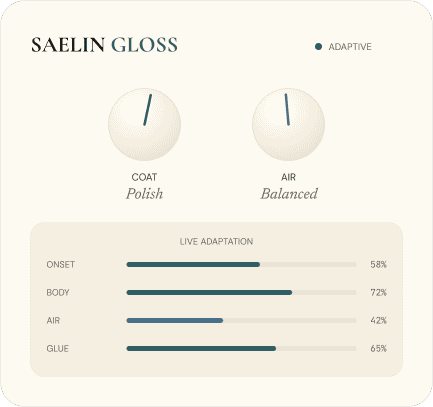
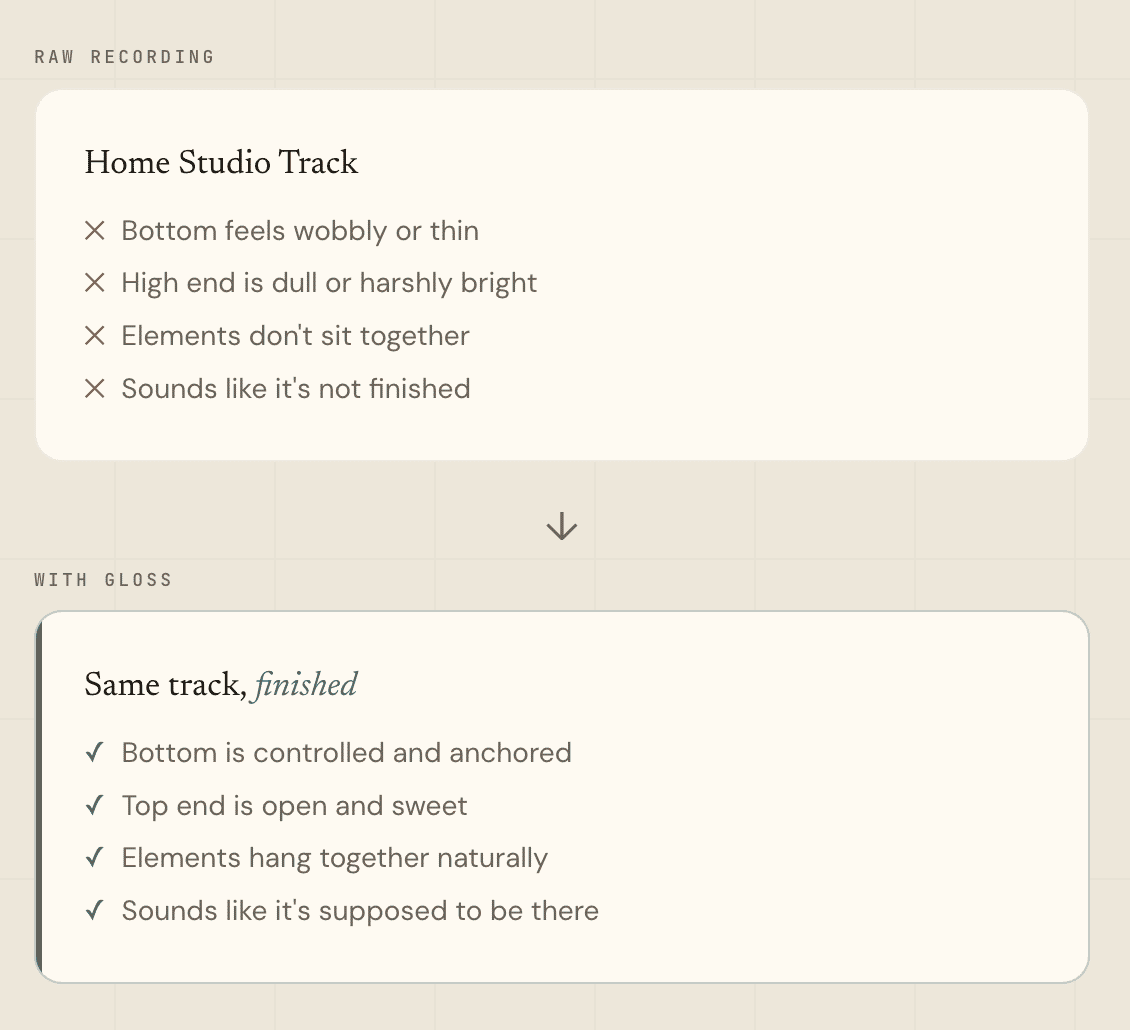
- Type: Vocal and acoustic enhancer plugin - Formats: VST3 · AU (no AAX) - Works in: Logic Pro · Ableton Live · Reaper · Bitwig · Studio One · GarageBand, FL Studio and Cubase - OS and chip: macOS, Apple Silicon and Intel native · Windows - Download size: Under 5 MB - Licence: Through MuseHub — no serial number, no login, no activation screen - Developer: Saelin Audio - Version: 1.0.0 WHAT DOES IT DO FOR YOU? 1. VOCALS THAT SOUND FINISHED, NOT HOMEMADE Gloss lifts the top end of a vocal in real time, so consonants and breaths come through. It keeps sibilance under control, so you don't need a separate de-esser. 2. BRIGHTER ACOUSTIC GUITAR, WITHOUT THE EDGE It adds top-end detail to strums and picked notes, and keeps bright passages smooth. 3. TWO CONTROLS. NOTHING TO SET UP. Insert it, and it's already working. COAT sets the level of polish; AIR sets the top-end balance. Four live meters show what Gloss is reacting to. IS IT FOR YOU? FOR: Singers and home recordists who want a finished vocal or acoustic track quickly. NOT FOR: Surgical EQ or mastering a full mix REQUIREMENTS AND INSTALL - macOS (Universal Binary: Apple Silicon + Intel) · Windows - VST3 or AU host - Installed and updated through the MuseHub app
Not enough reviews yet
Lunar Resonance Suppressor
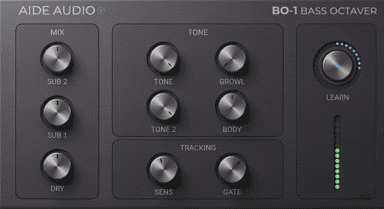
Adaptive Bass Octaver
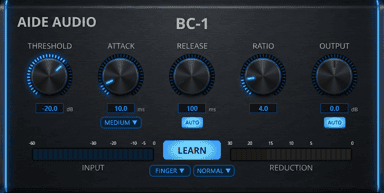
Adaptive Bass Compressor
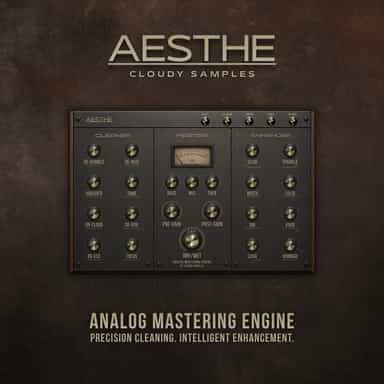
Analog Mastering Engine
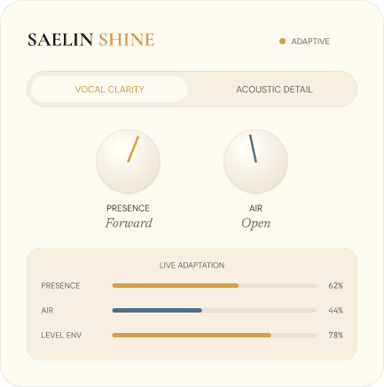
Adaptive Clarity for Vocals & Acoustic Audio
Tone and Loudness Enhancer
Perfect and polish your vocal tracks
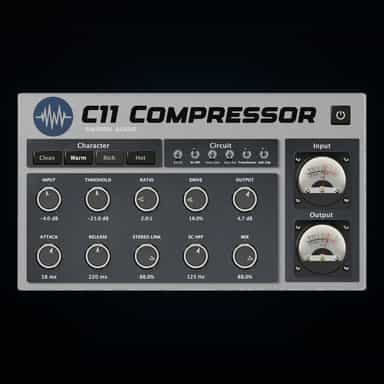
Tube Compression with Weight, Warmth & Control
Dual Compression for Precise Dynamic Control
Adaptive Warmth and Body
Not enough reviews yet