What is saturation in music production?
Digital recordings are clean and precise, but often a little lifeless. Saturation is how you add the warmth, weight and character back — the harmonic color that tape machines, tube preamps and mixing consoles gave analog recordings for decades. This guide explains what saturation is, how it works, the tape, tube, transformer and digital types to know, and where to reach for it in a mix.
A beginner-friendly definition: what saturation actually does to a sound, how even and odd harmonics turn into warmth or grit, the difference between saturation, overdrive and distortion, and the plugins that get you there.
Saturation plugins on MuseHub


What is saturation?
Saturation is a subtle form of distortion that adds harmonic overtones to a sound — the warmth, richness and perceived loudness of analog tape, tubes and transformers — without a large change in level.
Where a fader turns a sound up or down without changing it, saturation changes the sound as it drives it. Push a signal into a tube, a transformer or a strip of magnetic tape and the gear can’t reproduce it perfectly: it rounds off the peaks and adds new frequencies that weren’t in the original. Those extra frequencies, plus a little natural level-smoothing, are what your ear reads as “warm,” “rich,” “full” or “expensive.” For decades engineers got that color for free, because every analog recording passed through gear that saturated. A clean digital recording skips all of it — which is exactly why an untreated in-the-box mix can sound accurate but flat. Saturation puts the character back.
How saturation works
Two things happen when you saturate a signal, and both are useful.
The first is harmonics — extra tones the original sound didn’t contain. A harmonic (or overtone) is a frequency that’s a whole-number multiple of the note you played: a 100 Hz bass note picks up harmonics at 200 Hz, 300 Hz, 400 Hz and so on. Saturation generates them in a way that stays musically related to the source, which is why a saturated sound feels fuller and more present even when the meter barely moves.
Even vs odd harmonics
The type of harmonic decides the character, and this is the part worth getting right:
- Even-order harmonics (the 2nd, 4th and so on) fall on octaves of the original note, so they blend in almost invisibly as warmth, body and thickness. Tube (valve) gear leans on the 2nd harmonic, which is why “tube warmth” flatters vocals, bass and keys without adding edge.
- Odd-order harmonics (the 3rd, 5th and up) sit on other intervals, so they read as grit, edge and presence rather than warmth. Transistor, transformer and console circuits push more odd harmonics, which is what gives drums and guitars the attitude that helps them cut through a busy mix.
Most real saturators produce a blend of both; the balance is what makes one plugin sound smooth and another aggressive.
Drive and input level
You control how much of all this you get with drive (sometimes labeled input, gain or push): how hard you push the signal into the saturator. Turn drive up and the gear works harder, so it generates more harmonics and rounds the peaks more — low drive is a barely-there gloss, high drive is obvious grit. Because harder driving also smooths the loudest peaks, saturation brings a gentle, built-in compression (evening out the level difference between the loud and quiet parts) along with it. That side effect is why tape in particular “glues” a group of tracks together, and why saturation and compression are so often confused; our guide to what audio compression is covers where they differ. To keep transients (the sharp initial hit of a drum or a plucked string) intact while you add color, most saturators include a mix, or dry/wet, control so you can blend the driven signal back under the original.
From tape, tubes and transformers to digital
Saturation is really a family of sounds, because it began as a family of hardware — each coloring a signal its own way.
Tape saturation comes from reel-to-reel machines: as you push the level onto magnetic tape, it softly compresses the dynamics, rolls off a little high end and adds a low-end bump, and that combination is why tape glues. Well-known emulations of specific machines include Universal Audio’s Studer and J37 models and Waves Kramer Tape.
Tube or valve saturation comes from the vacuum-tube circuits in preamps and compressors. Tubes favor even-order harmonics, so they fatten a source and add warmth without harshness — the classic sound for vocals and bass.
Transformer and console saturation comes from the iron transformers and circuitry inside mixing desks and outboard gear. It pushes more odd harmonics, so it adds weight and a bit of grit — the “sound of a big console” engineers chase for drums and full mixes.
Digital saturation recreates all of the above in software, and it can go further than any single piece of hardware. Some digital saturators physically model the analog mechanism so the tone reacts the way real gear does; others use algorithmic wave-shaping for a precise or deliberately extreme result. Flexible plugins like FabFilter Saturn 2, which drives different frequency bands by different amounts, and character boxes like Soundtoys Decapitator or Klanghelm SDRR, which switch between tube, tape and clipping circuits, put several of these flavors in one window. Digital also removes the practical downsides: no tape to replace, no hiss, and you can run it on every track.
Saturation vs distortion vs overdrive
These words describe the same process — reshaping a waveform so it puts out harmonics — at different intensities. Picturing them as one spectrum from subtle to extreme makes it easy to choose:
- Saturation is the gentle, program-dependent end you use for color, warmth and glue. It changes the tone without obviously dirtying it.
- Overdrive sits in the middle: a warmer, still fairly transparent breakup that emulates a driven amp using soft-clipping (rounding the peaks rather than chopping them square). More obvious than saturation, but short of a full effect.
- Distortion is the hard end — a clear, deliberate effect that reshapes the wave enough to change the character completely, adding sustain and overtones while softening the attack. Push it further and you reach fuzz.
Clipping is the related move at the very top of the range: it flattens the peaks of a waveform to squeeze out loudness. Hard clipping chops the peaks square, which sounds brighter and harsher; soft clipping rounds them off for a smoother, more musical result, which is why soft clippers double as loudness tools on a mix or master. In practice one plugin often spans a chunk of this spectrum: turn a saturator’s drive up and it slides from warmth into obvious distortion.
Types of saturation at a glance
| Type | What it emulates | Character | Best for |
|---|---|---|---|
| Tape | Reel-to-reel magnetic tape | Soft compression, gentle high-end roll-off, low-end bump — “glue” | Drum bus, mix bus, taming digital edge |
| Tube / valve | Vacuum-tube preamps and compressors | Even-harmonic warmth; fattens without adding edge | Vocals, bass, keys, adding body |
| Transformer / console | Iron transformers and desk circuitry | Odd-harmonic grit; weight and attitude | Drums, guitars, cutting through a mix |
| Digital | Algorithmic modeling of any of the above | Precise and flexible; transparent gloss to extreme grit | Multiband work, sound design, loudness, running on every track |
Where to use saturation in a mix
Saturation earns its keep almost anywhere, but a few jobs are where it makes the biggest difference:
- Drums: a touch of tape or console grit on a drum bus adds punch and helps a kit feel like one instrument rather than separate samples. Parallel saturation — blending a heavily driven copy under the dry drums — adds density without killing the transient snap.
- Bass: saturation is how a bass keeps its presence on small speakers. The harmonics it adds up in the mids and highs let a phone or a laptop imply the low end those speakers can’t reproduce, so the bassline still reads.
- Vocals: gentle tube-style warmth thickens a thin vocal and helps it sit forward, and light saturation can do some of the level-evening a compressor would while it colors.
- Bus and master glue: a little tape or console color across a group bus or the full mix pulls the elements together into one cohesive sound — the glue a purely digital mix lacks. On a master, a soft clipper adds loudness and density while rounding the sharpest peaks.
The one rule that matters: saturation is easy to overdo. A small amount on several tracks adds up fast, so add it in moderation, use the mix knob, and trust your ears. Saturation also sits next to EQ in the mix — see the principles of EQ for the tone-shaping tool you’ll reach for alongside it.
Saturation tools to try on MuseHub
You don’t need vintage hardware to add this character — a handful of plugins cover the whole spectrum, and several are free. Each installs in one click through the free MuseHub app.

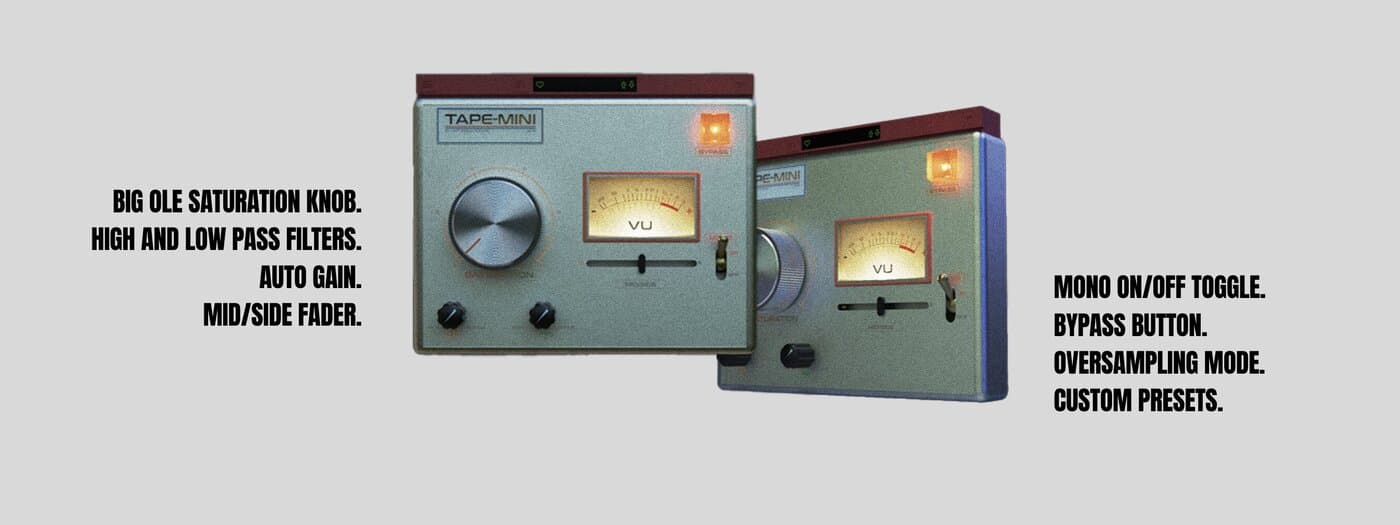
A focused analog tape saturation plugin, and focus is the point: instead of a wall of transport controls, TAPE-MINI gives you the core of what tape does. Drive it lightly for reel-to-reel glue — softened transients, a gentle high-end roll-off and a subtle low-end thickness — or push it for the warm, compressed weight producers chase on drum and mix buses. Because it does one job, it’s fast to dial in by ear and light enough to run across many tracks.

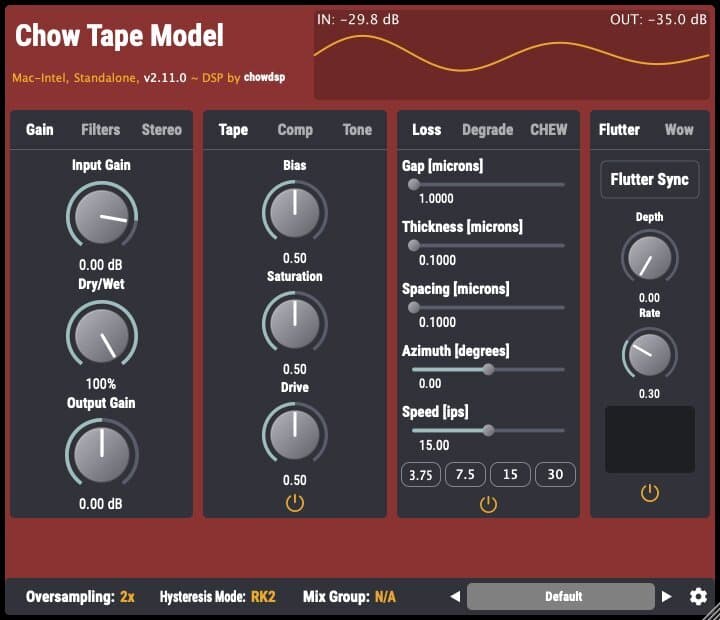
The most technically serious free tape emulation you can install, and it’s open-source. Rather than sampling a tape sound, Chow Tape Model physically models the underlying mechanism — the tape’s magnetic behavior, the machine’s speed, wow and flutter — so the saturation reacts the way real tape does as you push it, from a barely-there gloss to obvious tape warble. Proof that free can be reference-grade.

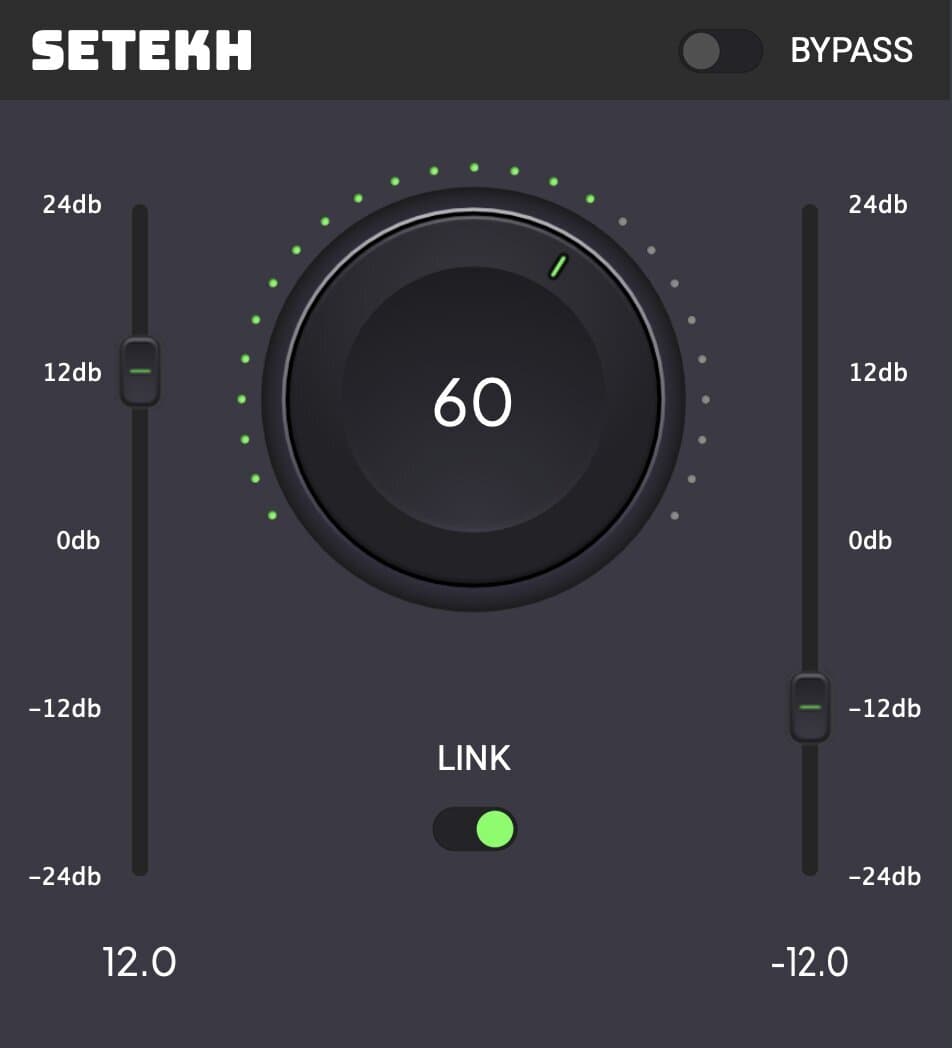
A minimalistic distortion and saturation plugin whose restraint is the feature. A small set of controls moves quickly from clean harmonic enhancement to obvious grit, so you add exactly as much edge as a source needs without studying circuit types. It suits guitars, drums and synths that need to bite through a mix, and subtle thickening on cleaner sources too. Free.
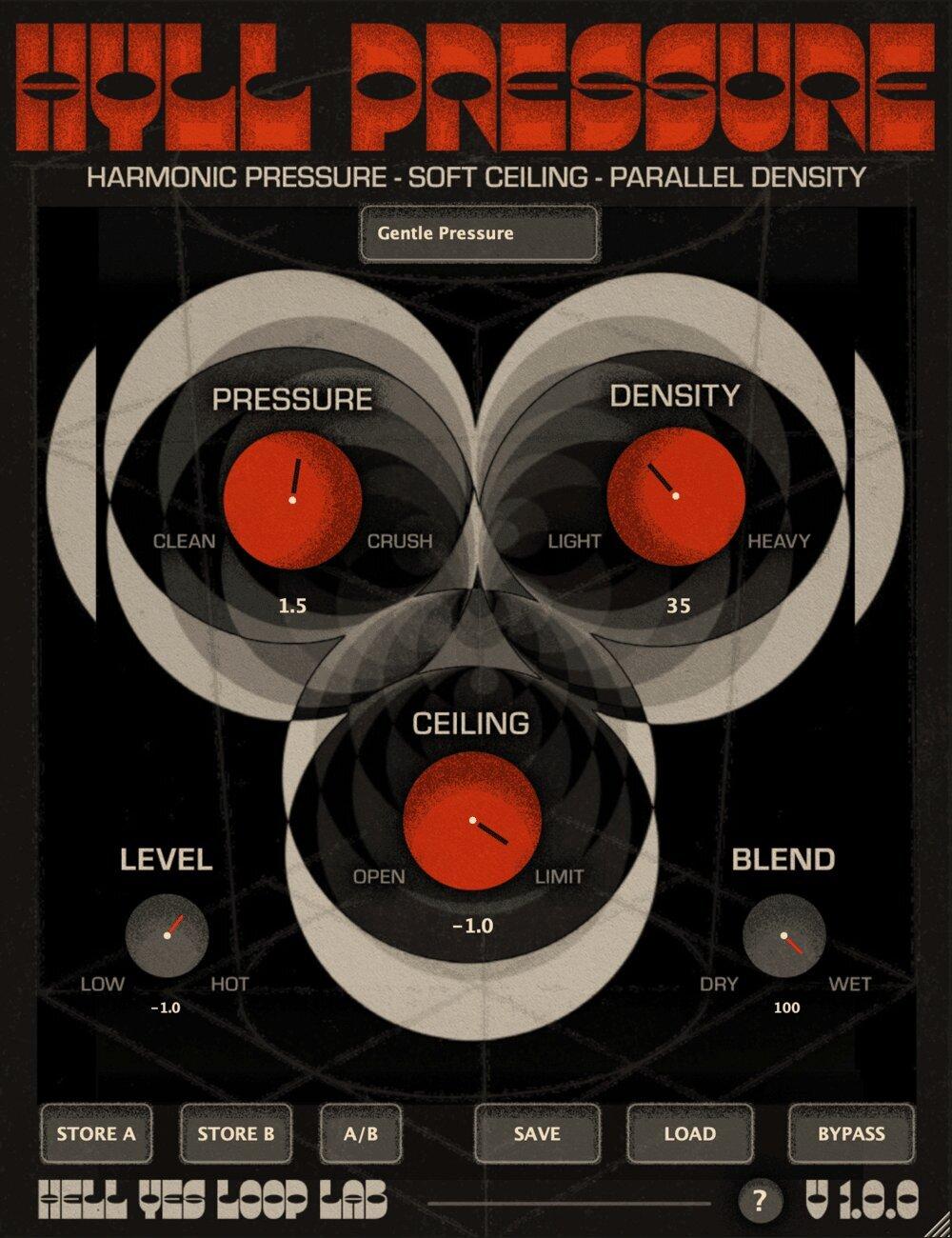
Combines soft clipping, saturation and controlled loudness in one plugin, which makes it a strong final stage for a bus or master. Soft clipping rounds off the sharpest peaks instead of chopping them square, so you gain perceived loudness and density without the brittle harshness of hard clipping. Reach for it when a mix feels dynamic but small and you want it to sit forward and feel finished. Free.

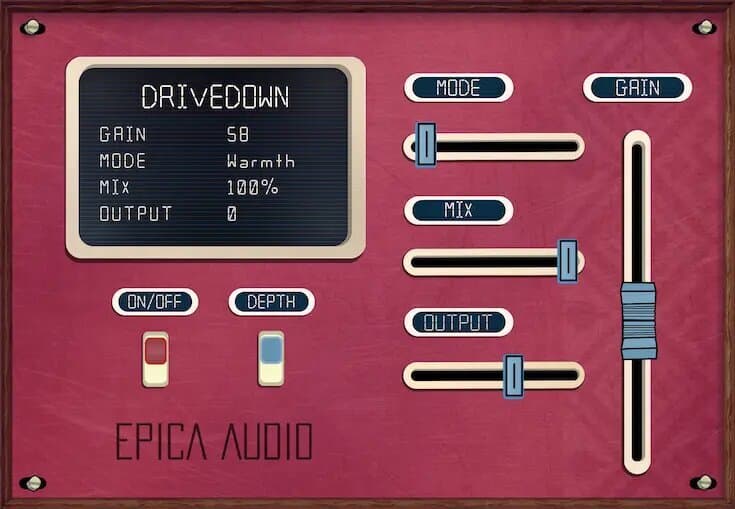
Distortion with an analog soul — the harder end of the spectrum, for when a track feels too polite. Drivedown leans into the grittier, odd-harmonic side, so it excels at adding presence and attitude: a bass that growls, drums with more punch, a guitar with more front. The character stays musical rather than fizzy, and it blends back easily so the grit sits under the source instead of swallowing it.
FAQ
What is saturation in simple terms? It’s a gentle distortion that adds harmonics — extra, related overtones — to a sound, the way analog tape, tubes and consoles do. Those harmonics, plus a little natural level-smoothing, read as warmth, thickness and analog character, so a clean digital track sounds fuller and less sterile without a big change on the meter.
Is saturation the same as distortion? Saturation is a form of distortion — both reshape a waveform to add harmonics. The difference is intensity: saturation is the gentle end you use for color and glue, distortion is the hard, obvious end, with overdrive in between. Turning a saturator’s drive up walks the same plugin from one to the other.
Is saturation the same as compression? No, but they overlap. Compression controls dynamics by turning loud parts down; saturation adds harmonics and, with tape especially, a little natural compression as a side effect. Many engineers use light saturation for color alongside a compressor. See what audio compression is for the difference in depth.
What’s the difference between even and odd harmonics? Even-order harmonics (2nd, 4th…) fall on octaves of the note, so they blend in as warmth and body — the tube sound that flatters vocals and bass. Odd-order harmonics (3rd, 5th…) land on other intervals and read as grit and edge — the transistor and console character that helps drums and guitars cut through.
Should I put saturation on everything? You can, but a little on many tracks adds up quickly and can turn a mix muddy or harsh. Use the mix knob, add it in moderation, and let it earn its place — glue on a bus, warmth on a vocal, grit where a part needs to cut. When in doubt, back the drive off and trust your ears.
Next steps
- Ready to add some warmth? See our roundup of the best saturation plugins, and for the harder end, the best distortion plugins.
- Saturation sits next to dynamics in the mix — start with what audio compression is.
- Browse tape, tube and distortion effects in the MuseHub plugins catalog.
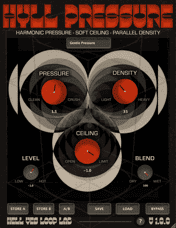
TAPE-MINI, Chow Tape Model, Setekh, HYLL Pressure, Drivedown and hundreds more install in one click with MuseHub. Download MuseHub free and add some analog character to your own session.