ARMETER
Meter loudness, peaks, spectrum and stereo
A spectrum analyzer and stereo analysis tool combining spectral, transient, loudness, and imaging views in a unified interface.
Advanced Multi-View Audio Analyzer
A spectrum analyzer and stereo analysis tool combining spectral, transient, loudness, and imaging views in a unified interface.
Advanced Multi-View Audio Analyzer
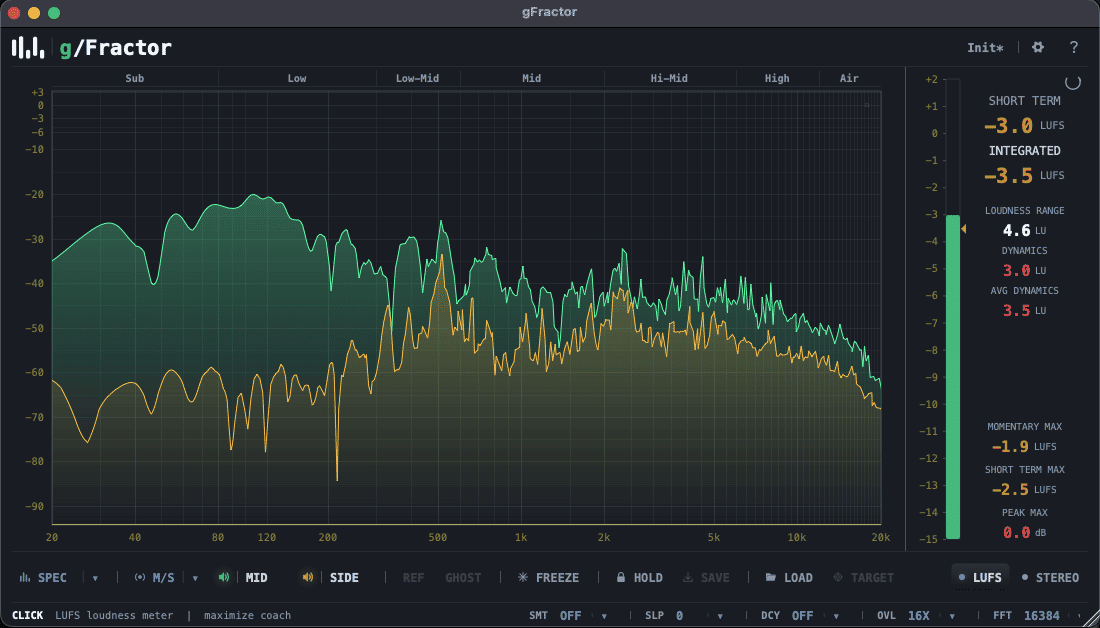
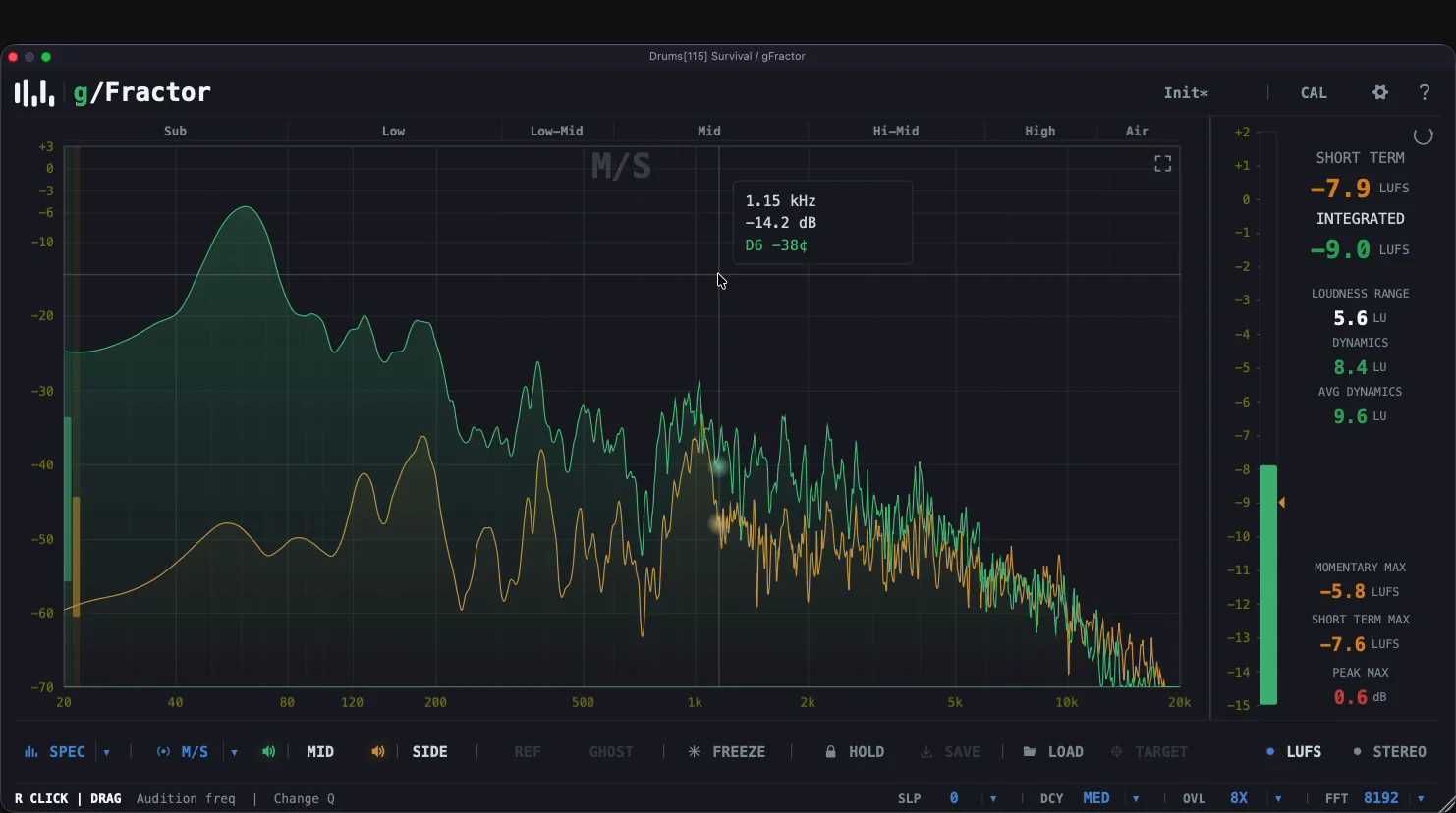
gFractor is a multi-mode analyzer for producers, mixing engineers, and mastering engineers. Three displays — a configurable FFT spectrum (256–16384, overlap up to 16x, fractional-octave smoothing, target curves, audition filter), a reassigned-spectrogram waterfall, and a tempo-synced oscilloscope — all driven by the same Primary/Secondary abstraction across four channel modes: Mid/Side, Left/Right, Tonal/Transient, and Mono (L+R). Add goniometer, correlation, width-per-octave, and LUFS metering, plus sidechain A/B reference with ghost overlay and momentary compare. Full keyboard control, three themes, presets. Realtime-safe audio path, zero latency. VST3 (Win/macOS/Linux), AU (macOS), Standalone.
Meter loudness, peaks, spectrum and stereo
Hear what streaming does to your master.
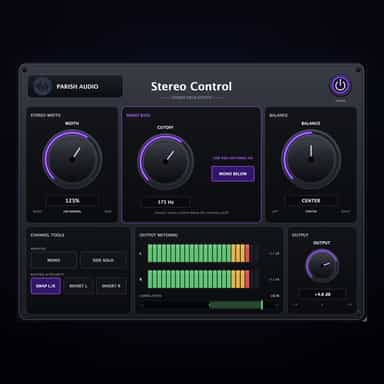
Width, Mono Bass & Stereo Utility Control
STEREO WIDTH
Separate tone, transients and air independently
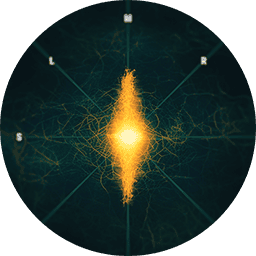
The hassle-free & most flexible stereo plug-In
See exactly what’s happening in your spectrum
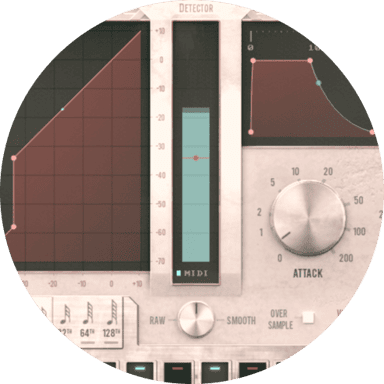
Smooth and natural sounding gate plugin
See your waveform, stereo image and phase
Align phase across multi-mic recordings