
Speaker Splitter Pro
Professional AI-Powered Speaker Separation
€139.99

Transform any mono or stereo recording into isolated speaker stems—ideal for podcasts, interviews, post-production, and research. With a single plug-in instance, Speaker Splitter uses a lightweight ONNX model to detect speaker boundaries and export per-voice files, saving you hours of manual editing.
AI-Powered Speaker Separation
Transform any mono or stereo recording into isolated speaker stems—ideal for podcasts, interviews, post-production, and research. With a single plug-in instance, Speaker Splitter uses a lightweight ONNX model to detect speaker boundaries and export per-voice files, saving you hours of manual editing.
AI-Powered Speaker Separation
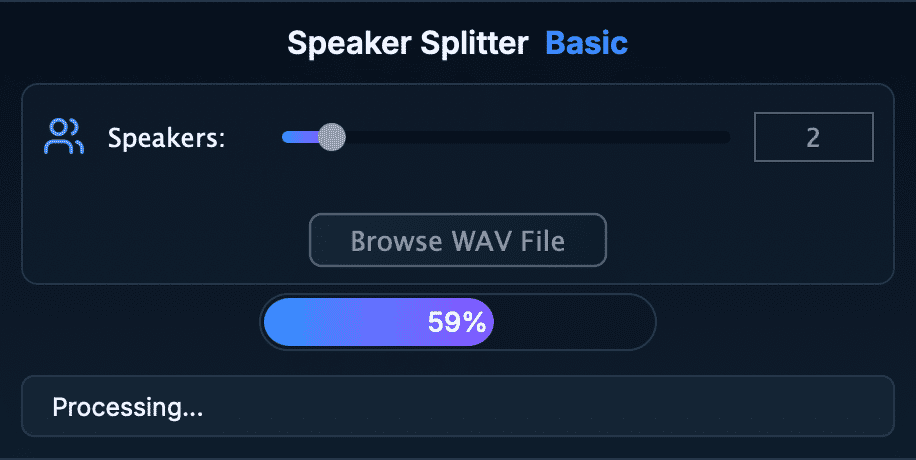
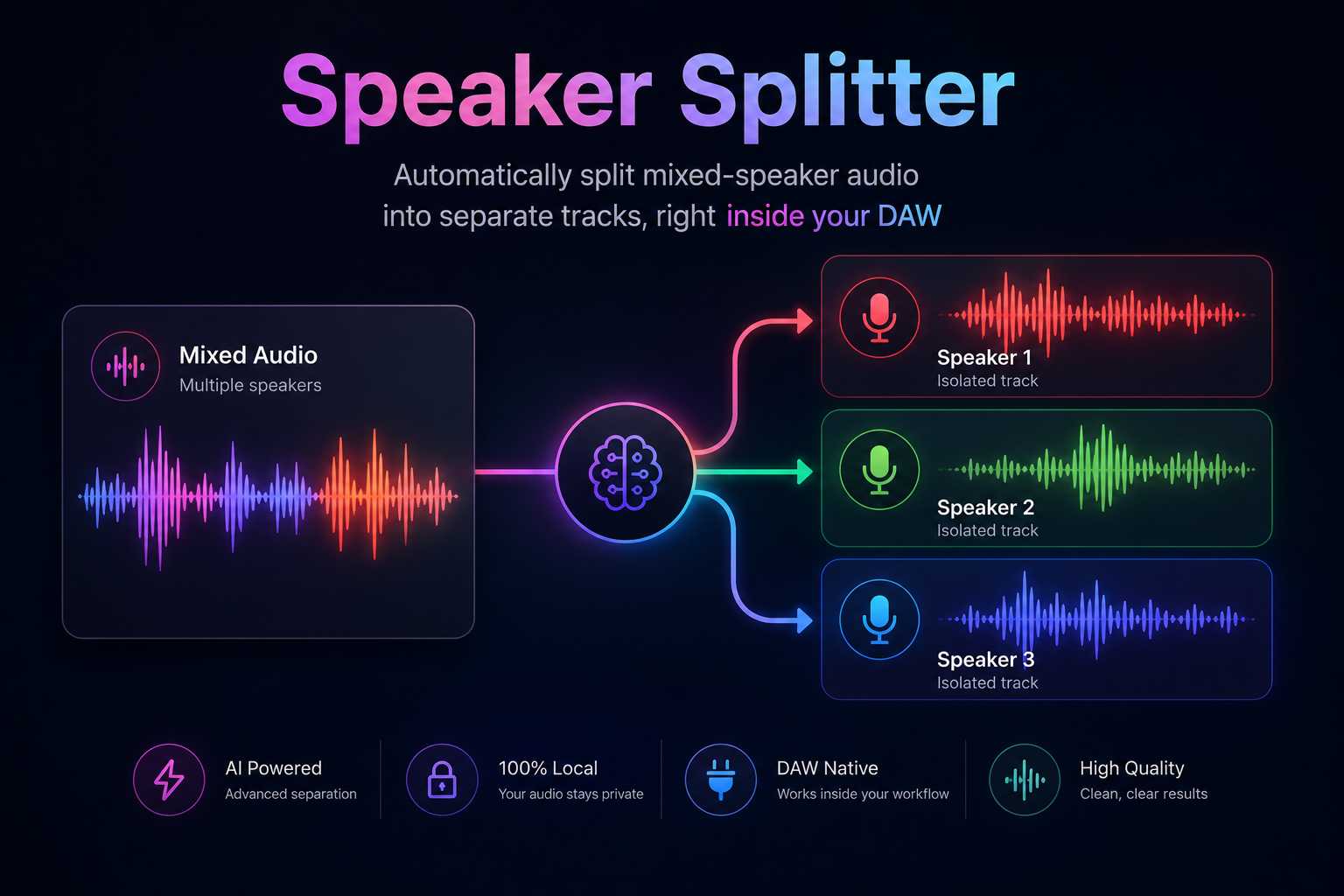
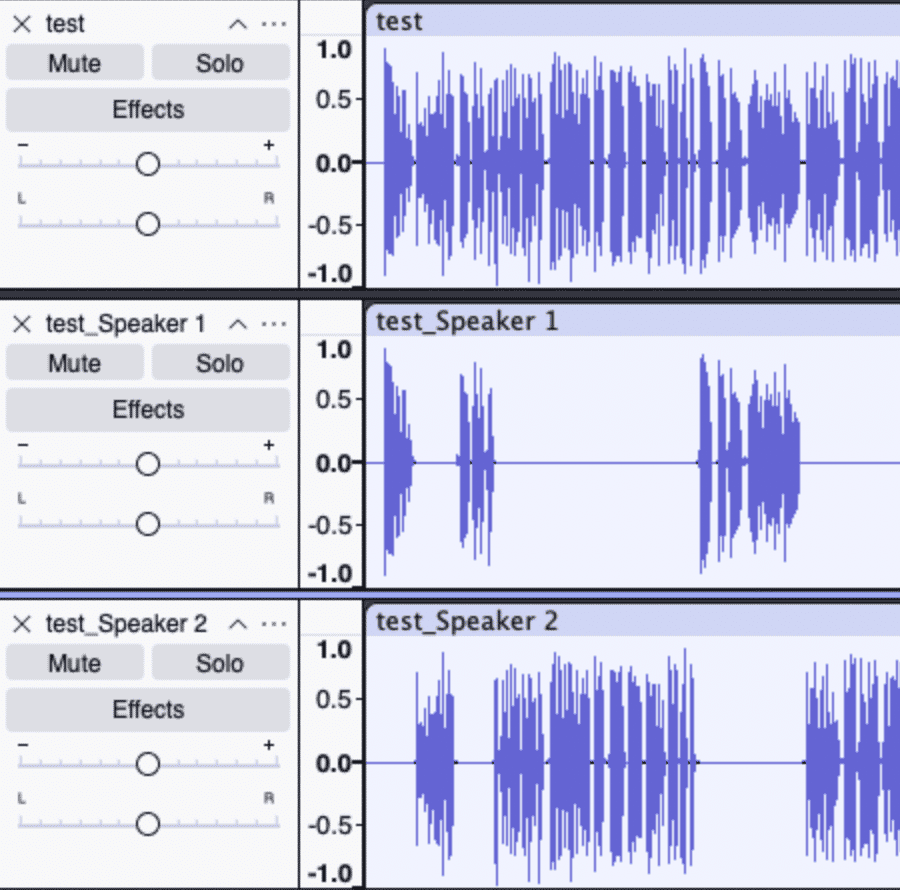
Automatically split mixed-speaker audio into separate tracks, right inside your DAW Transform any mono or stereo recording into isolated speaker stems—ideal for podcasts, interviews, post-production, and research. With a single plug-in instance, Speaker Splitter uses a lightweight ONNX model to detect speaker boundaries and export per-voice files, saving you hours of manual editing. Key Features: • Real-Time Speaker Segmentation: Runs entirely in your DAW — no round-trip to external apps. Choose number of speakers from 1 to 10 and browse a WAV recording file, wait a little bit, and your speakers will be automatically splitted and exported. • Lightweight ONNX Core: VST3 on Windows (x64), macOS (Intel & Apple Silicon), and Linux (x86_64 & arm64). Works in any VST3 and AU host — REAPER, Ableton Live, Cubase, Studio One, Bitwig, Ardour, Audacity, Adobe Audition (effects only), etc. • Zero Dependencies, Zero Crashes: Built with static linking to guarantee rock-solid performance and eliminate “missing DLL” nightmares. How It Works: 1. Install (copy) your Speaker Splitter folder to the system VST3/AU folder Windows (64-bit): C:\Program Files\Common Files\VST3\ macOS (VST3): /Library/Audio/Plug-Ins/VST3/ macOS (AU): /Library/Audio/Plug-Ins/Components/ Or point your DAW directly at the plug-in’s root folder. 2. Open the Speaker Splitter plug-in in your DAW program. You can find plug-in in Audacity by clicking "Generate" in top menu bar. 3. Browse your recording in WAV format and choose the number of speakers (1–10). 4. Run processing — speaker stems export automatically next to your recording. What’s Included: • Speaker Splitter.vst3 (Windows x64; macOS universal) • Speaker Splitter.component (macOS universal) • ONNX models (.onnx) pre-optimized for real-time • Lifetime license with free minor updates Licensing & Support: • Perpetual License: Purchase once, use forever Take your podcast, interview, and post-production workflow to the next level. Buy Speaker Splitter now and stop manually chopping audio—let AI do the hard work!
Not enough reviews yet
Professional AI-Powered Speaker Separation
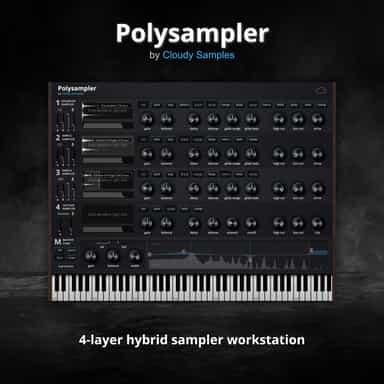
4-Layer Hybrid Sampling Workstation

Spend less time editing, more time creating.
Three phasers. No straight lines.
Separate tone, transients and air independently
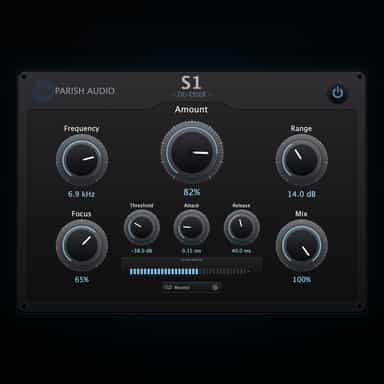
Smooth, Natural Sibilance Control
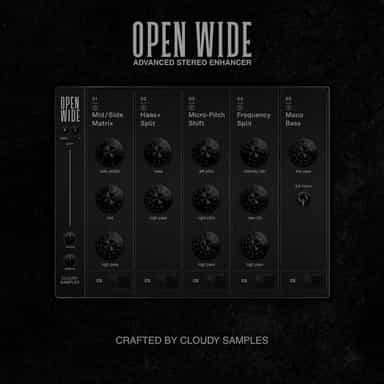
Stereo manipulation and mastering processor
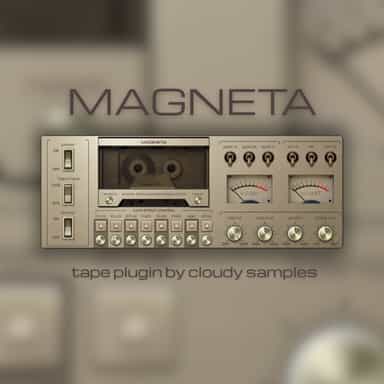
Experience the magic of authentic cassette tape.
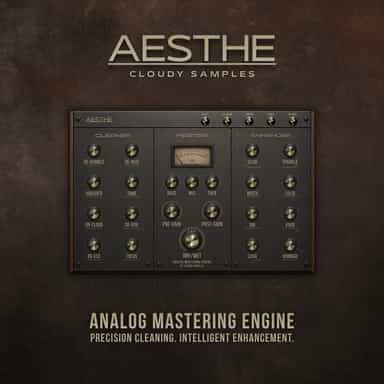
Analog Mastering Engine
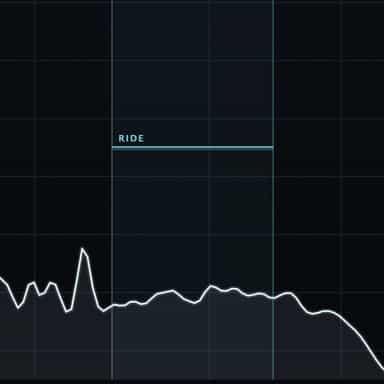
Eases the edge. Rides the performance.
Not enough reviews yet