
The Vitric Bundle
Eleven plugins. One collection.
NGN 2,075.00/m or NGN 49,900 NGN 299,900

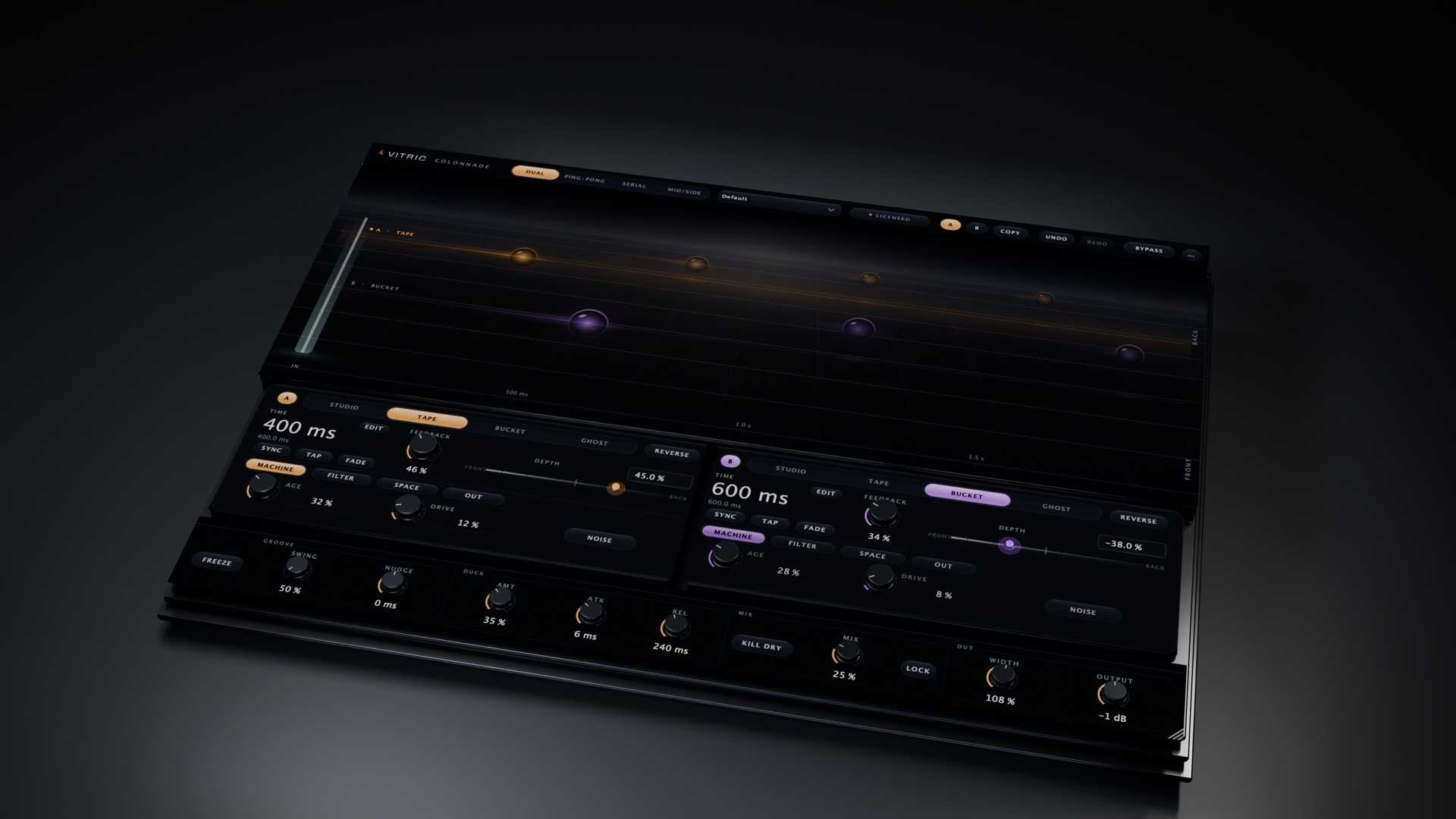
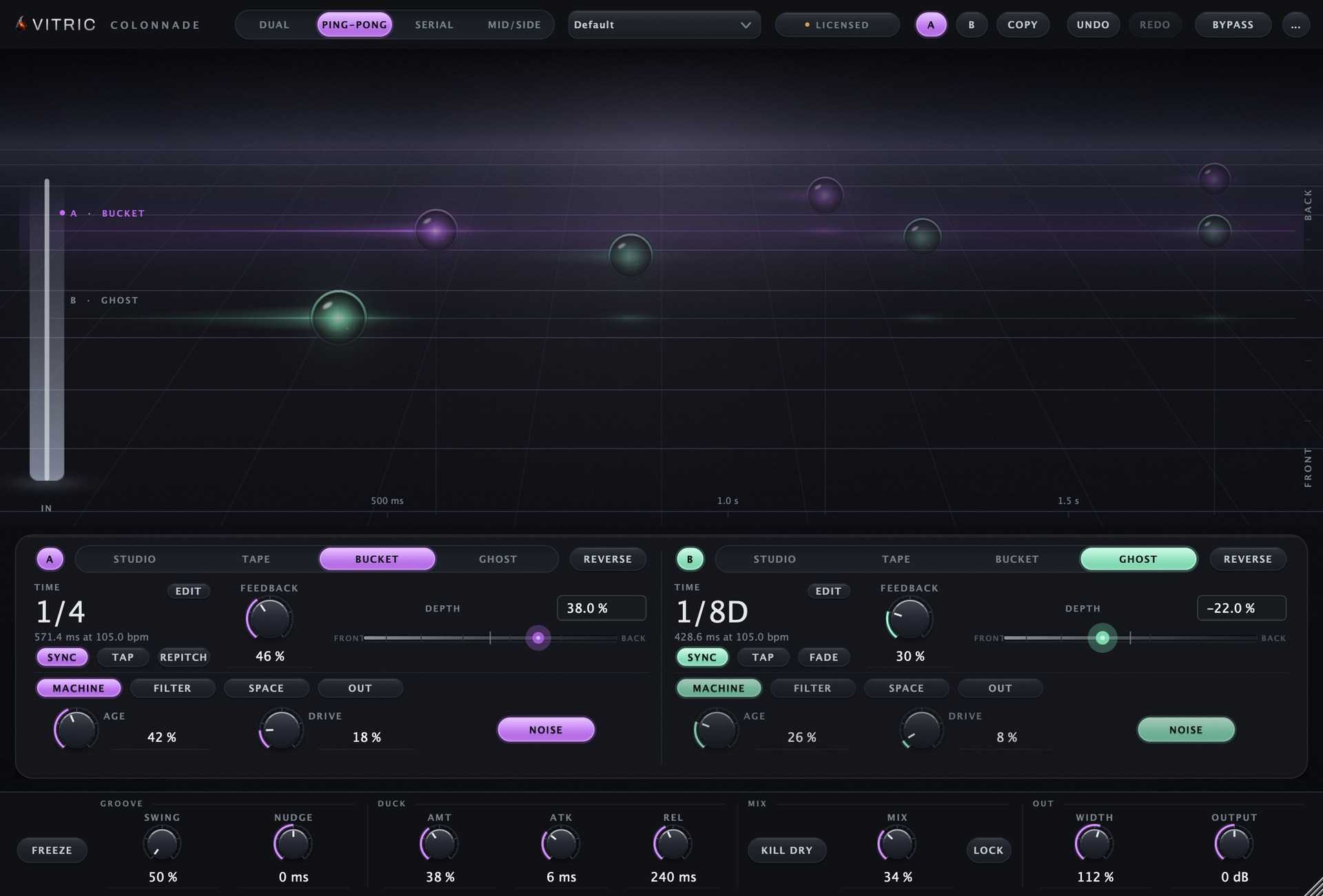
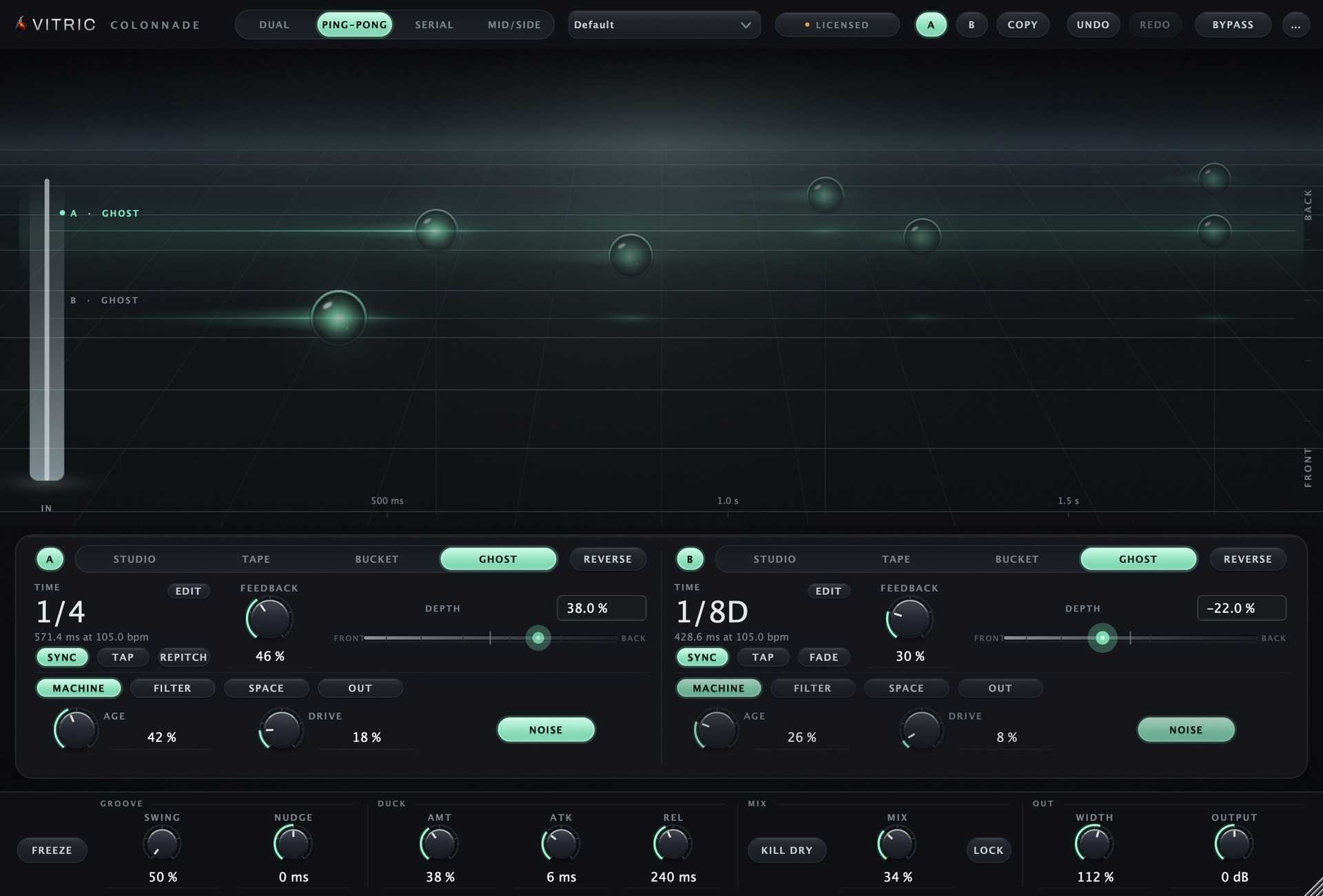
Colonnade is a delay plugin with two independent engines and four characters: Studio for clean repeats, Tape for a worn echo, Bucket for a darker tone and Ghost for an unstable texture. Set timing freely or sync it to the session, and shape the repeats on the stage display.
Delay with Studio, Tape, Bucket and Ghost modes
Colonnade is a delay plugin with two independent engines and four characters: Studio for clean repeats, Tape for a worn echo, Bucket for a darker tone and Ghost for an unstable texture. Set timing freely or sync it to the session, and shape the repeats on the stage display.
Delay with Studio, Tape, Bucket and Ghost modes
Eleven plugins. One collection.
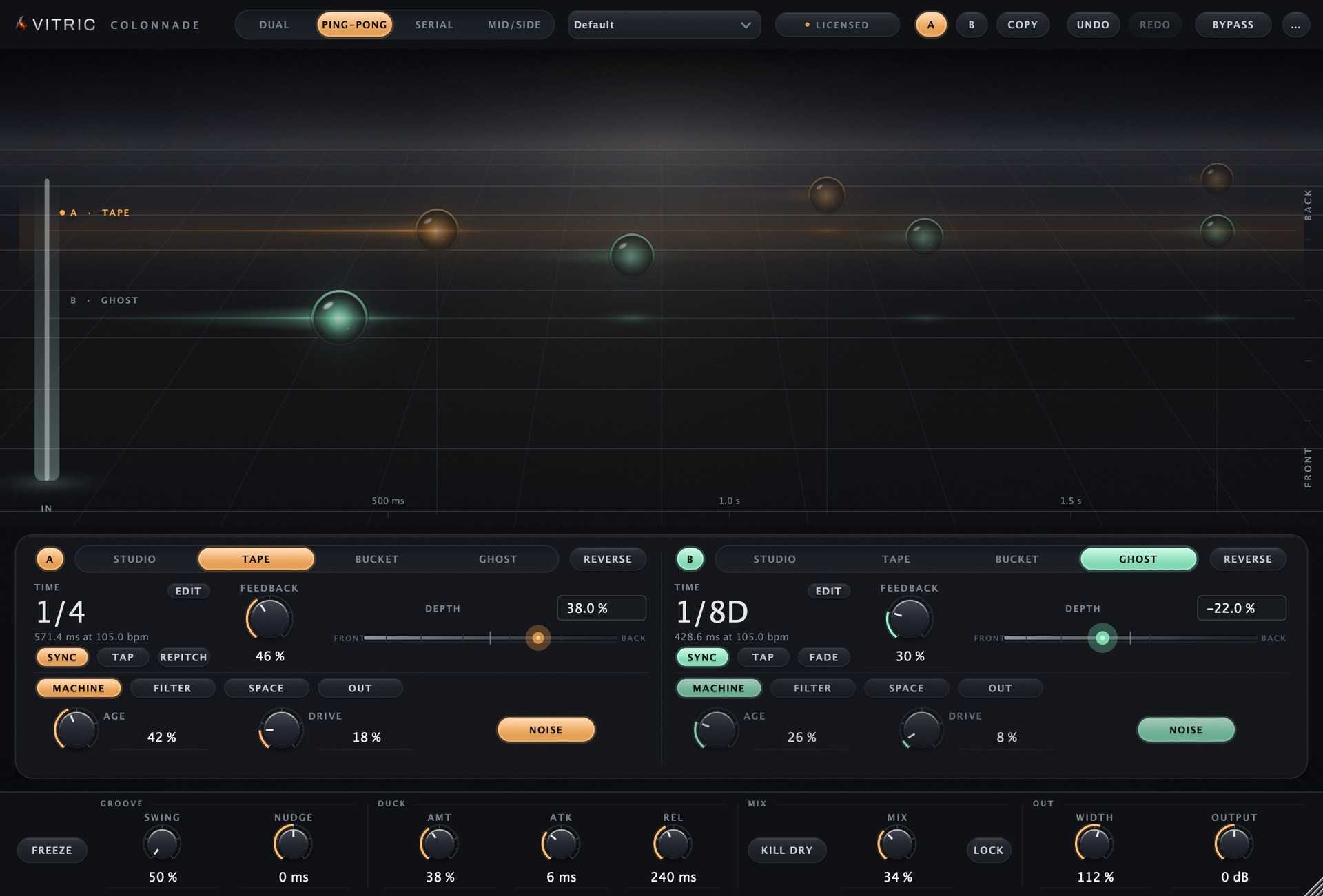
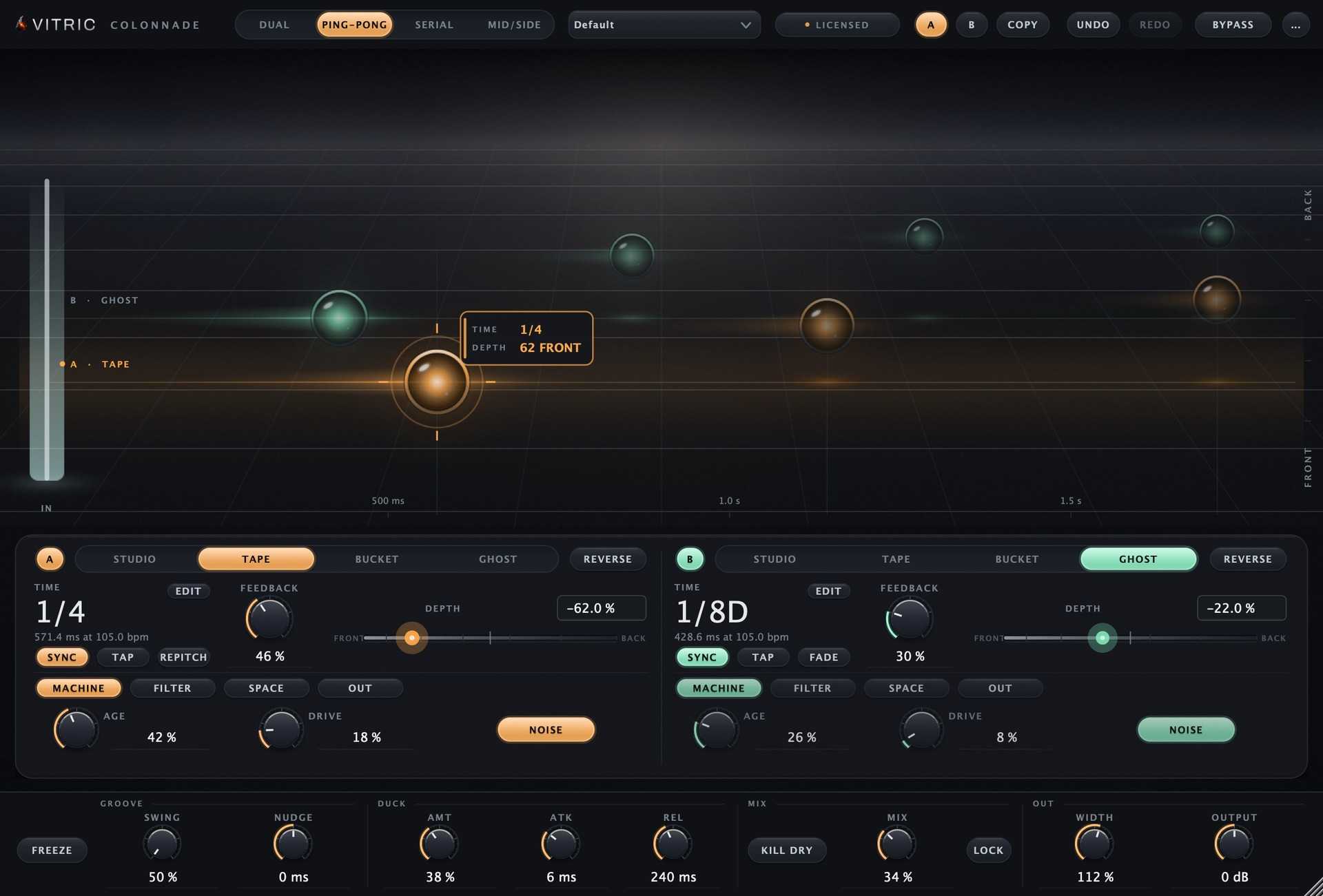
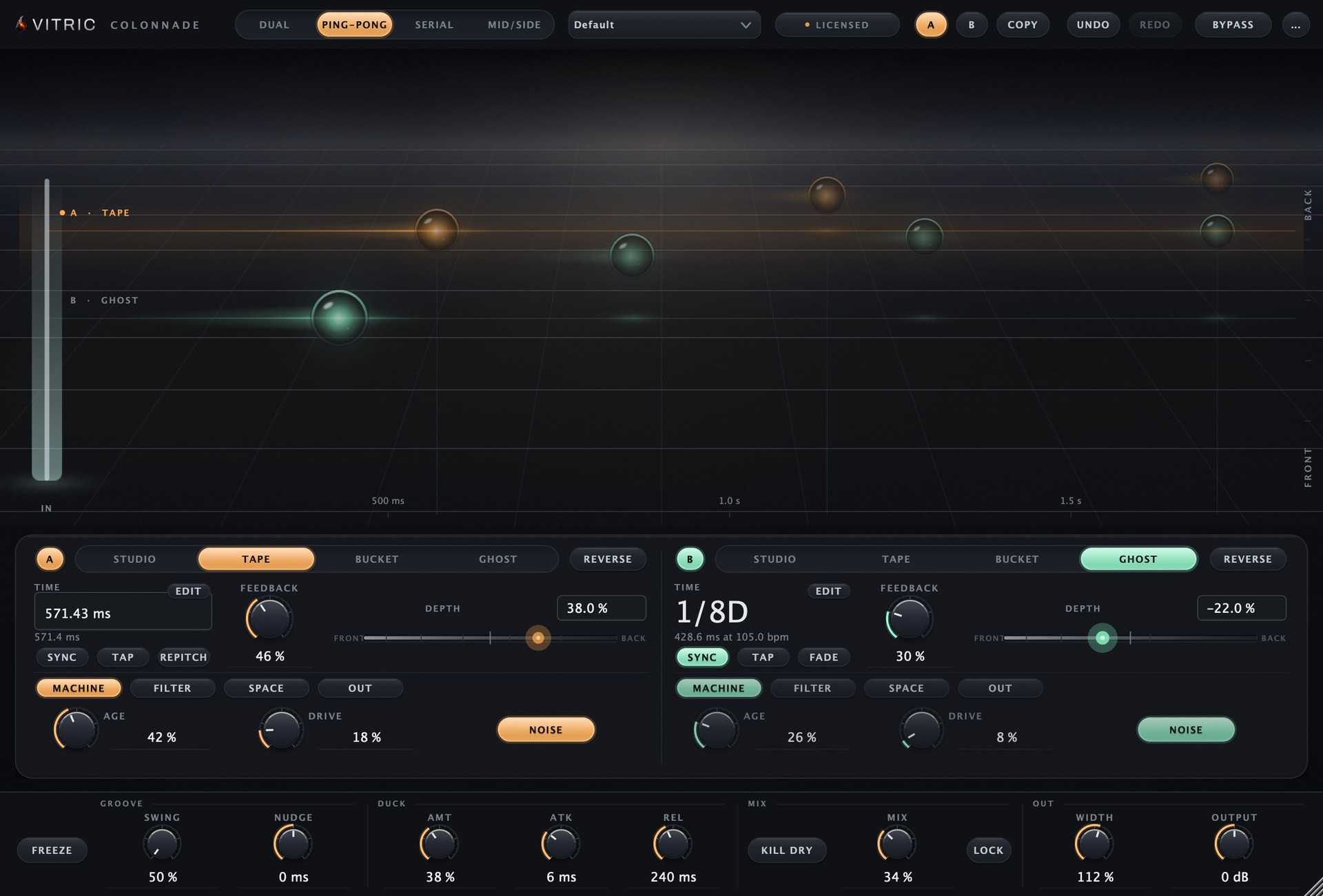
Colonnade Delay holds two complete, independent delays in one plugin, each repeating your sound as echoes you can place near or far. Set how far apart the echoes fall, free from 1 ms to 4 seconds or locked to your song tempo across 21 beat divisions. Give each delay a character, Studio, Tape, Bucket or Ghost, and use Age to take it from calibrated and clean to worn. The character, filter and pitch shifter sit inside the feedback loop, so the color builds with every echo. Start with Depth. It moves one delay's echoes from in front of your dry signal to far behind it, changing level, air, smear, arrival time and stereo width together, which is what distance sounds like. You can also drag the repeats onscreen, sideways for time and up or down for depth. Choose how the two delays connect: Dual in parallel, Ping-Pong alternating across the stereo image, Serial with one feeding the other, or Mid/Side for the center and the sides. With 44 factory presets, ducking that steps the repeats back while the vocal sings, and zero added latency, Colonnade Delay gives you a short slap and a long tail from one insert.
Not enough reviews yet
Not enough reviews yet

Ducking Delay
Rhythmic Delay, Simplified

Creative Ping-Pong Delay
Dual delay with flexible feedback and character
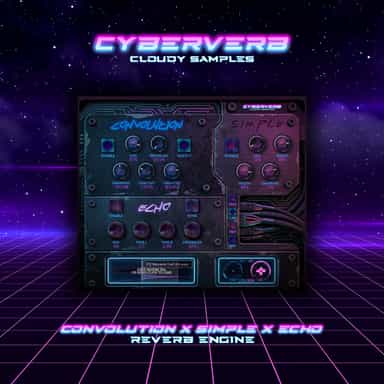
3-Mode Reverb Engine
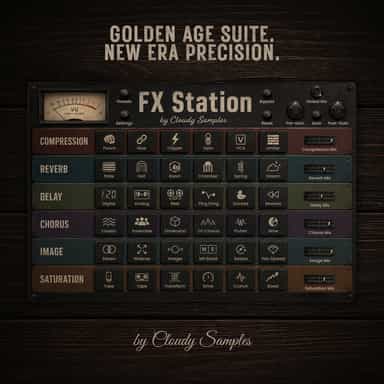
Golden Age Suite. New Era Precision.
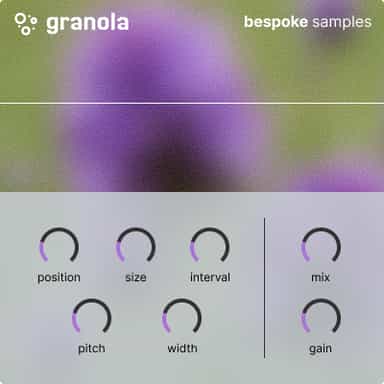
Granular Delay
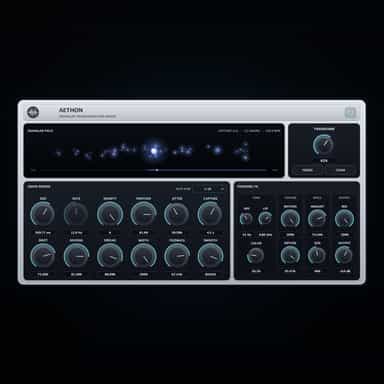
A Granular FX Engine for Movement and Texture
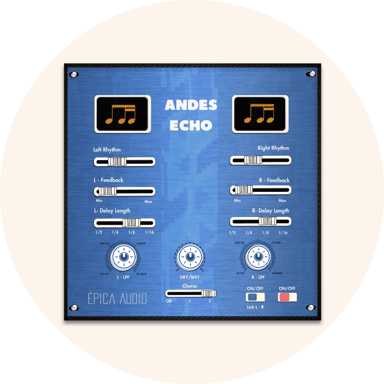
Endlessly creative delay
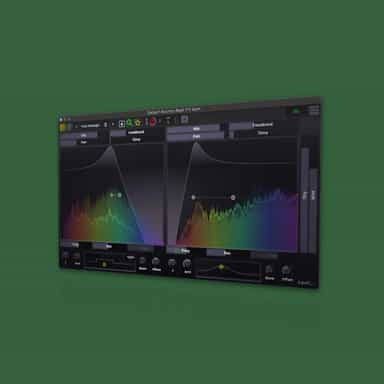
Visual Delay with Spectrum & Beat Quantization