SONATUM

SONATUM

Stochastic Music Generation for Contemporary Composers. A local, offline compositional engine for testing musical ideas before you commit to notation.

Platforms
macOS
Release date

Previews

SONATUM generates art music using explicit theoretical models (Hindemith, Palestrina, Schoenberg, Persichetti) — no corpus training, no style imitation, no cloud inference. You define structure, density, direction, and constraint; SONATUM renders it immediately, with controlled variation. Made for composers working in experimental, research-driven, or art-music contexts who need to hear whether a process sustains interest, whether tension builds correctly, or whether a textural idea scales — before spending hours writing it out by hand. This is not a finished-piece generator. It's a decision surface: prototype fast, iterate by ear, export when the material proves itself. The score editor is minimal by design; once you're thinking about engraving, you've already moved past what SONATUM is for. If you work with structure, process, and intention rather than improvisation or preset loops, and you value speed in the ideation phase, SONATUM will fit your workflow immediately.

What SONATUM offers

Stochastic Generation Engine: Three configurable generators based on art-music theory—no training, no imitation.
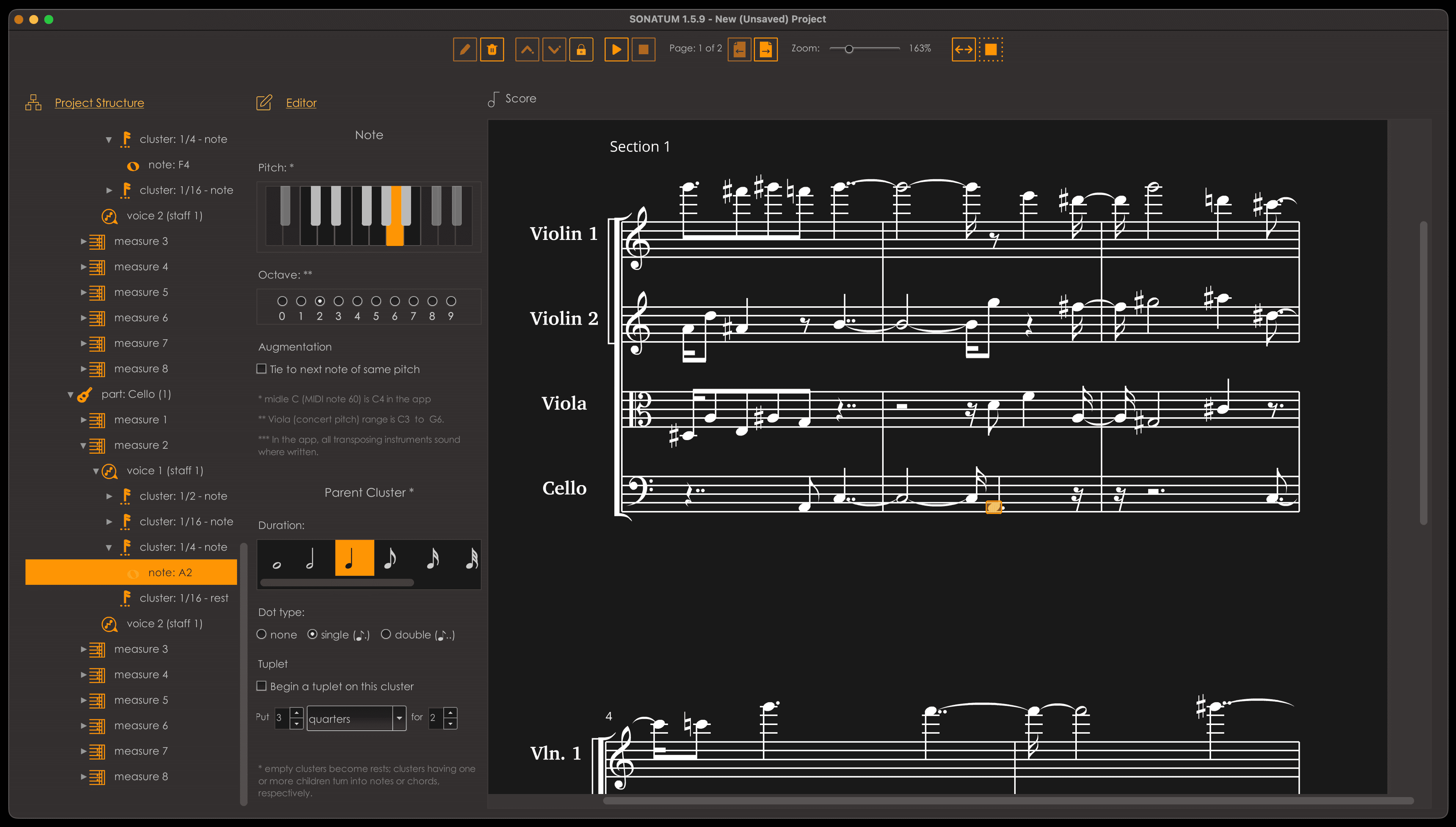
Built-In Score Editor: Minimal notation interface for retouching generated material before export.
Onboard Synthesizer: Audition instantly without leaving the app or rendering externally.
MIDI & ABC Notation Export: Move to your DAW or notation software when the material proves itself.
Template System: Load preset instrumentations with generators already bound and configured.
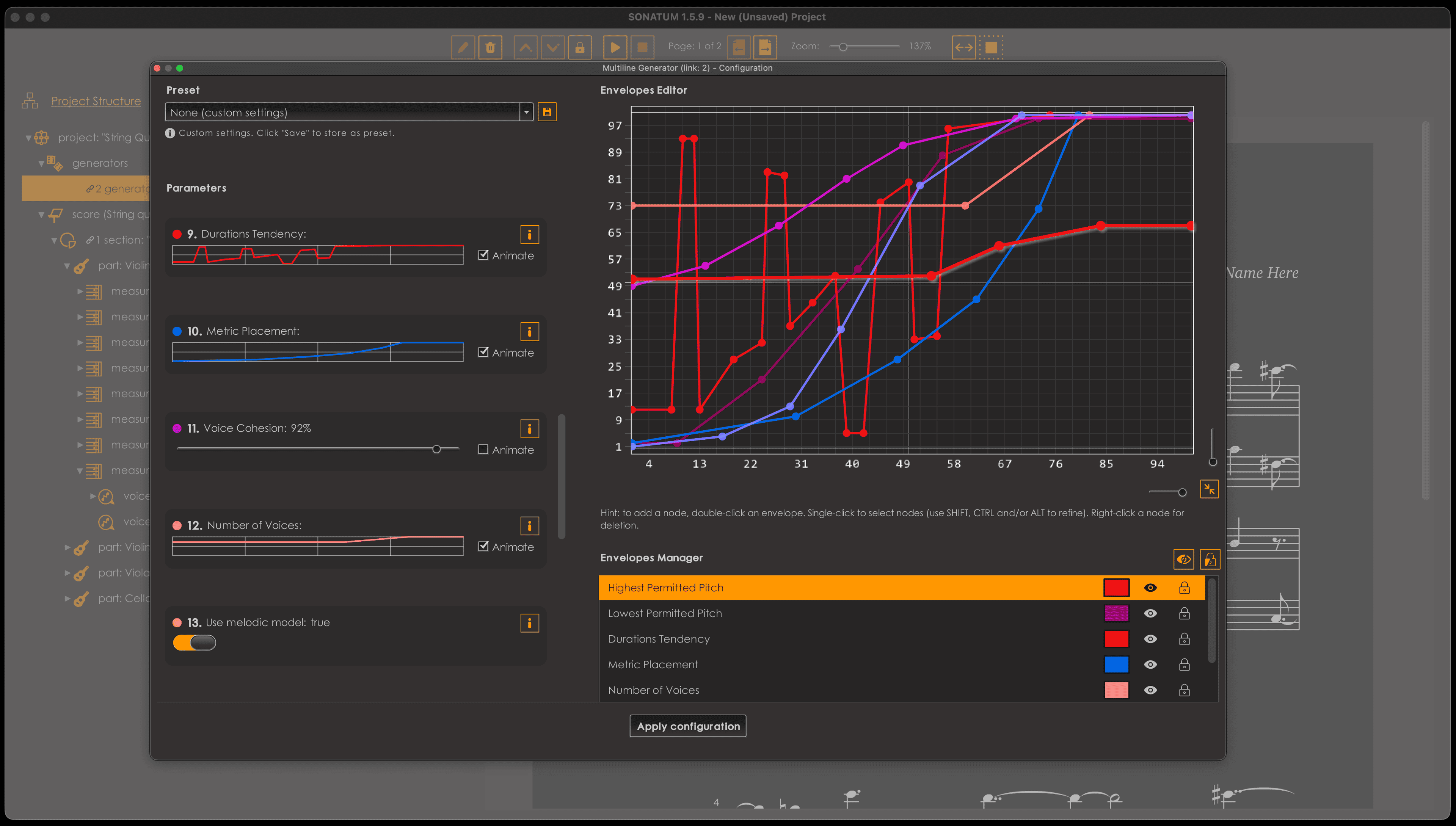
Time-Evolving Parameters: Multiline Generator supports envelopes for dynamic process control over time.

What’s new

  • Faster note entry, smoother navigation and new voices and instruments, plus fixes for playback, score display and export.
  • NEW
  • Set duration and Set duration in place: pick any note value from whole to 64th with a single keystroke.
  • Audition menu: play the whole score, just the selection, or from the selection onward. Switch modes with ⇧⌘Space, and stop right where you are.
  • Insert before / after (⌥⌘↩ / ⌃⌘↩): add a cluster, measure, section or part next to the selected one.
  • Overgrow and Shrink in place: lengthen or shorten notes without pushing back the music that follows.
  • Set pitches by note letter, and build or refine chords the same way. Pitch commands have been reorganized to match.
  • Tie and Untie selected notes (⌃= / ⌃⌥=).
  • New instruments: French horn (solo), Soprano, Alto, Tenor and Bass voices, and new choir ensembles.
  • IMPROVED
  • Nudging now always crosses measure and section boundaries, so the separate Nudge mode is no longer needed.
  • Previous / next sibling continues into the next measure or section, replacing the old “(force)” commands.
  • Your current pitch, duration, note/rest choice and instrument are kept through undo, redo and switching projects.
  • Transposing or resizing a single note sets the pitch or duration of the next note you add.
  • Notes added to an existing chord stay grouped instead of mixing with the original notes.
  • New parts use the last instrument you chose (or Piano), so no part is left unnamed.
  • Choosing an instrument or tuplet duration applies instantly, with no one-second delay.
  • More reliable tuplets, thanks to a rework of the core score engine.
  • Up to ~4× faster audio rendering on dense scores: playback starts up to twice as fast, and WAV export is 2–4× quicker.
  • Notes end at their written length, for a crisper sound.
  • FIXED
  • Tenor and contrabass clefs now render, display and export correctly.
  • Transposition keeps notes within C0–G9; a note that would go out of range stays where it is.
  • Transposing or scaling that changes nothing no longer adds an undo step.
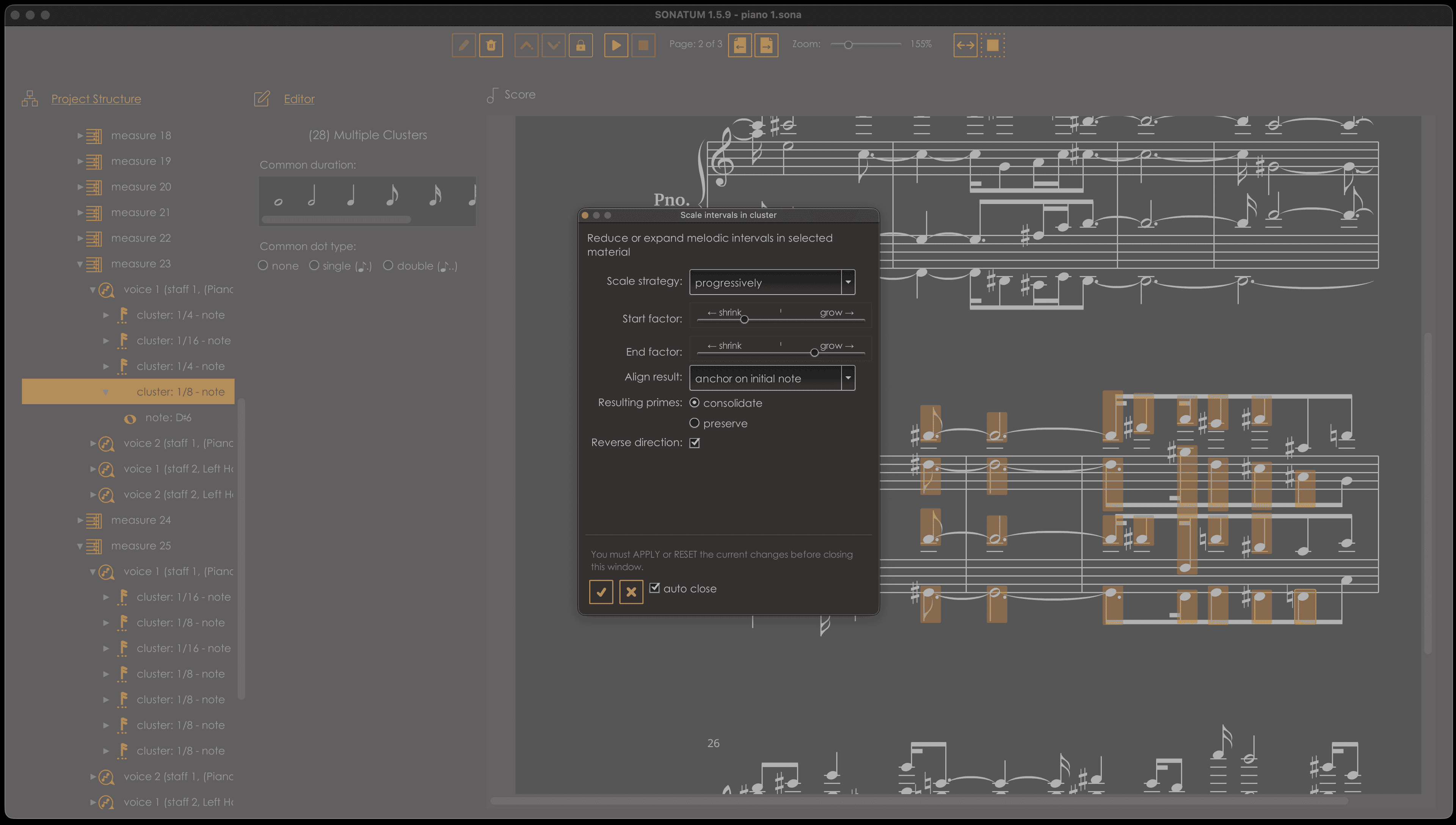
  • Scale intervals moves pitches again, and consolidates a selection of clusters.
  • ABC export no longer writes ties that lead nowhere.
  • A tuplet’s first note that outgrows its tuplet now resets to a plain beat, with no leftover dot.
  • Single-note tuplets no longer crash the score display; they show just the number, without a bracket.
  • Automatic line breaks inside beamed notes no longer crash the score display.
  • Rests in a second voice no longer disappear when they overfill a measure.
  • Silent notes fixed: Violin F4, plus eleven more across Vibraphone, Bass guitar, Flute, Viola, Harp and Harpsichord.
  • Progress windows no longer open too narrow on a secondary display.
  • Playback now stops properly when the score or selection ends with a rest.
1.6.1

FAQ

Reviews

100% (1)

You may also like