gFractor

gFractor

A spectrum analyzer and stereo analysis tool combining spectral, transient, loudness, and imaging views in a unified interface.

Developer
Platforms
macOSWindows
Release date

Previews

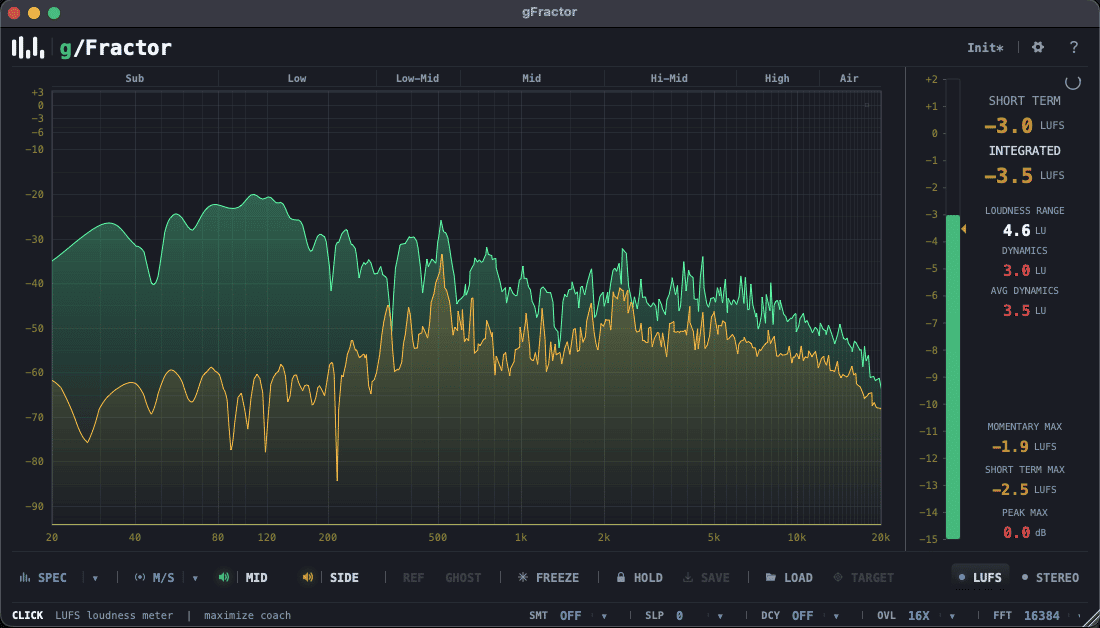
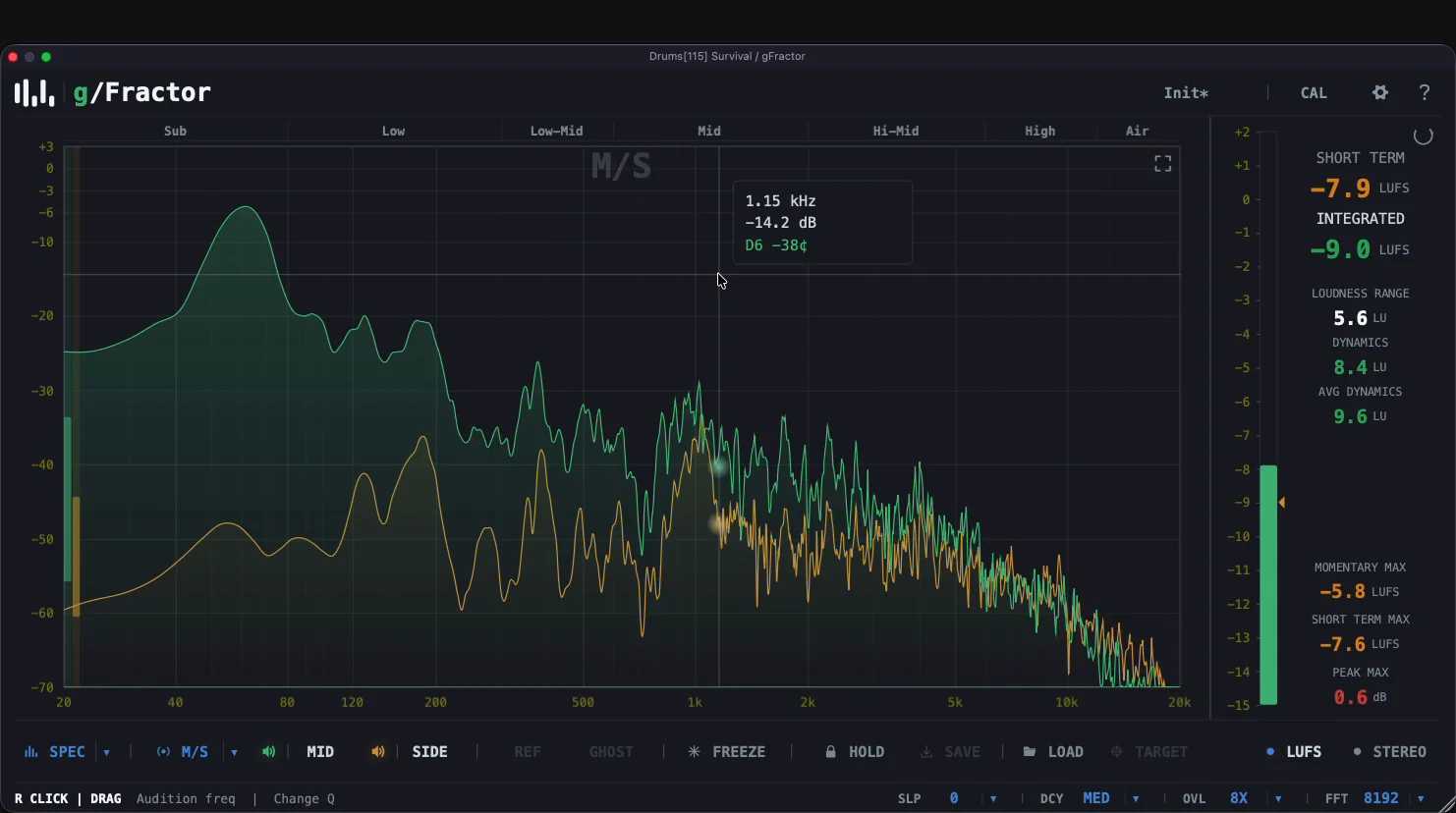
gFractor is a multi-mode analyzer for producers, mixing engineers, and mastering engineers. Three displays — a configurable FFT spectrum (256–16384, overlap up to 16x, fractional-octave smoothing, target curves, audition filter), a reassigned-spectrogram waterfall, and a tempo-synced oscilloscope — all driven by the same Primary/Secondary abstraction across four channel modes: Mid/Side, Left/Right, Tonal/Transient, and Mono (L+R). Add goniometer, correlation, width-per-octave, and LUFS metering, plus sidechain A/B reference with ghost overlay and momentary compare. Full keyboard control, three themes, presets. Realtime-safe audio path, zero latency. VST3 (Win/macOS/Linux), AU (macOS), Standalone.
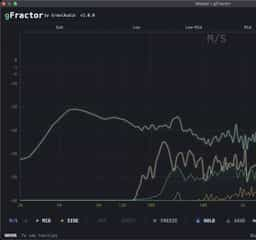
What gFractor offers

Multiple Analysis Modes: Mid/Side, Left/Right, Tonal/Transient, and L+R Mono Sum views
Spectrum & Loudness Analysis: FFT up to 16384 with fractional-octave smoothing, tilt, and LUFS metering
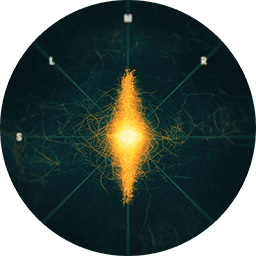
Stereo Visualization: Includes goniometer, correlation meter, and width-per-octave analysis
Oscilloscope View: Tempo-synced time-domain waveform with spectral coloring and CRT filter
Waterfall Spectrogram: Reassigned time-frequency view with freeze and 2k/4k/8k resolution
Custom Reference Lines: Up to six guidelines, each with its own slope from -12 to +12 dB/oct

What’s new

  • Full changelog (since 1.2.3)
  • New
  • Reference file: A/B against a WAV, AIFF, FLAC or Ogg file (plus MP3 / M4A on macOS) instead of a sidechain
  • Reference strip: waveform overview, draggable loop region, transport, recent files, loudness matching (MATCH) and trim
  • Reference and ghost in the waterfall: the spectrogram splits, live signal above and reference below
  • Goniometer: a polar display alongside the classic Lissajous view
  • Spectrum: "To Nyquist" toggle, 32768 / 65536-point FFT sizes, 32x / 64x overlap, and a frequency floor down to 1 Hz
  • Oscilloscope time offset: Alt+click sets the left edge, Alt+drag slides the phase, Alt+double-click resets
  • LUFS meter: DC offset readout, colour-coded green / amber / red
  • Text Size setting (100 / 115 / 130%) for legibility at small UI scales
  • Improved
  • Lower editor CPU: spectrum, oscilloscope and waterfall layers are drawn at display resolution and copied 1:1, and curves redraw only when they move (biggest gains at 125-200% UI scale and on Retina)
  • Spectrum FFT is 16-20% faster per block
  • Ghost/reference controls reworked: listen to the reference and show its curves independently; switching crossfades over about 10 ms instead of clicking
  • Inside a DAW, shortcuts apply only after a click in the plugin window, and Cmd/Ctrl/Alt key combinations pass through to the host
  • Fixed
  • Windows: sluggish UI and high CPU use in some hosts
  • Spectrum lagging behind the signal at 256 and 512-point FFT sizes
  • Peak HOLD is now saved with the session and presets
  • Bound keys reach the DAW again; a captured key in the shortcut settings no longer stays armed
  • Lowering the FFT size no longer lifts the spectrum's low end
  • Goniometer edge labels showed the opposite channel; host loops that start off the grid no longer blank the oscilloscope
  • Sessions restore the reference strip, playback and loudness match reliably
  • Text stays sharp at fractional UI scales
  • Compatibility notes
  • macOS 11 is now the minimum (was 10.13). Users on macOS 10.13-10.15 can stay on 1.2.3, available from https://growl-audio.com/plugins/gfractor-archive
  • The target-curve overlay (SAVE / LOAD / TARGET) has been removed; reference files replace it
  • Zero reported latency in every mode
1.3.4

FAQ

Reviews

100% (1)

You may also like