Best distortion plugins in 2026 (free and paid)
Distortion is the effect you’re meant to hear. Where saturation adds a subtle analog glow, distortion is the aggressive, obvious end of the same idea: the crunch on an overdriven guitar, the buzz of a fuzzed-out synth, the digital grit of a bitcrushed drum loop. It’s a mix tool and a sound-design instrument at once. Here are the best distortion plugins in 2026, a mix of professional staples and free picks you can install in one click, for overdrive, fuzz, bitcrush and full-on creative mangling.
Distortion plugins on MuseHub


Top picks at a glance:
- Best overall: iZotope Trash, modular, multiband distortion and sound design.
- Best for guitar and modular tones: BYOD, build your own distortion chain.
- Best free: Camel Crusher, two blendable distortion characters, free.
- Best for analog grit: Drivedown, odd-harmonic distortion with analog soul.
How we choose: we rank on sound, workflow and value, tested in real mixes; free and paid on merit, not by brand.
Distortion vs saturation, and the types to know
Distortion works by clipping: the plugin flattens the tops of the waveform, and the ear reads those reshaped peaks as new harmonics and grit. Soft clipping rounds the peaks off gently (smoother, overdrive-like); hard clipping squares them flat (harsher, more aggressive). The more you clip, the dirtier it gets. That single mechanism runs from a whisper of edge to a wall of noise, which is why “distortion” covers so much ground.
This is where the line with saturation matters. Saturation is the gentle end, subtle, analog-modeled breakup you feel more than hear, used for warmth and glue; if that’s the goal, start with our roundup of the best saturation plugins. Distortion is the loud end you reach for when you want the effect to show. Same continuum, different intent: saturation flatters a source, distortion changes its character.
Along that continuum sit the flavors worth knowing. Overdrive is mild soft-clip crunch, the nearest neighbor to saturation, like a pushed tube amp. Distortion proper is harder and obvious. Fuzz is the extreme: near-square-wave clipping that turns a note into a buzzy, sustaining roar. Then there’s the digital family. Bitcrushing lowers the bit depth of the signal, adding quantization noise and grit, while decimation lowers the sample rate for an aliased, lo-fi sheen, the sound of old samplers and game consoles. Waveshaping reshapes the signal through a custom curve to generate arbitrary harmonics, from a touch of edge to total destruction, and it’s the engine inside the big modular suites.
Two more ideas make every pick below easier to place. Multiband distortion splits the signal into frequency ranges and drives each separately, so you can mangle the highs while keeping the low end tight and clean. And most distortion plugins include a mix or dry-wet knob for parallel processing. Blend the distorted signal under the dry one and the grit adds attitude without swallowing the source. Distortion also lives next to loudness and dynamics, so our guide to what audio compression is covers a tool you’ll often pair with it.
And you don’t need a big budget, since several of the picks below are free.
The 10 best distortion plugins
1. iZotope Trash
Trash is the distortion suite engineers name when the job is sound design, not just grit. Its core is a dual-stage, multiband waveshaper with dozens of algorithms, plus an editor for drawing your own curve, so you can distort up to four frequency bands independently and chain the result through filtering and convolution. That makes it the tool for mangling a synth, adding teeth to a drum loop, or building textures for electronic and cinematic work. The depth is real, and so is the learning curve: it’s overkill for a quick pass of edge, but nothing else goes this far or this creatively.
2. Soundtoys Decapitator
Decapitator is the fast analog go-to, the plugin most producers reach for first when a track needs grit now. It models five pieces of analog gear, from a warm tube preamp to a gnarly transistor circuit, on one Style switch, so you audition flavors in seconds. The Punish button slams the signal into hard saturation for effect, while drive and tone handle everyday edge. It leans toward the overdrive-and-crunch end rather than digital destruction, which is exactly why it works on almost anything: vocals, drums, bass, a full bus. It’s a paid plugin priced like a standard, and it earns it.
3. BYOD

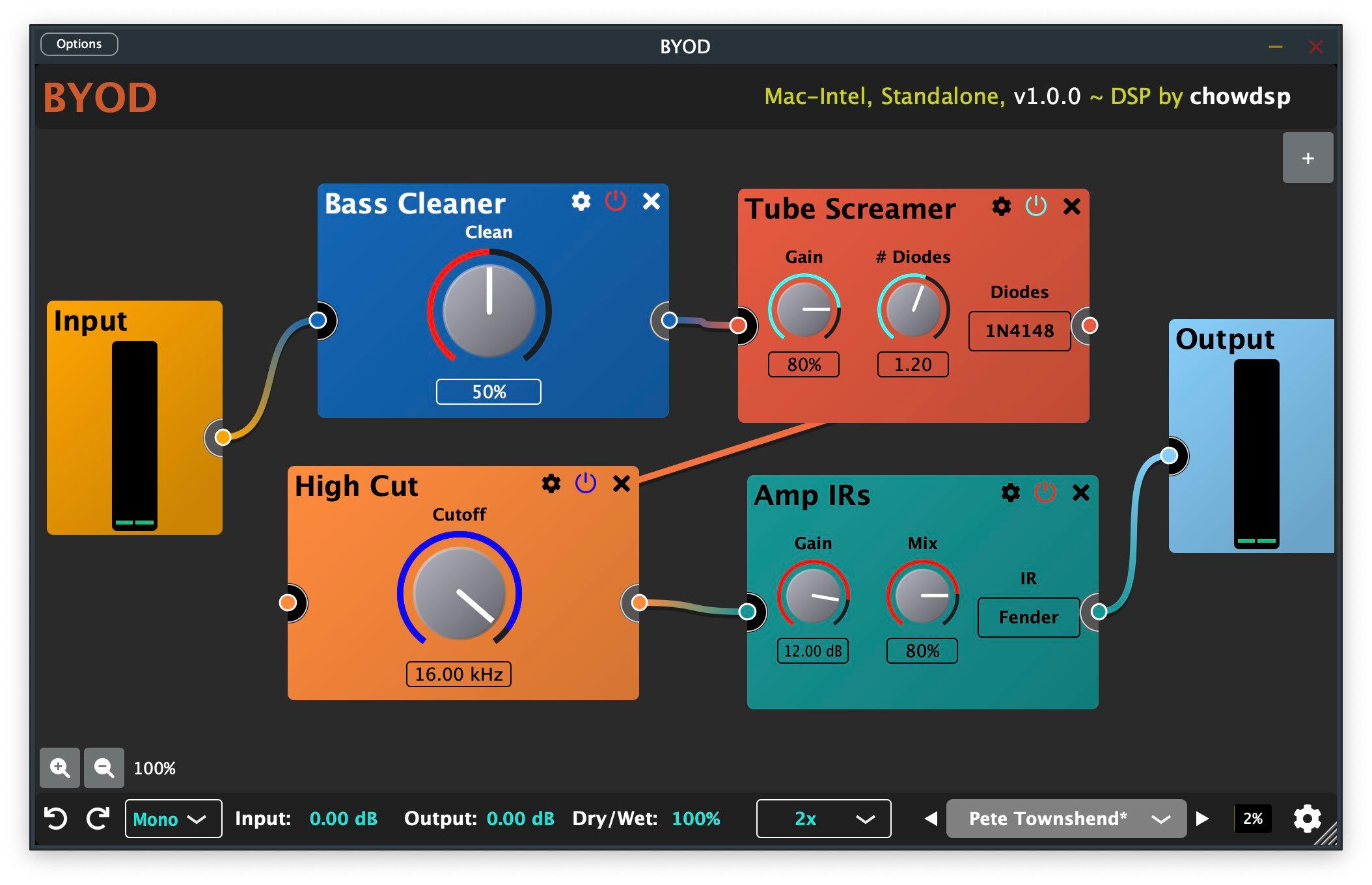
BYOD (short for Build Your Own Distortion) is a modular pedalboard in a plugin, and that flexibility is the point. Instead of one fixed circuit, you drop in and reorder distortion, overdrive, fuzz and tone-shaping modules to design a chain that fits the source, the way a guitarist arranges stompboxes. Stack a soft-clip overdrive into a fuzz, then EQ the result, all in one window. That makes it a natural first reach for guitar and bass grit, but it’s just as happy destroying synths and drums. When a single-knob box can’t get the exact dirt you hear, BYOD builds it. It’s a click away on MuseHub.
4. D16 Devastor 2
Devastor 2 is the pick when you want aggressive, electronic-flavored distortion with control. It’s a three-band processor built around a diode-clipper, the circuit behind a lot of hardware distortion, with multiple clipping curves and routing topologies, so you shape how each band breaks up. That band-split design lets you savage the top end of a bassline or lead while the sub stays solid, which is why it’s a staple for techno, DnB and industrial producers. It’s affordable and stays narrowly focused on hard, characterful digital distortion, which it does extremely well.
5. Drivedown

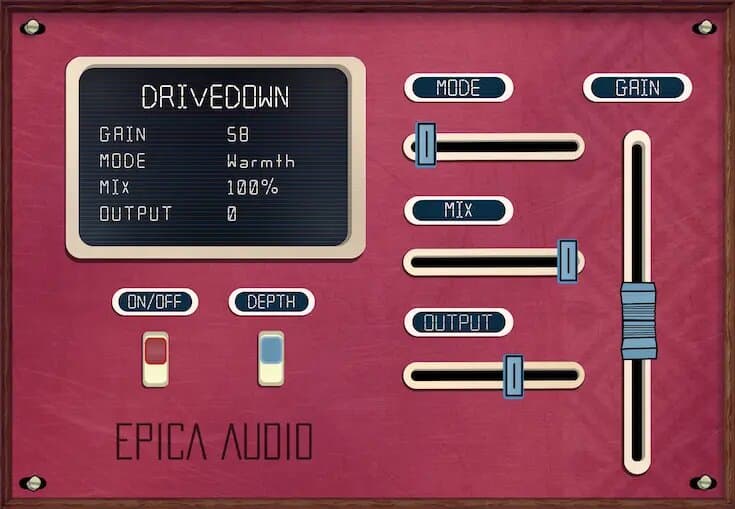
Drivedown is distortion with an analog soul, a color box for when a track feels too polite. It leans into the grittier, odd-harmonic side of dirt, so it excels at adding presence and attitude: a bass that growls, drums with more punch, a guitar with more front. The character stays musical rather than fizzy, which is the hard part to get right, and it blends back easily so the grit sits under the source instead of burying it. Reach for it when a sound needs to feel bigger and meaner without a full re-amp. It’s a click away on MuseHub.
6. Setekh

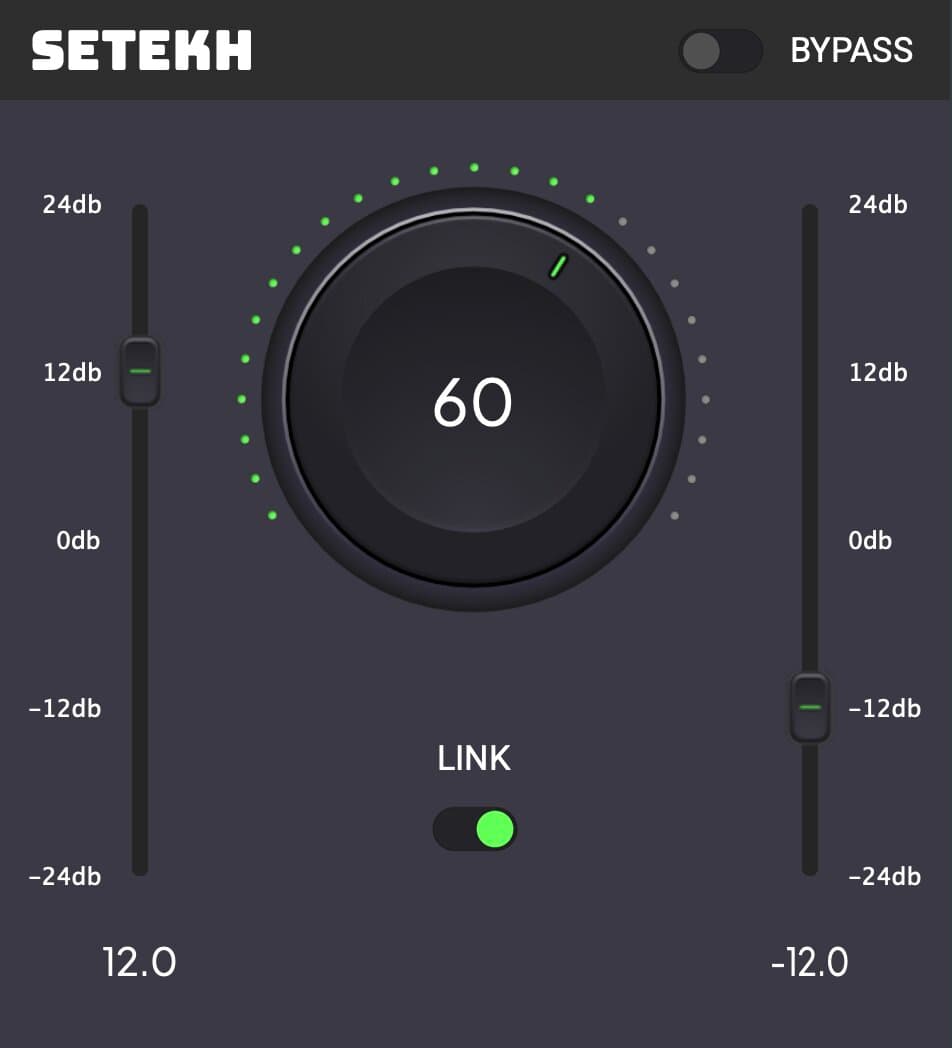
Setekh is a minimalistic distortion and saturation plugin, and its restraint is what makes it fast. Instead of dozens of models, it gives you a small set of controls that move quickly from clean harmonic enhancement to obvious grit, so you add exactly as much edge as a source needs without reading a manual. That suits guitars, drums and synths that need to bite through a busy mix, and lighter thickening on cleaner sources too. When you want character in seconds and don’t want to think about circuit types, it’s a direct route to a dirtier, less sterile sound. Install it in one click on MuseHub.
7. Hot Switch Jr

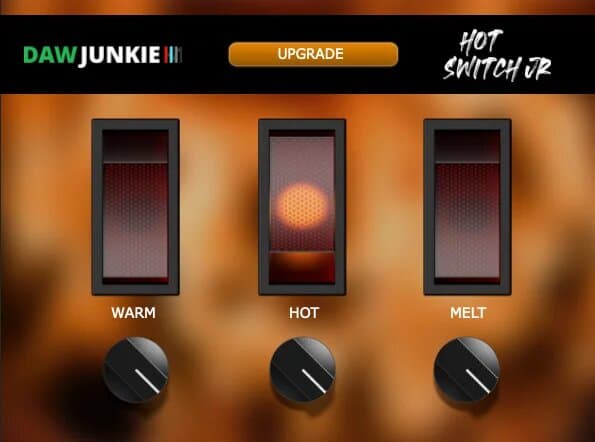
Hot Switch Jr sits at the warm, musical end of distortion, where the grit thickens a source without turning it harsh. It adds a saturated overdrive that reads as body and weight, the kind of dirt that makes a thin synth feel analog or a flat drum bus hit harder, rather than the buzzy fuzz you’d use as an obvious effect. That makes it an easy everyday driver: push it lightly for gentle crunch, or lean in for real attitude while the low end stays intact. When you want distortion that flatters more than it destroys, it’s the reach. It’s a click away on MuseHub.
8. PARTIAL

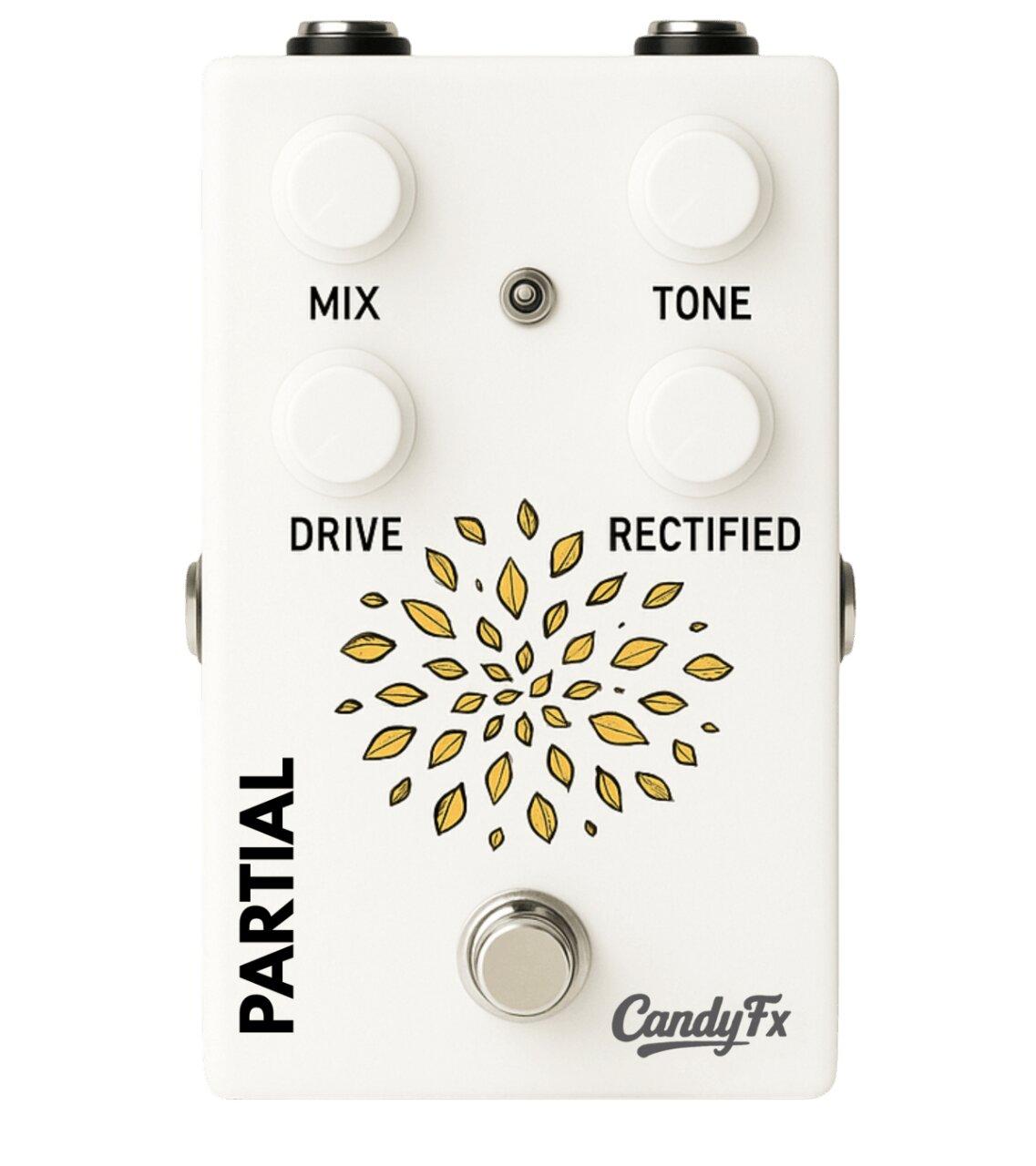
PARTIAL is a harmonic splitter and overdrive, and that split is what sets it apart. It separates a signal into harmonic components you can drive independently, so you can overdrive the parts of a sound that benefit from grit while leaving the rest clean, a smarter approach than smearing one drive across the whole source. The result is distortion that adds presence and bite with less of the mud that heavy clipping usually brings. It suits mix engineers who want controlled dirt on a specific element, and sound designers chasing evolving, harmonically rich textures. Install it in one click on MuseHub.
9. Camel Crusher (free)
Camel Crusher is the free distortion plugin nearly everyone has used, and it still holds up. It gives you two distortion characters, a smoother “mech” tone and a harder one, that you blend to taste, plus a one-knob compressor to mimic the way a pushed preamp squashes dynamics, and a simple tone control on top. That combination makes it a capable mix tool, not a demo: quick grit on a bass, thickness on a synth, attitude on a drum loop. It won’t do multiband or drawable waveshaping, but for free, it punches far above its price.
10. BitCrusher

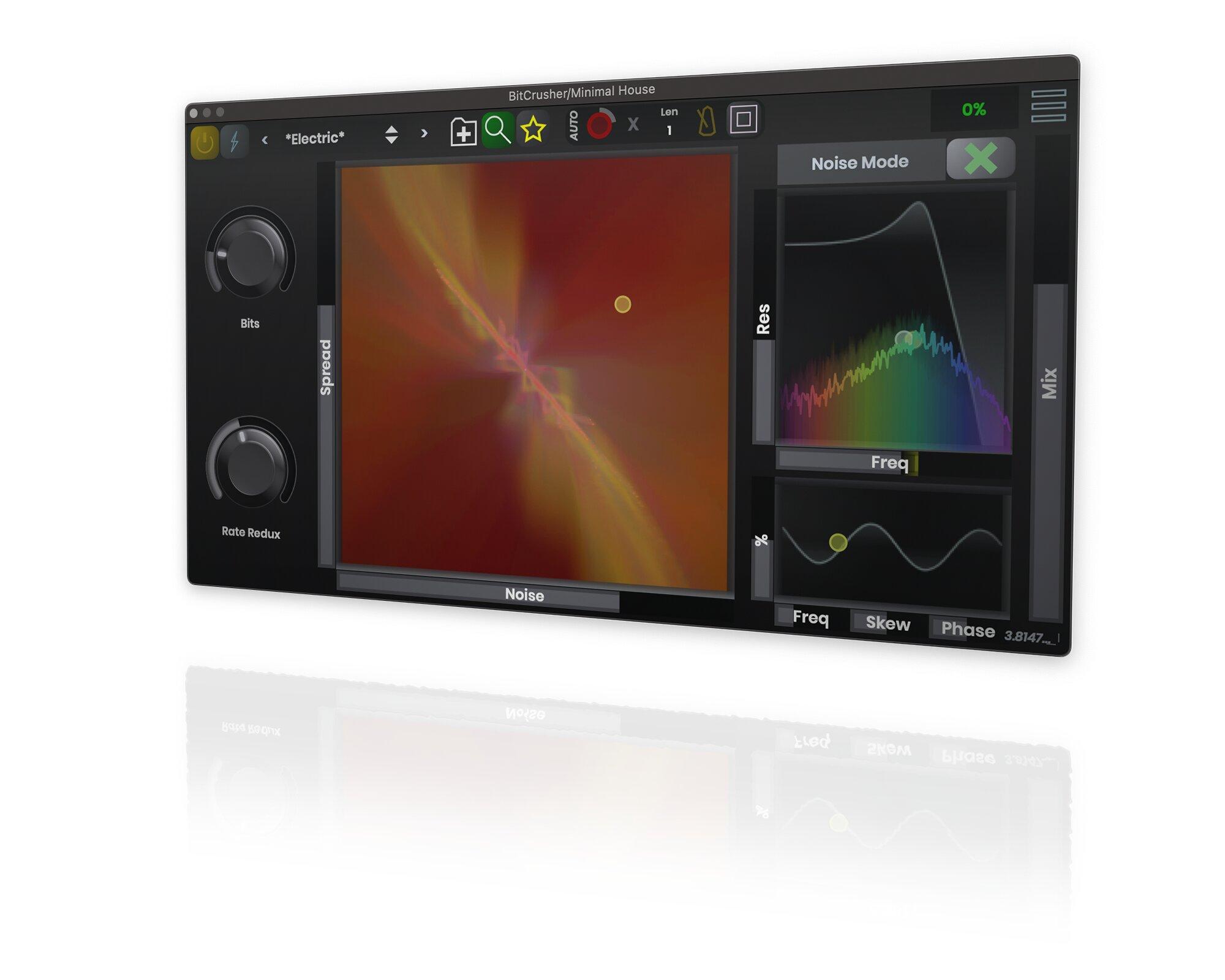
BitCrusher is the specialist for digital dirt: the lo-fi, retro texture no analog box can make. It reduces bit depth for quantization grit and lowers sample rate (decimation) for that aliased, crunchy sheen, with a visual display so you see what you’re doing to the signal and a noise filter to tame the harshest artifacts. That’s the sound of vintage samplers, chiptune and modern lo-fi, and a fast way to make a clean digital source feel gritty and characterful. It’s a narrow job, but when you want that specific broken, downsampled texture, it’s exactly the tool. Install it in one click on MuseHub.
Best free distortion plugin
You can get real dirt without spending anything. Camel Crusher is our top free pick, two blendable distortion tones plus a one-knob compressor, useful enough that plenty of paid mixes still run it. And because our MuseHub picks install through the free MuseHub app, trying them costs nothing but a click.
How to choose
Start from the intent, not the brand. For distortion as a mix effect (grit that helps a source cut through without shouting), a focused character box like Drivedown, Setekh or Hot Switch Jr gets you there fast, and the mix knob keeps it under control. For distortion as a sound-design instrument (mangling synths and designing textures), a modular suite like iZotope Trash or a build-your-own chain like BYOD gives you the range. For aggressive, band-split electronic tones, D16 Devastor 2’s multiband routing keeps the low end tight while the top tears. For digital, lo-fi character, reach for a bitcrusher. And if you only need gentle warmth, that’s saturation, not distortion; see the best saturation plugins. Most producers settle on a small set: one character box, one creative suite, one bitcrusher. Whatever you pick, trust your ears: distortion is easy to overdo.
Comparison table
| Plugin | Type | Price | Best for |
|---|---|---|---|
| iZotope Trash | Modular multiband distortion | Paid | Sound design, aggressive textures |
| Soundtoys Decapitator | Analog distortion (5 styles) | Paid | Fast analog grit, all-purpose |
| BYOD | Modular “build your own” distortion | Free | Guitar, bass and custom chains |
| D16 Devastor 2 | Three-band diode-clipper | Paid | Electronic, band-split aggression |
| Drivedown | Analog-style distortion | Paid | Presence and attitude |
| Setekh | Distortion + saturation | Free | Fast grit and bite |
| Hot Switch Jr | Warm saturated distortion | Free | Musical thickening, everyday dirt |
| PARTIAL | Harmonic splitter + overdrive | Paid | Controlled, targeted grit |
| Camel Crusher | Two-character distortion + comp | Free | Quick dirt on any source, no budget |
| BitCrusher | Bitcrush / decimation | Free | Lo-fi, retro digital textures |
FAQ
What does a distortion plugin do? It clips the waveform, flattening its peaks, which generates extra harmonics the ear reads as grit, crunch or fuzz. Turn the drive up and the effect gets dirtier and more obvious. Unlike subtle saturation, distortion is meant to be heard, and it doubles as a sound-design tool for reshaping synths, drums and textures.
What’s the difference between distortion and saturation? They’re the same process at different intensities. Saturation is the gentle, program-dependent end you use for warmth and glue; you feel it more than hear it. Distortion is the harder, obvious end you reach for when you want the effect to show, and it extends into fuzz, bitcrush and creative mangling that saturation never touches. See the best saturation plugins for the subtle end.
Overdrive, distortion, fuzz — what’s the difference? It’s a continuum of intensity. Overdrive is mild soft-clip crunch, the nearest thing to saturation. Distortion is harder and more obvious. Fuzz is the extreme: near-square-wave clipping that turns a note into a thick, buzzy roar. Many plugins cover more than one; the drive control moves you along the line.
What’s the best free distortion plugin? Camel Crusher, two blendable distortion characters plus a one-knob compressor, still used on real mixes years after release. It won’t do multiband or waveshaping, but for quick, characterful dirt on any source, it’s hard to beat for free.
Next steps
- Chasing subtle warmth instead of obvious grit? See our roundup of the best saturation plugins, the gentle end of the same idea.
- Distortion changes loudness and dynamics too, so pair it with what audio compression is.
- Browse more effects in the MuseHub plugins catalog.
Most of the plugins above, and hundreds more, install in one click with MuseHub. Download MuseHub free and add some dirt to your own session.