
Using AI for Music Production Explained
Create, Remix, and Expand Music Ideas with AI Tools and Plugins
€12.99
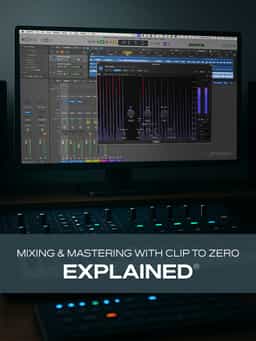
Are you wanting to achieve louder, cleaner, and more dynamic results without over-reliance on heavy compression or limiting? You're in the right place. In this mixing and mastering video course, mixing master Larry Holcombe introduces the Clip to Zero approach: a modern mixing and mastering workflow that uses careful clipping to maximize level and punch while maintaining musicality and clarity. After viewing this mixing and mastering course, you'll be ready to apply these ideas and concepts in your very next track with results that speak for themselves. These mixing and mastering videos are designed for those new to the Clip to Zero method.
1 hr 58 min · Laurence Holcombe
Are you wanting to achieve louder, cleaner, and more dynamic results without over-reliance on heavy compression or limiting? You're in the right place. In this mixing and mastering video course, mixing master Larry Holcombe introduces the Clip to Zero approach: a modern mixing and mastering workflow that uses careful clipping to maximize level and punch while maintaining musicality and clarity. After viewing this mixing and mastering course, you'll be ready to apply these ideas and concepts in your very next track with results that speak for themselves. These mixing and mastering videos are designed for those new to the Clip to Zero method.
1 hr 58 min · Laurence Holcombe
“Mixing & Mastering with Clip to Zero Explained®” introduces the Clip to Zero workflow, a mixing and mastering approach centered on controlled clipping rather than heavy compression or limiting. In this course, Larry Holcombe explains how this method increases perceived loudness while maintaining clarity and musical balance. The training begins by defining the Clip to Zero concept and outlining how it differs from traditional limiter-based loudness techniques. You’ll learn how controlled clipping can raise level while minimizing unwanted distortion. From there, the course demonstrates how to apply the method to foundational elements such as kick, bass, and drums, before expanding to synths, percussion, and melodic layers. Additional lessons focus on sound selection, arrangement decisions, and full mix execution, along with a comparison between limiter-based mixes and Clip to Zero results. The series concludes with applications across genres, including electronic and rock, and explores complementary techniques such as sidechain compression. By the end, you’ll understand how to implement the Clip to Zero workflow in your own mixing and mastering sessions.
Not enough reviews yet
Create, Remix, and Expand Music Ideas with AI Tools and Plugins

Learn EDM Structure, Kick & Bass Design, Builds, Stereo Width & Automation
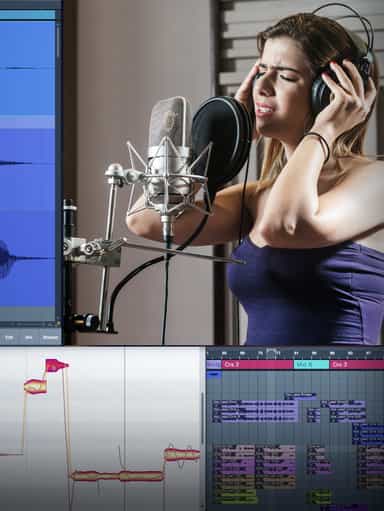
Edit, Comp, Tune, and Produce Professional-Quality Vocals in Your DAW

Analyze Audio, Phase, Transients & Loudness with an Oscilloscope
Learn tips on how to create effective HyperPop productions with these informative video tutorials.
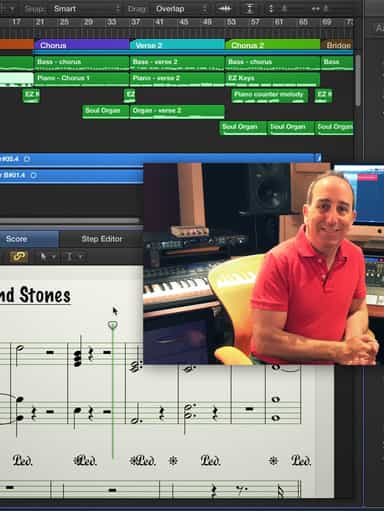
Turn a Song Idea into a Full Band Arrangement & Finished Mix
Create Chord Progressions and Arrangements Using Captain Plugins & Scaler 2
Develop Better Production Skills with Focused Practice Techniques
Build, Arrange, Mix & Master a Complete Tech House Track

Recording, Editing & Mixing Audio for Video Inside Pro Tools
Not enough reviews yet