

The Vitric Bundle
Eleven plugins. One collection.
€2.50/m or €59.99 €399.99
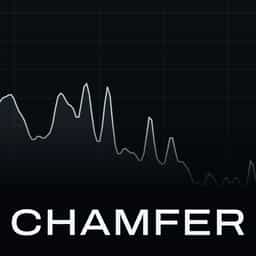
Chamfer is a de-esser plugin for harsh s and sh sounds in vocals and spoken recordings. Its relative threshold follows the performance level, so quiet and loud phrases need not be set separately. Drag the detection band or use Learn, then inspect each detected ess in the event strip.
De-esser for vocals and spoken voice
Chamfer is a de-esser plugin for harsh s and sh sounds in vocals and spoken recordings. Its relative threshold follows the performance level, so quiet and loud phrases need not be set separately. Drag the detection band or use Learn, then inspect each detected ess in the event strip.
De-esser for vocals and spoken voice


Eleven plugins. One collection.

The vocal chain, its de-esser and its space.

The mixing core: tone, dynamics, drive and control.
Chamfer De-Esser softens the harsh "s" and "sh" sounds in a vocal, and its threshold follows the performance, so a quiet verse and a loud chorus get the same treatment without automation. Drag the band over the frequencies where the esses live, then set Amount for how softly the esses sit and Range to cap the reduction. Choose the shape of the cut with Smooth, Split or Surgical, and pick Stereo, Mid Focus or Sides for which part of a stereo track is treated. For faster setup, play a phrase and press Learn. Chamfer places the band where this source's esses actually live, calibrates the threshold and suggests an Amount, and if there was not enough sibilance to trust, it says so and changes nothing. Everything it shows is measured from your own audio, not a model's opinion. Use Precise mode for the look ahead path with all three styles, or Live mode for zero reported plugin latency while recording. With 24 factory starting points for vocals, speech, hi-hats and cymbals, and Listen buttons for the band, the voice around it or only the energy removed, Chamfer lets you hear and see what it takes out.
Not enough reviews yet
Not enough reviews yet
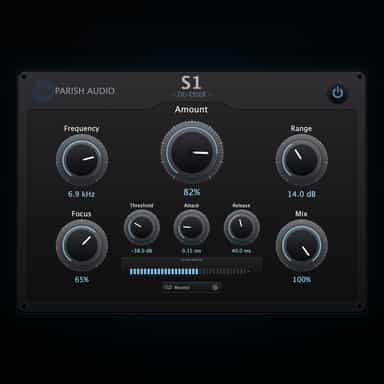
Smooth, Natural Sibilance Control
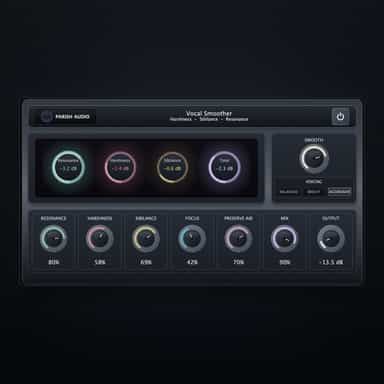
Smooth, Polished Vocals with Natural Control

Vocal Tuning

Spectral de-esser for clear, smooth vocals

Spend less time editing, more time creating.
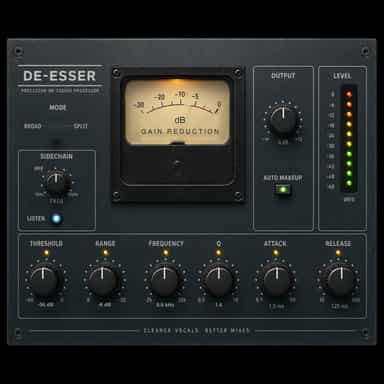
Precision De-Esser
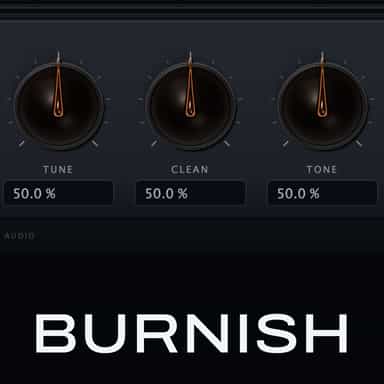
Eight-stage lead vocal chain in one window
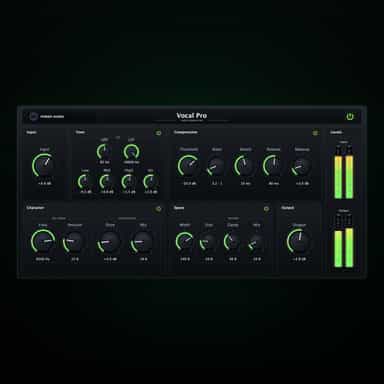
Complete Vocal Processing Channel Strip
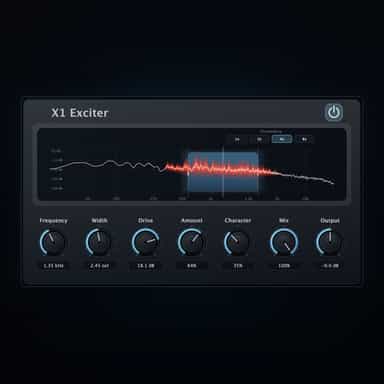
Add Clarity, Presence, and Detail
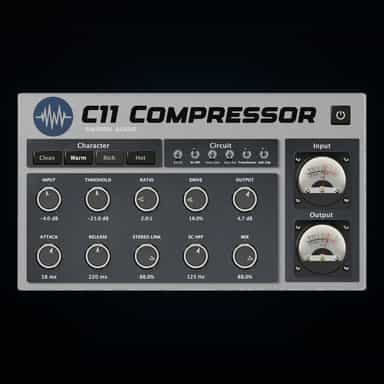
Tube Compression with Weight, Warmth & Control