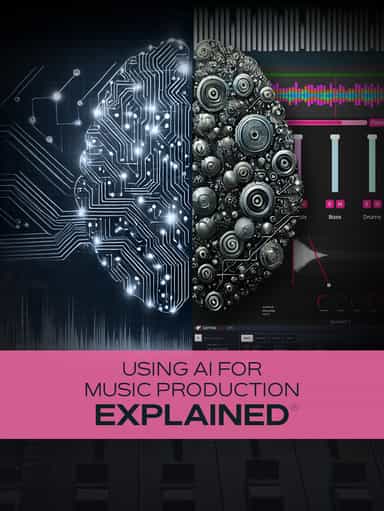
Using AI for Music Production Explained
Create, Remix, and Expand Music Ideas with AI Tools and Plugins
€12.99
“Cubase 10: Editing Audio Explained®” delivers in-depth training on Cubase 10’s audio editing tools and workflow features. In this course, Gary Hiebner walks through essential and intermediate techniques for working with audio tracks and events inside Cubase 10. The training begins by explaining the difference between Audio Tracks and Audio Events, followed by a detailed look at the Pool Window and how to manage your audio files effectively. You’ll then learn how to comp multiple takes to create a polished final performance. Next, the course explores VariAudio for pitch correction, harmonies, and creative effects, along with key commands and shortcuts designed to speed up your workflow. Additional lessons cover Audio Process functions, using plugins as direct offline processors to reduce system load, improved sidechaining methods, and the Audio Alignment Tool for tightening performances. The course concludes with Hit Points for transient detection and conversion to MIDI, along with using the Sampler Instrument to resample Audio Events and create new playable instruments.
Not enough reviews yet
Create, Remix, and Expand Music Ideas with AI Tools and Plugins

Learn EDM Structure, Kick & Bass Design, Builds, Stereo Width & Automation
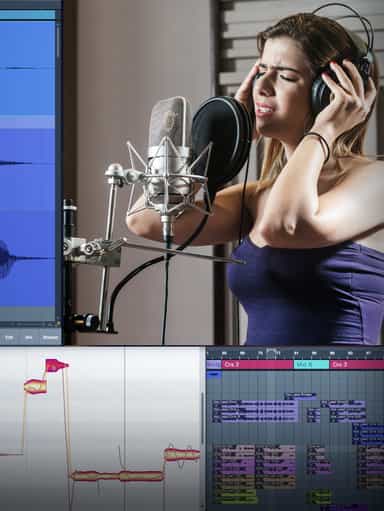
Edit, Comp, Tune, and Produce Professional-Quality Vocals in Your DAW

Analyze Audio, Phase, Transients & Loudness with an Oscilloscope
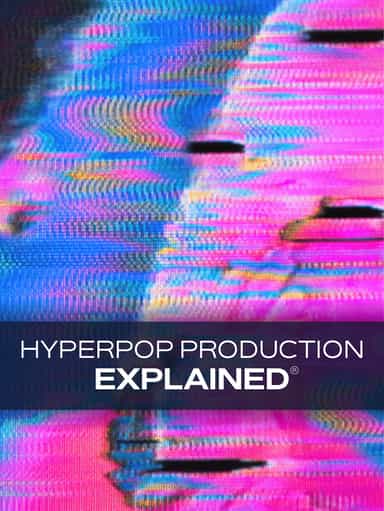
Learn tips on how to create effective HyperPop productions with these informative video tutorials.
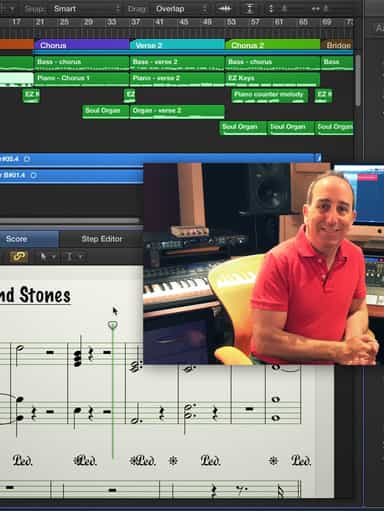
Turn a Song Idea into a Full Band Arrangement & Finished Mix
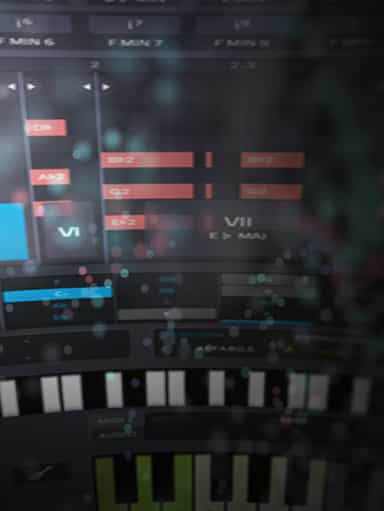
Create Chord Progressions and Arrangements Using Captain Plugins & Scaler 2
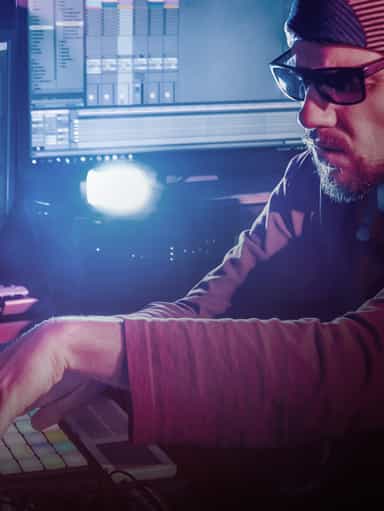
Develop Better Production Skills with Focused Practice Techniques
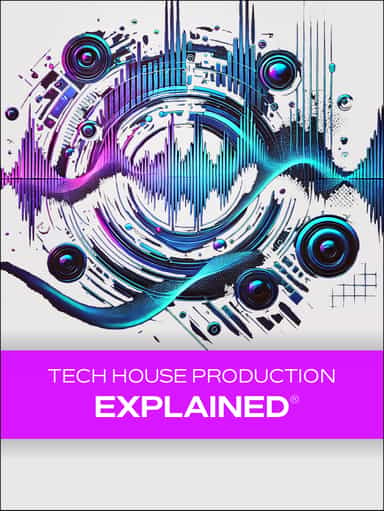
Build, Arrange, Mix & Master a Complete Tech House Track

Recording, Editing & Mixing Audio for Video Inside Pro Tools
Not enough reviews yet