
ARDESS
Spectral de-esser for clear, smooth vocals
€11.99

A lead-vocal chain in one window: tune, clean, shape, compress, color, double, place and ride, with its own scope on every one of the eight stages. Drop a reference record and a fully local analysis proposes settings that sit your voice the way that record sits, and says why, stage by stage.
The vocal chain that takes the record as an input.
A lead-vocal chain in one window: tune, clean, shape, compress, color, double, place and ride, with its own scope on every one of the eight stages. Drop a reference record and a fully local analysis proposes settings that sit your voice the way that record sits, and says why, stage by stage.
The vocal chain that takes the record as an input.


Burnish Vocal Chain brings eight stages of vocal processing into one plugin, from cleanup and tuning through shaping, compression, color, doubling, delay and reverb, to final level control. Clean up noise and breaths, tune the take by picking the key and scale, then shape the tone with five bands of EQ and a de-esser for harsh S sounds. Control dynamics with two compressors, one fast for peaks, one smooth for broader leveling, then add Tape, Tube or Present saturation. Widen the lead with two or four detuned copies, add delay and reverb that duck under the voice, then finish with a loudness rider and safety limiter. To start faster, the PLAY view gives you six knobs, one per part of the chain. Load a reference song and Burnish reads its tone, dynamics, sibilance, space and tuning style, then suggests settings. The analysis runs on your own computer, so your reference audio is not uploaded. Choose TRACK mode for low latency while recording, or MIX for full quality. With 66 factory chains, 12 of them Learn presets that turn on a single stage so you can hear it work, Burnish gives you a complete vocal workflow without stacking separate plugins.
Not enough reviews yet
Spectral de-esser for clear, smooth vocals
Perfect and polish your vocal tracks
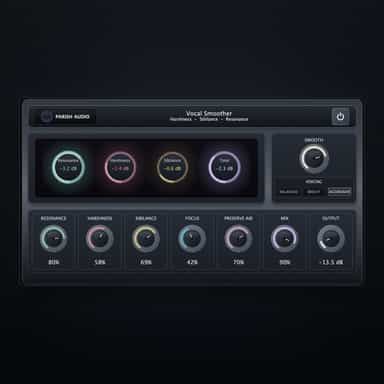
Smooth, Polished Vocals with Natural Control

Suppress harsh resonances while preserving tone
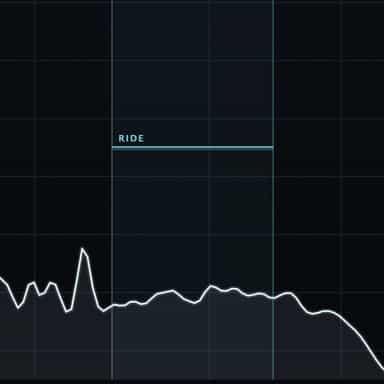
Eases the edge. Rides the performance.
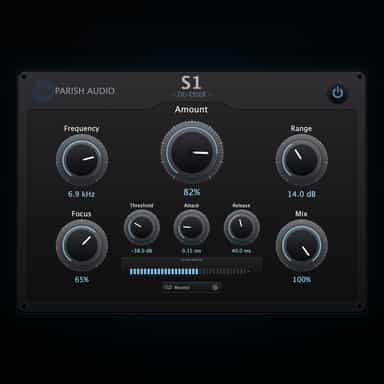
Smooth, Natural Sibilance Control

The simple route to professional vocals
Wide. Broken. Alive
Separate tone, transients and air independently

One sound. Four knobs. Measured.