3.7.1
Best Plugin ever. Save my whole life.

NOTE: Only works with Audacity 3.7.4 to 3.7.9. NOT COMPATIBLE WITH AUDACITY 4 YET. The team is working on it, stay tuned! OpenVino is a powerful collection of AI tools, built specifically for Audacity! Includes high-quality noise suppression, music separation into individual stems, voice transcription, and audio super-resolution.
IMPORTANT: Requires Audacity 3.7.4 to 3.7.9
NOTE: Only works with Audacity 3.7.4 to 3.7.9. NOT COMPATIBLE WITH AUDACITY 4 YET. The team is working on it, stay tuned! OpenVino is a powerful collection of AI tools, built specifically for Audacity! Includes high-quality noise suppression, music separation into individual stems, voice transcription, and audio super-resolution.
IMPORTANT: Requires Audacity 3.7.4 to 3.7.9
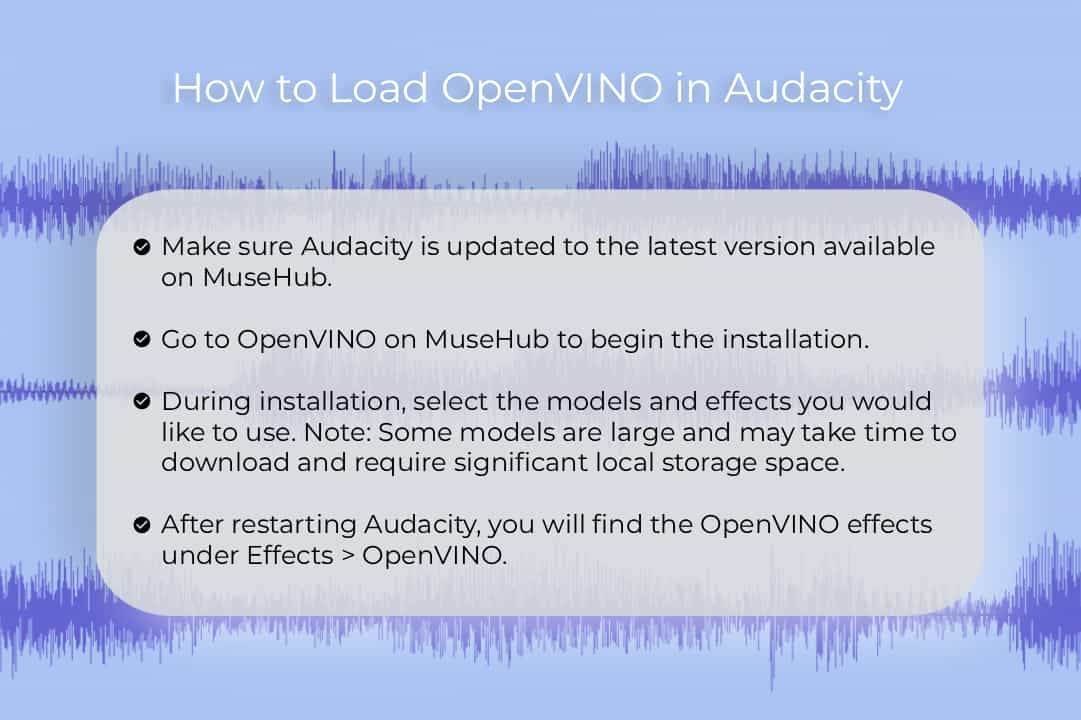
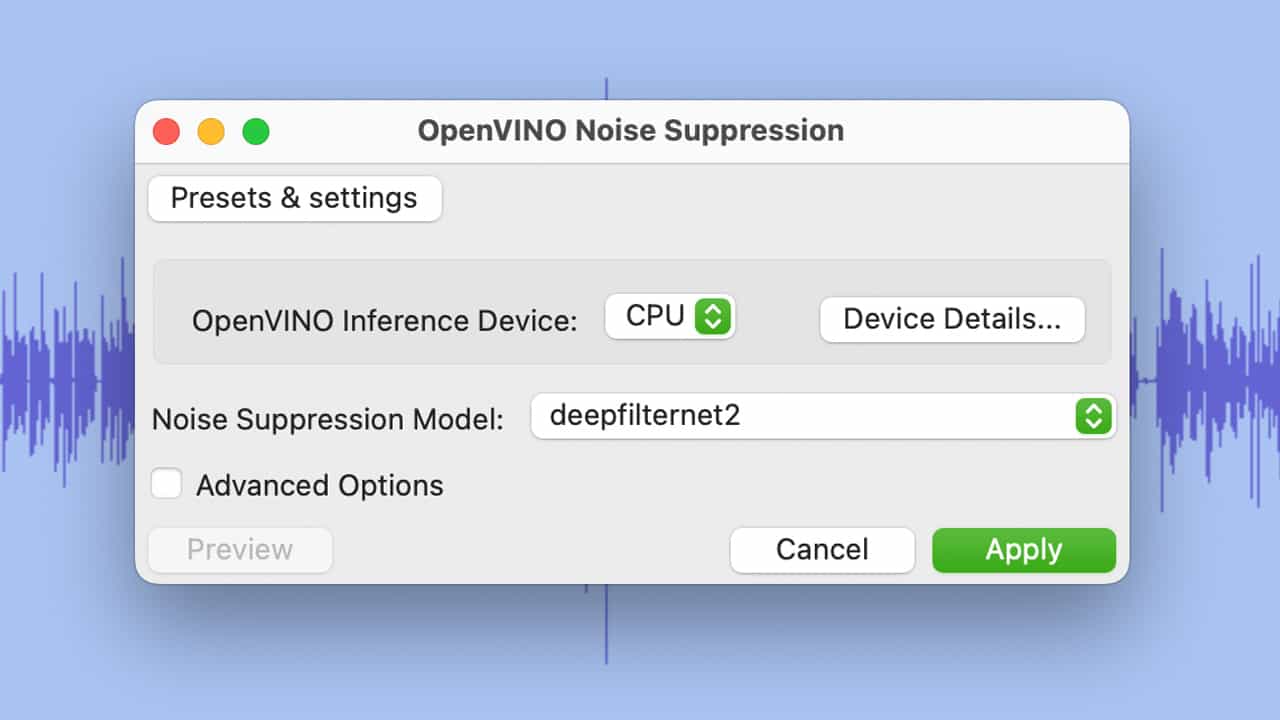
Elevate your Audacity workflow with our suite of powerful tools. Isolate instruments and vocals with Music Separation, transforming any track into individual stems. Clean up your recordings with Noise Suppression, perfect for crystal-clear spoken word. Spark your creativity with Music Generation, crafting unique snippets or extending existing melodies. Effortlessly convert speech to text using Whisper Transcription, and enhance audio quality with Audio Super Resolution. To load OpenVINO in Audacity: • Make sure you have updated Audacity to the latest version available on MuseHub. • Go to OpenVINO on MuseHub to begin the installation. • During installation, select which models and effects you want to use. Note: some models are large and may take time to download and require significant local storage space. • After restarting Audacity, you will find the OpenVINO effects under Effects > OpenVINO. Note: OpenVINO AI is not supported on ARM devices.
Separate tone, transients and air independently

Precise control for gain, pan and routing

Remove background noise in perfect studio quality.

A notepad designed specifically for your DAW
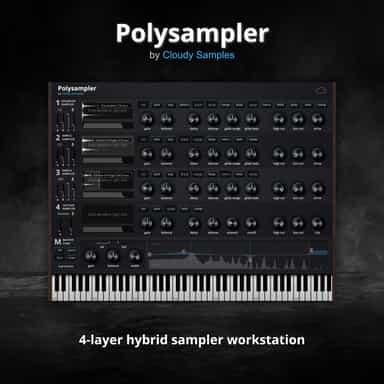
4-Layer Hybrid Sampling Workstation
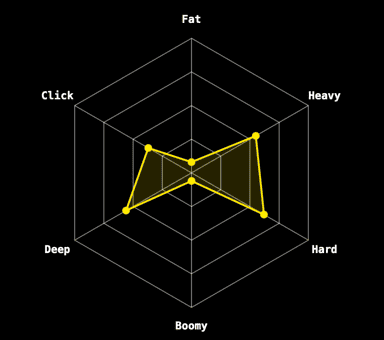
Kick Drum Generator
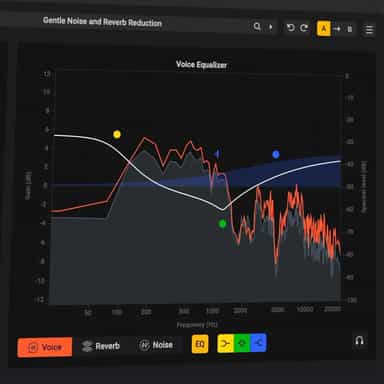
AI Dialogue Cleanup & Restoration
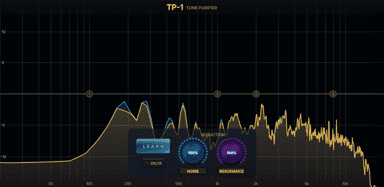
Adaptive Noise Reduction & Resonance Suppressor

Precision dither for final bit-depth conversion

Remove clicks and crackle without losing the sound