
ARSUP
Suppress harsh resonances while preserving tone
$11.99
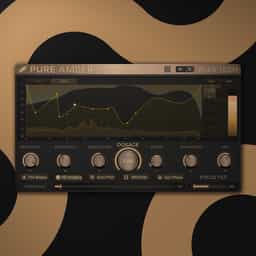
A high-resolution spectral dynamics processor that targets harshness and boxiness without killing the life in your audio. Auto Pilot learns and builds a custom suppression curve. Safe Vitals protects your transients no matter how hard you push. Mid/Side mode turns the whole engine into frequency-selective stereo widening.
Organic Spectral Shaping & Resonance Control
A high-resolution spectral dynamics processor that targets harshness and boxiness without killing the life in your audio. Auto Pilot learns and builds a custom suppression curve. Safe Vitals protects your transients no matter how hard you push. Mid/Side mode turns the whole engine into frequency-selective stereo widening.
Organic Spectral Shaping & Resonance Control
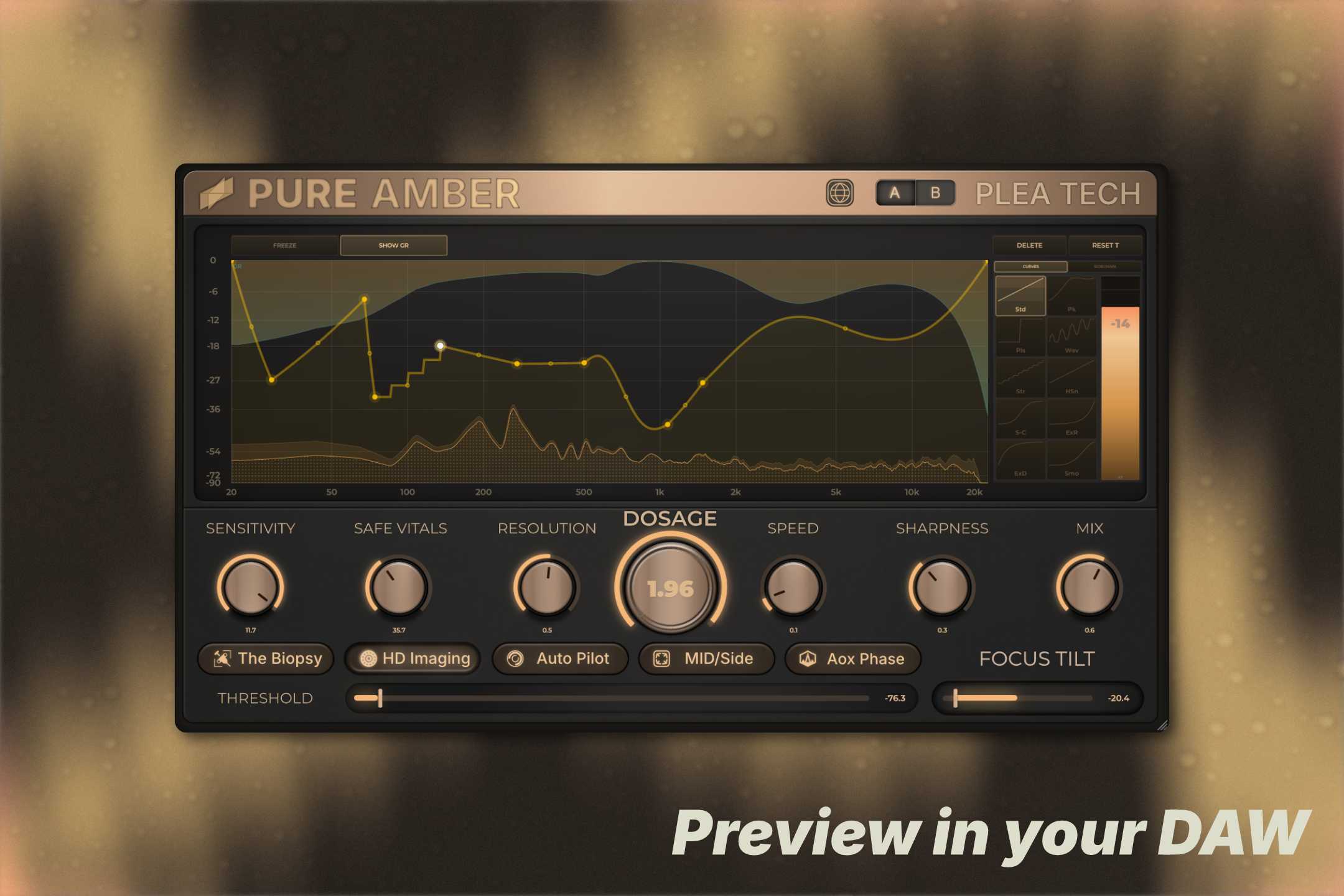
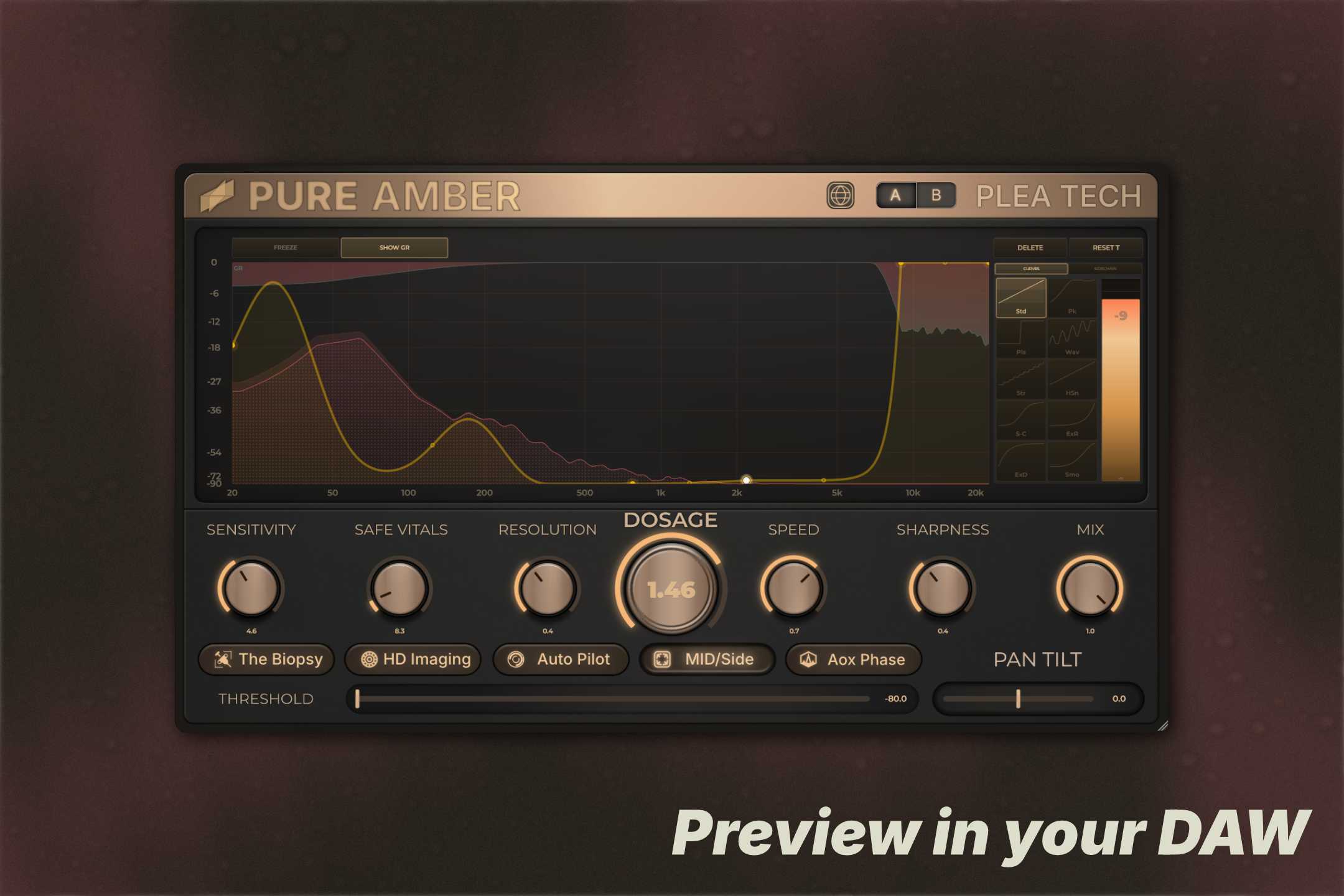
I built Pure Amber because I was tired of resonance suppressors that fixed the problem and killed everything else in the process. The usual workflow: find the harsh frequency, cut it, your mix is technically better, your mix sounds dead. Not a great trade. Pure Amber is a high-resolution spectral dynamics processor. It targets harshness and boxiness, but the whole design is built around keeping the audio sounding like audio made by humans, not like it went through a frequency surgeon. Auto Pilot handles the fast workflow. It's not a simple one-shot analyzer, it's a multi-pass learning engine. It listens to your audio, uses temporal filtering to skip over musical transients, hunts down the persistent resonances that are actually causing problems, builds a custom suppression curve, and applies it. It also double-checks its own work: if a learning pass makes things worse, it rolls back automatically. You can just hit it and move on. If you want manual control, the parameters are actually designed to be useful rather than just giving you a threshold and a ratio: Dosage is your master intensity. Below 1.0 is transparent and calculated. Push it toward 2.0 and you're overdriving the suppression into aggressive tone shaping territory. Sensitivity and Resolution control what the detector reacts to. Lower Resolution catches only the sharpest, most painful spikes. Higher Resolution smooths out wider buildups. Safe Vitals is the one you shouldn't skip. It's a hard ceiling on how deep any single frequency bin can be cut. No matter how hard you push Dosage, your core musical content doesn't get touched. It's the thing that keeps aggressive processing from sounding aggressive. The Biopsy is a true delta mode, you hear exactly what Pure Amber is removing, isolated. Useful for checking your work, or just for being morbidly curious about what was wrong with your audio. Variation Mode addresses something that doesn't get talked about enough: heavy spectral processing can leave digital voids that sound unnaturally still. When things get too sterile, flip on Min Phase / Variation Mode. It injects subtle organic movement, sine wave, random noise, or slow wandering drift, only into the bins that are being actively suppressed. It fills the gaps and keeps aggressive cuts from sounding like aggressive cuts. Switch into Mid/Side mode and the engine changes behavior entirely. Instead of standard L/R suppression, it uses the gain reduction data to drive frequency-selective stereo widening across 8 bands of allpass decorrelation. Mono bass is protected automatically from 0–283Hz while the harsh stuff gets pushed out to the sides. It's a weird feature that works better than it has any right to. The curve editor gives you freeform control over the suppression curve directly on the 30fps spectrum display. Draw your limits, bend the tension handles, choose from 12 curve shapes (bells, sigmoid, steps, and more). If you want to lock the shape and just ride the overall depth, Gain Lock lets you drag the whole curve as one unit. Runs standard or with HD Imaging (2x oversampling) for the cleanest possible processing.
Not enough reviews yet
Suppress harsh resonances while preserving tone

Lunar Resonance Suppressor

Spectral de-esser for clear, smooth vocals
The first-call EQ.
Precision EQ with Harmonic Saturation
The hassle-free & most flexible stereo plug-In

Separate tone, transients and air independently
Tight, balanced low end for vocals

Simple, powerful multi-band compressor
Punch up your electric guitar and synth leads