Halo Reverb
Eight spaces. One curve of light.

173 real captured acoustic spaces on an open grid. Drag up to four at once and fuse them with 7 blend operators: Layer, Series, Carve, Morph, Shimmer, Scatter, Split.
Build impossible rooms from real spaces.
173 real captured acoustic spaces on an open grid. Drag up to four at once and fuse them with 7 blend operators: Layer, Series, Carve, Morph, Shimmer, Scatter, Split.
Build impossible rooms from real spaces.
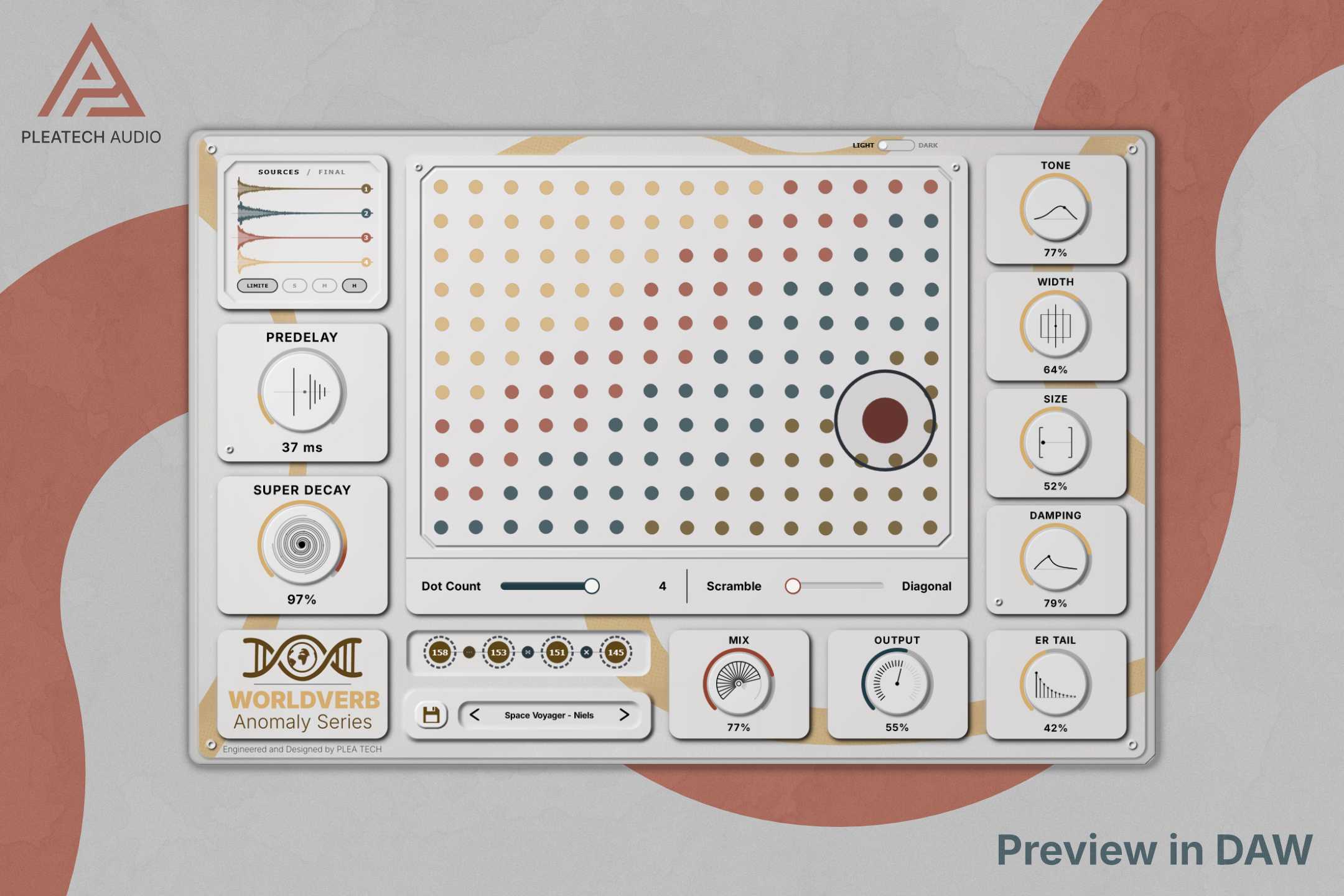
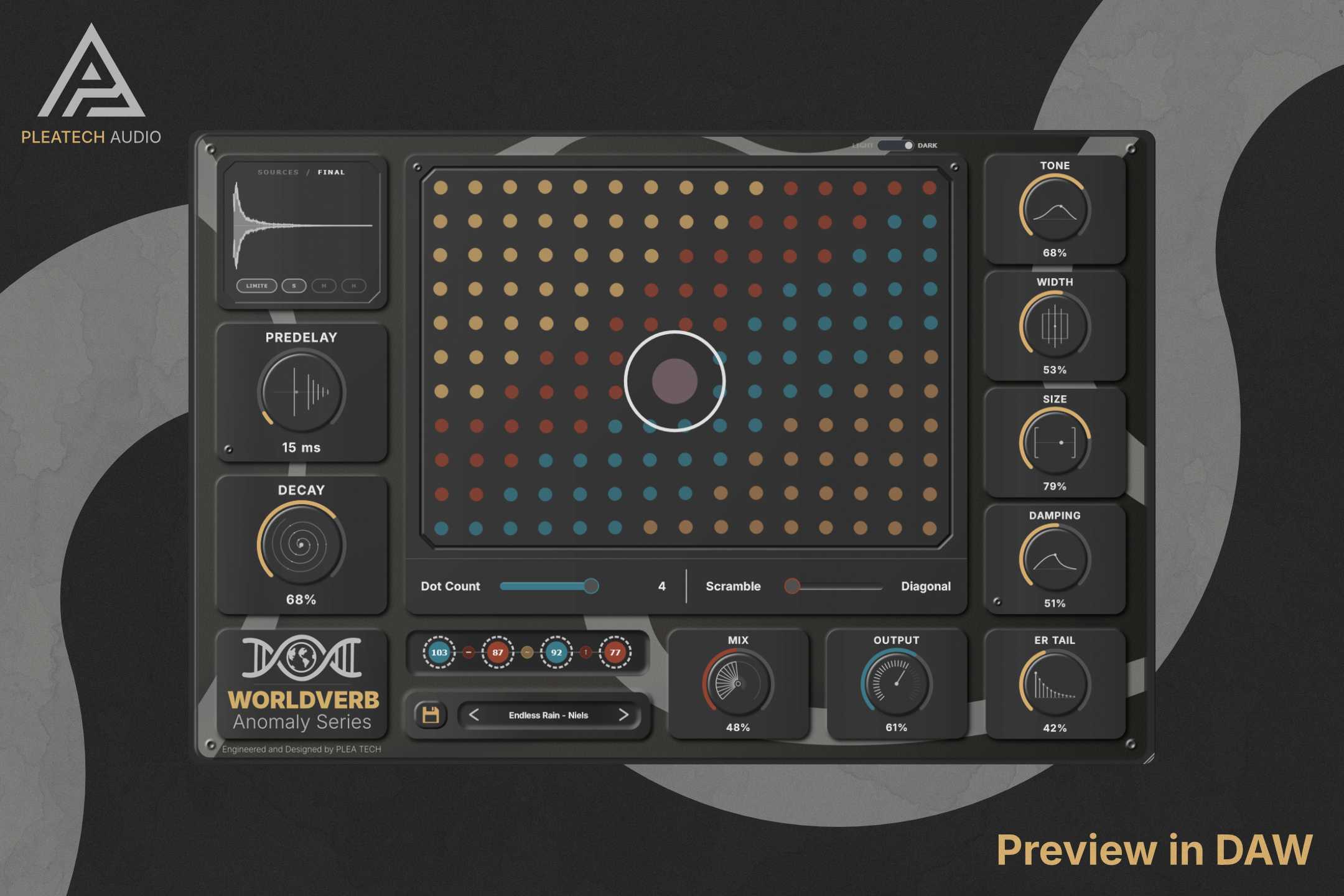
Most reverbs give you a dropdown. You scroll through room names, pick one, tweak the decay, done. Which is fine if you already know exactly what you want. But if you're trying to find something, or build something that doesn't exist in any real room, a dropdown is a pretty bad interface for that. WorldVerb starts with 173 real, captured acoustic spaces laid out on an open grid. You drag a ring across the map, grab up to four of them at once, and then decide how they interact. Not just layered on top of each other, actually combined at the DSP level using seven blend operators, each one doing something structurally different. Layer stacks them traditionally. Series feeds one room directly into the next, so the tail of the first space is what enters the second, a room inside a room. Carve spectrally subtracts overlapping frequencies so the two spaces don't fight for the same bands. Morph crossfades from one acoustic environment to the next over the length of the tail. Shimmer shifts one space up an octave before feeding it through the other. Scatter explodes one room into granular particles and distributes them across the other's timeline. Split gives one space the lows and the other the highs. You're not selecting a preset. You're designing an acoustic space that has never existed, a parking garage fed through a cathedral fed through something shimmer-shifted up an octave. Whatever sounds interesting. The grid is just the starting point. The Merge Rack handles the chain. Drag nodes to reorder spaces, scroll the mouse wheel over any node to adjust its discrete mix level, right-click to swap. The sculpting knobs: Size, Decay, Damping, ER Tail, Predelay, Tone, Width, Output, Mix, handle the final shaping without getting in the way of the design process. When you land on something good, the waveform visualizer at the bottom shows exactly where each space lives in the tail, color-coded by source. Drag it straight out of the plugin and it renders as a WAV file you can drop into your DAW or sampler. There's also a Self-Transform slot for when you're working with a single space: run it normally, convolve it with itself for extra depth, or create a delayed twin copy. It's one of those things that sounds strange until you hear it. The Merged Limiter has Soft, Medium, and Hard settings to catch anything volatile when you stack unusual combinations. Some rooms, when fed into each other through Scatter, produce genuinely unexpected behavior. The limiter is there so your speakers find out after you do.
Not enough reviews yet
Eight spaces. One curve of light.
SPACE PROCESSOR
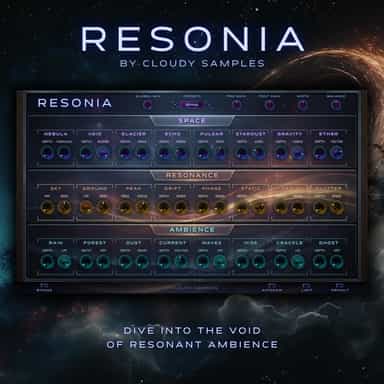
Dive into the void of resonant ambience.
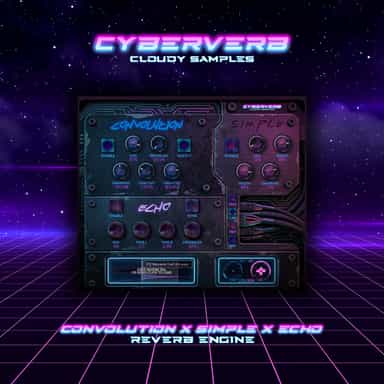
3-Mode Reverb Engine
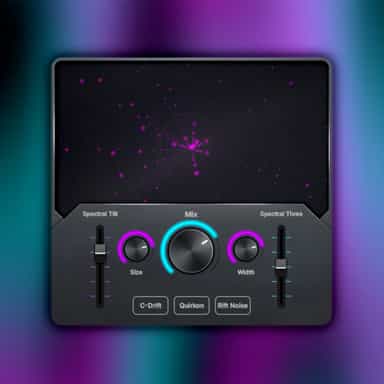
Turn simple sounds into vast atmospheres.

10 band parametric EQ for sound design
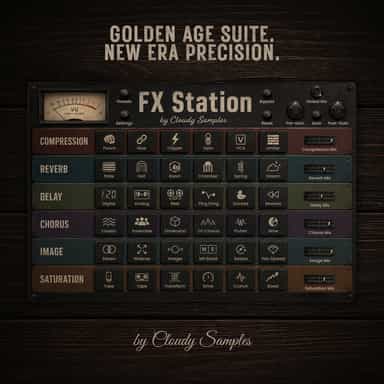
Golden Age Suite. New Era Precision.

Animistic Performance Reverb
Next-Gen Reverb Plugin

Flexible delay effector