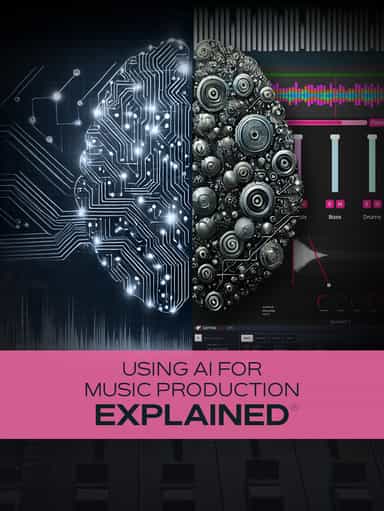
Using AI for Music Production Explained
Create, Remix, and Expand Music Ideas with AI Tools and Plugins
₩19,000
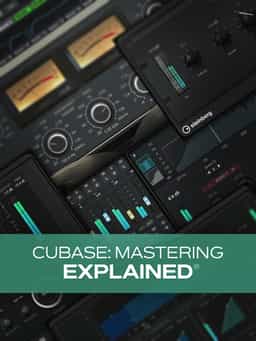
Learn how to master your tracks in Cubase using built-in processors like EQ, compression, saturation, stereo imaging, and limiting, along with reference tracks, LUFS metering, and stem mastering workflows.
2 hr · Gary Hiebner
Learn how to master your tracks in Cubase using built-in processors like EQ, compression, saturation, stereo imaging, and limiting, along with reference tracks, LUFS metering, and stem mastering workflows.
2 hr · Gary Hiebner
“Cubase: Mastering Explained®” provides a structured walkthrough of the mastering process inside Cubase. In this course, Gary Hiebner demonstrates how to move from a finished mix to a completed master using Cubase’s stock plug-ins, along with optional third-party tools. The course begins with preparing your mix for mastering, setting up a Cubase mastering session, and exporting your mixdown properly. From there, you’ll build a mastering chain using EQ, compression, saturation, stereo imaging, and limiting. Specific tools covered include Frequency 2, Quadrafuzz, Magneto II, Imager, Squasher, VintageCompressor, and Black Valve. Additional lessons explore single-band and multiband compression, stem mastering workflows, LUFS metering and export settings for streaming platforms, in-project mastering, and comparing results against reference tracks. By the end, you’ll understand how to structure a mastering session in Cubase and apply its built-in processors to finalize your tracks.
Ratings temporarily unavailable
Create, Remix, and Expand Music Ideas with AI Tools and Plugins

Learn EDM Structure, Kick & Bass Design, Builds, Stereo Width & Automation
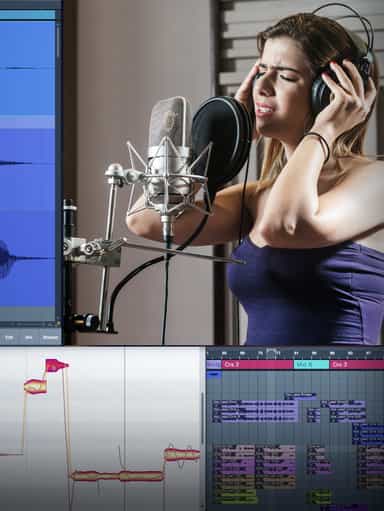
Edit, Comp, Tune, and Produce Professional-Quality Vocals in Your DAW
Learn tips on how to create effective HyperPop productions with these informative video tutorials.

Analyze Audio, Phase, Transients & Loudness with an Oscilloscope
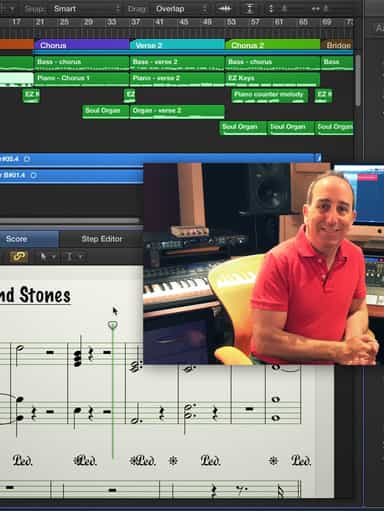
Turn a Song Idea into a Full Band Arrangement & Finished Mix
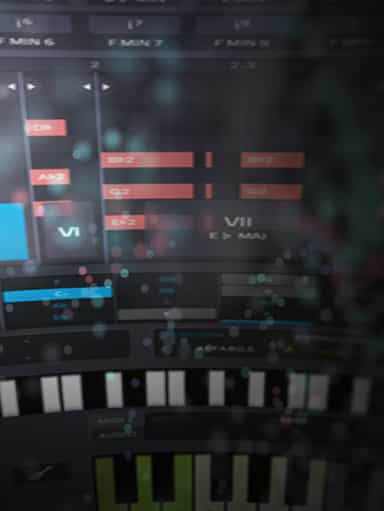
Create Chord Progressions and Arrangements Using Captain Plugins & Scaler 2
Develop Better Production Skills with Focused Practice Techniques
Build, Arrange, Mix & Master a Complete Tech House Track

Recording, Editing & Mixing Audio for Video Inside Pro Tools
Ratings temporarily unavailable