
MuseHub is the official distribution channel for Audacity by Muse Group — download the genuine app and its MuseHub-powered effects here.

Audacity 4

Audacity 4

Audacity is extremely popular for podcasting, music recording, and sound editing. The software supports a wide range of audio formats and is extensible through plugins, making it a versatile choice for both beginners and experienced audio professionals.

Free
Developer
Platforms
macOSWindows
Release date

Previews

Audacity works better with cloud storage

With audio.com you get Cloud Storage for your Audacity projects, audio hosting and much more.

Try for Free

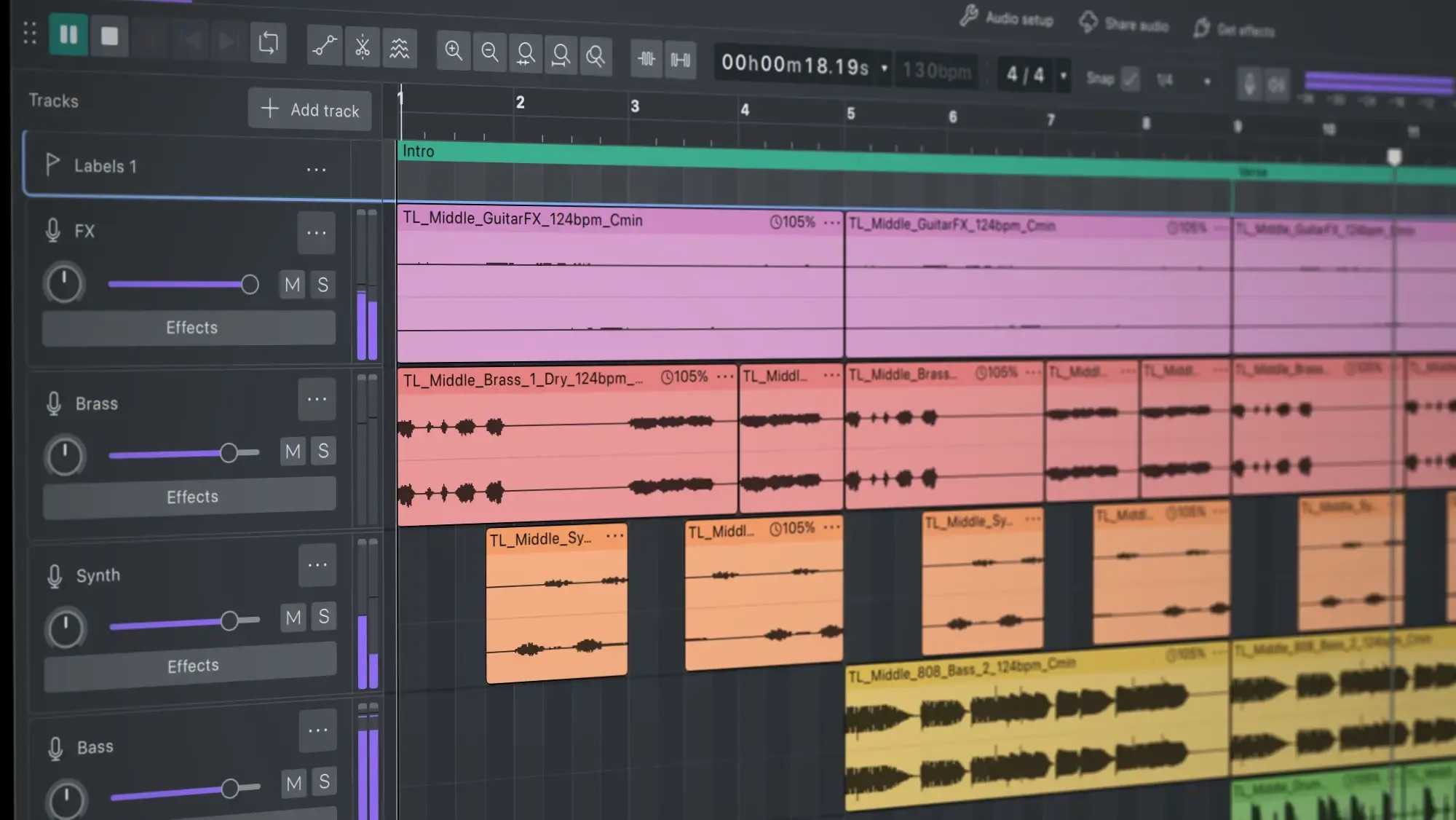
Audacity 4 is a modern, open-source audio editor built for recording, editing, restoring, and producing audio. Featuring a redesigned interface, customizable workspaces, cloud integration, and rebuilt effects, it streamlines everyday audio workflows for music production, podcasting, voiceovers, and video editing. The updated editing experience introduces gain envelopes, trim and stretch handles, markers, loop regions, direct sample editing, and per-track metering, while customizable themes, accent colors, and workspaces let you tailor the interface to your workflow. Audacity 4 also supports LV2, VST3, and Audio Unit plugins, opens Audacity 3 projects natively, and integrates directly with MuseHub for discovering effects, instruments, and sound libraries. A handful of things from Audacity 3 aren't coming with us: Tempo tracks, LADSPA, and Vamp analyzers won't be in Audacity 4.

What Audacity 4 offers

Modern Editing Workflow: Edit faster with gain envelopes, trim and stretch handles, direct sample editing, and loop regions
Customizable Interface: Personalize workspaces, themes, accent colors, clip colors, and toolbar layouts
Built-In Audio Tools: Record, edit, restore, and mix music, podcasts, voice recordings, and audio for video
Cloud Integration: Save, manage, and publish projects directly through audio.com
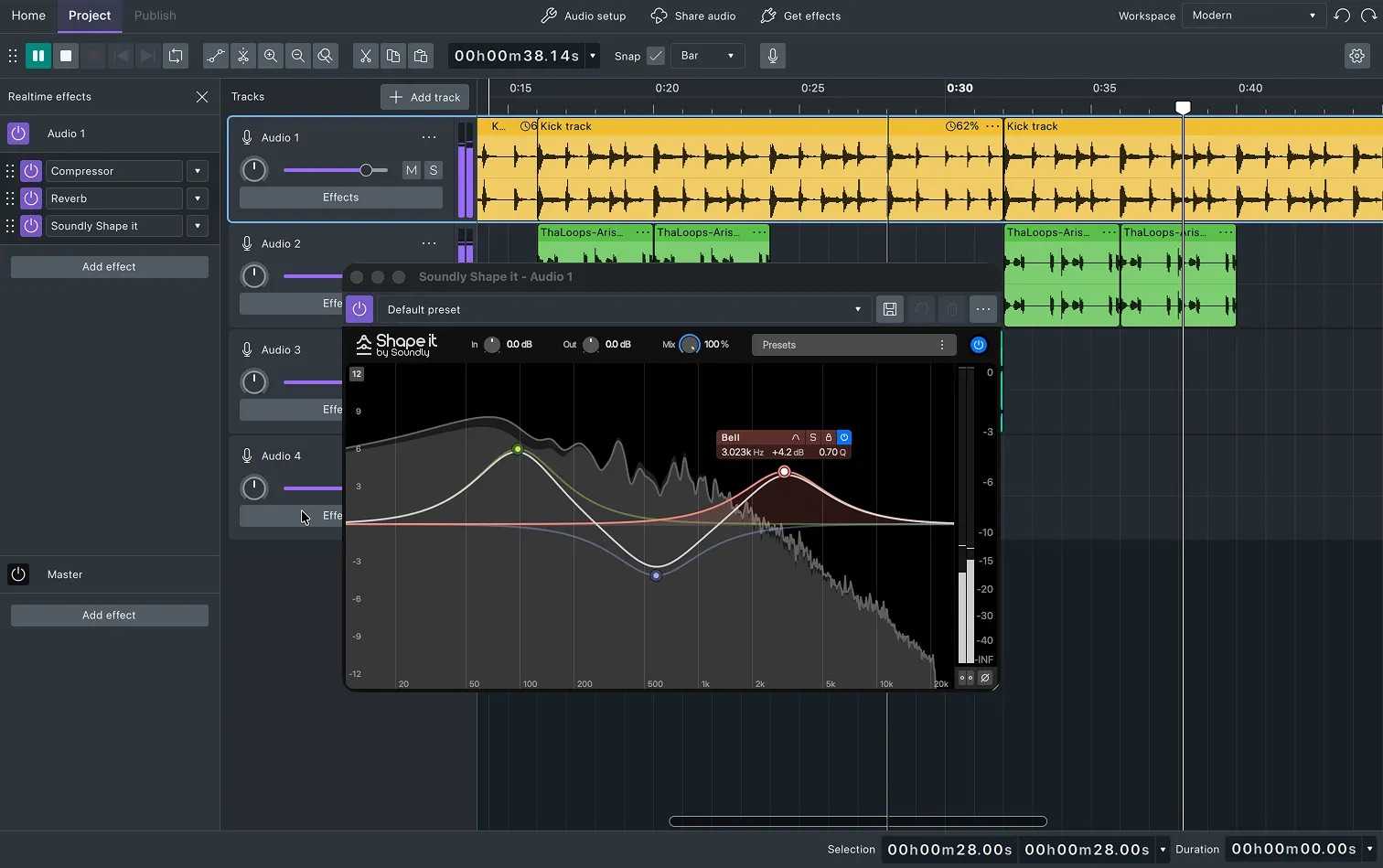
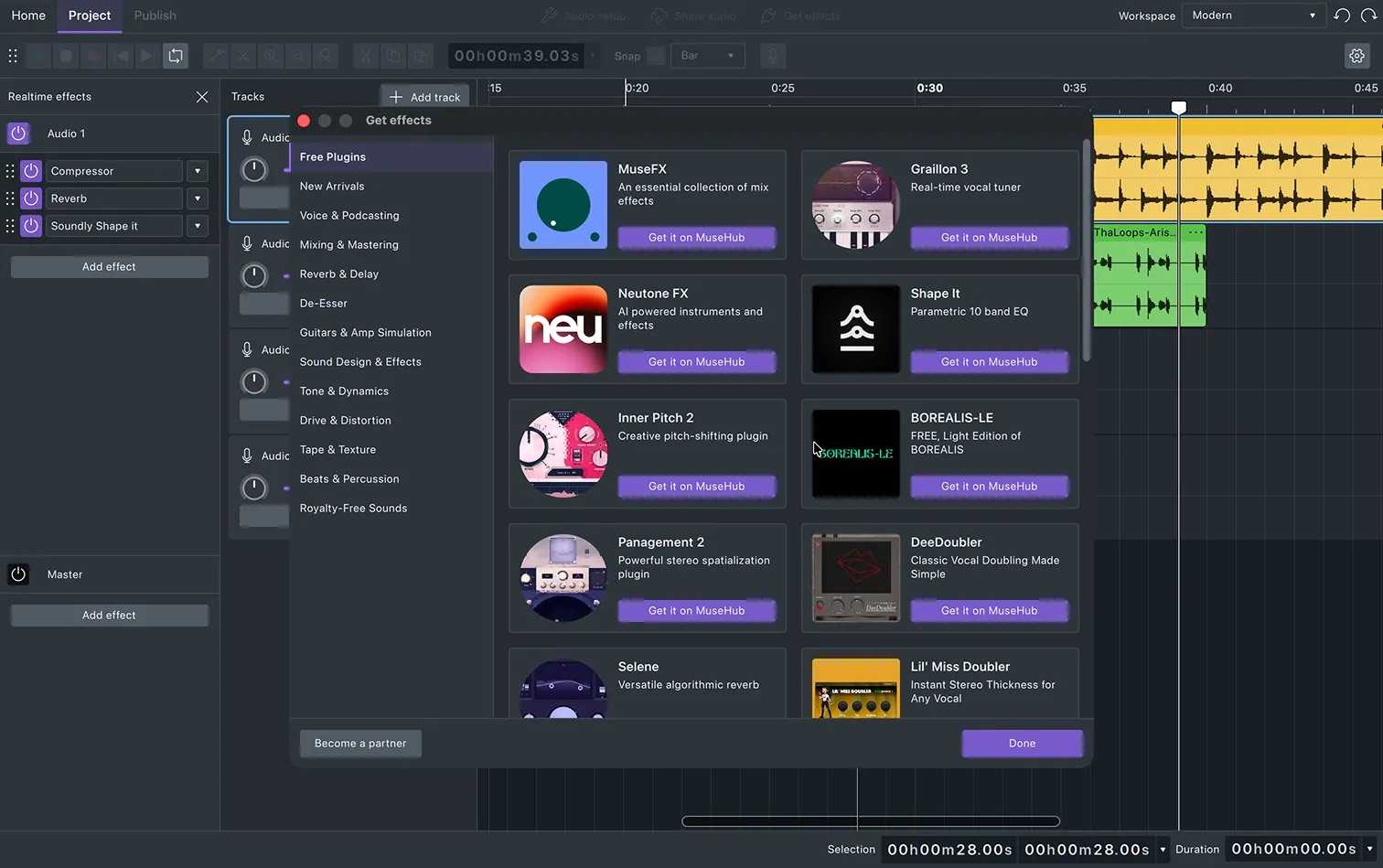
Plugin Support: Use LV2, VST3, and Audio Unit plugins, including thousands of effects from MuseHub
Cross-Platform Compatibility: Available free for Windows, macOS, and Linux with native support for Audacity 3 project files

What’s new

  • Audacity 4.0.1 is a patch release. It brings back some Audacity 3 features and fixes many bugs.
  • New features: Export Multiple, the missing Audacity 3 shortcuts are back, and "Open in file manager" on the Cloud projects tab (#11136, #11932, #12062, #11801)
  • Accessibility: the rulers are now in keyboard navigation, focus moves to "Add effect" when the Effect panel opens, and timecode controls behave consistently (#11368, #11367, #11416, #10876)
  • Interface and languages: shortcuts now save, more languages are available, the meter range is translated, and the EQ slider readout and Gain/Volume tooltips work again. (#11903, #11945, #11940, #11841, #10410, #12108, #11247)
  • Non-English file and folder names: projects and audio files with Cyrillic, Japanese, accented or other non-ASCII characters now open on the first try, and presets with Unicode symbols now save (#11973, #11976, #12004, #12057, #8267)
  • Saving, opening and exporting: fixed project corruption on save errors, broken clips after aup3 → aup4 conversion, "New project" not starting, drag-and-drop onto the app icon, case-sensitive file filters, truncated export file names, and an alert when cancelling label import (#12296, #12209, #11468, #11961, #11966, #10387)
  • Crashes: the Effect menu with German language, the plugin scan on launch, and a Bluetooth devices crash (#12025, #11427)
  • Effects and plugins: VST3 settings no longer revert on playback, all effect fields accept input (including values above 9,999), and copied clips no longer share effect states (#11892, #11643, #11668, #12187)
  • Editing and playhead: smoother clip and label movement, duplicated clips no longer disappear, labels are placed correctly and can be renamed right away, the playhead stays accurate above 120 BPM and can't go before 0, and the view no longer jumps unexpectedly (#12097, #12081, #11682, #10083, #11925, #11397, #11148, #12013, #11972, #11145)
  • Audio devices: the selected input device is now respected on Windows, and the "-9996 Invalid device" error is fixed (#12107, #12070)
  • Cloud (audio.com): uploads resume after reconnecting, mono audio stays mono, failed opens and overwrite errors on macOS are fixed, the audio preview works, and the redundant sync dialog is gone (#11609, #12155, #11374, #11460, #11568, #11373)
  • Thank you, community
  • This release includes contributions from Jonatã Bolzan Loss (@jonata), Ken Friis Larsen (@kfl), Riccardo Campo (@RiccardoCampo), @danielmolinas and Joshua Brest (@JoshBashed).
4.0.1

FAQ

Reviews

60% (10)

You may also like