
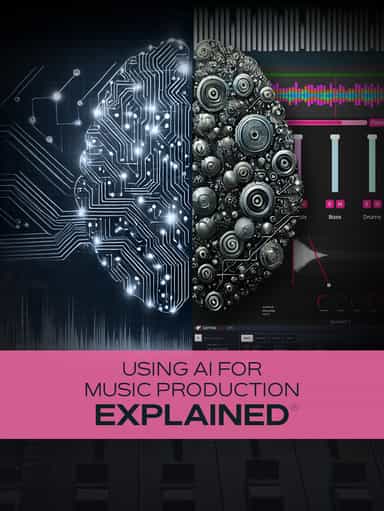
Using AI for Music Production Explained
Create, Remix, and Expand Music Ideas with AI Tools and Plugins
$12.99
“Audio for Video with Pro Tools” explores the workflow and techniques required to produce audio for video using Pro Tools. In this course, Victor Giordano demonstrates the processes involved in recording, editing, routing, and mixing audio specifically for video projects. The training begins with building templates designed for video work, followed by advanced routing and mixing techniques used to create layback tracks and mixing stems. You’ll learn how to import QuickTime video into Pro Tools, place and edit sound effects, and manage sessions efficiently. Additional lessons cover mixing standards, exporting master files for delivery, and preparing sessions for studios and networks. The course is designed for intermediate to advanced Pro Tools users looking to expand into audio-for-video production.
Not enough reviews yet
Create, Remix, and Expand Music Ideas with AI Tools and Plugins

Learn EDM Structure, Kick & Bass Design, Builds, Stereo Width & Automation
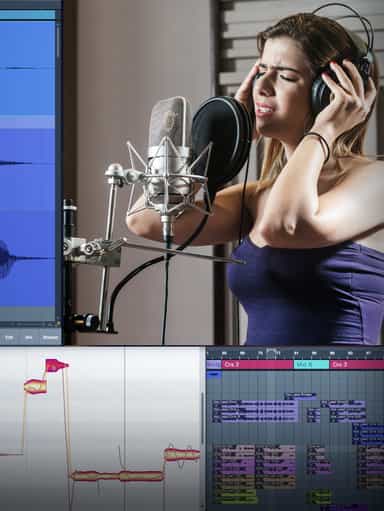
Edit, Comp, Tune, and Produce Professional-Quality Vocals in Your DAW

Analyze Audio, Phase, Transients & Loudness with an Oscilloscope
Learn tips on how to create effective HyperPop productions with these informative video tutorials.
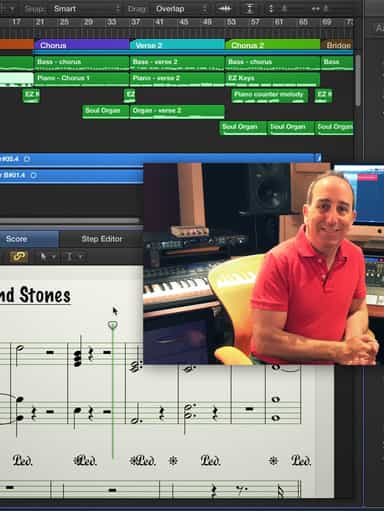
Turn a Song Idea into a Full Band Arrangement & Finished Mix
Create Chord Progressions and Arrangements Using Captain Plugins & Scaler 2
Develop Better Production Skills with Focused Practice Techniques
Build, Arrange, Mix & Master a Complete Tech House Track
Modern Vocal Effects and Creative Processing Techniques for Contemporary Productions
Not enough reviews yet