Evil Twin
Wide. Broken. Alive
€2.99 €3.99
Multiplier creates convincing doubled layers from a single performance, adding width, depth, and movement without requiring additional takes. Shape the effect with Spread, Depth, Timing, and Humanize controls for anything from subtle thickening to obvious multi-layered textures.
Natural Doubling, Width, and Movement
Multiplier creates convincing doubled layers from a single performance, adding width, depth, and movement without requiring additional takes. Shape the effect with Spread, Depth, Timing, and Humanize controls for anything from subtle thickening to obvious multi-layered textures.
Natural Doubling, Width, and Movement
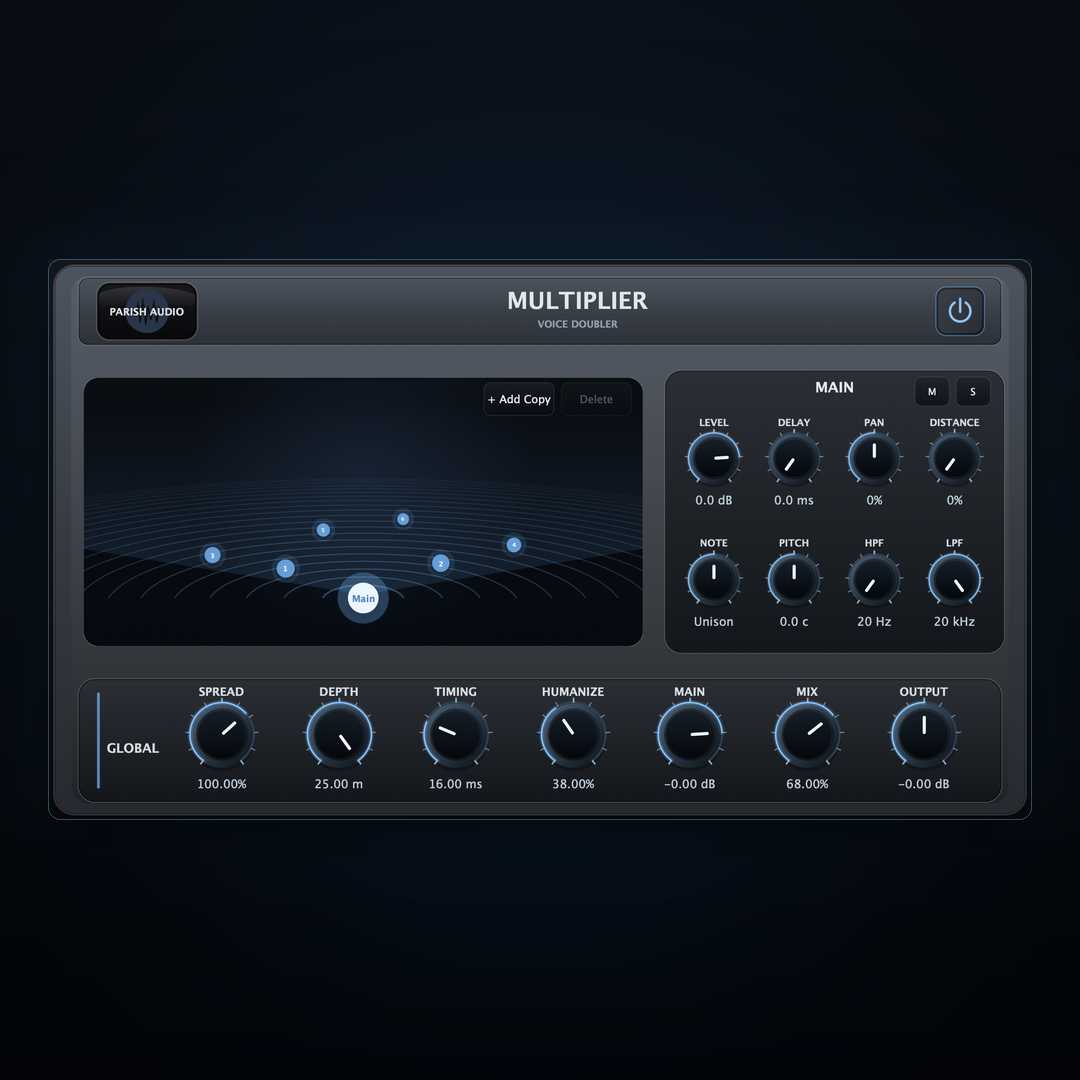
One of the reasons real double tracking sounds so effective is that the performances are never perfectly identical. Small differences in timing, pitch, tone, and placement prevent the layers from collapsing into one louder version of the same sound. Instead, the ear hears width, depth, and dimension. Multiplier is built around that idea. Starting with a single performance, Multiplier lets you create additional copies and shape each one independently. Slightly offset the timing, move copies across the stereo field, change their level, alter pitch, filter their tone, or move them farther back in the perceived space. The result can range from a nearly invisible layer of support to a large, wide stack that feels like multiple performances. The global Spread control expands the copies across the stereo field, while Timing and Humanize introduce the small variations that help keep the layers from sounding mechanically identical. Depth controls how far the generated voices can be placed in the virtual space, helping create separation between the original signal and the added copies. Each generated voice can also be edited individually. Adjust its Level, Delay, Pan, and Distance, tune it in semitones or cents with Note and Pitch, and use the HPF and LPF controls to keep every layer in its own tonal space. Voices can be muted or soloed while building the effect. Multiplier supports up to eight generated copies, giving you enough flexibility for simple doubling, wide vocal stacks, guitar layering, synthetic ensembles, or more experimental spatial effects. For quick results, start with a few copies and let the global controls create natural variation. For more detailed work, select individual voices in the visual stage and shape each one separately. Multiplier works especially well on vocals, guitars, synths, and other sources that feel too narrow or one-dimensional. It can add body to a lead without relying on EQ or compression, create width without simply turning up the level, and turn one recorded part into something that occupies much more space in the mix. The goal is simple: make a single performance feel larger, wider, and more dimensional without making it sound like a pile of identical copies. Multiplier works especially well on vocals, guitars, synths, keys, and other melodic sources. It can be used to add size to a lead vocal, create wider backing layers, thicken guitars, or give synth parts more movement and dimension without recording multiple takes. Whether used lightly for reinforcement or pushed for a more obvious production effect, Multiplier provides a quick way to add width, depth, and layered character while keeping the original performance at the center.
Not enough reviews yet
Wide. Broken. Alive
Movement with a mind of its own.
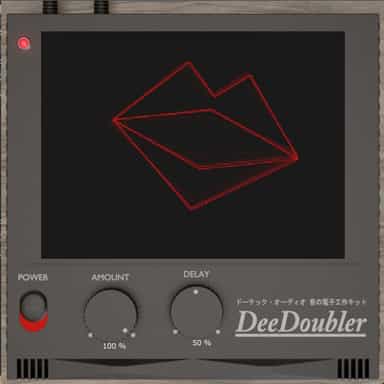
Classic Vocal Doubling Made Simple
Mono-safe chorus for wider, richer sound
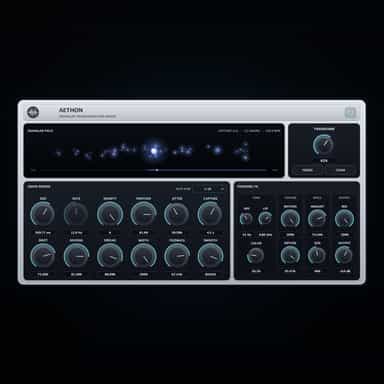
A Granular FX Engine for Movement and Texture
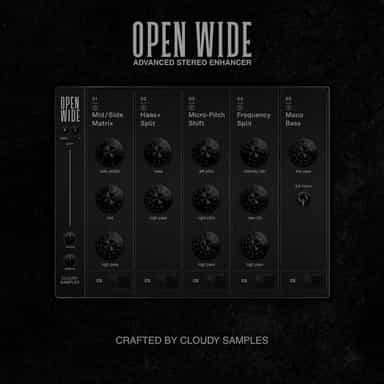
Stereo manipulation and mastering processor

Three phasers. No straight lines.
Stereo Imaging & Creative Panning

The vocal chain that takes the record as an input.
Analog Mastering Engine
Not enough reviews yet