Using AI for Music Production Explained
Create, Remix, and Expand Music Ideas with AI Tools and Plugins
NOK 124
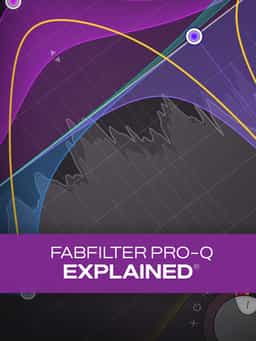
"FabFilter Pro-Q Explained®" provides a comprehensive guide to FabFilter Pro-Q 2, 3, and 4. In this course, Eli Krantzberg walks through the interface, workflow, and key features of these EQ plugins, demonstrating how they can be used for sound design, mixing, and mastering. The training begins with a tour of the interface before exploring everyday workflow features, including creating, selecting, editing, and soloing EQ bands. You'll then examine more advanced capabilities such as Keyboard Quantize, Spectrum Analyzer and Spectrum Grab, and the EQ Match function. Next, the course covers Tilt and Band Pass filter shapes, variable EQ functions, Mid/Side processing, Auto Gain, and Natural Phase Processing Mode. You'll also learn about the preset management and display options available throughout the plugin. The series concludes with an overview of the features and functions introduced in Pro-Q 3 and Pro-Q 4, helping you understand the additions available in the newer versions.
Not enough reviews yet
Create, Remix, and Expand Music Ideas with AI Tools and Plugins

Learn EDM Structure, Kick & Bass Design, Builds, Stereo Width & Automation
Edit, Comp, Tune, and Produce Professional-Quality Vocals in Your DAW
Analyze Audio, Phase, Transients & Loudness with an Oscilloscope
Learn tips on how to create effective HyperPop productions with these informative video tutorials.
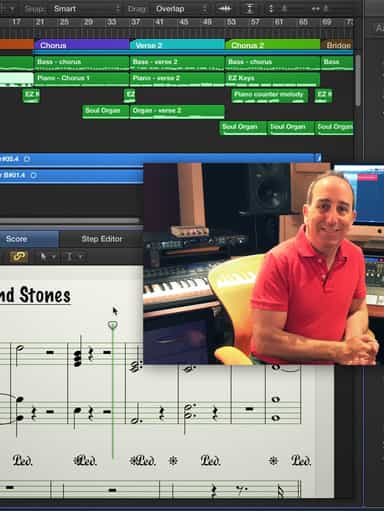
Turn a Song Idea into a Full Band Arrangement & Finished Mix
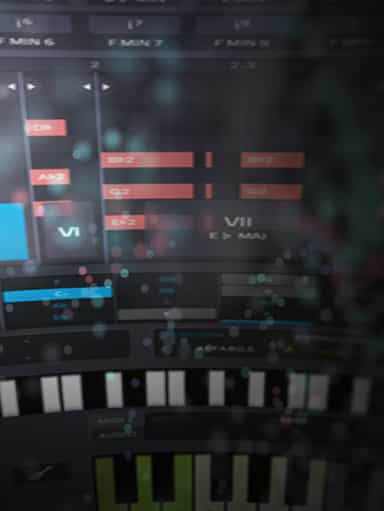
Create Chord Progressions and Arrangements Using Captain Plugins & Scaler 2
Develop Better Production Skills with Focused Practice Techniques
Build, Arrange, Mix & Master a Complete Tech House Track

Recording, Editing & Mixing Audio for Video Inside Pro Tools
Not enough reviews yet