-83%
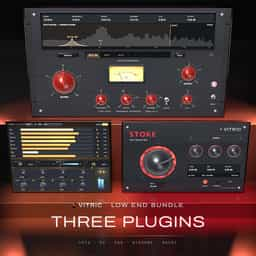
The Low End Bundle
Weight, glue and heat for the bottom of the record.
PLN 99.99 PLN 599.99

A sub bass generator for 808s, bass and kicks. Plinth finds the notes in your low end and adds a clean sub an octave below, so thin parts gain weight.
Adds deep sub bass under 808s and kicks
A sub bass generator for 808s, bass and kicks. Plinth finds the notes in your low end and adds a clean sub an octave below, so thin parts gain weight.
Adds deep sub bass under 808s and kicks
Weight, glue and heat for the bottom of the record.

Thirteen plugins. One collection.
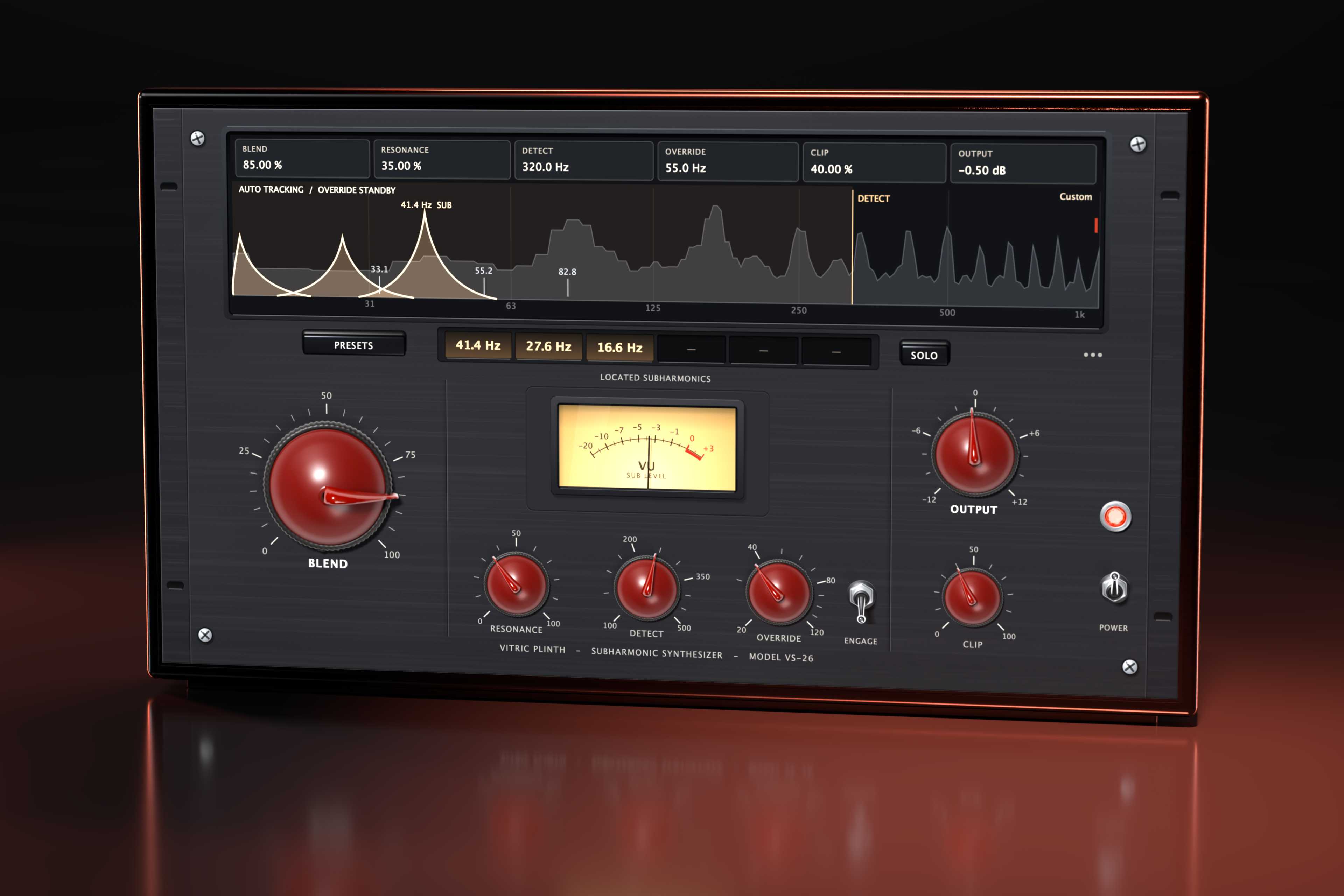
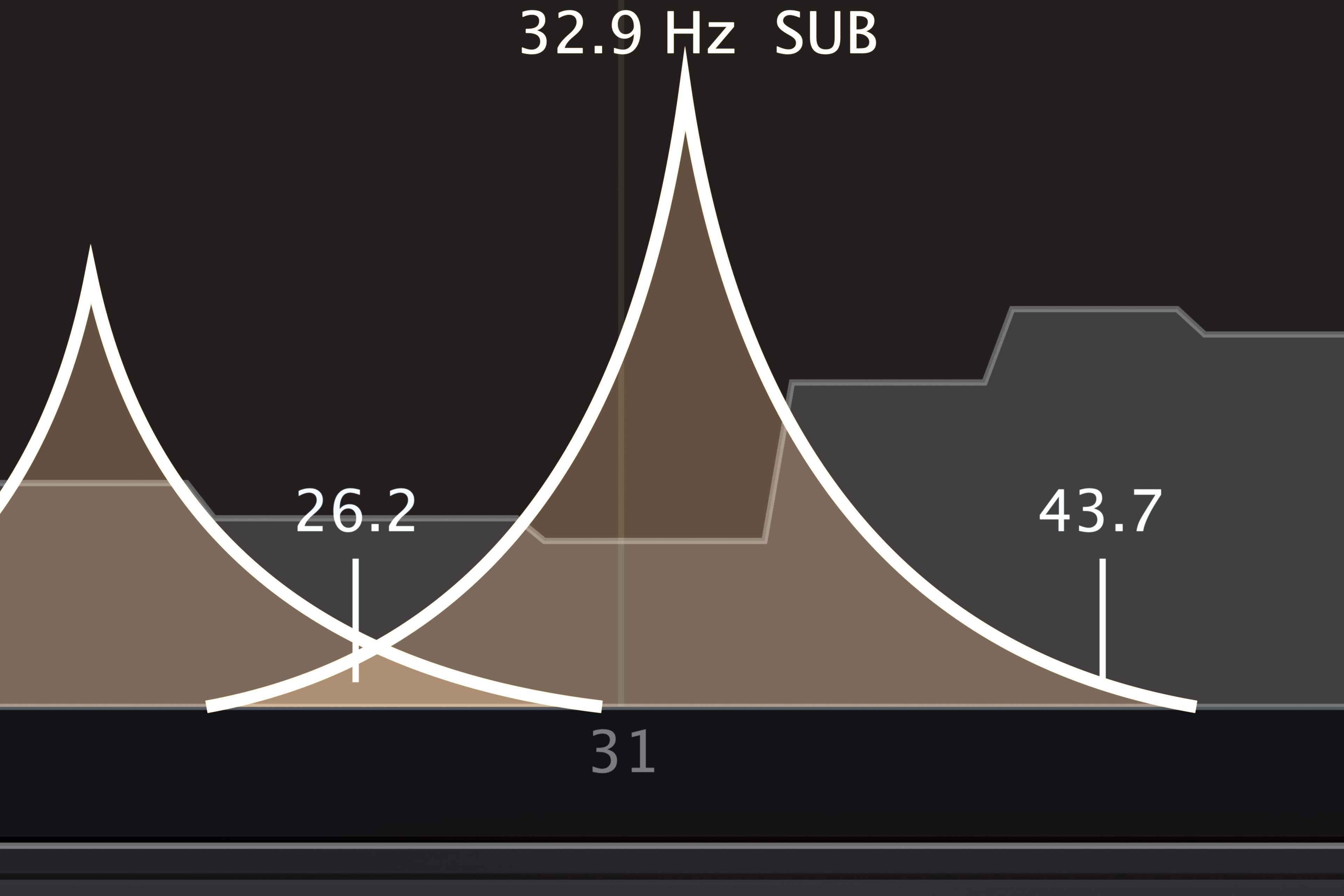
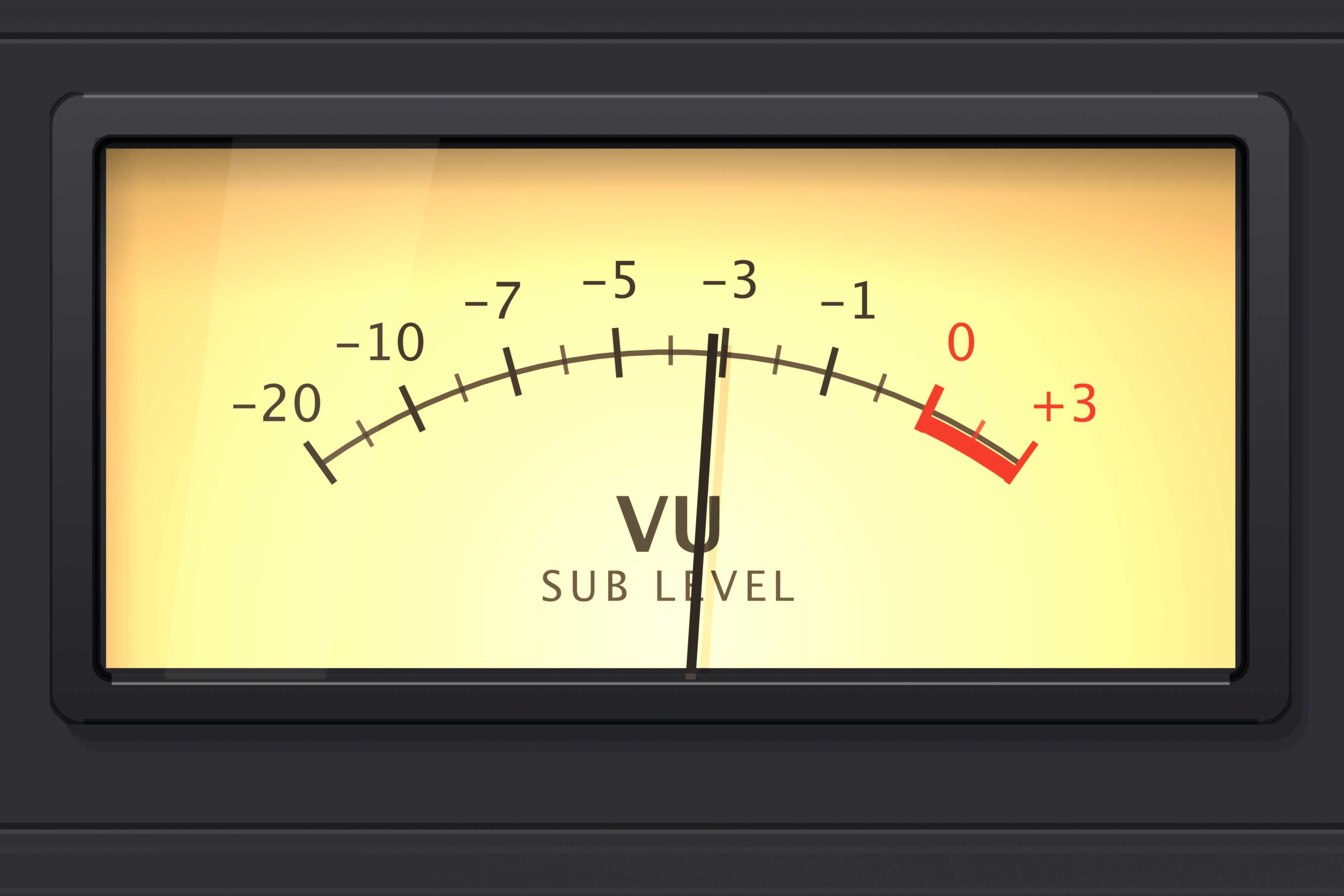
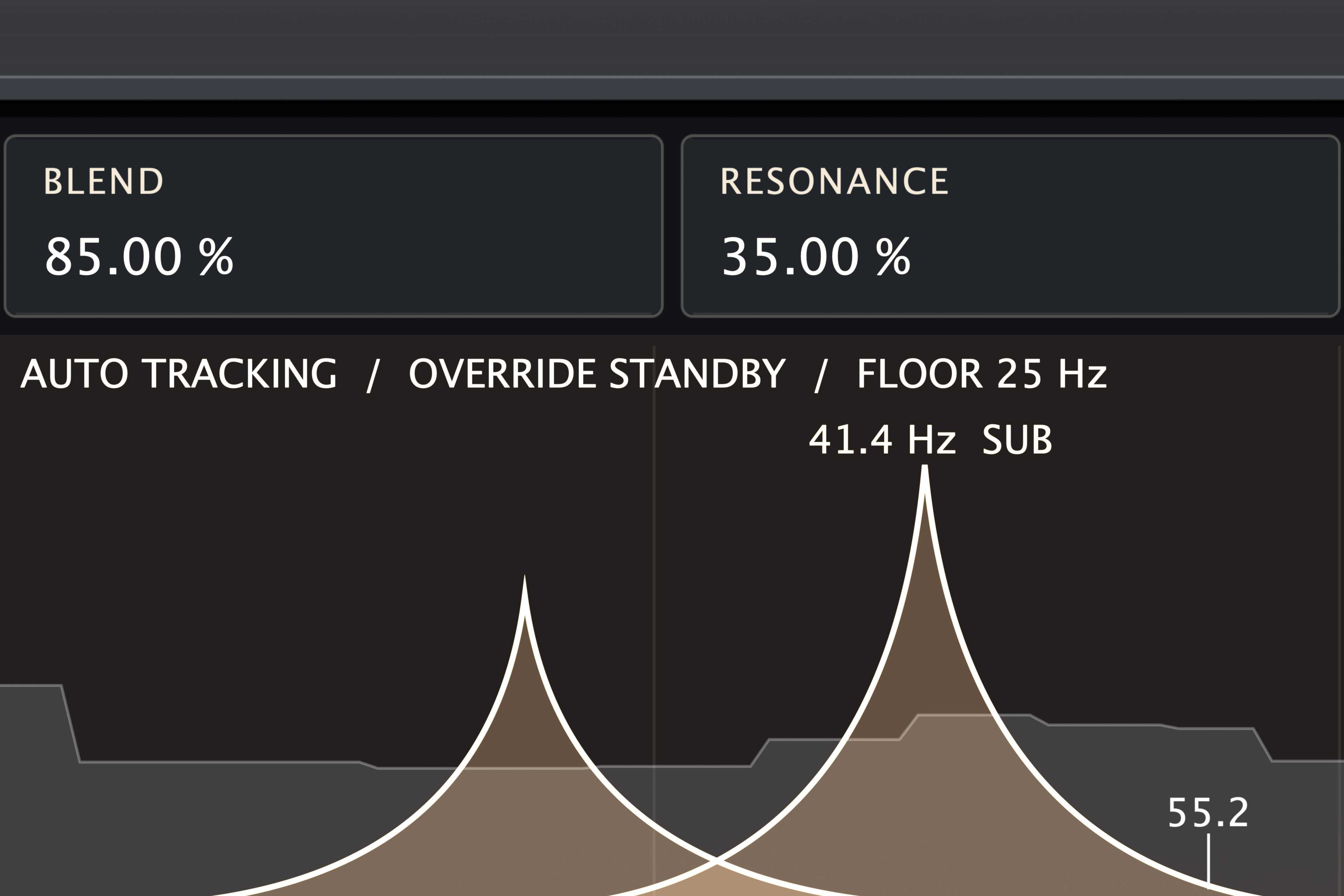
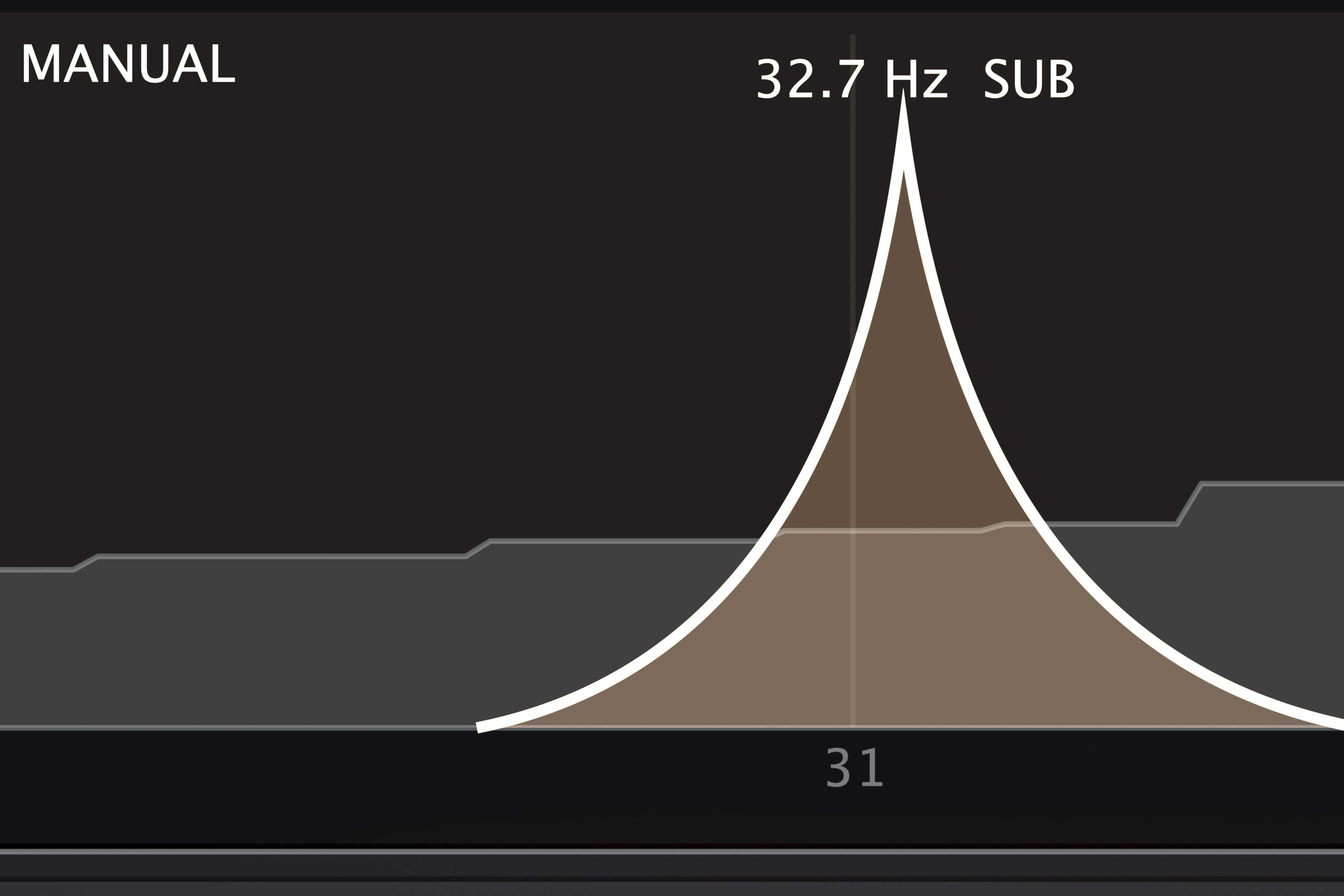
Plinth adds real weight under a thin bass, 808 or kick. It finds the notes that are actually playing and adds a clean sub one octave below each one, locked in step with the original so the two never cancel. It is made for beatmakers and home producers: an 808 that needs more floor, a bass that sounds small, a kick with no low end, or a mix bus that needs a firmer bottom. Set Detect to show Plinth where your low notes live, then raise Blend to add the sub on top of your untouched sound. Resonance adds body, and past halfway it adds soft overtones that help the sub come through on phones and laptop speakers. Clip rounds off the loudest peaks of your track and the sub. For a one-note 808 or a drone, Engage swaps tracking for a fixed pitch you choose, and Solo plays only the added sub. Sub Floor, set from your DAW's parameter list, keeps Plinth from making a sub too low for most speakers to play. Plinth adds no latency, and 32 factory presets cover 808s, bass, synth bass, kicks and the mix bus. AU, VST3 and AAX on macOS; VST3 and AAX on Windows. Installs and updates through MuseHub, with no license key.
Not enough reviews yet
Not enough reviews yet
Perfect your bottom-end
Warm and Deep Synthesized Electric Bass (Win VST3)

Adaptive Bass Compressor

Synth for 808s, basses, leads and pads
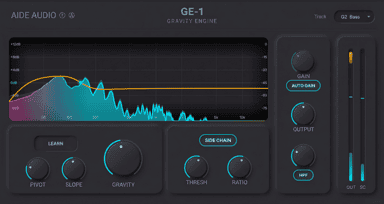
Adaptive Tilt EQ for Bass
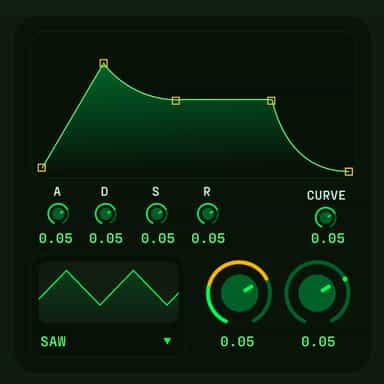
Synthesizer with Controllable Instability

Streamlined wavetable synthesis

Deep wavetable synthesis and modulation

Ember To Inferno
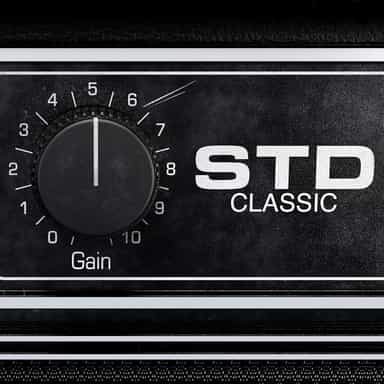
Your low-end go-to