ARMETER
Meter loudness, peaks, spectrum and stereo

NULLIFY plays your mix through the same codecs Spotify and Apple Music use, live in your DAW, so you hear the version your listeners get before you upload. Flip between ORIGINAL, the codec version and DIFFERENCE, the null that plays only what the codec removed. AUTO -14 LUFS trims the input to a streaming level first. AU and VST3 on Mac, VST3 on Windows.
Hear what streaming does to your master.
NULLIFY plays your mix through the same codecs Spotify and Apple Music use, live in your DAW, so you hear the version your listeners get before you upload. Flip between ORIGINAL, the codec version and DIFFERENCE, the null that plays only what the codec removed. AUTO -14 LUFS trims the input to a streaming level first. AU and VST3 on Mac, VST3 on Windows.
Hear what streaming does to your master.
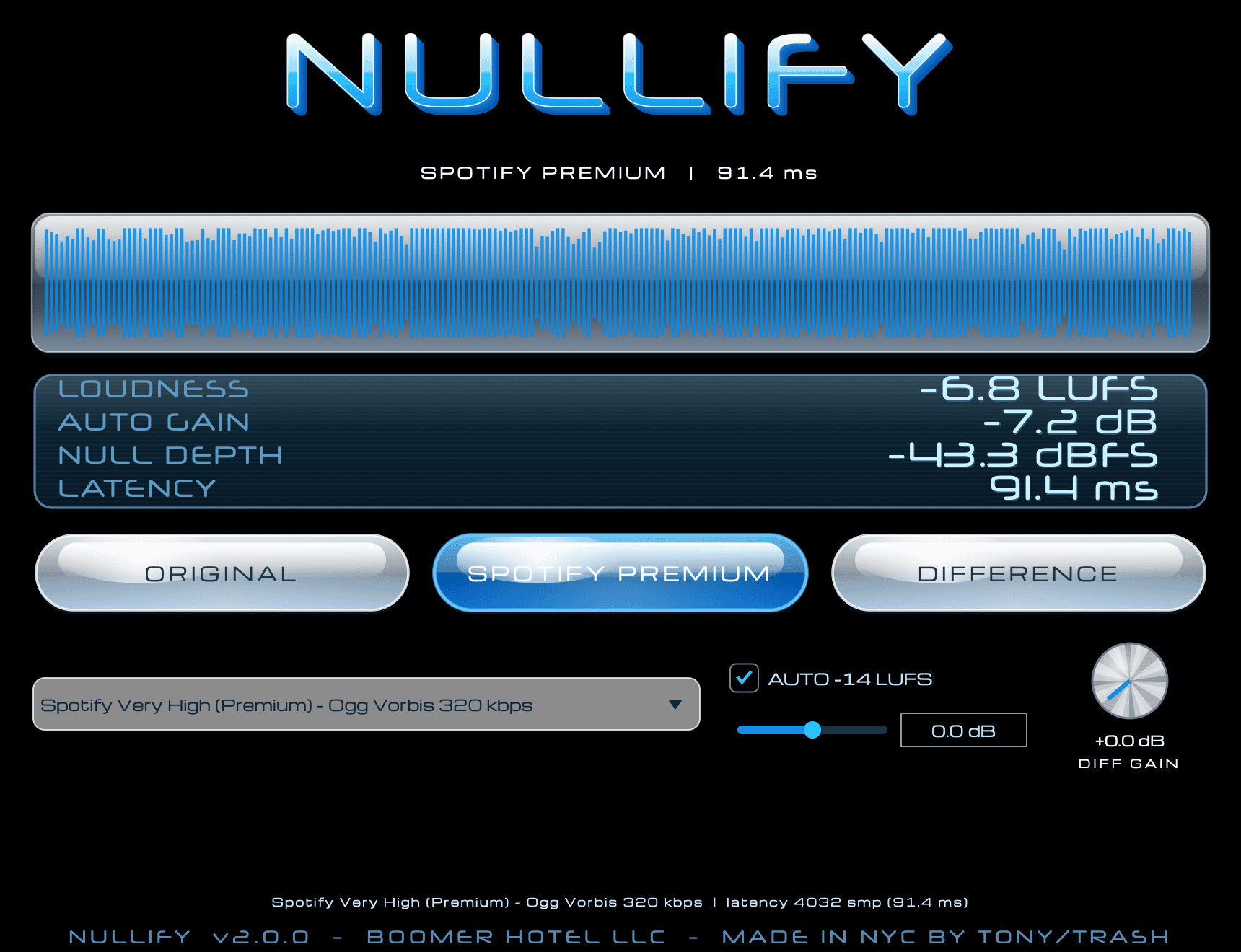
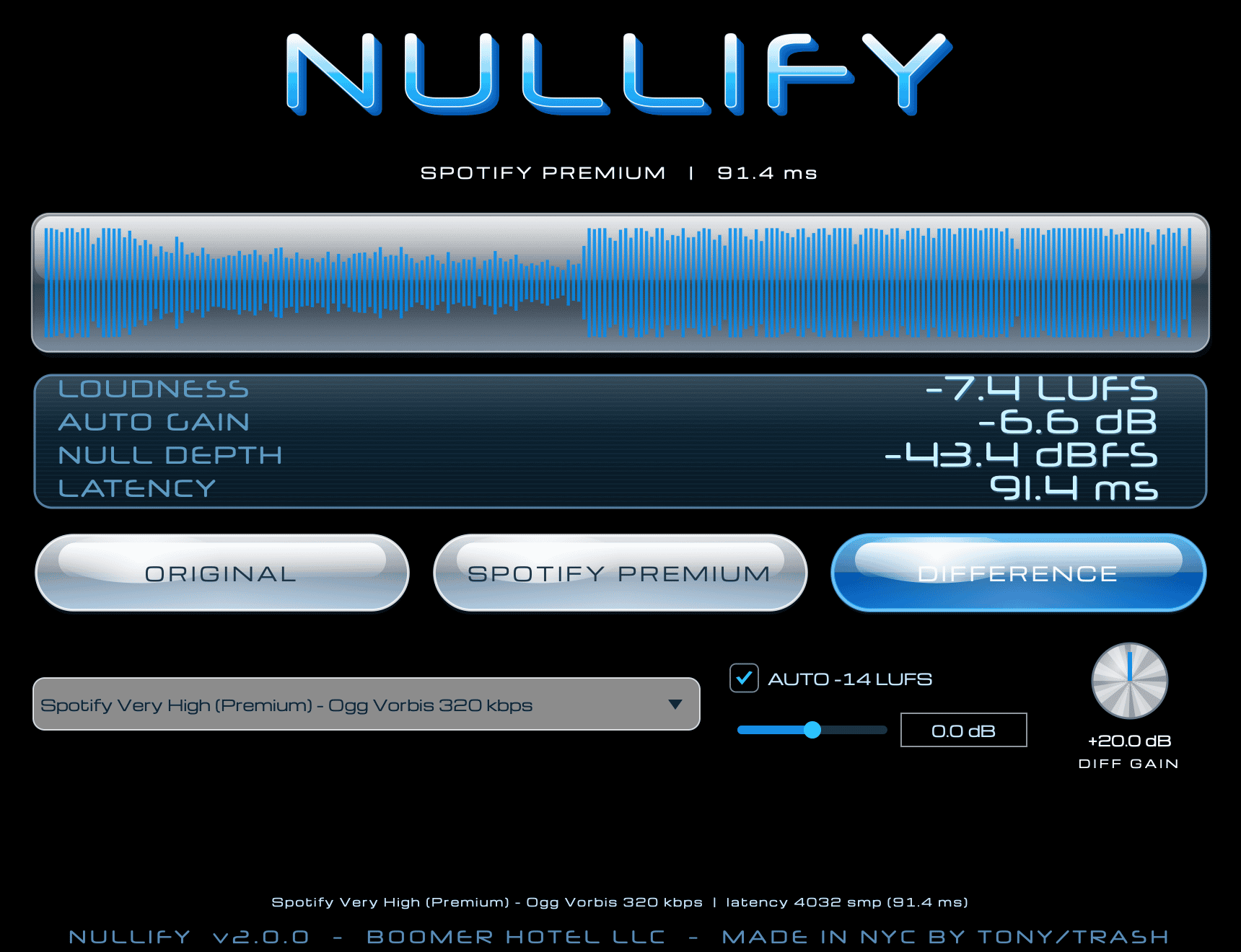
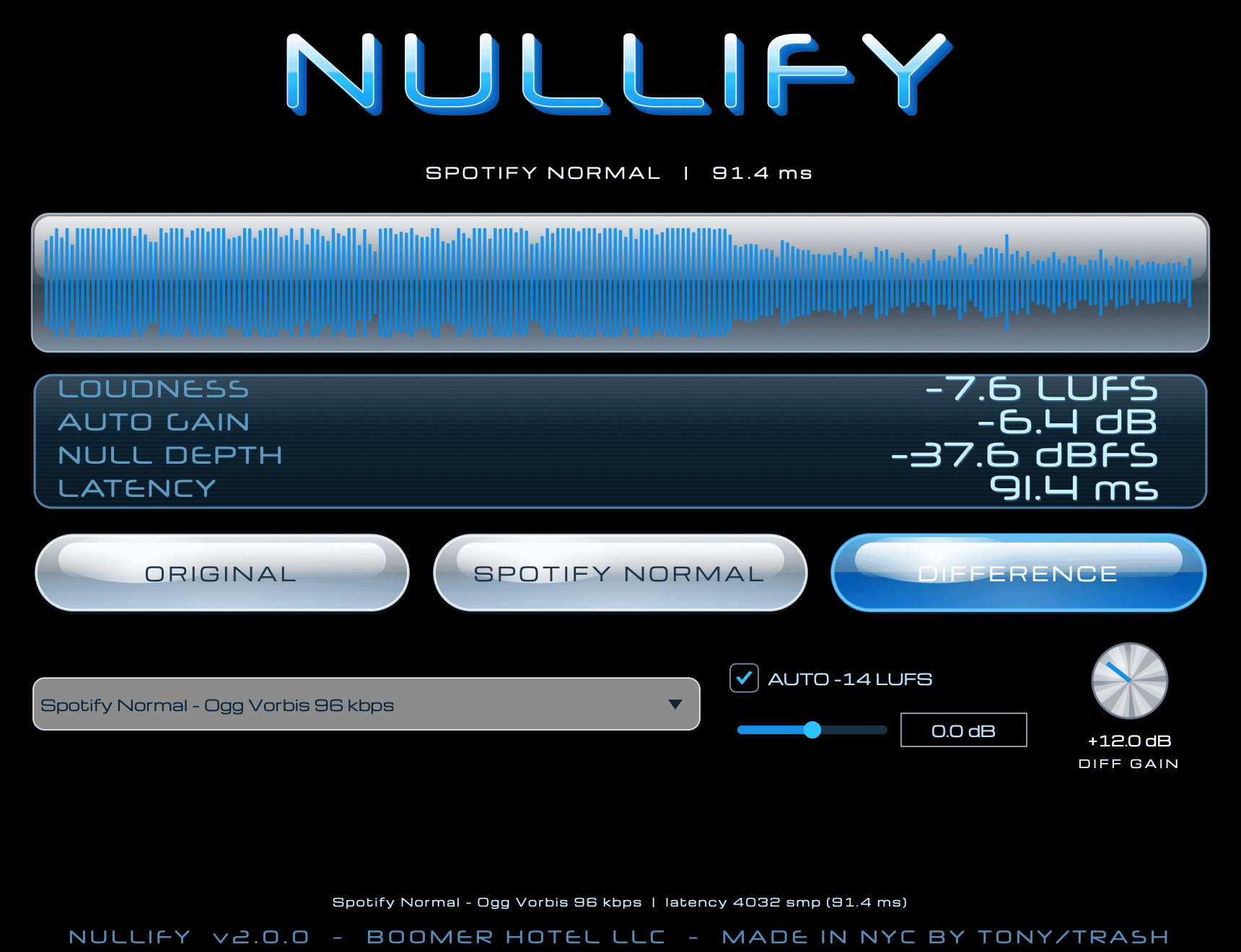
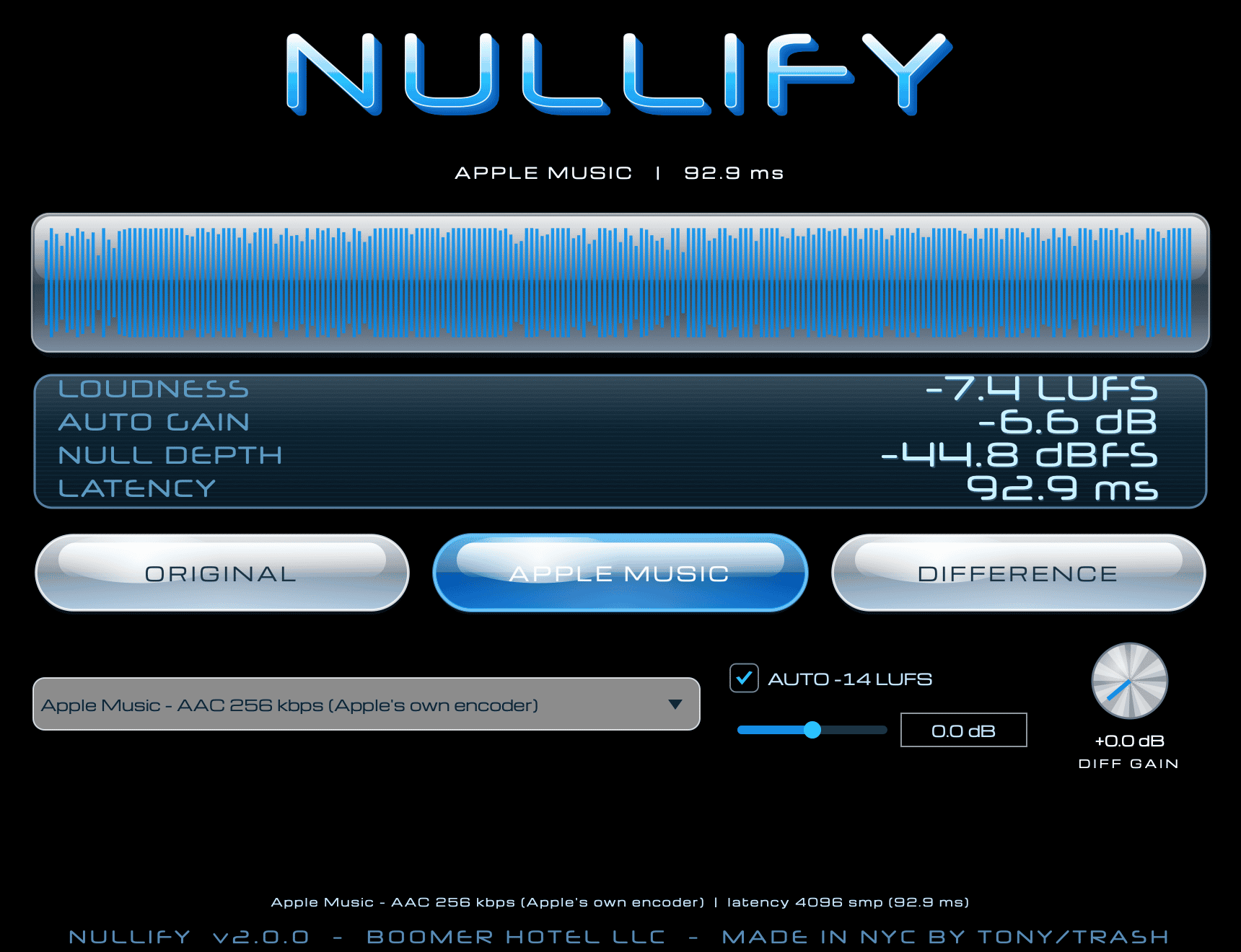
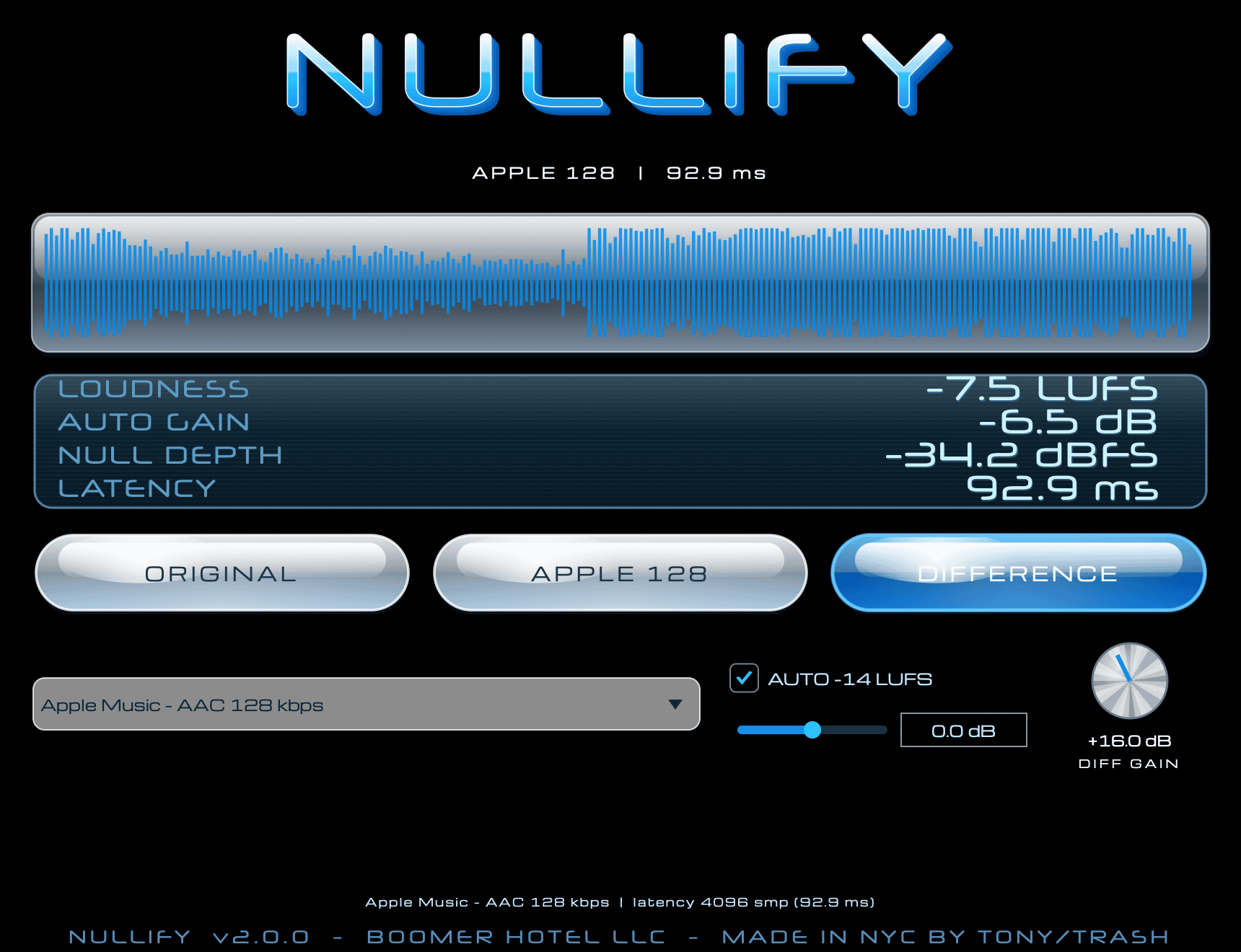
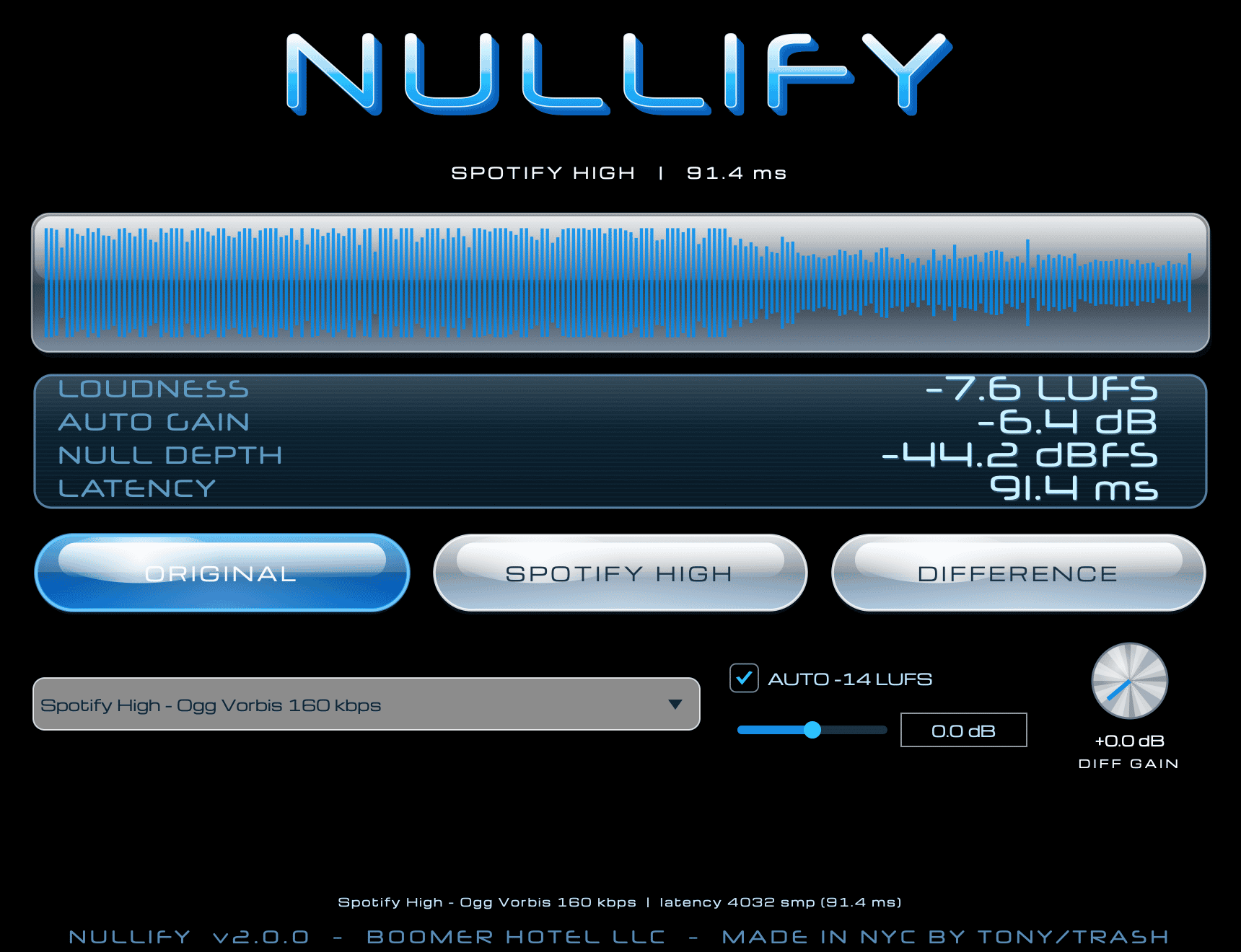
How it works NULLIFY is a null-test plugin. Put it on a track or on your master bus and it encodes the audio in real time with a streaming codec, decodes it, and delays the dry signal by exactly the codec's latency so both line up sample for sample. The latency is reported to your DAW for delay compensation. Nothing is written to disk and your files are never changed. The controls Three monitor buttons: ORIGINAL, the codec version (the button is renamed after the tier, for example SPOTIFY PREMIUM or APPLE MUSIC) and DIFFERENCE. DIFFERENCE is original minus codec, and DIFF GAIN raises it by up to 40 dB. A hissy, sparkly null is the normal sound of a codec at work. A clear vocal, melody or kick in the null means the codec is changing something that matters. The tier menu has five tiers: Spotify Very High (Premium) at 320 kbps, Spotify High at 160 kbps and Spotify Normal at 96 kbps, all Ogg Vorbis, plus Apple Music at AAC 256 kbps and 128 kbps using Apple's own encoder. The Apple Music tiers need macOS and a session at 48 kHz or lower. AUTO -14 LUFS, on by default, measures the running loudness of the input and trims it toward -14 LUFS, within 24 dB either way. A louder master does not sound better here, just as it does not on a platform that normalises. Turn it off and Manual Trim sets the input gain instead, from -24 to +24 dB. The LCD panel shows LOUDNESS, AUTO GAIN, NULL DEPTH and LATENCY. They are running readings, so give them a few seconds to settle. Every control can be automated. What it is for Checking a master before upload. Hearing exactly what a lower bitrate takes out of your low end, your reverb tails or your stereo width. Comparing tiers on the same loop. Fixing the mix while you listen, because the null updates live.
Not enough reviews yet
Not enough reviews yet
Meter loudness, peaks, spectrum and stereo
Loudness matching with true peak limiting

Customizable mastering chain for polished mixes
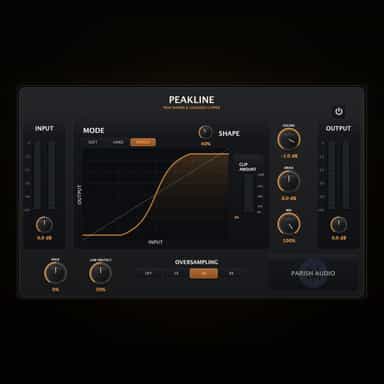
More Bass. More Punch. More Control.
Reference Your Mix with Confidence

Precision Signal Comparison

True peak limiter for loud, controlled mixes

Professional Zero-Latency Visual Audio Clipper
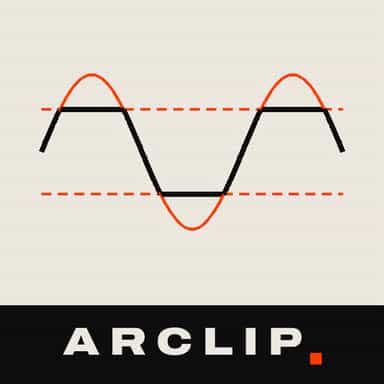
Precision clipping with transparent control
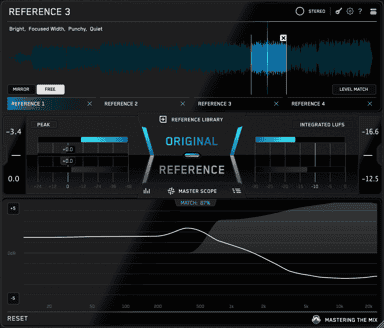
Match The Sound Of Your Favorite Tracks