
1. MuseHub
  2. Apps
  3. MuseScore Studio
MuseScore Studio
Free
MuseScore Studio

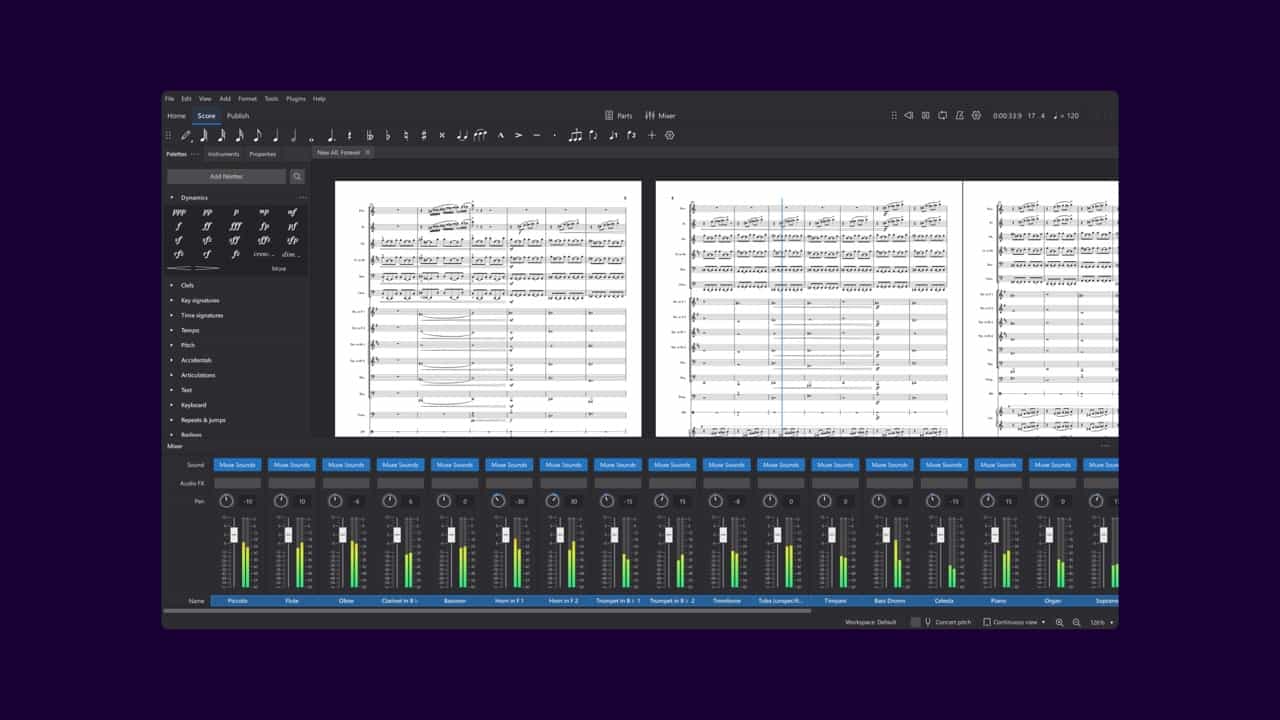
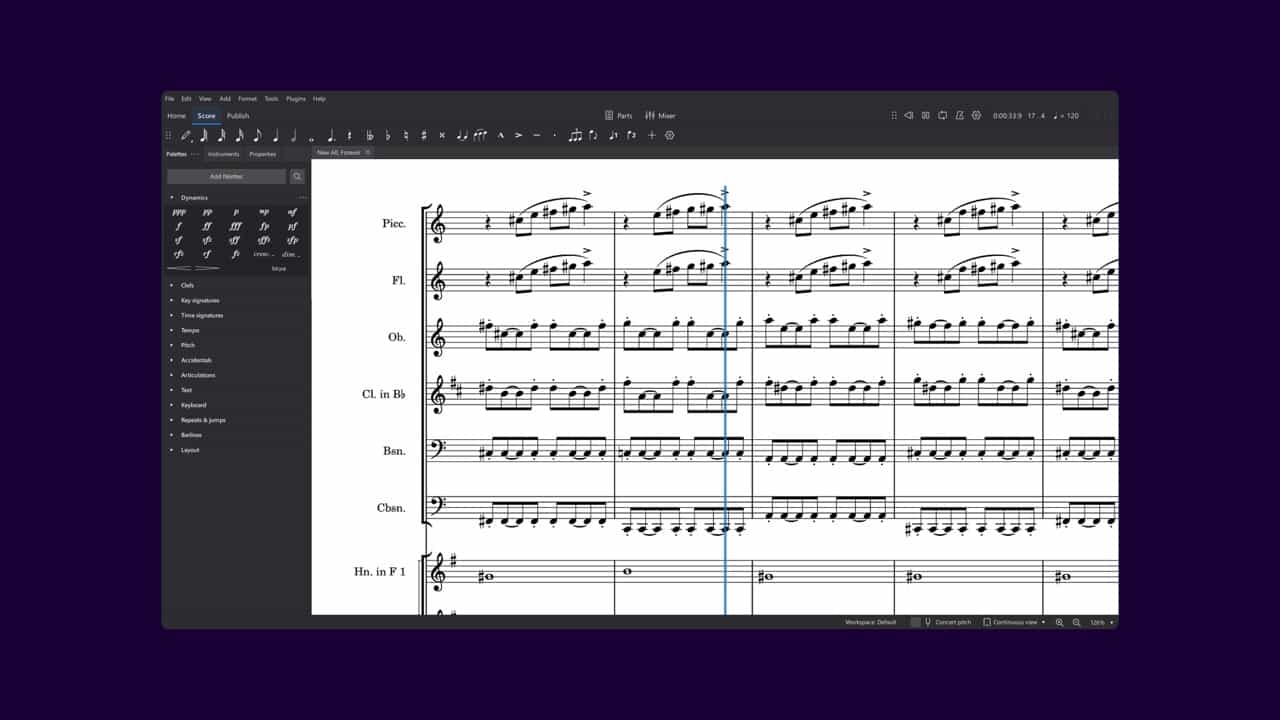
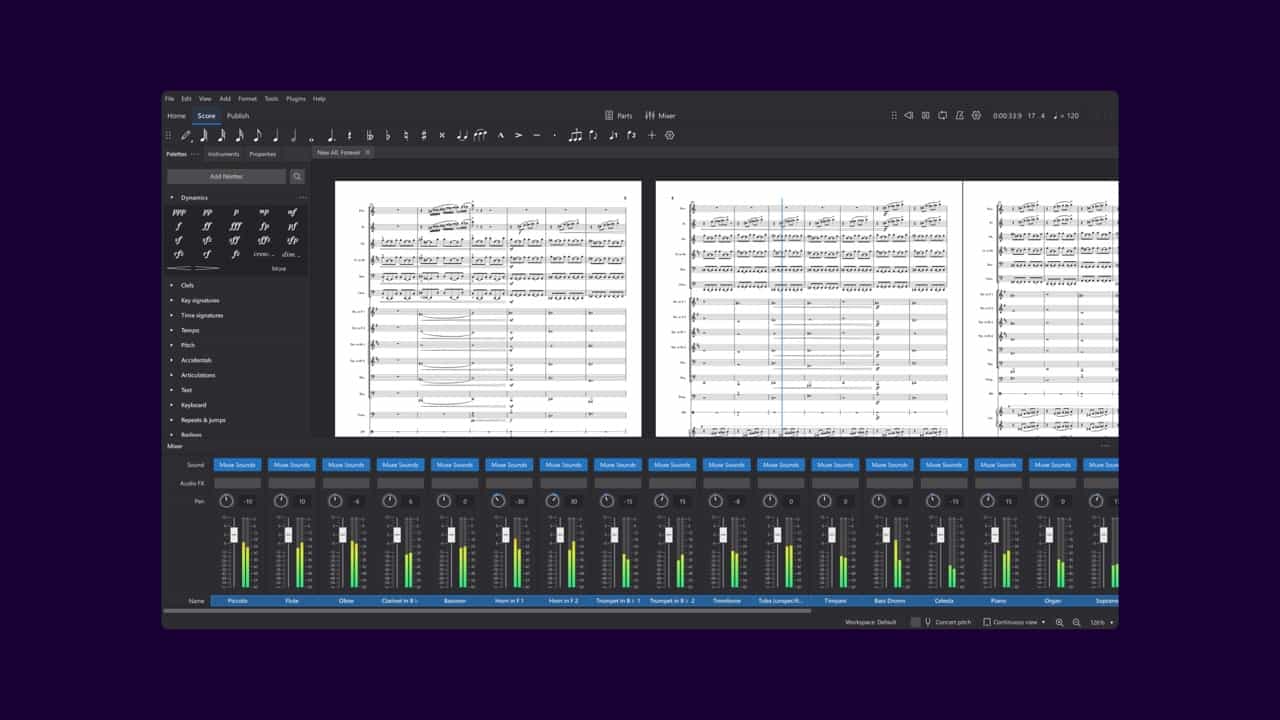
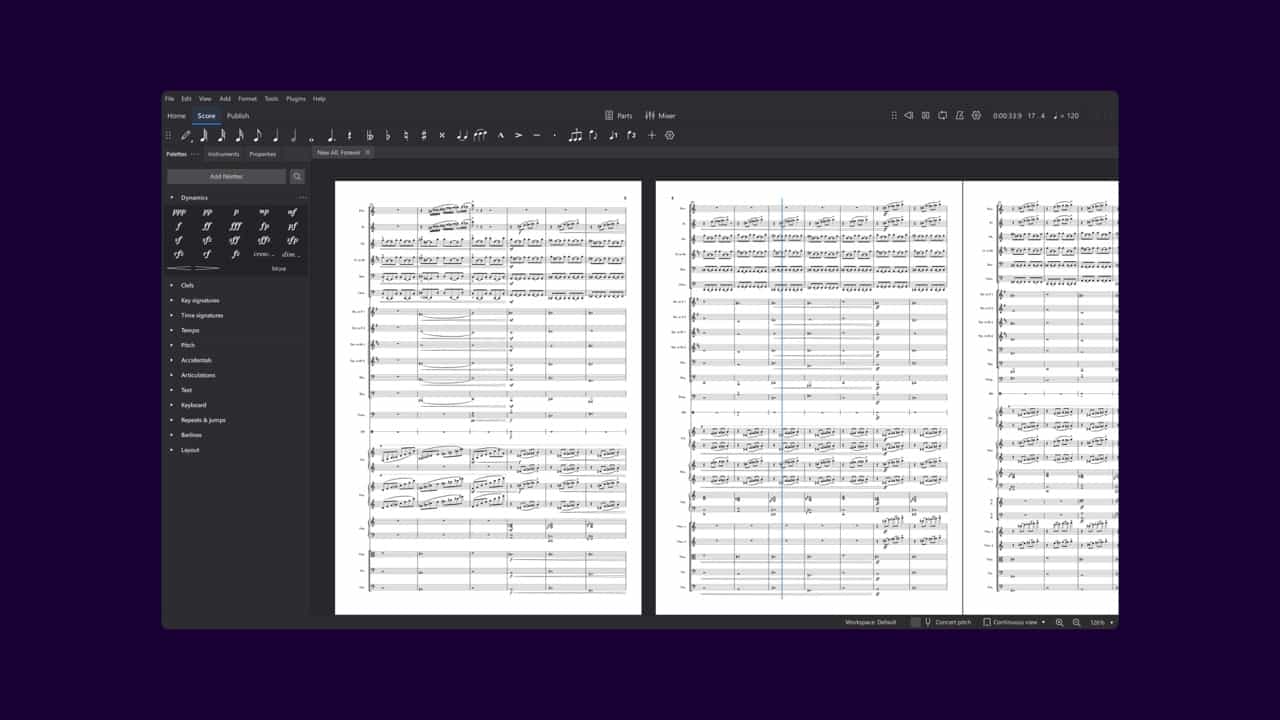
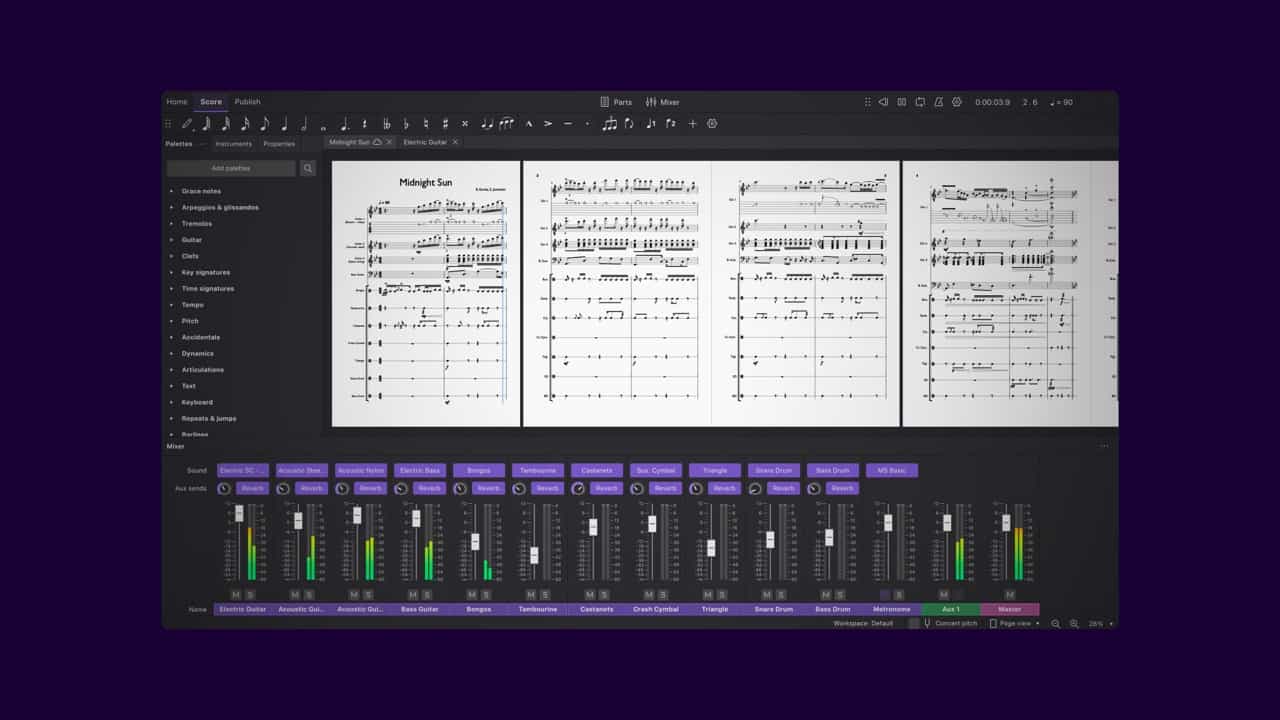
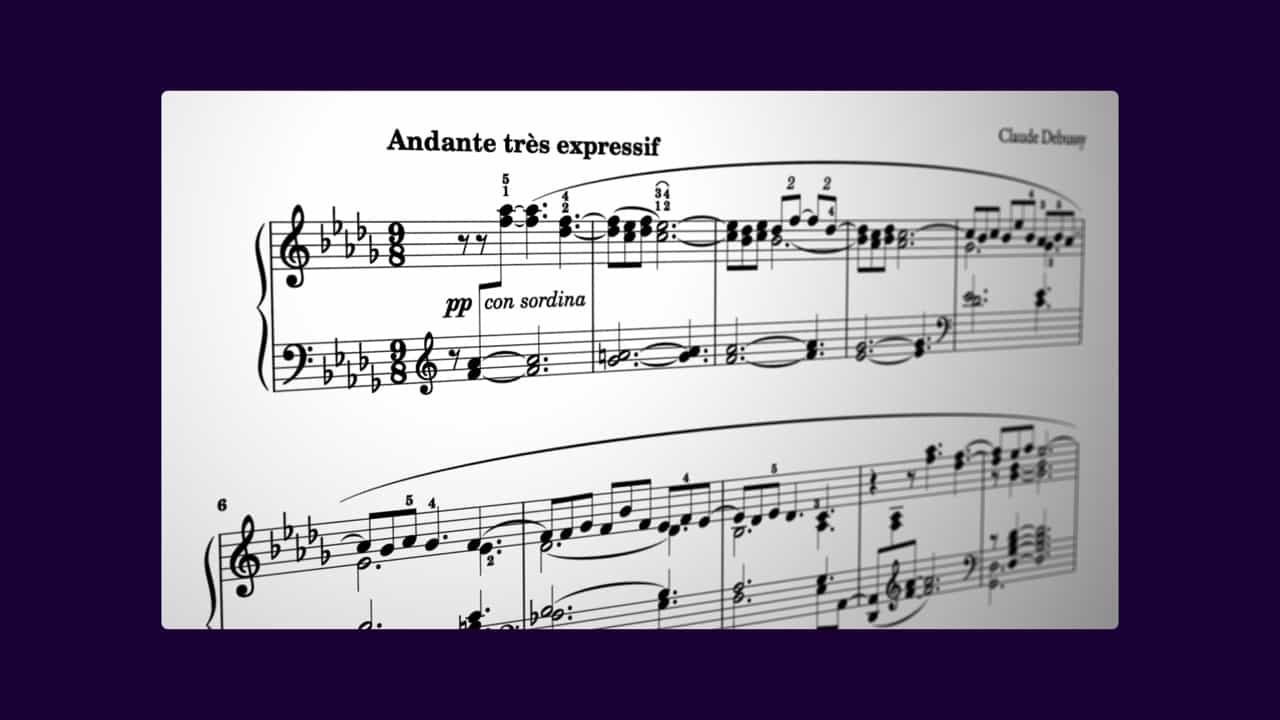
Turn your musical ideas into beautifully printed scores with MuseScore Studio — the world’s most popular free, beginner-friendly notation software. It combines an advanced engraving engine with the realistic Muse Sounds playback system. Whether you're arranging solo pieces or full orchestral works, MuseScore Studio handles it all.

Also included in

Previews

What’s New?

4.6.5

This is a minor update that includes several crash fixes as well as improvements to chord symbols, which should prevent them from unintentionally moving in the score. Also included is an audio export fix, where rests at the start of the score were being skipped. If you haven't yet updated to version 4.6, you'll also gain access to the huge set of new playback, engraving, and workflow improvements introduced in that release. This includes support for online sounds, enabling playback of lyrics with Cantai (available separately from MuseSounds). Highlights from version 4.6: - Greater control over showing and hiding empty staves - Dramatically improved real-time playback performance - Major new features for piano, voice, and guitar notation - Completely reworked chord symbol handling - Support for any SMuFL-compliant music font - VST3 plugin support on Linux - Many workflow refinements And much, much more...

Description

MuseScore Studio is the world’s most popular editor for creating, editing and playing back sheet music. The software features incredible engraving, bringing beautiful scores by default, with the power and flexibility to customize every part of the score layout to your liking. Hear your scores played back with unprecedented realism and quality with Muse Sounds: a collection of sound packs made for MuseScore Studio and available exclusively on Muse Hub. You can print, export or share your music directly with musescore.com, or share your playback audio with our free audio hosting service audio.com. You can also save your work directly to musescore.com, with full versioning, sharing and commenting support. From the home-study or classroom to the rehearsal room or stage, MuseScore Studio has you covered.

Professional music notation software
Completely free, with no limitations
Easy to use, yet powerful
Realistic MuseSounds playback
Intuitive note input
Save and share to musescore.com

4.6.5

great recording.

vain-hyena562

4.6.5

I will MuseScore 4 has certainly helped me progress aimproves a composer overall. I really appreciate how hard the creative team works to improve this product. But I MUCH prefer the use of the hairpins in Muse 3 where "properties" gave me absolute control of diminuendos and crescendos. I struggle too much with in Muse 4, though the drop-down dynamics menus are great! Keep working Team! Thank you.

scholarly-dog202

4.6.5

The epitome of enshittification. Has the potential to be so much more but instead we get ads, broken playback for PAID sounds, and buggy software.

contra

4.6.5

Upon upgrading to 4.6.5 the playback function will no longer work. Everything was fine with 4.6.4 I tired to go back to the prior version 4.6.4 by uninstalling musehub and musescore studio, but the installation program just reinstalled 4.6.5 and I am now totally stuck.

Partner Response: Hi there! We are so sorry to hear you are having issues. We will reach out via email to follow up on your concerns, but in the meantime, you may find older downloads of MuseScore here: https://musescore.org/en/download#older-versions Thanks!
vjjjjj3

4.6.5

Everything worked fine until update version. Now the program will not open and is giving me an error message that I don't have permission to open the program. Please help would like to continue to work with this great program.

Partner Response: Hi there, we've just reached out via email to follow up on your concerns and help resolve this as quickly as possible. Thanks!
arctic-mallard330

4.6.4

I was just able to use Muse Sounds one version before by manually copying Muse MuseSamplerCoreLib.dll to system32 (which is ridiculous), but this update broke everything again, now even this hotfix doesn't work. The logs say it could not init the sampler from the AppData location. Please do not release untested software.

Partner Response: Hi there — please delete the sampler from System32, as it isn’t meant to be there. Then make sure you’re running the latest version of MuseHub; it’s best to download the most recent installer from the website to ensure everything is up to date. It may also be worth deleting %localappdata%\MuseSampler in case system permissions were affected. Restarting MuseHub will regenerate this folder. Thanks!
odrez

4.6.4

Since update, it doesnt let me open palletes, it crashes when doing so. I have tried everything, reverted to Factory settings but still no luck, it litterally makes no sense

Partner Response: Hi there, we saw several reports of crashes in MuseScore 4.6 that were caused by older versions of MuseScore 4 being present on the same Windows machine. This might affect you if you used earlier versions of MuseHub, which used to install MuseScore to a different location. If so, please make sure the old versions are fully removed before you upgrade to the new version. If you do want to use multiple versions of MuseScore 4 on Windows, consider using the portable EXE for past versions, and use MuseHub or the standard MSI installer for the current stable release.
filthy-bat71

4.6.4

Despite owning Finale 27.4, Dorico Pro, MuseScore 4.6.4 remains my preferred notation software. As I become more proficient with it, its capabilities continue to improve. Notably, the Spitfire plug-ins (Instruments) enhances its functionality, enabling seamless export to MP3 format. Currently, I utilize a MacBook Pro equipped with 16 gigabytes of RAM and a Mac Mini with the same RAM capacity. Both devices operate flawlessly without any encountered issues. I commend the MuseScore team for their exceptional work.

Music Chap

4.6.4

Partner Response: Hi there, we saw several reports of crashes in MuseScore 4.6 that were caused by older versions of MuseScore 4 being present on the same Windows machine. This might affect you if you used earlier versions of MuseHub, which used to install MuseScore to a different location. If so, please make sure the old versions are fully removed before you upgrade to the new version. If you do want to use multiple versions of MuseScore 4 on Windows, consider using the portable EXE for past versions, and use MuseHub or the standard MSI installer for the current stable release.
all-boar750

4.6.3

Not sure when everything went wrong, but my old Muse Guitars pack that I used in every score is now gone + trying to input notes for percussion is hell + I overall hate everything. Stick to older versions

Partner Response: Hi there! We're sorry to hear you’re having trouble. Could you share more details about your issue here so we can better identify and solve the problem? https://musescore.org/en/forum, Thanks!
standard-goat626
Platforms
macOSWindows
Rating
71%
Version
4.6.5
Released
2025

You May Also Like

MOOZ

All-in-One Video Platform for Music Lessons Online

Replay
Free

Remix your favorite music with AI. In one click.