EDIT: I found a workaround for the settings not saving. You can remove “VirtualSoundStage2” effect from a track, then readd it. When you readd it to an instrument, your settings save for whatever reason. This is a great plugin when it works. However, changes you make aren’t saved most of the time, so you have to keep a list of specific settings/instrument placements you made. What’s more frustrating is that sometimes some instruments are saved, while most othertimes they aren’t.

A room simulation plugin for positioning virtual instruments in modeled acoustic spaces with selectable rooms, microphone setups, and unified control across instances.
Realistic Room Placement for Virtual Instruments
Virtual Sound Stage
A room simulation plugin for positioning virtual instruments in modeled acoustic spaces with selectable rooms, microphone setups, and unified control across instances.
Realistic Room Placement for Virtual Instruments
Previews
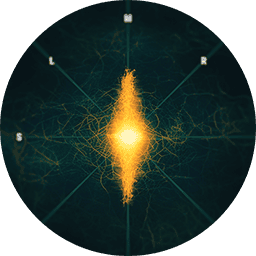
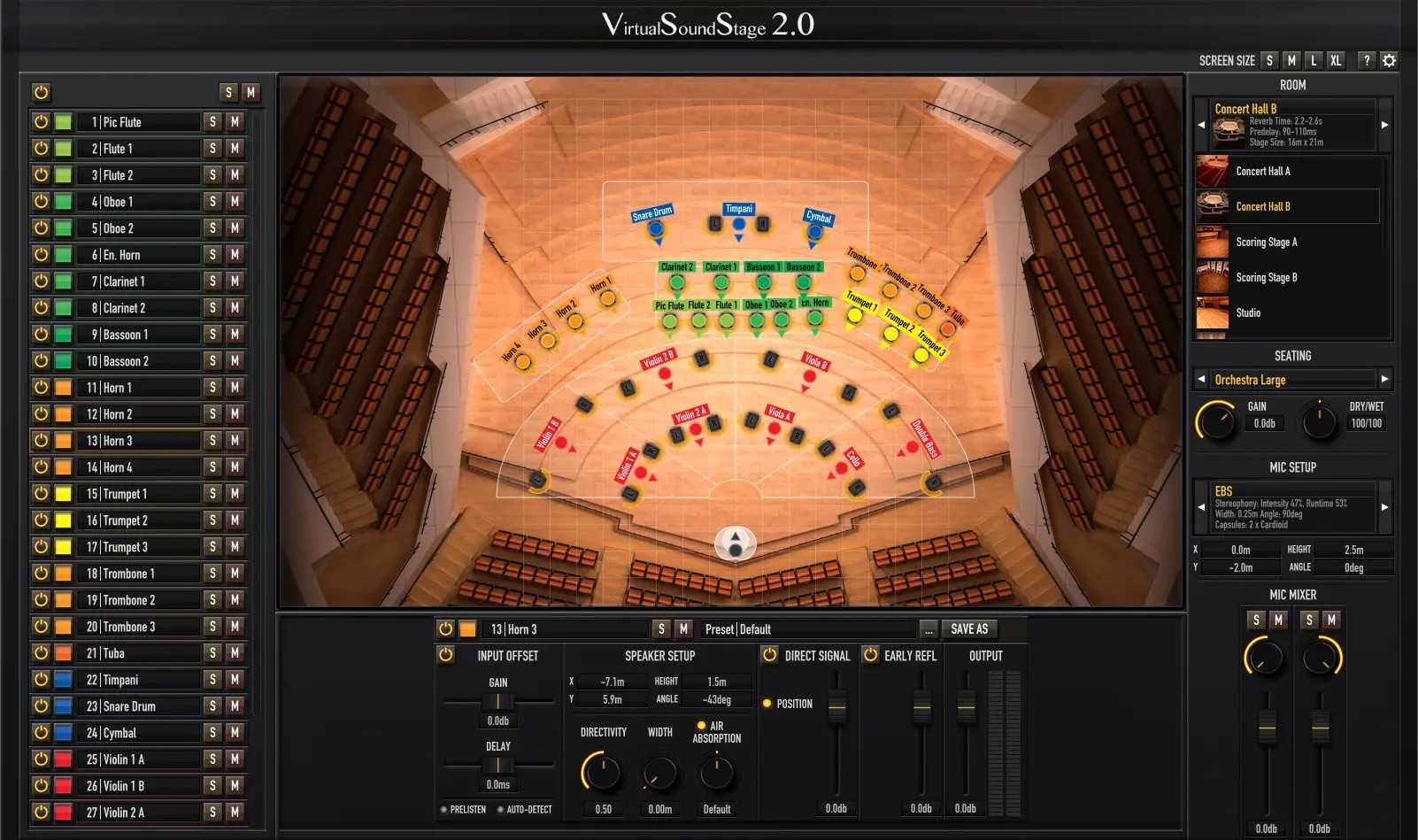
Virtual Sound Stage is a spatialization plugin designed to place virtual instruments inside realistically modeled acoustic environments. Originally developed in 2014, the newly released legacy edition is now available for free. Instead of relying on traditional reverb alone, Virtual Sound Stage recreates how sound behaves at different positions within a room. By modeling acoustic environments and microphone placements, it helps create a more realistic sense of depth, distance, and stereo positioning in a mix. The plugin includes a collection of modeled spaces such as concert halls, film scoring stages, recording studios, and cathedrals. Users can also select from multiple microphone setups and freely position them on the stage to shape the stereo image. A unified user interface allows you to control all instances of the plugin from one place, providing a fast and intuitive workflow when working with complex mixes or large virtual instrument setups.
What Virtual Sound Stage offers
What’s new
- Fixes a bug that caused crashes during offline rendering in MuseScore Studio.