-88%
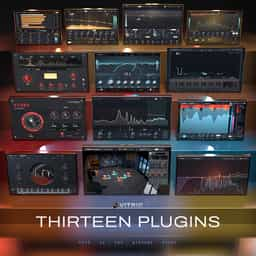
The Vitric Bundle
Thirteen plugins. One collection.
₫1,499,000 ₫12,999,000
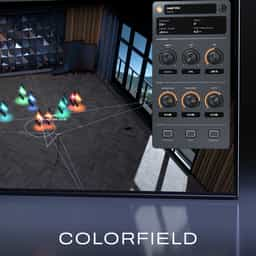
A mix stage for bands, beats and songs. Put Colorfield on every track, then place each one close or far away in one shared room, as if they played together.
Puts each track near or far in one room
A mix stage for bands, beats and songs. Put Colorfield on every track, then place each one close or far away in one shared room, as if they played together.
Puts each track near or far in one room
Thirteen plugins. One collection.
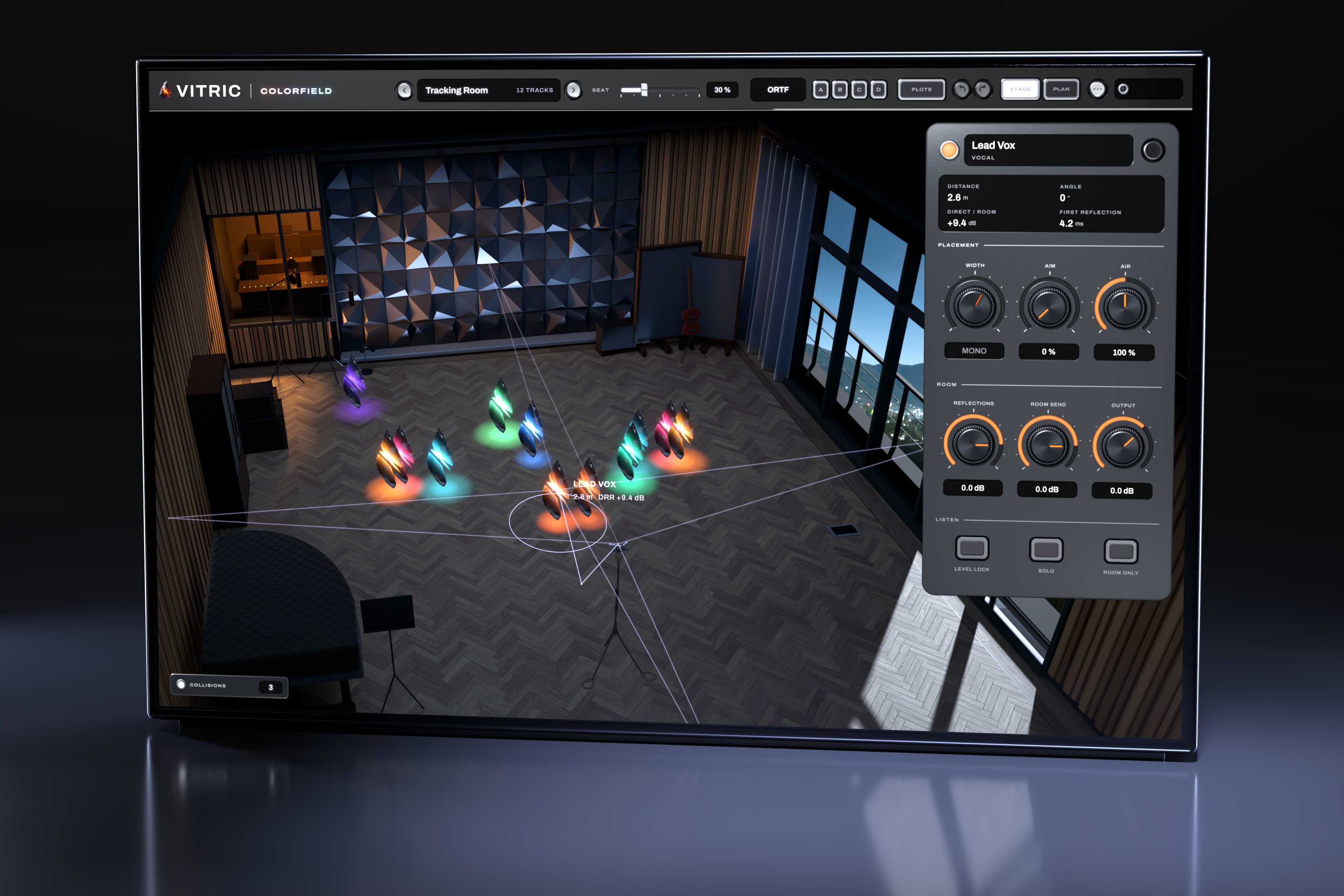
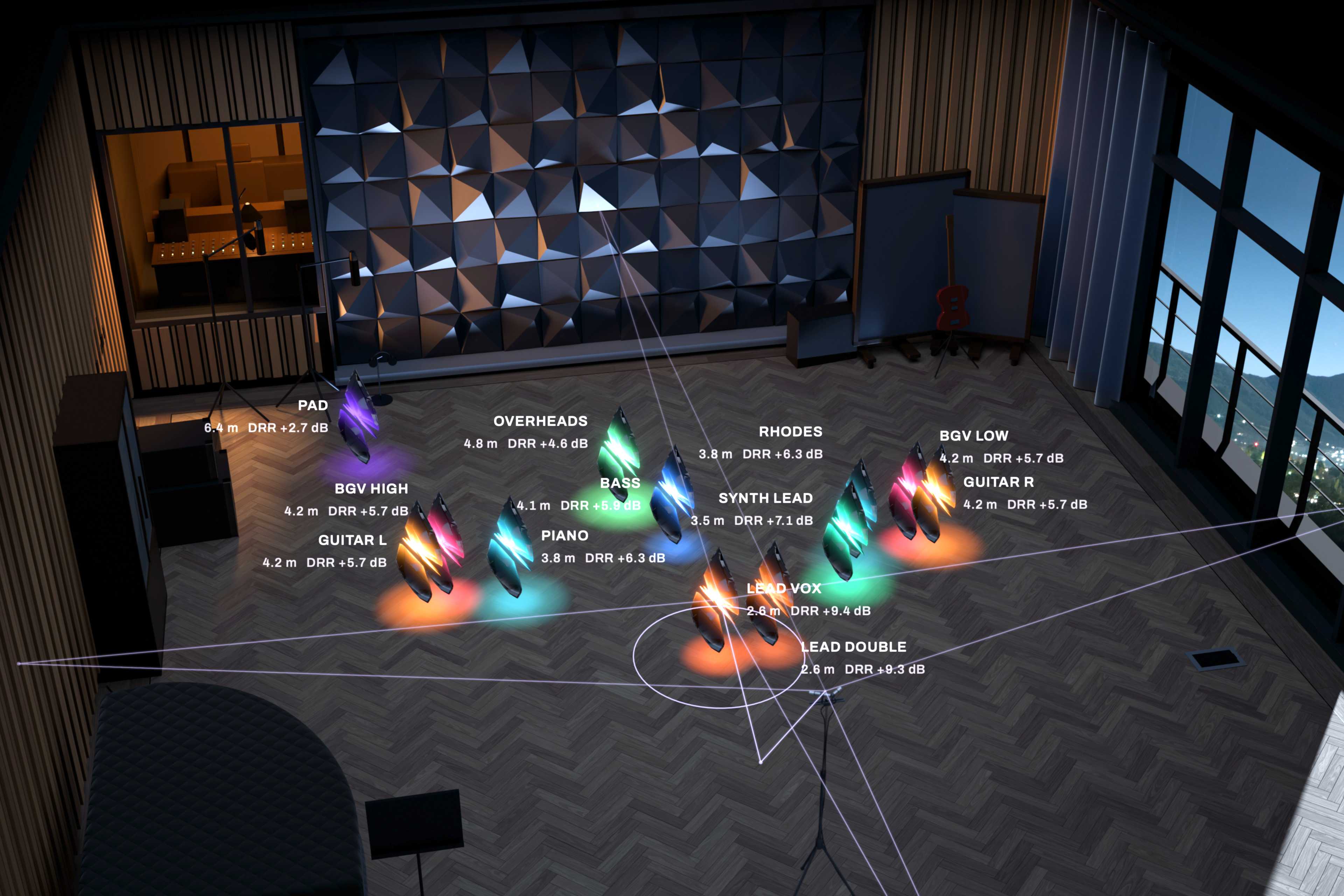
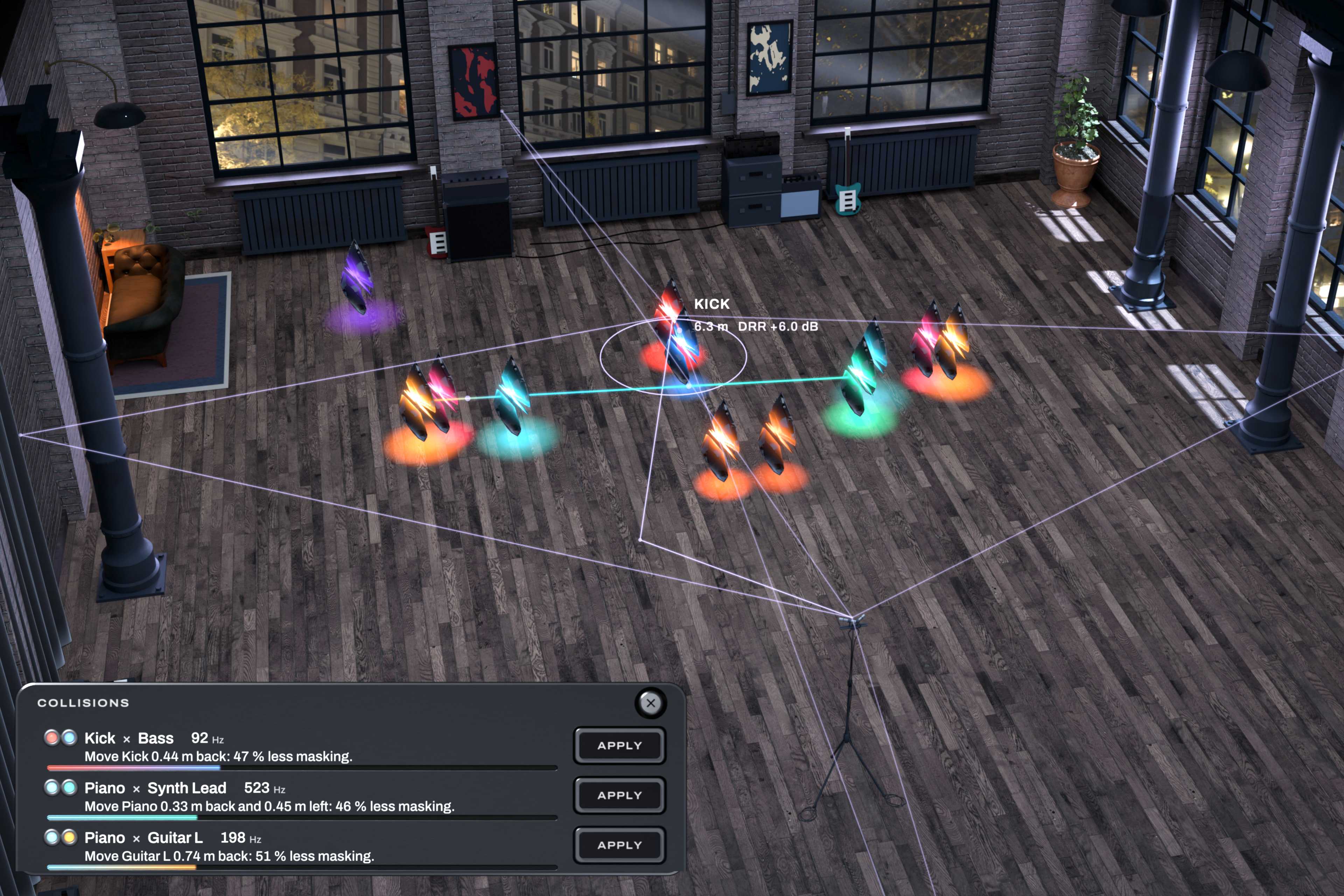
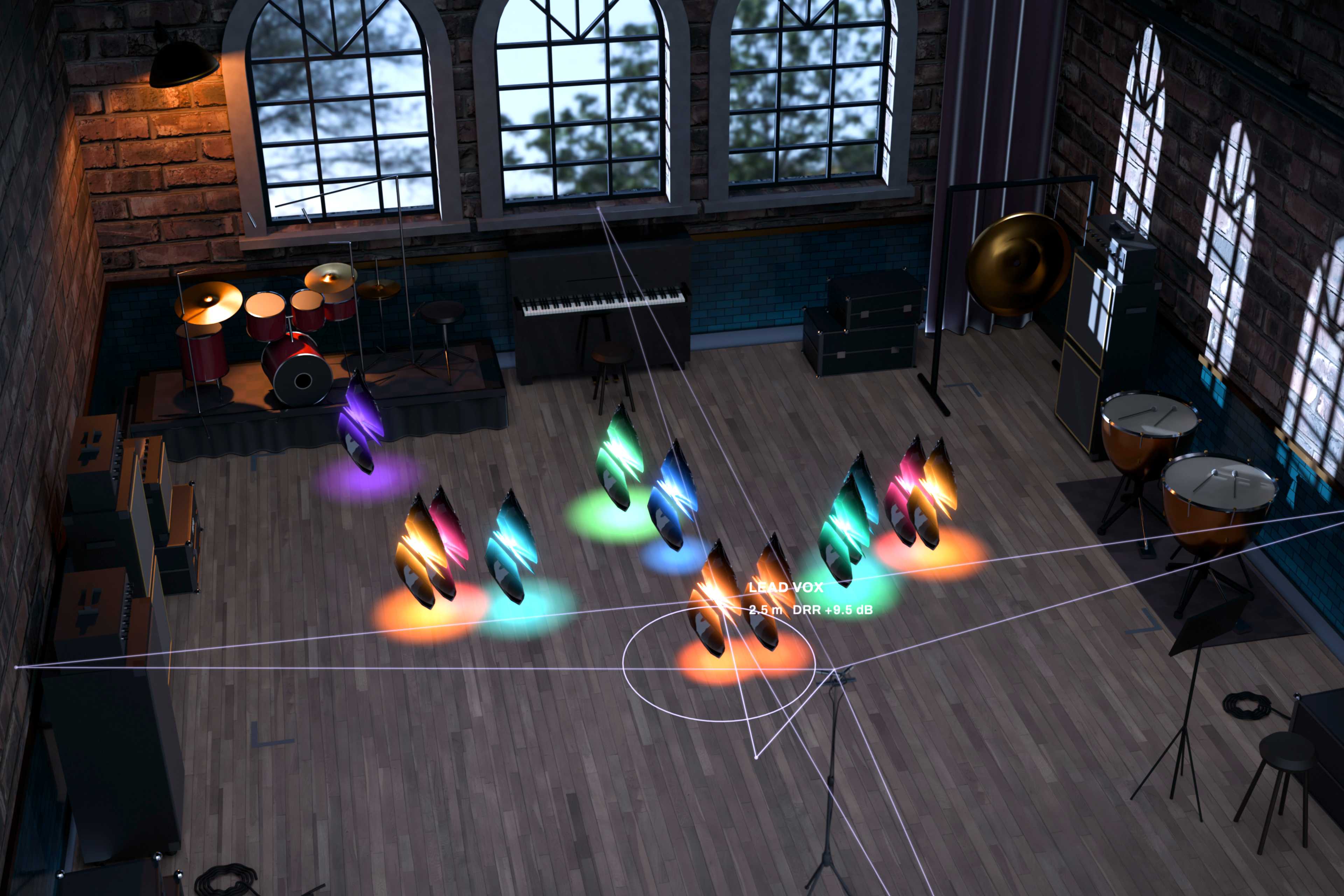
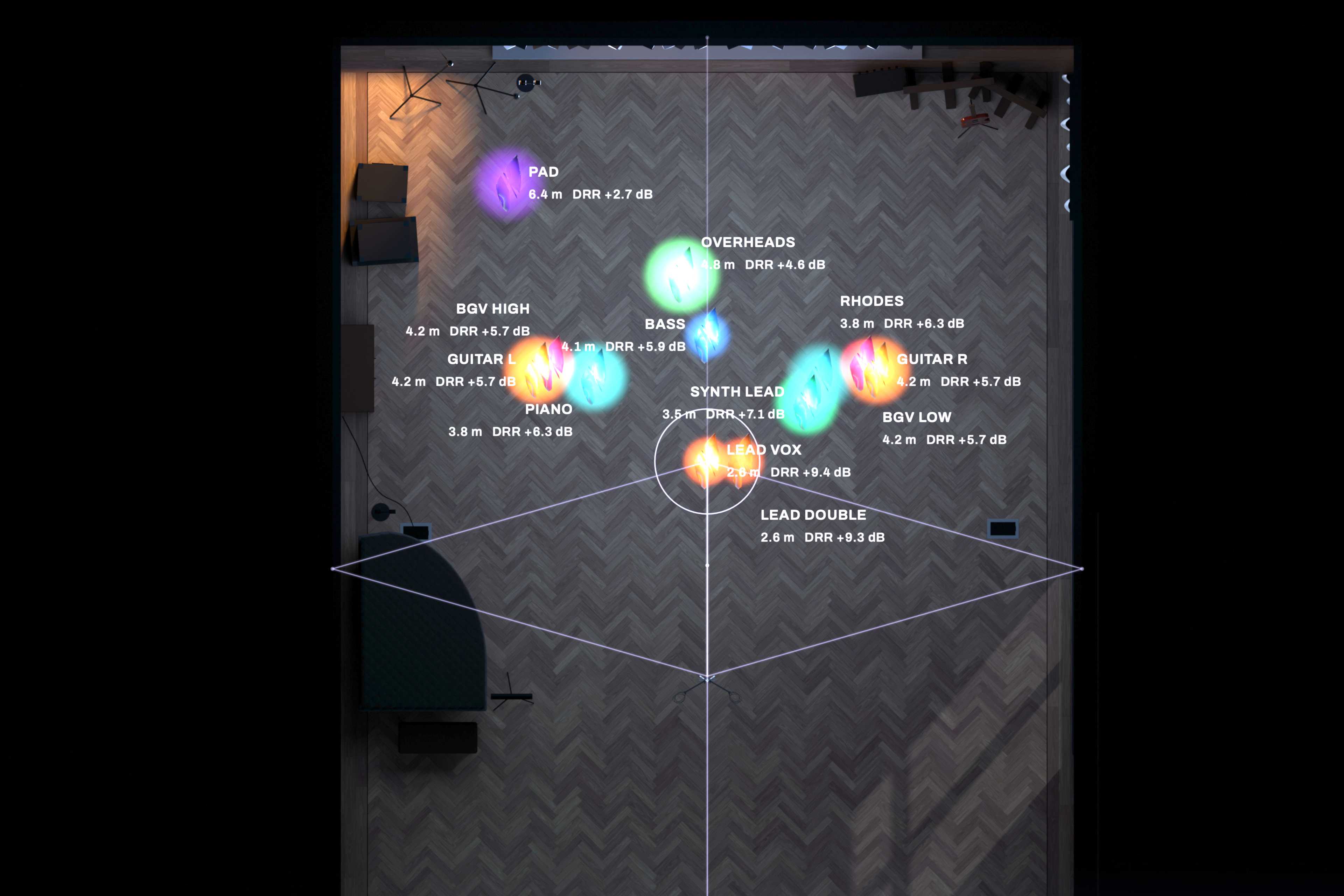
Colorfield makes a mix sound like the band played together in one room. Put a track further away and it sounds it: quieter, with more of the room around it and softer highs from the air. Bring it close and it sounds close. It is for home producers, beatmakers and songwriters mixing a band, a beat or a full song in their DAW, who want depth without stacking reverbs. Put one Colorfield on every track, and every Colorfield window shows all of them standing on one lit stage. Choose one of six rooms, from a small echo chamber to a concert hall, and the whole band moves into it at once. A plot such as Rock band or Jazz trio places every track by its role in one step. Level Lock keeps a track's loudness steady while it moves, so you judge the place and not the volume. The collisions list shows which tracks cover each other up and suggests a nearby move that cuts the clash by at least 40 percent, and four scenes, A to D, glide back in one second. AU, VST3 and AAX on macOS; VST3 and AAX on Windows. Installs and updates through MuseHub, with no license key.
Not enough reviews yet
Powerful Stereo Spatialization Plugin
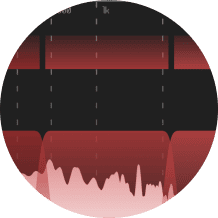
Multiband stereoizing plugin
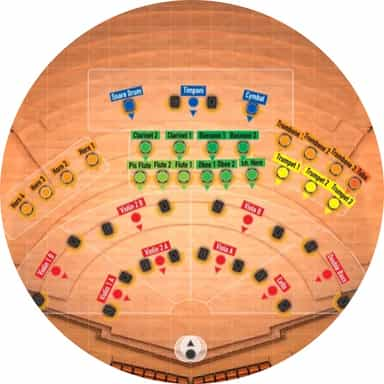
Realistic Room Placement for Virtual Instruments
STEREO WIDTH
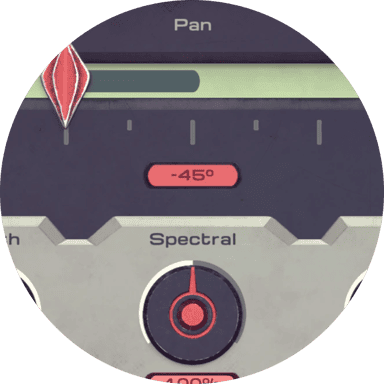
Stereo Imaging & Creative Panning
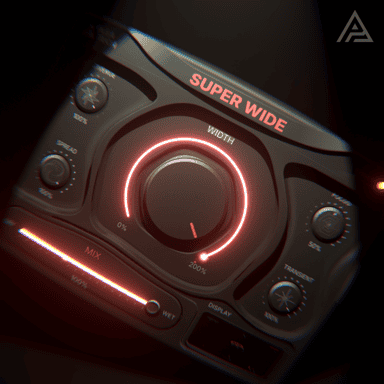
Hyper-wide stereo that holds up in mono.
The hassle-free & most flexible stereo plug-In
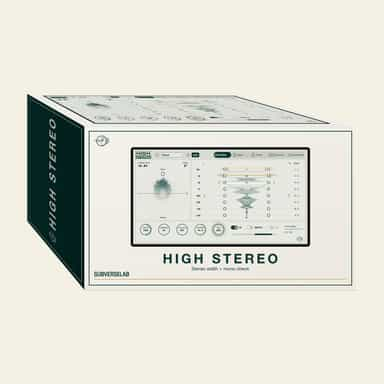
Widen band by band, see what survives in mono
Not enough reviews yet
The hassle-free & most flexible stereo plug-In
SPACE PROCESSOR
Place sounds naturally in the mix
One-Knob Studio Enhancer
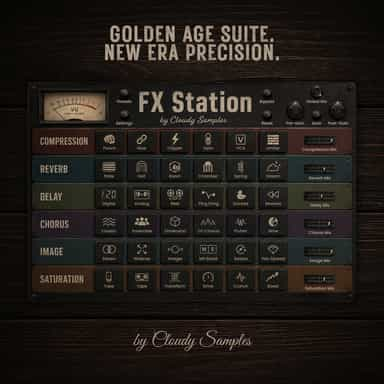
Golden Age Suite. New Era Precision.
Widen band by band, see what survives in mono

Movement with a mind of its own.
Experience the magic of authentic cassette tape.

The Quickest Route to Better Guitar Production
Punch up your electric guitar and synth leads