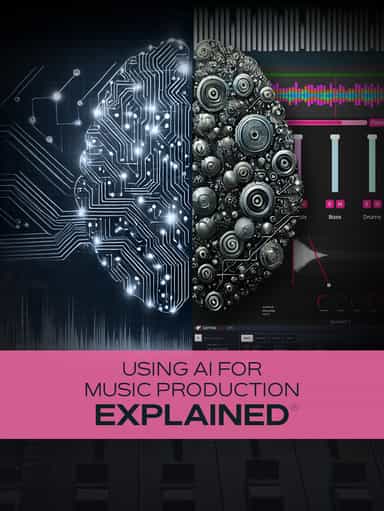
Using AI for Music Production Explained
Create, Remix, and Expand Music Ideas with AI Tools and Plugins
$12.99
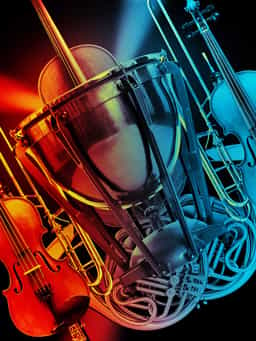
Music production expert Eli Krantzberg presents comprehensive Hollywood Orchestra Opus Edition video tutorials! EastWest has placed the power and incredible range of a full orchestra at your fingertips, and this video series shows you everything you need to unlock the software's full potential! Eli walks you through the basics and then covers the more advanced features and functions, demonstrating each with clear and instructive examples. These videos are for new Hollywood Orchestra Opus Edition users.
2 hr 29 min · Eli Krantzberg
Music production expert Eli Krantzberg presents comprehensive Hollywood Orchestra Opus Edition video tutorials! EastWest has placed the power and incredible range of a full orchestra at your fingertips, and this video series shows you everything you need to unlock the software's full potential! Eli walks you through the basics and then covers the more advanced features and functions, demonstrating each with clear and instructive examples. These videos are for new Hollywood Orchestra Opus Edition users.
2 hr 29 min · Eli Krantzberg
“Hollywood Orchestra Opus Edition Explained®” delivers a comprehensive walkthrough of EastWest’s Hollywood Orchestra Opus Edition, guiding new users through its powerful orchestral tools and workflow. Instructor Eli Krantzberg begins with installation and authorization, followed by an overview of the interface and basic layout. You’ll learn how to browse and load instruments in a multitimbral setup and route individual outputs to separate DAW channels for detailed processing and mixing control. The training then explores Player View, where you’ll work with controls such as moods, articulations, performance scripts, envelope settings, and MIDI sensitivity. You’ll see how to refine orchestral passages using performance scripts, including assigning specific string selections for different string sections. Additional lessons cover dynamics control, MIDI tools like the Arpeggiator, Chord Scales, and Humanizer, the built-in Hollywood Orchestrator scoring engine, and the Sequence Editor. The course concludes with building and mixing a short orchestral cue inside a DAW environment. By the end, you’ll understand how to load, shape, arrange, and mix orchestral parts using Hollywood Orchestra Opus Edition with confidence.
Not enough reviews yet
Create, Remix, and Expand Music Ideas with AI Tools and Plugins
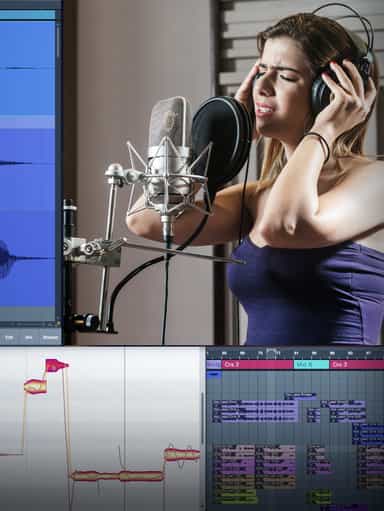
Edit, Comp, Tune, and Produce Professional-Quality Vocals in Your DAW
Learn EDM Structure, Kick & Bass Design, Builds, Stereo Width & Automation
Learn tips on how to create effective HyperPop productions with these informative video tutorials.

Analyze Audio, Phase, Transients & Loudness with an Oscilloscope
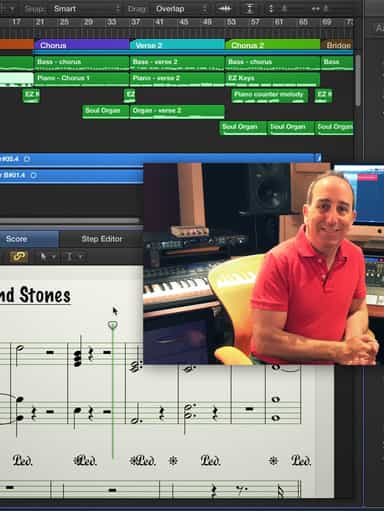
Turn a Song Idea into a Full Band Arrangement & Finished Mix
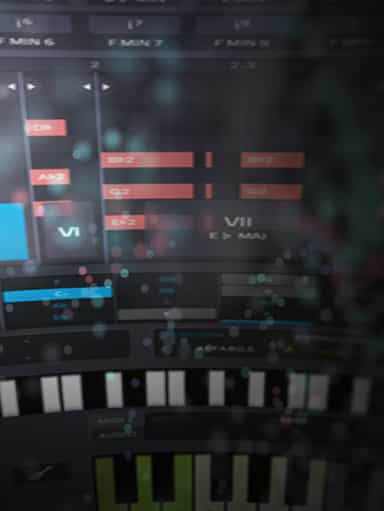
Create Chord Progressions and Arrangements Using Captain Plugins & Scaler 2
Develop Better Production Skills with Focused Practice Techniques
Build, Arrange, Mix & Master a Complete Tech House Track

Recording, Editing & Mixing Audio for Video Inside Pro Tools
Not enough reviews yet