What is MIDI and how is it used in music production?
MIDI (Musical Instrument Digital Interface) is a protocol that lets instruments, computers, and software communicate by exchanging performance data — which notes play, when, and how hard — instead of audio itself. It’s the standard behind almost every modern setup, from a keyboard controller to the piano roll in your DAW.
This guide covers what MIDI is, how it travels between devices, the messages it carries — notes, velocity, CCs and more — and how your DAW uses it, plus tools that turn audio into MIDI.
Audio-to-notation tools

What is MIDI?
Music is better with multiple parts playing, right? MIDI is a protocol for instruments and other ‘music gear’, virtual and non-, to communicate with each other. With MIDI, one device can be connected to another, and can send it a set of instructions to tell it what to play. A producer or programmer can connect multiple pieces of hardware or software and have them play together by having programmed MIDI sequences for all.
MIDI isn’t music, or even audio. It’s simply a stream of data that can be played from one device to another, or stored in a file and loaded elsewhere. If you’ve ever been searching through files and wondered what is MIDI format, essentially, it allows us to transfer musical information, like pitch, volume, velocity and more into a format that your computer and DAW can interpret and use. From there, you’re able to manipulate the information virtually and create electronic music!
Quick essential things to know about MIDI
- MIDI is not music or audio — it’s a stream of data that contains instructions, not audio data
- It’s played as a real-time data stream, but you can save MIDI files
- MIDI stands for ‘Musical Instrument Digital Interface’
- The format has been industry-standard since the 1980s
The early history of MIDI
When hardware synths rose to prominence and started making their ways into studios across the globe, there were a plethora of company manufacturers pumping them out, such as: Moog, ARP, Roland, Yamaha, Sequential Circuits, Oberheim, and Korg. With all these distinct companies releasing previously unheard-of and revolutionary technology, the hardware didn’t naturally come compatible with its competitors, creating a lot of frustration and tedious troubleshooting in the studio.
And thus: MIDI was born. MIDI was created to provide a computer protocol—or language—that allowed studio aficionados, no matter the time or place, to integrate their hardware effortlessly, creating compatibility between brands. The MIDI standard wasn’t announced to the world until 1983 at the famous Winter NAMM Show by Dave Smith and Ikutaro Kakehashi. Since then, it’s been the primary widespread standard for music data computing.
MIDI is now universal across synths, DAWs, hardware, software, and even inside of effects within VSTs (or other plugin types).
How is MIDI data transferred?
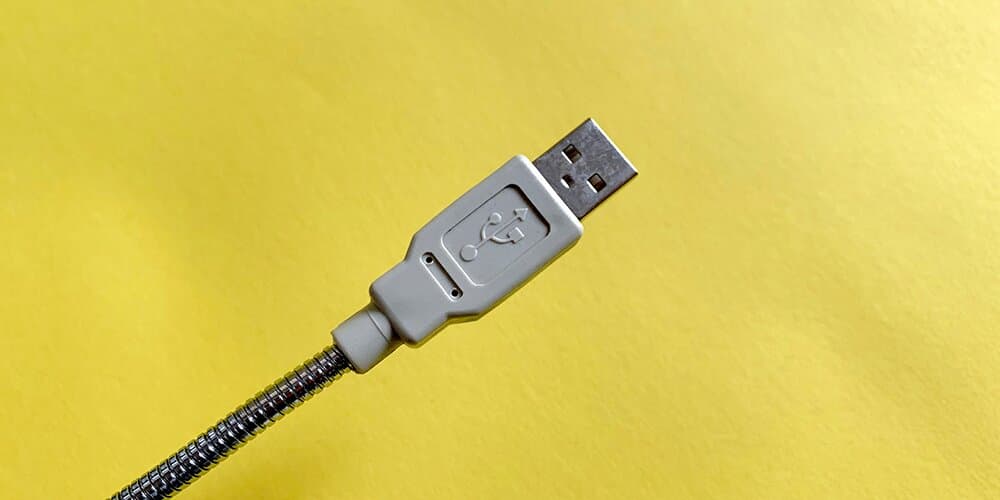
MIDI data can be transferred in ways similar to other computer data, through USB, Bluetooth, or internally within your computer (that means between DAWs and other audio-editing applications—you can even save MIDI files and share them across the cloud). However, in the early days, MIDI was transferred using 5-pin DIN cables. These became standard because they were affordable, and allowed music information on synths to be sent to and from other hardware.
USB connection was fated to become the go-to connector for computers, allowing for MIDI-compatible devices to be plugged straight into a PC/Mac for ease of use. It was around the same time MIDI got ported to USB that VSTs (Virtual Studio Technology) came into effect, spawning the computer musical revolution that progressed into what it is today—bedroom producers galore. Overall, these advancements made professional music production more accessible.
Occasionally, you’ll even see some MIDI devices with Bluetooth functionality for sharing data. This was added in 2015, and although it’s not necessarily a staple in each studio session, it’s surely come in handy to a handful of people across the years.
How does MIDI work?
The core components
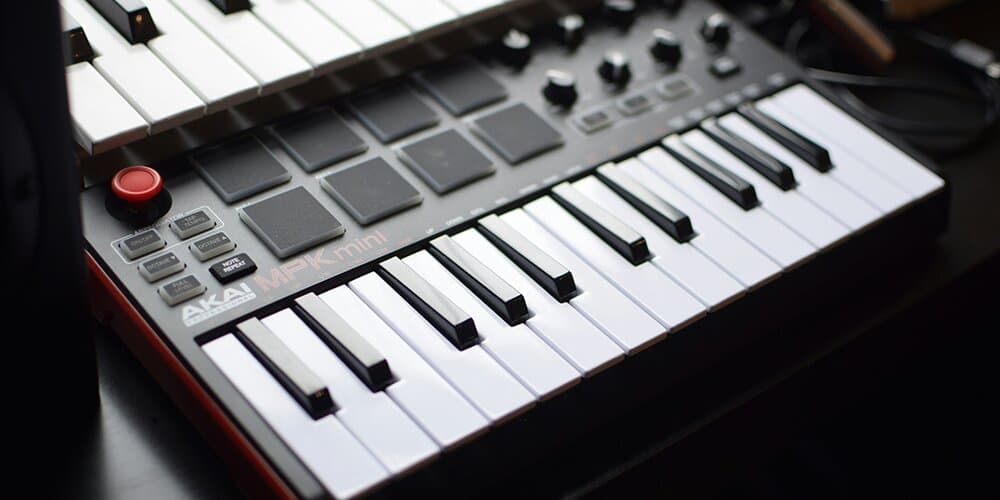
So, when you strike a key or pad on your favourite MIDI keyboard or drum machine, what’s actually happening? Basically, a sensor detects your physical press, converts that information into digital data, and sends it through a cable to your computer. The computer then interprets the binary code inside music software to produce the corresponding sound. This is where you can then manually adjust the data yourself inside of a DAW (Digital Audio Workstation).
So, each key/pad has a Note on/off value, as well as a Velocity value. In the standard MIDI protocol, there were 128 total notes that could be mapped to physical hardware controllers (with middle C defaulting to value 60). For each of those 128 notes, there is a range of 0–127 Velocity values that tell the computer how hard the button is being pressed, and how loud the note will be played.
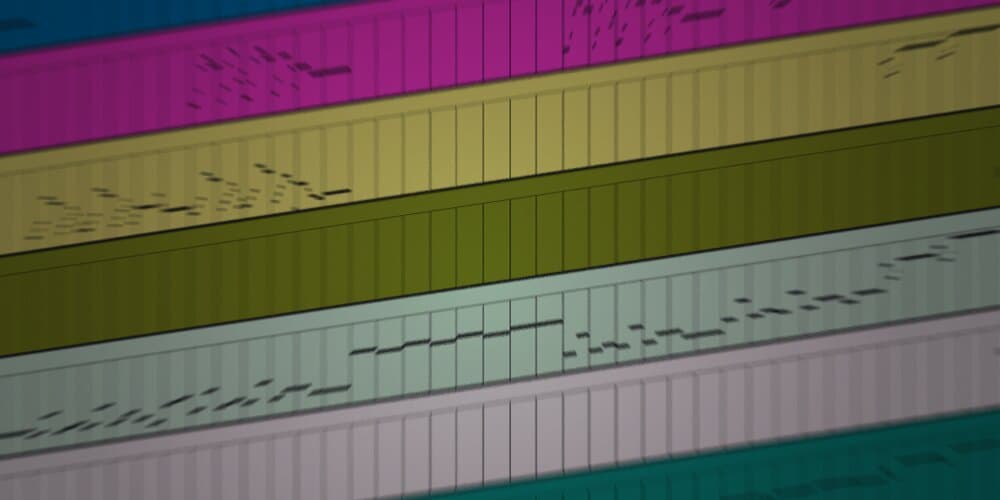
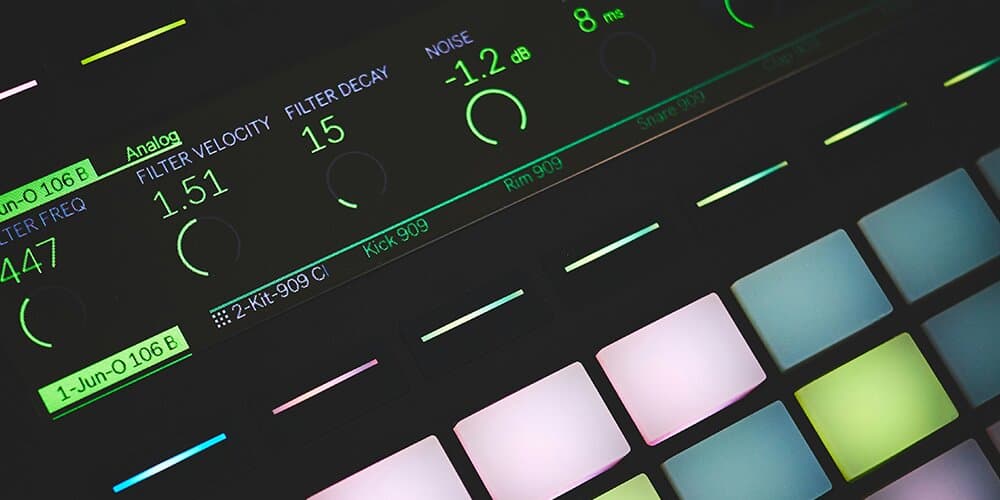
But, these 128 notes are just mappable computer parameters. You can use them in different ways than the standard, default mapping of musical notes across octaves. For instance, on a drum sampler with 16 pads (for example), it uses an isolated 16 of those 128 MIDI values at any one time (you can usually shift up and down beyond 16 anyway). You can then assign individual samples to each value regardless of pitch. This allows you to have a whole drum kit at your fingertips.
What about CCs (continuous controllers)?
Well, MIDI doesn’t just stop there. You also have access to a range of additional controls, in the form of CCs. These essentially allow for modular control, to alter a MIDI value continually across time. The most obvious examples of these would be CC1: modulation wheel, CC7: Volume, CC10: Pan and CC64: Sustain Pedal. Each of these give an additional 128 CC Values for precise control over each MIDI value.
Let’s be clear, CCs are computer values. So, let’s take CC10: Pan for example. We all know that we can pan a sound from left to right, and we can do this individually for each MIDI value. Some physical MIDI controllers come with physical knobs, sliders and wheels that can be mapped to different CCs in your DAW/software. This opens the door for a lot of fun ways to govern your musical data inside of a computer, whilst still retaining a physical instrument vibe.
The main MIDI messages
Beyond notes and CCs, the protocol defines several message types that carry musical and device information:
| Message | What it carries | Example use |
|---|---|---|
| Note On / Off | Which note starts and stops | Triggering a synth or sampler note |
| Velocity | How hard a note is played (0–127) | Louder, brighter piano hits |
| Control Change (CC) | Continuous parameter values | Mod wheel, volume, pan, sustain |
| Pitch Bend | Smooth glide between pitches | Bending a lead line |
| Aftertouch | Pressure applied after a key is struck | Vibrato or filter sweeps |
| Program Change | Preset and patch selection | Switching an instrument’s sound |
| SysEx | Device-specific data | Firmware version, hardware config |
One note on terminology: “Control Change” is the official MIDI message name, and CCs are one part of it. All CCs send Control Changes, but not every Control Change is continuous.
Does a DAW use MIDI?
In short—absolutely. Digital Audio Workstations rely heavily on MIDI data as part of how they operate. That said, the relationship is more nuanced than it might initially seem, since DAWs are complex pieces of software built on layers of internal systems that manage commands, timing, and performance.
While MIDI is a universal language for musical communication, most DAWs also make use of their own proprietary data structures behind the scenes. In practice, this means they’re constantly translating between MIDI and their internal formats whenever needed. This translation allows DAWs to remain compatible with the global MIDI standard while still maintaining their own optimised ways of handling information efficiently and smoothly.
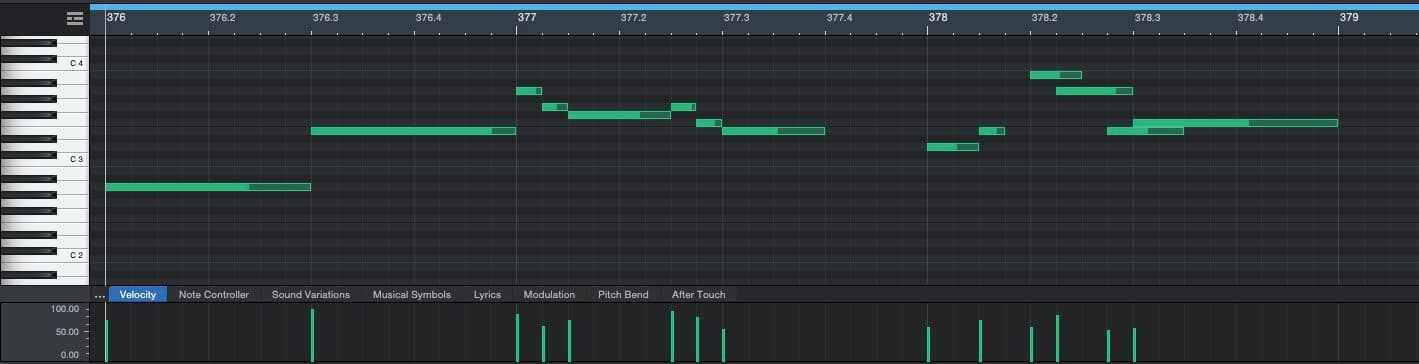
So, yes, DAWs technically use MIDI, and no-one would ever fault you for saying this, but if you are a true music tech nerd, knowing about the internal translations going on under the hood will really make you the coolest (or not so cool) person at the dinner table.
And there you have it… If you ever find yourself again asking the question, what is MIDI devices, you can always refer back to this guide for a recap.
Tools to help work with MIDI
Building a setup on a budget? See our roundup of the best free VST plugins. For synths specifically, see the best synth plugins.

Easily transcribe any musical audio into MIDI data using advanced AI
Being able to convert any musical audio into MIDI data is going to be a real time saver throughout your career as a musician. Music Transcription Studio allows you to streamline the process, so you can spend your valuable time on what you love: creating. Built from state-of-the-art AI, you can input melodies, harmonies and rhythms into the plugin for an accurate MIDI or sheet-music transcription. You can also record input live.

Capture every piano performance nuance with crystal clarity
Piano2Notes was designed with one goal in mind: to give pianists and engineers a stable and trustworthy tool that can transcribe piano performances into MIDI with utmost perfect accuracy; that includes all the acute distinctions in velocity, note lengths, polyphonic voices and more. There are a few tools on the market attempting to do the same, but whether they compete with the accuracy of Piano2Notes is debatable.

A decked-out guitar performance transcriber, converting audio to MIDI or sheet music
Similar to the aforementioned Piano2Notes, Guitar2Tabs comes from the same developer and aims to specifically transcribe a particular instrument. This time: guitars. This plugin works for acoustic, electric and bass guitars, and also succeeds at distinguishing the guitar notes, even when other audio sources are playing simultaneously. Once your guitar transcription is completed, you’ll have the option to export it to MIDI or as a sheet music PDF.
FAQs about MIDI
Next steps
MIDI is the note data; the software you record and arrange it in is a DAW. What is a DAW explains what those programs do, and the best free VST instruments covers the sounds your MIDI can play.