S1 De-Esser
Smooth, Natural Sibilance Control
$14.99 $29.99
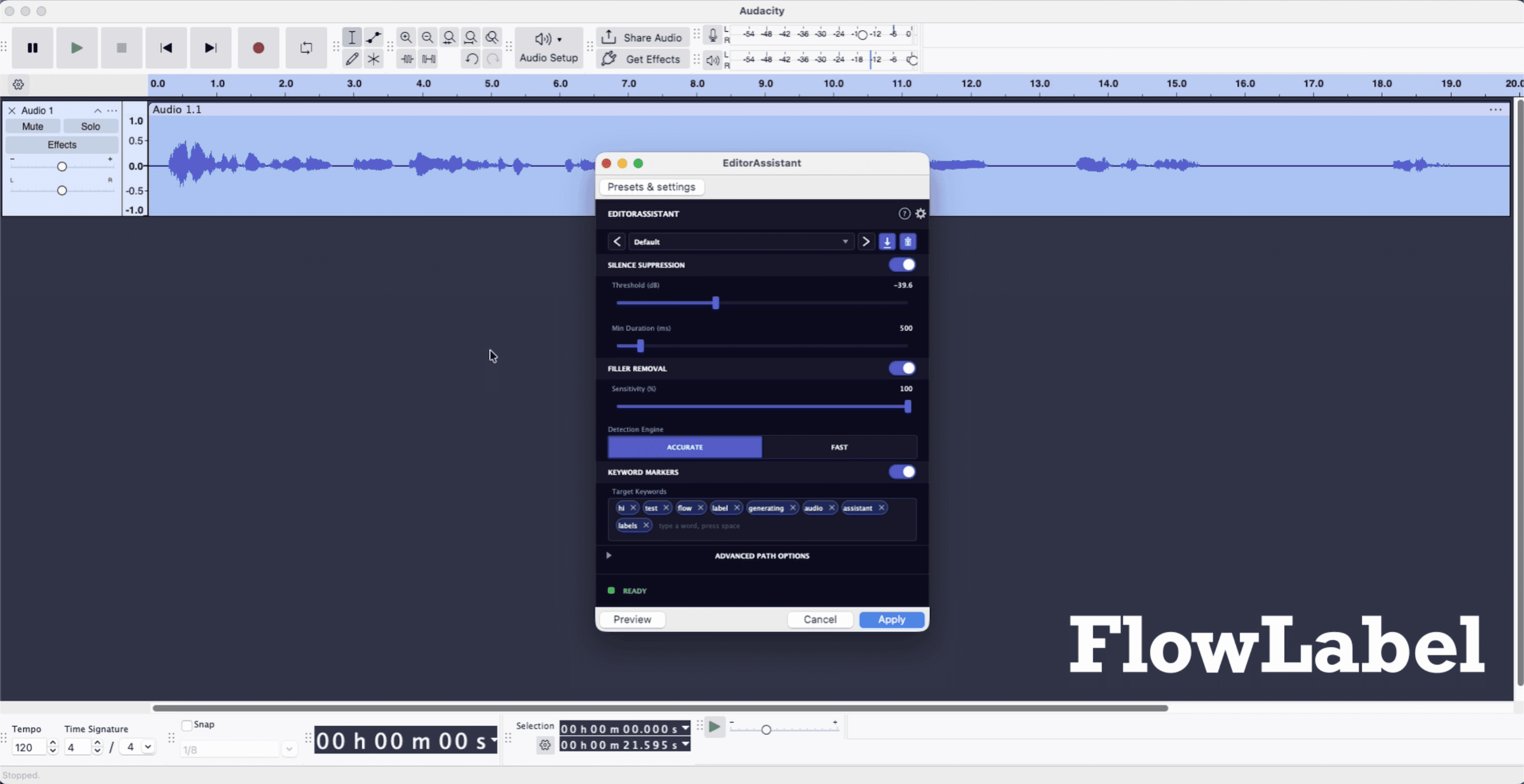
FlowLabel automatically finds and labels silences, filler words, and your chosen keywords in a recording, placing markers right on an Audacity label track so cleanup that used to take hours takes minutes. All analysis runs locally on your device, so your audio stays private, and it works in Audacity or any AU and VST3 host. It is built for podcasters and spoken-word editors who want to skip the tedious scrubbing and get straight to editing.
Spend less time editing, more time creating.
FlowLabel automatically finds and labels silences, filler words, and your chosen keywords in a recording, placing markers right on an Audacity label track so cleanup that used to take hours takes minutes. All analysis runs locally on your device, so your audio stays private, and it works in Audacity or any AU and VST3 host. It is built for podcasters and spoken-word editors who want to skip the tedious scrubbing and get straight to editing.
Spend less time editing, more time creating.
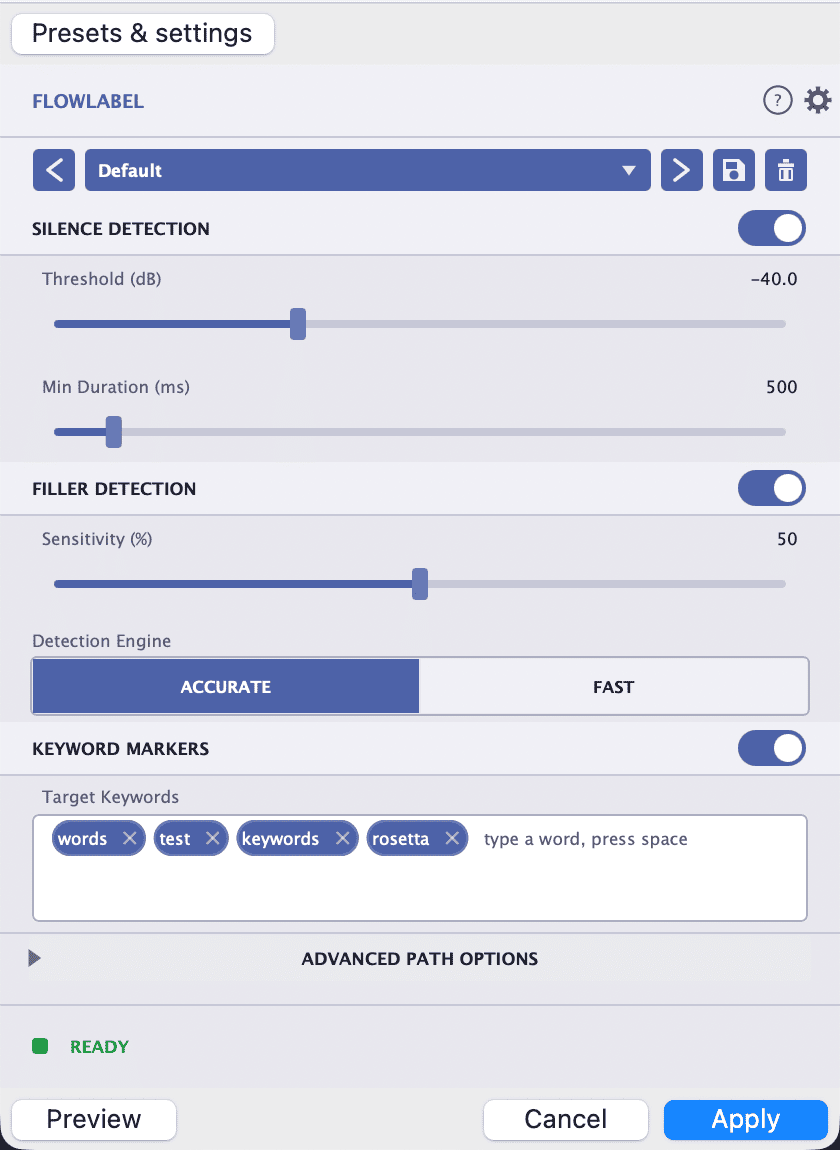
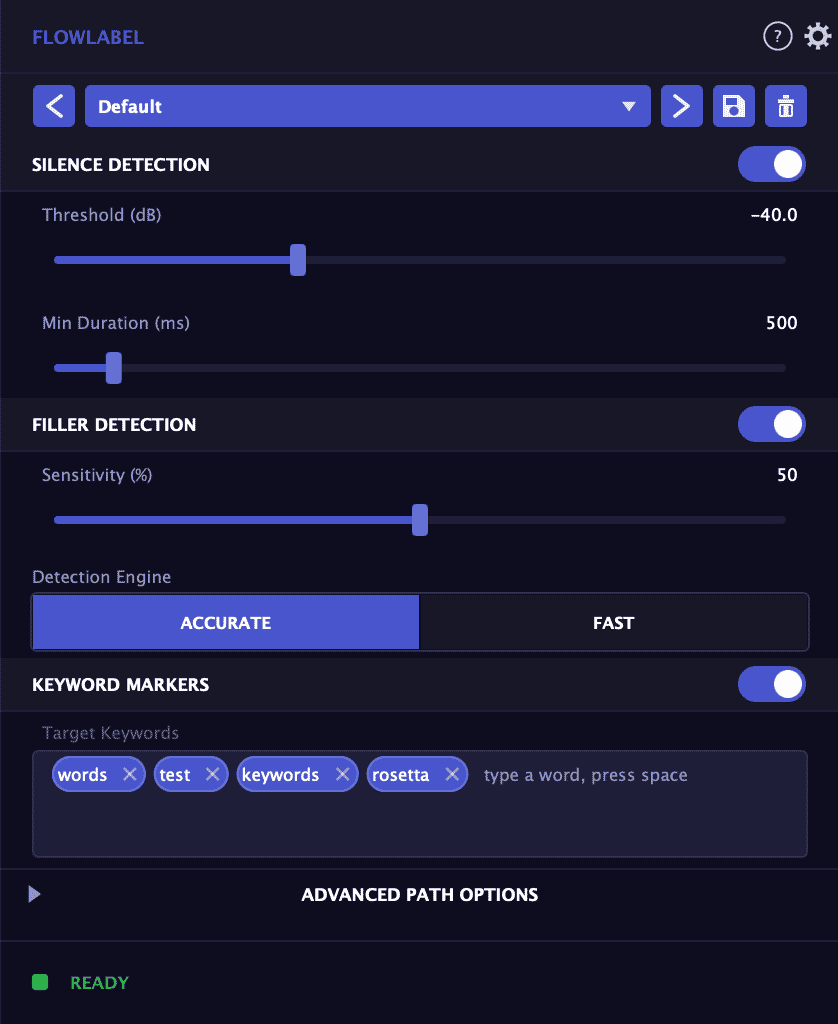
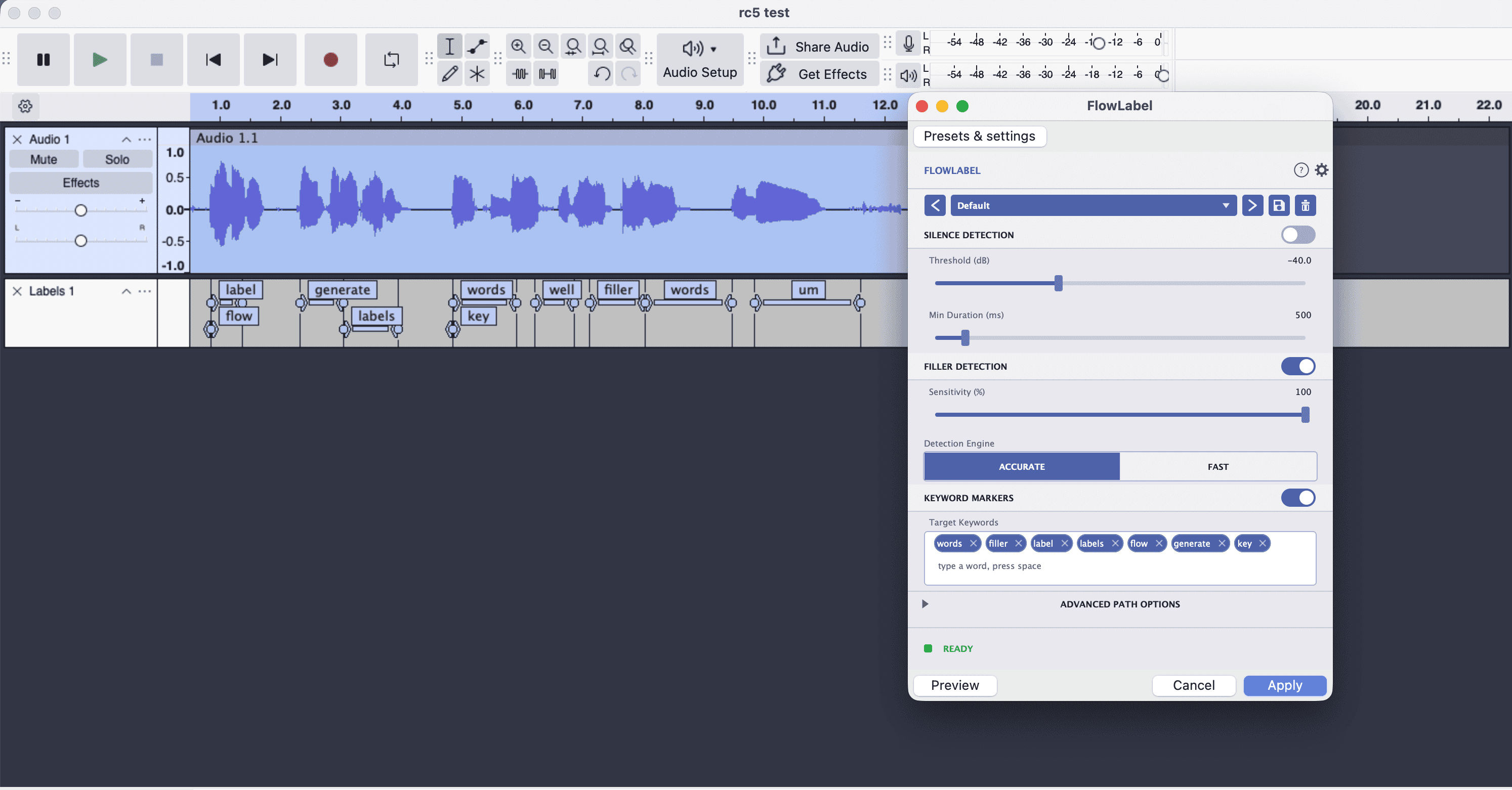
Spend less time editing, more time creating. FlowLabel listens to your audio and automatically marks every long pause and verbal stumble, the "um," "uh," "like," and "you know," placing labels directly on an Audacity label track. It can also flag specific keywords you choose, so you can jump straight to mentions of a sponsor, a topic, a guest's name, or anything else you want to find. Instead of scrubbing through a two hour recording hunting for dead air, filler, and key moments, you get a ready made map of everything worth trimming or revisiting, so cleanup that used to take hours takes minutes. Silence detection finds pauses and dead air, with adjustable threshold and minimum duration so you control what counts. Filler word detection uses on device AI to catch disfluencies like "um," "uh," and "you know," with a sensitivity control to match your speaking style. Keyword detection lets you supply your own list of words to find and label automatically. Everything is written to standard Audacity label tracks that you can review, jump between, and cut in seconds, and nothing is deleted automatically, so you always stay in control. FlowLabel is private by design. All analysis runs locally on your machine, so your audio never leaves your computer and nothing is uploaded to the cloud. It is built for Audacity and available as AU and VST3 plugins for any compatible host. Whether you are producing a weekly podcast or cleaning up an interview, FlowLabel turns the most tedious part of editing into a one pass, automatic step.
Not enough reviews yet
Smooth, Natural Sibilance Control
Automatic level riding for smooth, even audio
Four saturation styles with flexible control
Reduce background noise while keeping audio clear
Vocal Tuning
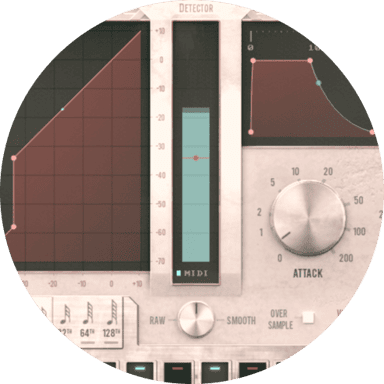
Smooth and natural sounding gate plugin
Loudness matching with true peak limiting
Perfect and polish your vocal tracks
Precise control for gain, pan and routing
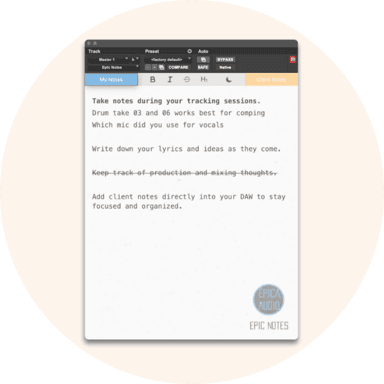
A notepad designed specifically for your DAW