How to make your voice sound better
Making your voice sound better is mostly two things: a clean capture, then a simple processing chain — clean up the noise, EQ out the mud and harshness, even out the level with compression, tame the “s” sounds, and add a touch of polish. You don’t need a pro studio; you need good habits at the mic and a handful of the right tools.
This guide covers how to get a better voice at the source, the core chain that fixes most recordings, the polish that makes it shine, and a one-plugin shortcut if you’d rather not build the chain by hand.
Tools for a better vocal


Start with the source
No plugin fixes a bad capture, so spend your effort here first:
- Get close, but not too close. Six to twelve inches from the mic gives a full, present sound. Use a pop filter to stop plosives.
- Tame the room. A reflective room makes the voice sound boxy and distant. Record into soft furnishings, a wardrobe of clothes, or a duvet fort — anything that kills reflections.
- Set a safe level. Aim for peaks around −12 to −6 dB so you’ve got headroom and no clipping.
- Perform. Energy, diction, and consistent distance do more for “sounding better” than any processing.
Clean it up
Before you shape the tone, remove what shouldn’t be there — hiss, hum, air-con, and room noise. A dedicated denoiser (or a voice cleaner) strips that out so the processing later doesn’t amplify it. Do this first: compression and EQ will otherwise bring the noise floor up with the voice.
The core chain
This order fixes the vast majority of home recordings. If EQ is new to you, our full guide to how to EQ vocals goes deeper on each move.
- EQ (subtractive). High-pass below ~80–120 Hz, cut mud around 200–500 Hz, and tame harshness around 2–5 kHz.
- Compression. Even out the loud and quiet words so the vocal stays present. Start around a 3:1 ratio with 3–6 dB of gain reduction on the loudest lines.
- De-ess. Control the piercing “s” and “t” sounds around 5–9 kHz so the compression and any brightness don’t exaggerate them.
- EQ (additive). Now add a little presence around 3–5 kHz and air above 10 kHz so the words cut through.
Add the polish

Instant tone and sheen for a finished voice
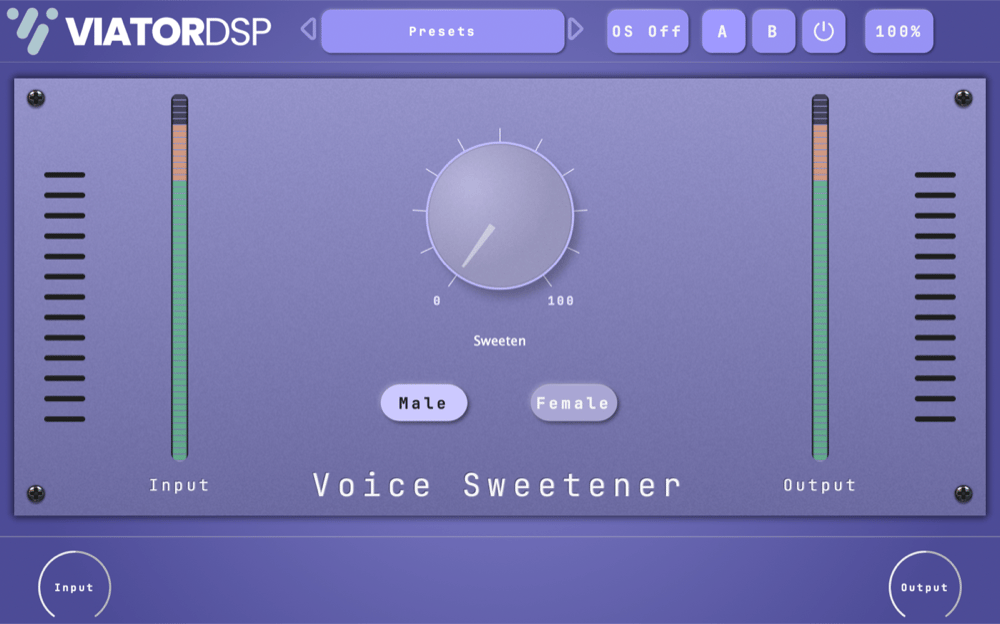
Once the chain is clean, a sweetener adds the finishing character — subtle warmth, presence, and air in one move, without hunting for the exact EQ and saturation settings yourself. It’s the difference between “fixed” and “finished.”
For pitch, a gentle correction tightens intonation without the robotic effect — or push it hard for the deliberate auto-tune sound.

Natural pitch correction — or full-on vocal effect
Graillon 3 does subtle, transparent pitch correction when you want the performance tightened invisibly, and hard-tuned or formant-shifted effects when you want them to be heard. It’s two tools in one: a fixer and a creative effect.

Finally, a little reverb or delay places the voice in a space so it doesn’t sound dry and stuck to the speaker — see what reverb is for how to use it tastefully.
The fast track: let a tool build the chain
If all of that sounds like a lot, an AI-assisted vocal chain does the heavy lifting — it analyses your voice and sets up cleaning, EQ, dynamics, and polish for you, which you can then tweak.

An AI-assisted vocal chain that gets you 90% there in one click
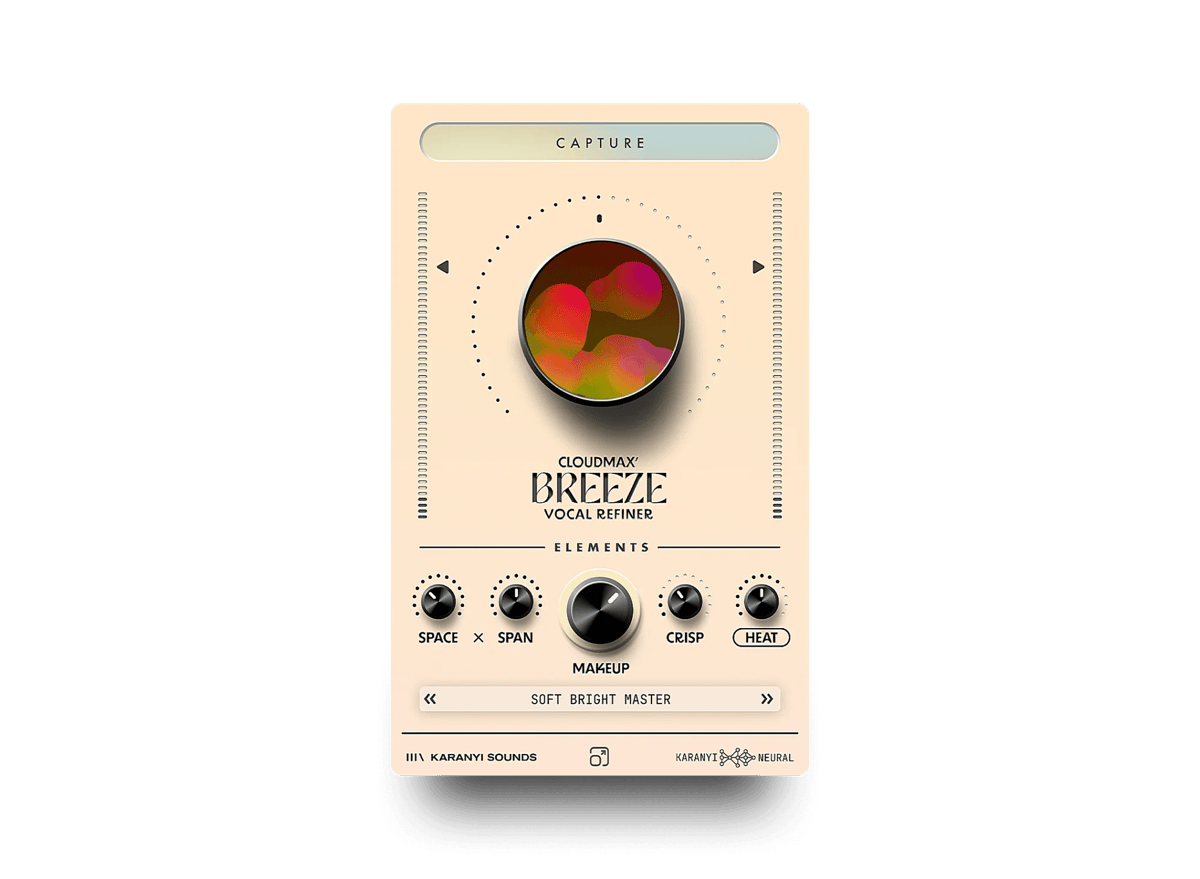
Cloudmax Breeze listens to your vocal and builds a full chain — cleanup, EQ, dynamics, and tone — automatically, so a good result is a starting point rather than an hour of work. It’s ideal if you want a polished voice fast, and a great way to learn what a finished chain looks like. It helps you sound better; it doesn’t replace your performance.
Common mistakes
- Processing a bad take. Fix the capture first — mic distance, room, and performance.
- Skipping the cleanup. Compressing before you denoise just makes the noise louder.
- Over-compressing. Squashing the life out of a vocal makes it lifeless and pumpy. A few dB of gain reduction is usually enough.
- Too much brightness. Air is a seasoning; pile it on and the voice gets fatiguing and harsh.
- Working in solo. Judge the voice against the full mix, not on its own.
Next steps
If you write songs as well as sing them, using loops and beats from MuseHub walks through recording a topline over a loop-built backing track in Audacity.
Go deeper with how to EQ vocals and mixing vocals, or if you’re recording spoken word, how to improve podcast sound. Get Cloudmax Breeze, VocalStrip 2, Graillon 3, and more free with MuseHub.