Free

Overtune Studio
Create music. Record vocals. Own everything.

Unshuffle automatically organizes and visualizes your sample library, helping you find the right sound in seconds, and commit to a library structure easily, once you're 100% happy with the results.
Bring harmony to your sound libraries.
Unshuffle automatically organizes and visualizes your sample library, helping you find the right sound in seconds, and commit to a library structure easily, once you're 100% happy with the results.
Bring harmony to your sound libraries.
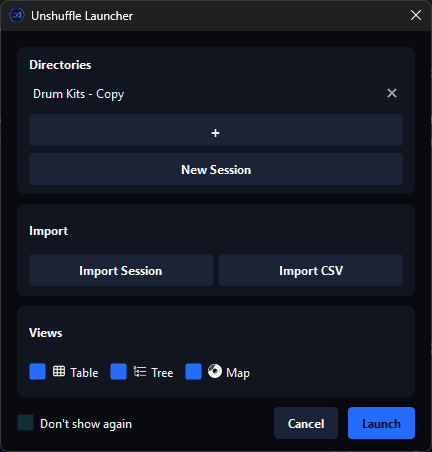
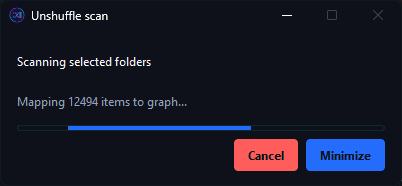
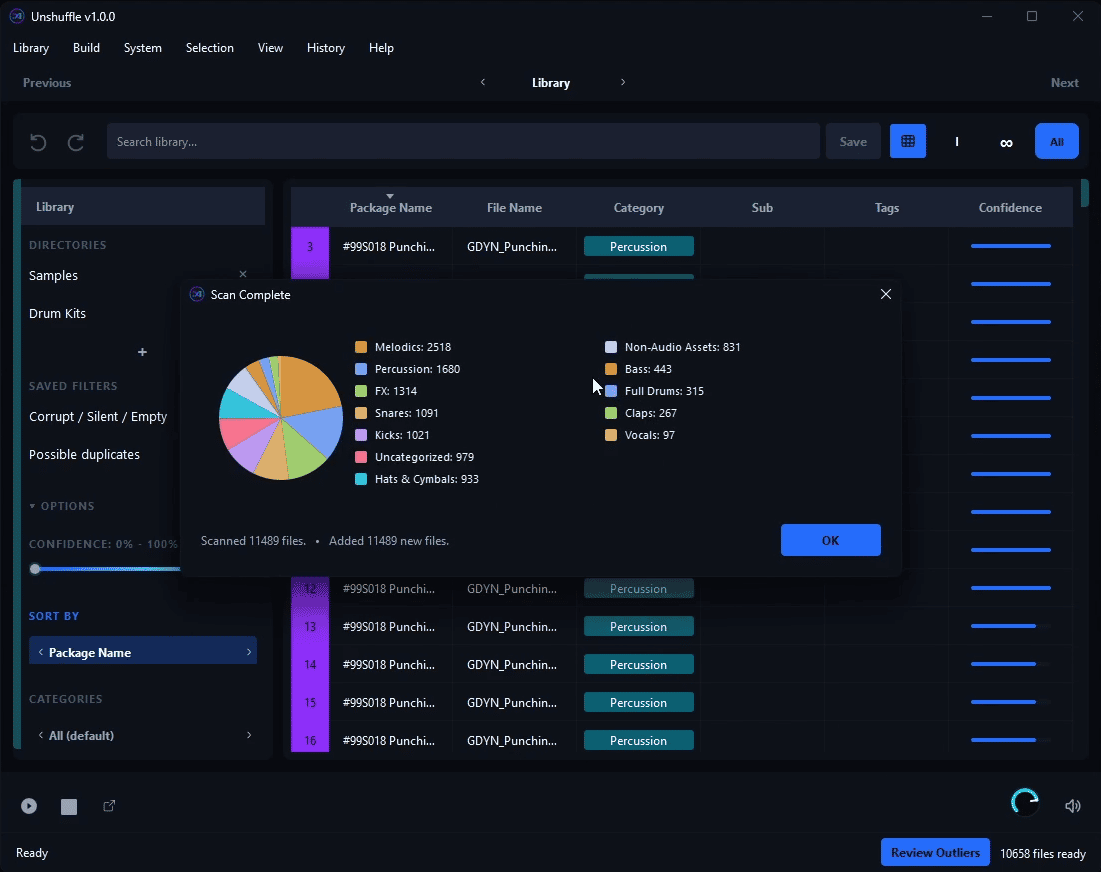
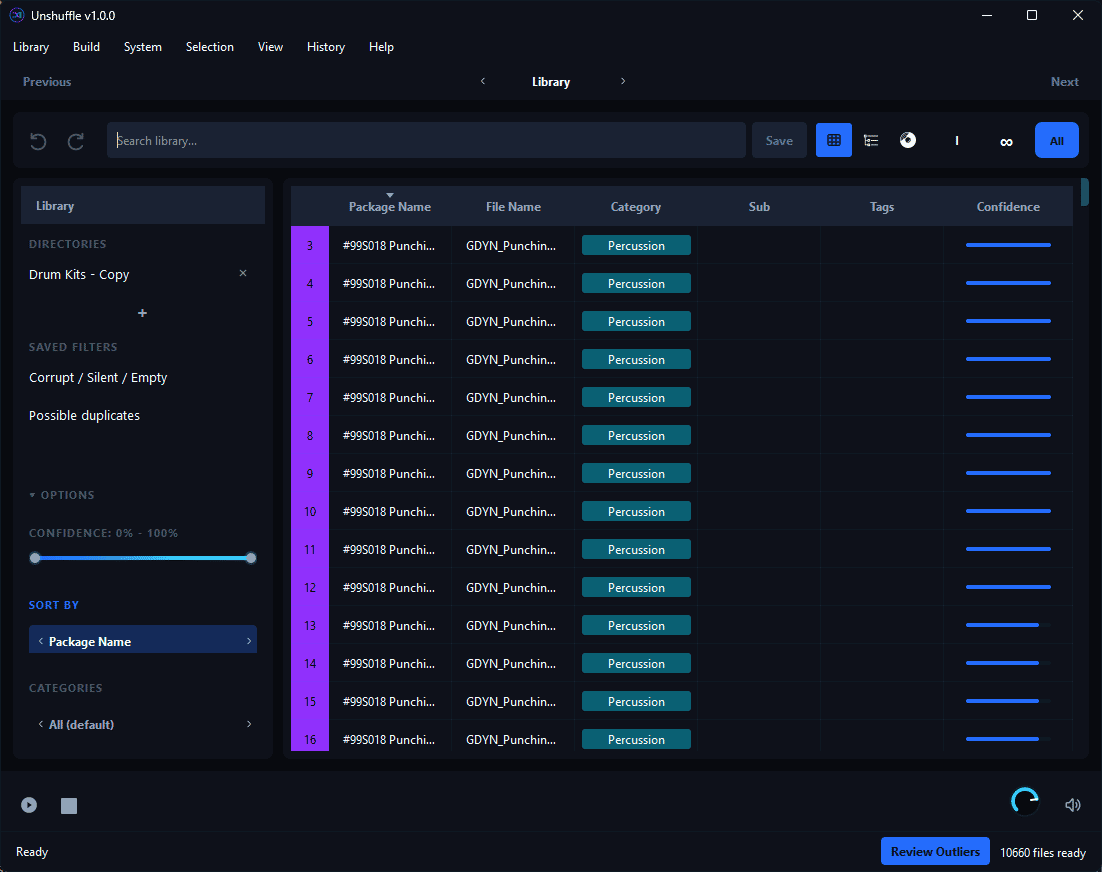
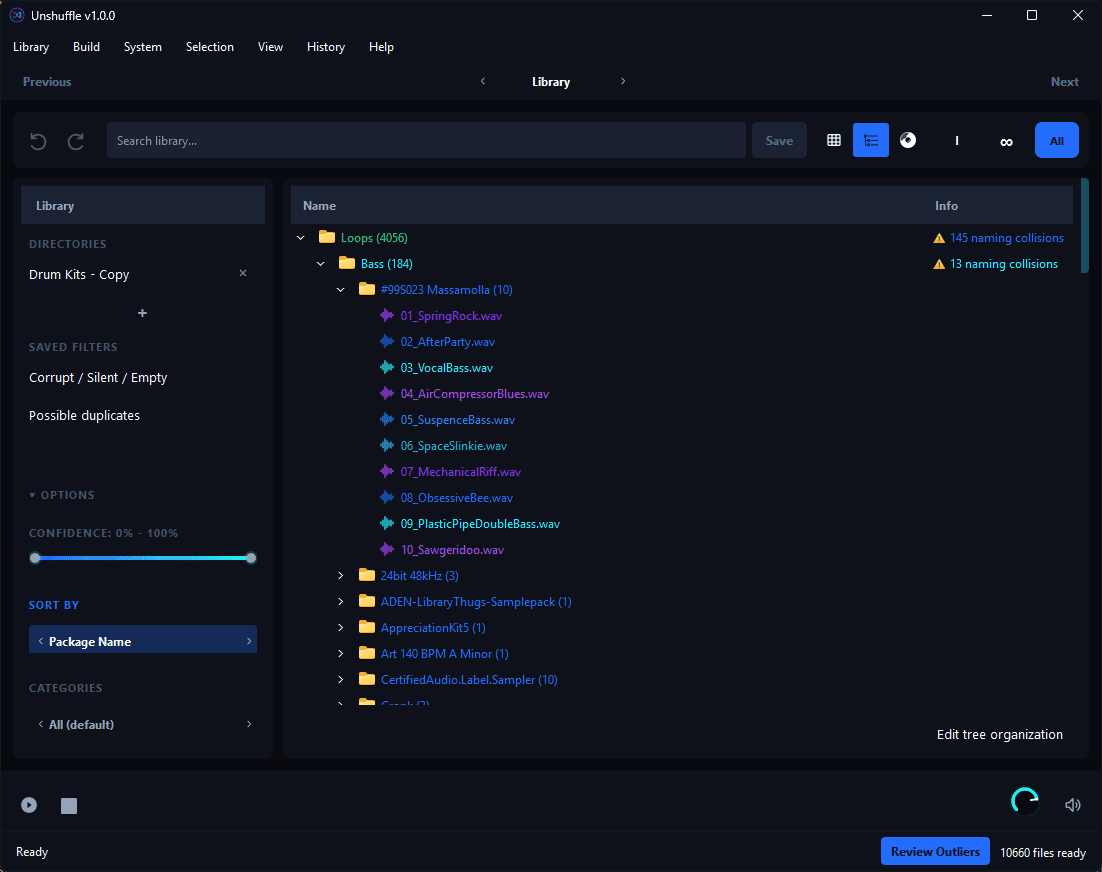
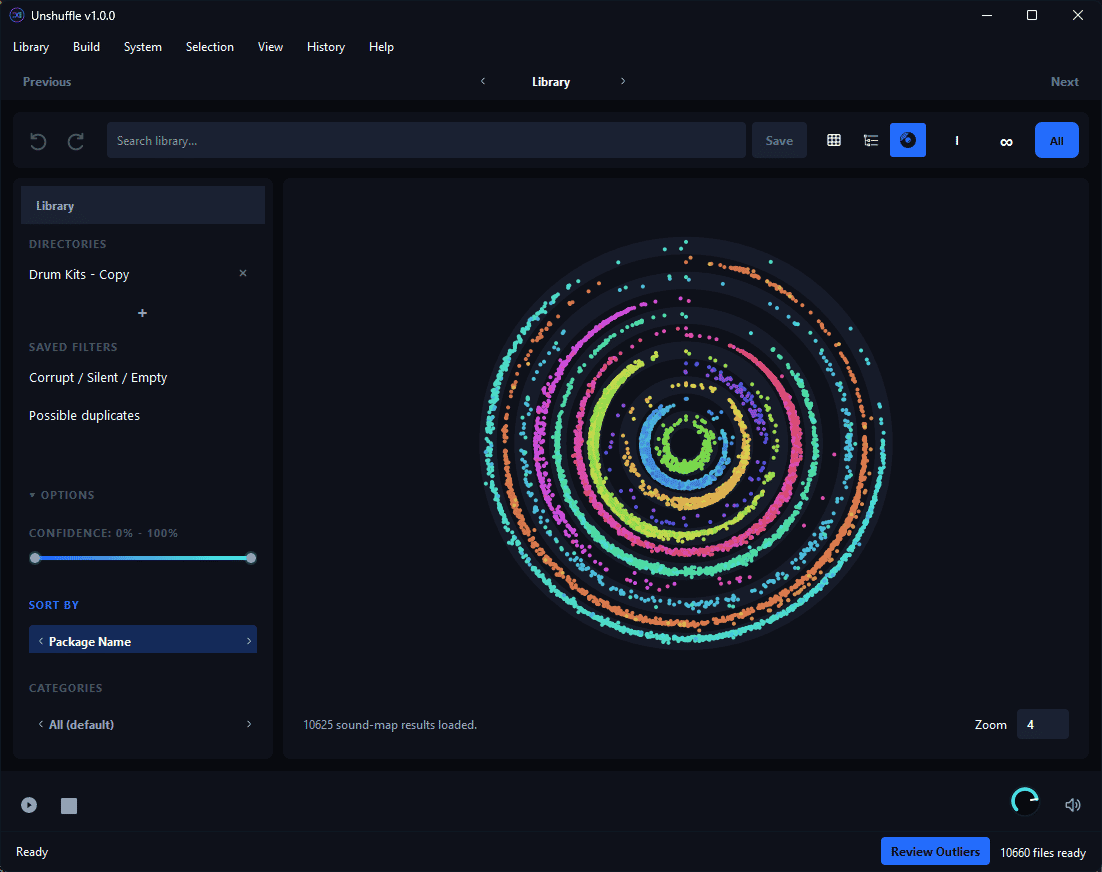
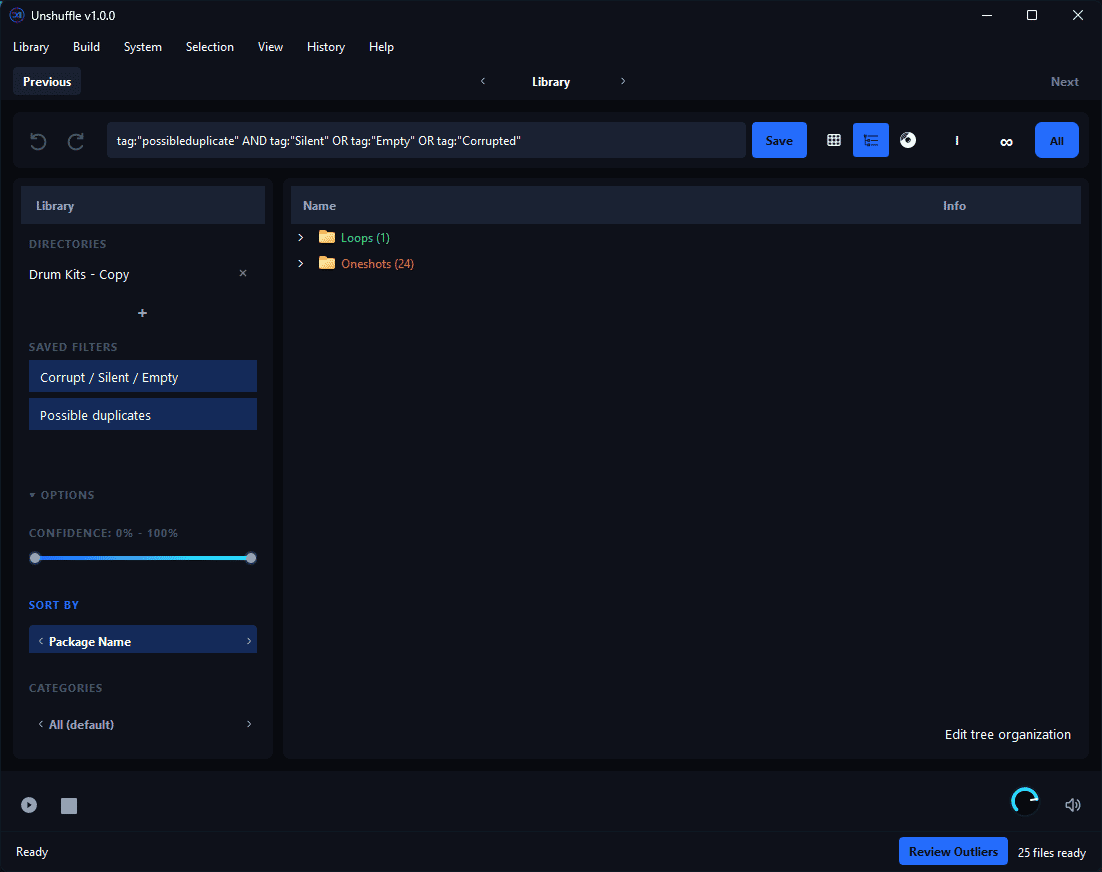
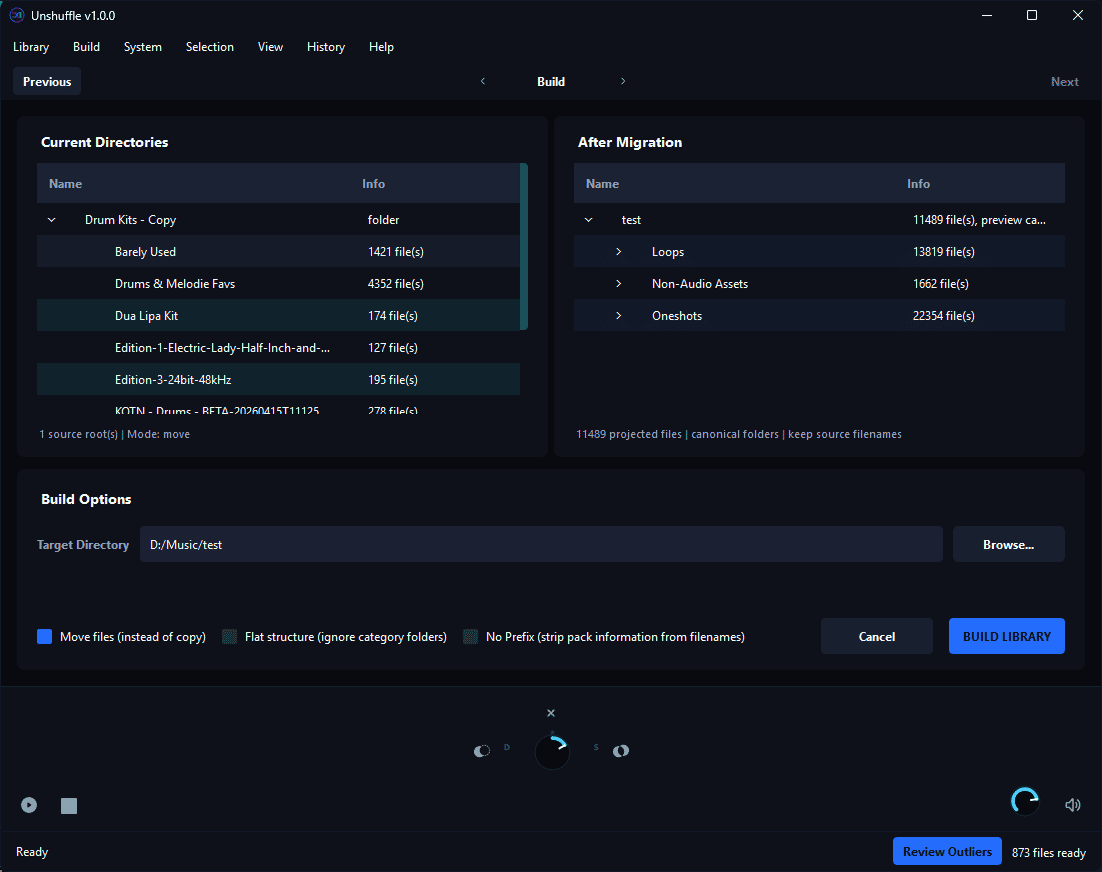
Unshuffle is a standalone application for organizing, managing, and exploring your sample libraries. It analyzes your samples and automatically classifies them by type, category, and similarity, helping you navigate even large collections more efficiently. Getting started is simple: select the folders containing your samples and let Unshuffle scan your library. It uses file names, audio features, and existing folder structure to identify one-shots, loops, non-audio assets, sample categories, and similarities between sounds. Once scanning is complete, Unshuffle creates an organized session without changing your original files or folder structure. Explore your collection through Tree, Table, or Map views, refine classifications, find similar or dissimilar sounds, and filter by category, subcategory, sample pack, tags, directory, and more. Saved Filters give you quick access to searches you use regularly. Unshuffle can also identify duplicate, corrupted, silent, or empty sample files and lets you create and save multiple organization schemes. Docked Mode keeps Unshuffle alongside your DAW, making it easy to search, preview, and drag samples directly into your projects. When you're ready to reorganize the files themselves, the Build tab lets you preview and create your chosen folder structure on disk. This gives you a fully organized sample library that remains accessible directly from your file system, even when Unshuffle isn't running.
Not enough reviews yet
Create music. Record vocals. Own everything.

Turn your recordings into sheet music and MIDI!
The audio editor you love, reimagined.

Turn your piano recordings into sheet music!
Visual Sound Design Studio

Turn Guitar Audio into Sheet Music and Tabs

Offline Audio Analysis Tool for Music Creators
Workspace for samples, MIDI-files and DAW-projects

The world's most accurate sheet music scanner.

Mastering, start to finish
Not enough reviews yet