How to make VST plugins: formats, SDKs, frameworks and release
Every equalizer, compressor, synth and reverb in a DAW is a plugin: a piece of software that runs inside the host and processes or generates audio in real time. Making one means learning three things at once — a little signal processing, a programming language fast enough for audio, and the plugin format your host expects.
This guide maps the path from idea to a plugin you can ship: what a plugin actually is, which formats matter, the SDKs and frameworks that do the heavy lifting, and what protecting and distributing it involves.
What an audio plugin is
An audio plugin is a software component that a host — a DAW like Logic Pro or an editor like Audacity — loads to extend what it can do. Effects take an audio signal in and send a changed one out; instruments take note data in and generate sound. Either way the plugin runs inside the host’s audio engine, which means it has to do its work in the few milliseconds between one buffer of samples and the next. That real-time constraint shapes every technical decision below.
The plugin formats that matter
VST is the word most people use for “plugin,” but it is one of several formats, and hosts differ in which they load:
- VST3 (Virtual Studio Technology). Steinberg’s format and the most widely supported across Windows and macOS. VST2 is the older version; new development targets VST3, which improved processing efficiency and how hosts and plugins exchange parameters.
- AU (Audio Units). Apple’s format, built into macOS and required by Logic Pro and GarageBand. Most macOS hosts also load VST3, but Logic does not, so a plugin without an AU build is invisible to a large share of Mac users.
- AAX (Avid Audio eXtension). Pro Tools’ format, in two variants: AAX Native for general processing and AAX DSP for Avid’s hardware. Shipping AAX means working with Avid’s developer program.
- LV2 and CLAP. Open formats. LV2 is common on Linux and supported by Audacity; CLAP is a newer open format gaining host support.
In practice a commercial plugin ships VST3 and AU at minimum, adds AAX if Pro Tools users are part of the audience, and builds each for the CPU architectures its customers run.
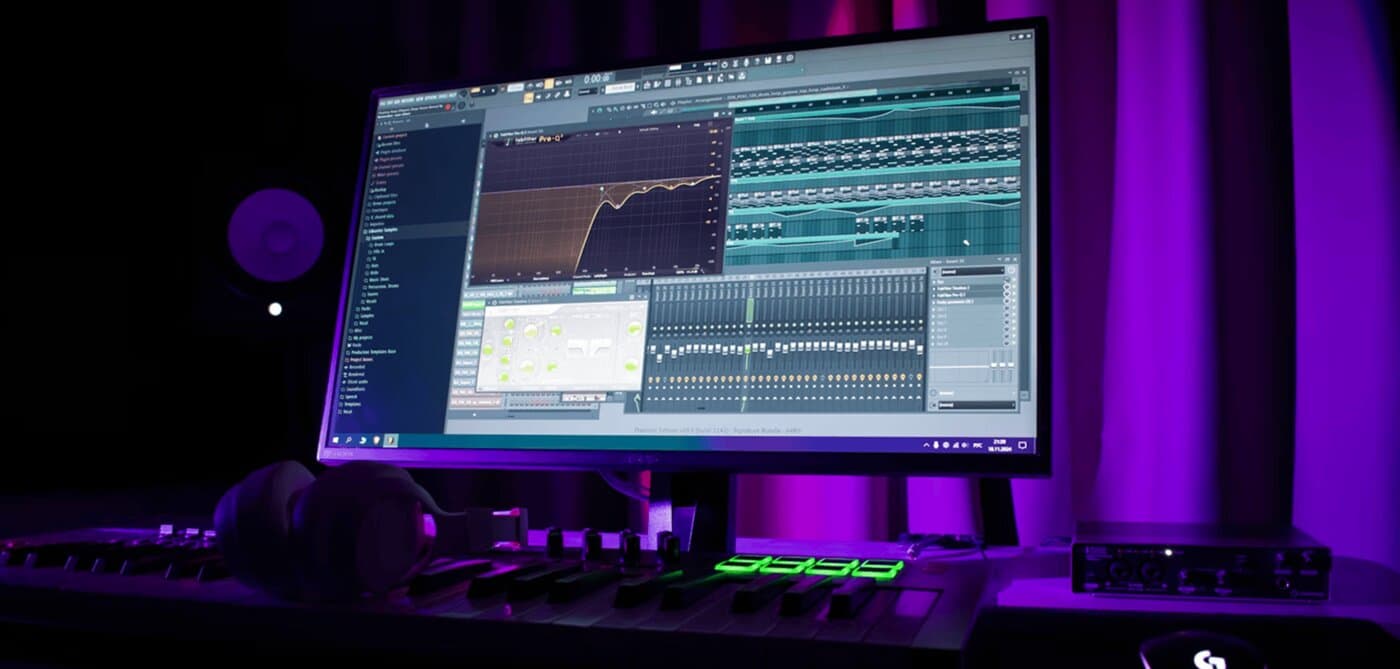
The building blocks
A language fast enough for audio
C++ is the standard for plugin development because it gives you control over memory and timing, both of which matter when the code has to finish before the next audio buffer arrives. Rust is emerging as an alternative with the same performance characteristics and stronger safety guarantees, and some frameworks now support it. Higher-level languages appear in prototyping and in UI layers, not in the audio thread.
The SDK for each format
The format you target dictates the SDK. Steinberg publishes the VST 3 SDK; Apple’s Core Audio frameworks provide Audio Units; Avid supplies the AAX SDK to registered developers. Each defines how the host discovers the plugin, sends it audio and parameter changes, and asks it to save and restore state.
A framework that wraps them
Almost nobody writes to each SDK directly. Cross-platform frameworks let you write the processing and interface once and build every format from the same code:
- JUCE is the most widely used: C++, all major formats, a UI toolkit and the packaging tools to produce installers.
- HISE targets sample-based instruments and effects, with a scripting layer over a C++ core.
- iPlug2 is a lighter open-source C++ framework covering the common formats.
- Cmajor is a newer language and toolchain built for audio, compiling DSP code into plugins and web audio; a team at the MuseHub hackathon shipped a working analyser plugin with it in 24 hours, having learned it that weekend.
Enough DSP to make decisions
Digital signal processing is the theory under the code: how filters, oscillators, envelopes, delays and dynamics processors work in discrete samples. You do not need a degree, but you do need to understand what your algorithm does to the signal well enough to know why it sounds the way it does and where it will break — aliasing, denormals and clicks at parameter changes are the classic first bugs.
Protecting and licensing the plugin
Once the plugin works, the next problem is people using it without paying. Two approaches, usually combined:
- Licensing. A system that ties each copy to a purchase — a serial number, an online activation or a signed license file — and lets you offer trials and subscriptions. Third-party licensing platforms provide this for a fee.
- Code hardening. Making the binary harder to tamper with, so a cracked copy takes effort to produce. It slows piracy rather than stopping it.
MuseHub provides both without a fee: Muse DRM adds licensing to an existing binary with no code changes, and the Muse SDK integrates licensing into your own activation flow. The licensing and protection guide compares these with PACE, Cryptlex and building your own.
Distributing and selling it
A plugin nobody can find is a hobby. The main routes, each covered in detail in how to sell and distribute VST plugins:
- MuseHub, a store built for audio developers, which installs plugins directly, delivers updates automatically, handles payments and taxes as Merchant of Record and includes licensing.
- Your own website, for the brand, documentation and mailing list — and optionally sales.
- Plugin marketplaces such as Plugin Boutique and KVR, for reach at the cost of a commission.
- Bundles and collaborations with other developers.
Package the plugin in every format and architecture you support, sign and notarize the installers, and prepare the screenshots, video and audio demos that every store will ask for.
FAQ
Next steps
When the build works, protect and license it, then decide where to sell it. To see what other developers ship and how the store presents it, browse the plugins on MuseHub.
Ready to publish? The Distribute on MuseHub page explains the partner program.