$24.99

Edit individual notes in a recorded vocal or instrument line with precise control over pitch, timing, level, vibrato, formants, attacks, and sibilants.
Edit one note. Leave the rest untouched.
Edit individual notes in a recorded vocal or instrument line with precise control over pitch, timing, level, vibrato, formants, attacks, and sibilants.
Edit one note. Leave the rest untouched.
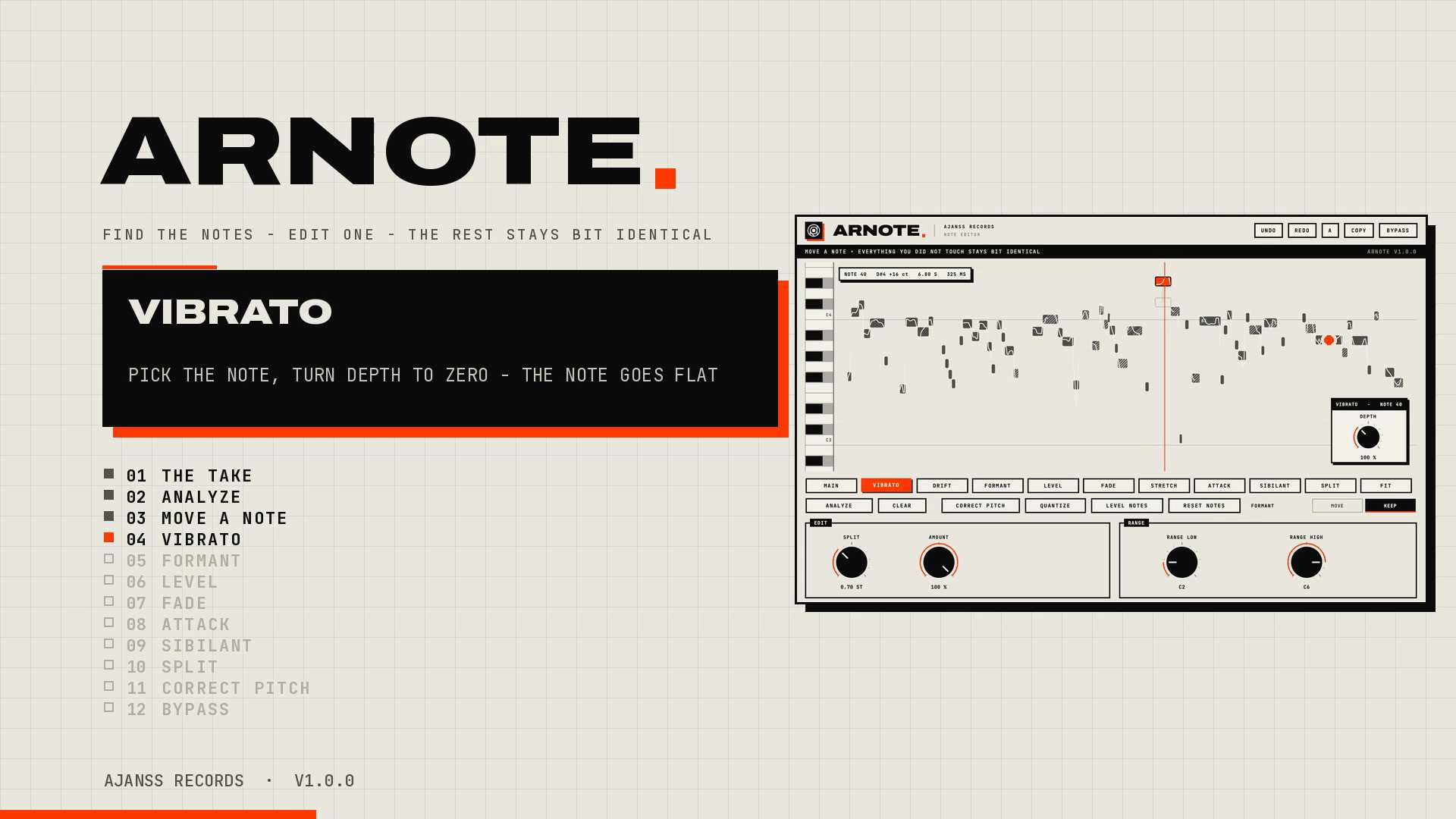
ARNOTE gives you note-by-note control over a recorded performance without automatically correcting anything. Analyze a vocal, bass, or single-note instrument part and it appears on a piano roll, with each detected note ready to edit individually. Move notes in pitch or time, adjust their level and vibrato, preserve or shift formants, reshape attacks and sibilants, add fades, stretch notes, or split them where needed. Click a note to hear it, then audition changes as you drag, making detailed edits easier to judge by ear. Unlike automatic pitch correction, ARNOTE does not use a key or scale to decide where notes should go. You choose what changes. Anything you leave unedited remains bit-for-bit identical to the original audio. Edits stay locked to your DAW timeline and are saved with the session. Multi-select, undo, A/B comparison, and editing macros help speed up larger adjustments, while zero latency keeps the processed audio aligned with the original recording. ARNOTE is designed for monophonic material such as lead vocals, bass, and single-note guitar or synth parts.
Not enough reviews yet