
STEREOLAB
The hassle-free & most flexible stereo plug-In
Stereo Control gives you fast control over stereo width, low-end centering, balance, mono compatibility, side monitoring, channel routing, polarity, output level, and correlation from one focused interface.
Width, Mono Bass & Stereo Utility Control
Stereo Control gives you fast control over stereo width, low-end centering, balance, mono compatibility, side monitoring, channel routing, polarity, output level, and correlation from one focused interface.
Width, Mono Bass & Stereo Utility Control
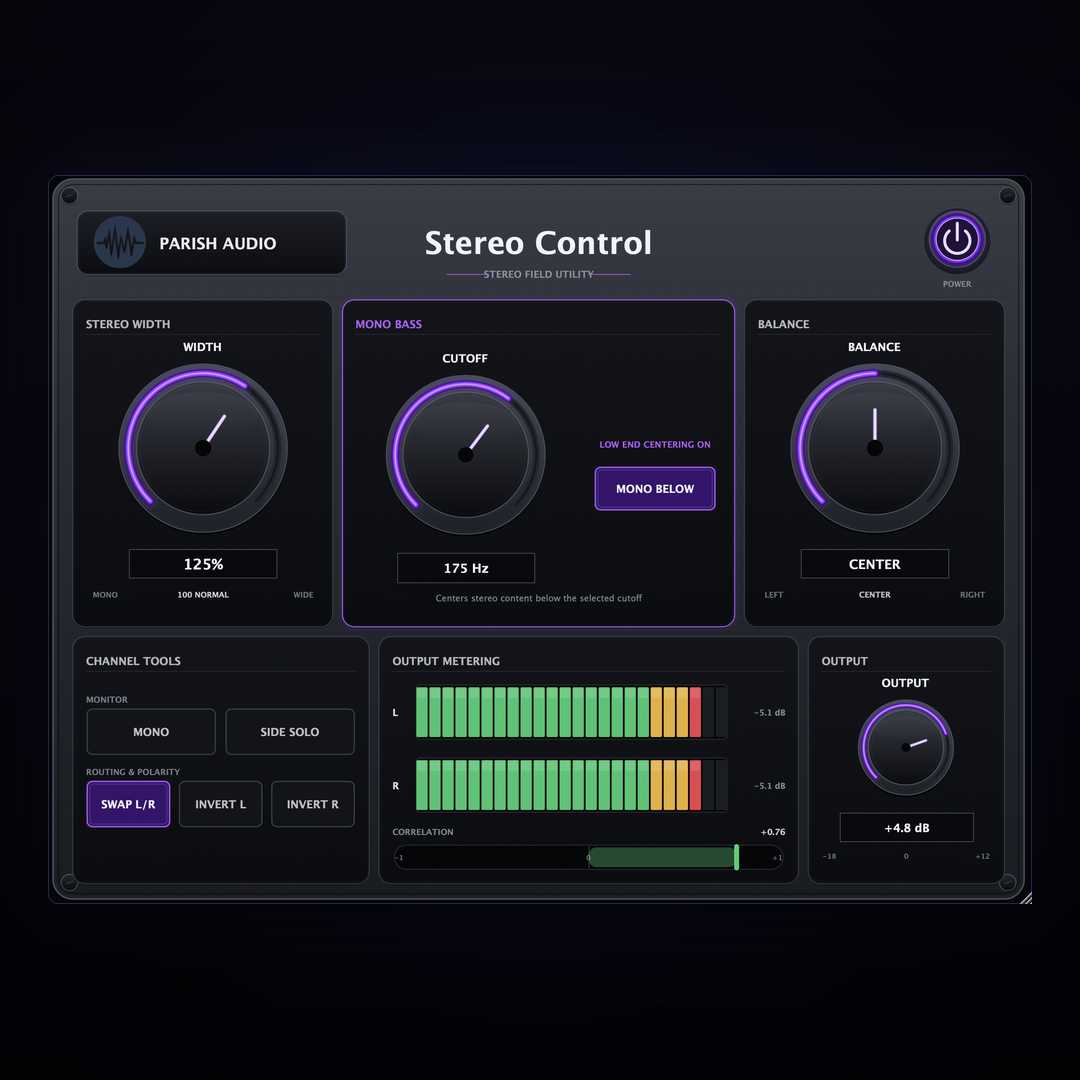
A mix can sound wide and impressive in stereo while still having problems underneath the surface. Low frequencies can become unstable, extreme width can weaken mono compatibility, channel routing can be wrong, and phase or polarity problems can be difficult to identify when the tools you need are scattered across several plugins. Stereo Control brings those jobs together in one focused stereo utility. Adjust the stereo field from fully mono through expanded width while keeping direct control over the center of the mix. Mono Bass lets you remove low-frequency side information below a selectable cutoff, helping keep bass, kick, and other low-end energy centered while allowing the upper frequencies to remain wide. Dedicated monitoring tools make it easy to check what is happening inside the stereo image. Collapse the mix to mono to test compatibility, solo the Side information to hear what exists outside the center, and watch the correlation meter for a visual indication of how the left and right channels relate to each other. Stereo Control also includes practical routing and troubleshooting tools. Swap the left and right channels, invert the polarity of either side independently, adjust channel balance, and trim the final output without building a separate utility chain. At neutral settings, the stereo processing is designed to pass the signal through unchanged, so Stereo Control can stay on a track or bus as a permanent stereo-management and monitoring tool. Whether you are widening a synth, tightening the low end of a mix bus, checking a master in mono, investigating polarity issues, or simply keeping an eye on stereo correlation, Stereo Control puts the essential controls in one place.
Not enough reviews yet
The hassle-free & most flexible stereo plug-In
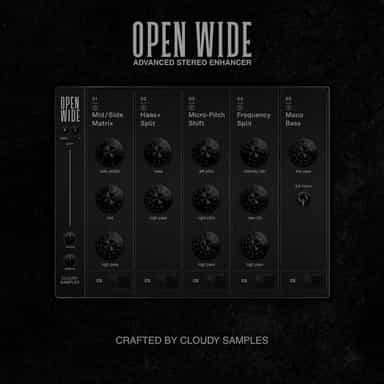
Stereo manipulation and mastering processor

STEREO WIDTH

Precise control for gain, pan and routing
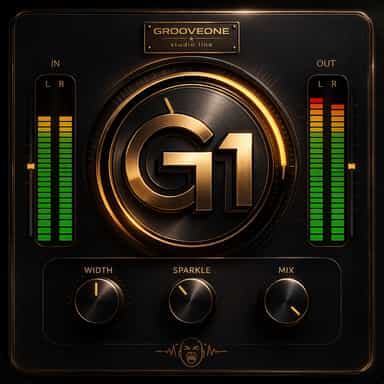
One-Knob Studio Enhancer
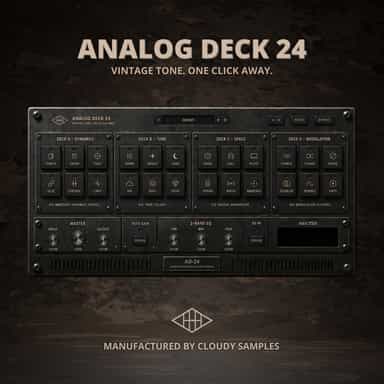
Vintage Tone. One Click Away.

Wide. Broken. Alive

The Ultimate Vintage Character Effect

Three phasers. No straight lines.
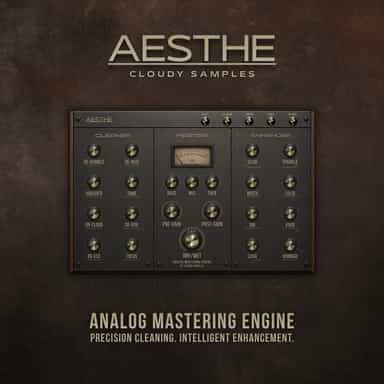
Analog Mastering Engine
Not enough reviews yet