
Speaker Splitter Pro
Professional AI-Powered Speaker Separation
$139.99

Transform any mono or stereo recording into isolated speaker stems—ideal for podcasts, interviews, post-production, and research. With a single plug-in instance, Speaker Splitter uses a lightweight ONNX model to detect speaker boundaries and export per-voice files, saving you hours of manual editing.
AI-Powered Speaker Separation
Transform any mono or stereo recording into isolated speaker stems—ideal for podcasts, interviews, post-production, and research. With a single plug-in instance, Speaker Splitter uses a lightweight ONNX model to detect speaker boundaries and export per-voice files, saving you hours of manual editing.
AI-Powered Speaker Separation
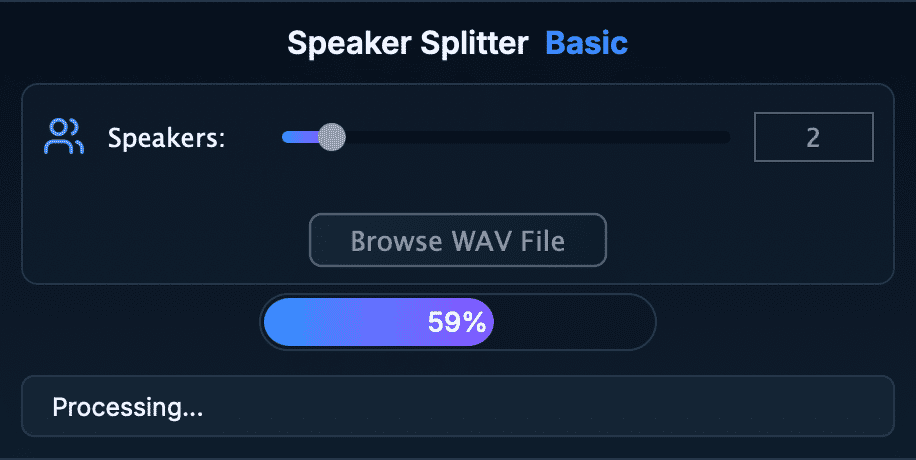
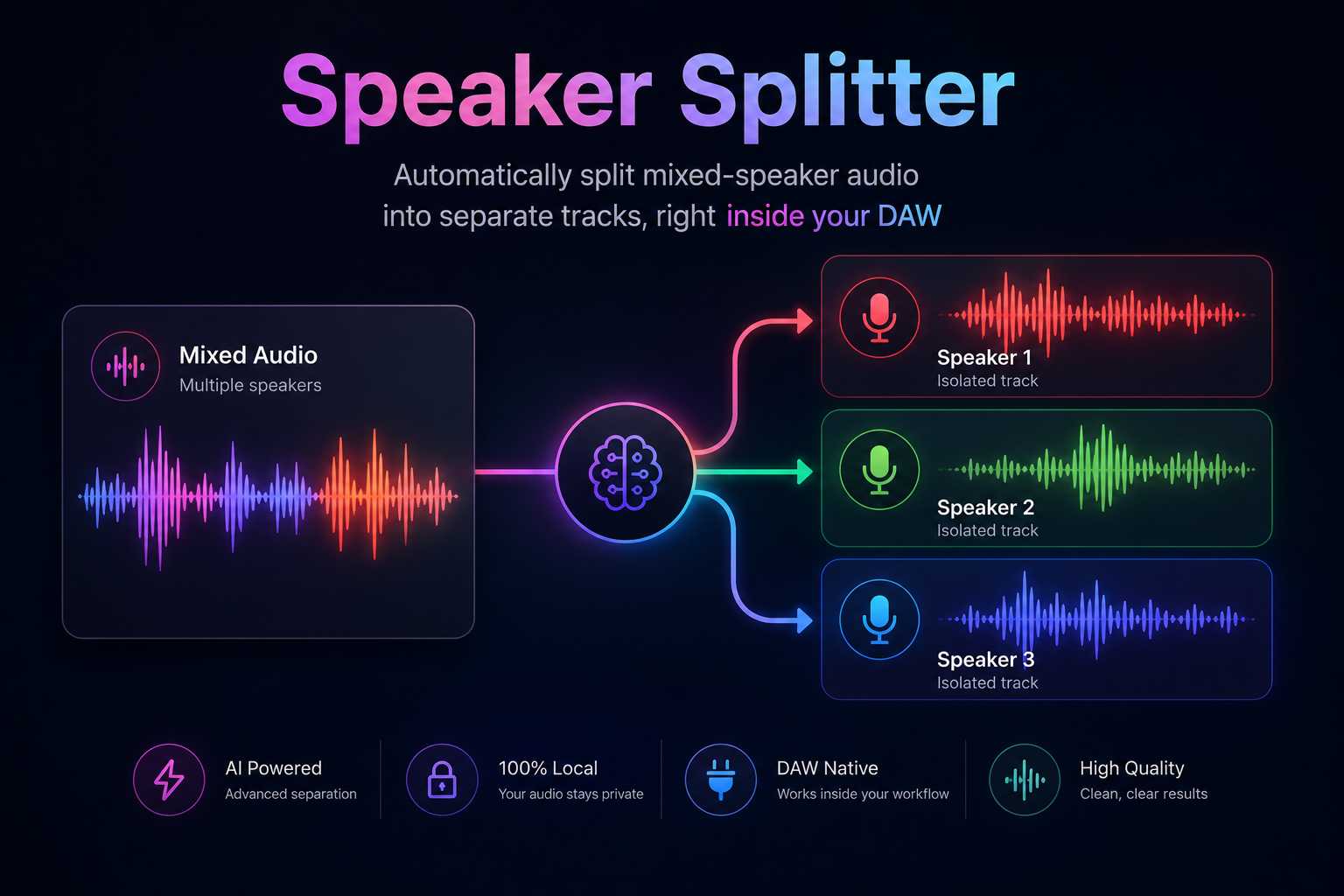
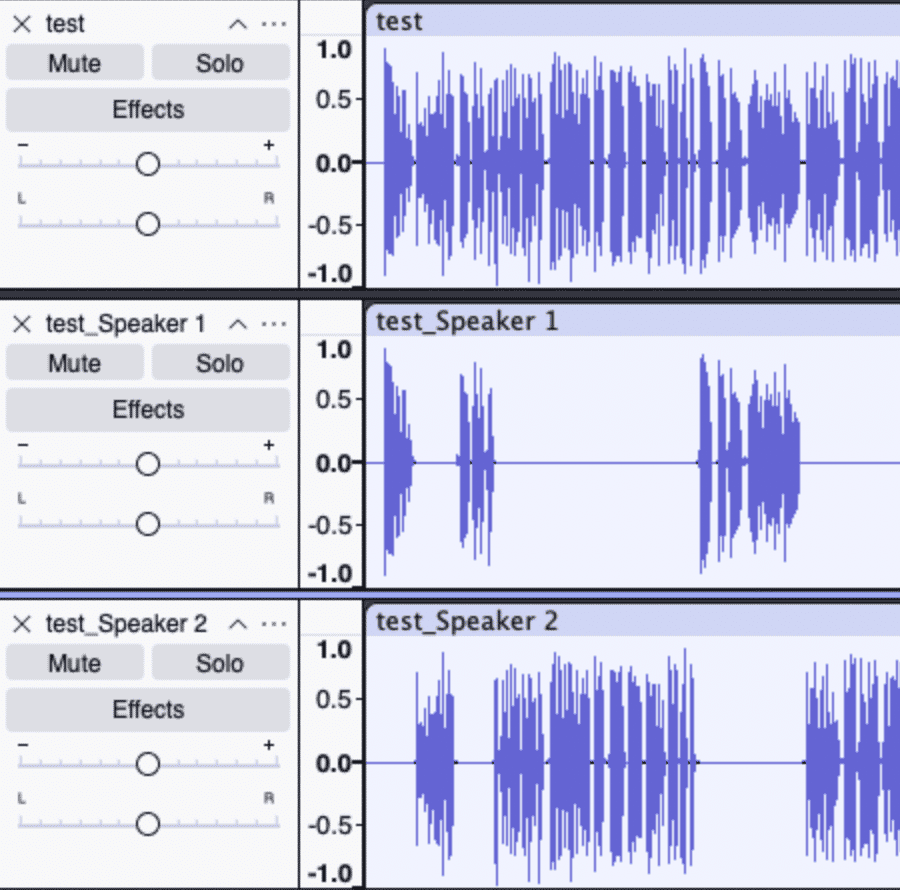
Automatically split mixed-speaker audio into separate tracks, right inside your DAW Transform any mono or stereo recording into isolated speaker stems—ideal for podcasts, interviews, post-production, and research. With a single plug-in instance, Speaker Splitter uses a lightweight ONNX model to detect speaker boundaries and export per-voice files, saving you hours of manual editing. Key Features: • Real-Time Speaker Segmentation: Runs entirely in your DAW — no round-trip to external apps. Choose number of speakers from 1 to 10 and browse a WAV recording file, wait a little bit, and your speakers will be automatically splitted and exported. • Lightweight ONNX Core: VST3 on Windows (x64), macOS (Intel & Apple Silicon), and Linux (x86_64 & arm64). Works in any VST3 and AU host — REAPER, Ableton Live, Cubase, Studio One, Bitwig, Ardour, Audacity, Adobe Audition (effects only), etc. • Zero Dependencies, Zero Crashes: Built with static linking to guarantee rock-solid performance and eliminate “missing DLL” nightmares. How It Works: 1. Install (copy) your Speaker Splitter folder to the system VST3/AU folder Windows (64-bit): C:\Program Files\Common Files\VST3\ macOS (VST3): /Library/Audio/Plug-Ins/VST3/ macOS (AU): /Library/Audio/Plug-Ins/Components/ Or point your DAW directly at the plug-in’s root folder. 2. Open the Speaker Splitter plug-in in your DAW program. You can find plug-in in Audacity by clicking "Generate" in top menu bar. 3. Browse your recording in WAV format and choose the number of speakers (1–10). 4. Run processing — speaker stems export automatically next to your recording. What’s Included: • Speaker Splitter.vst3 (Windows x64; macOS universal) • Speaker Splitter.component (macOS universal) • ONNX models (.onnx) pre-optimized for real-time • Lifetime license with free minor updates Licensing & Support: • Perpetual License: Purchase once, use forever Take your podcast, interview, and post-production workflow to the next level. Buy Speaker Splitter now and stop manually chopping audio—let AI do the hard work!
Not enough reviews yet
Professional AI-Powered Speaker Separation
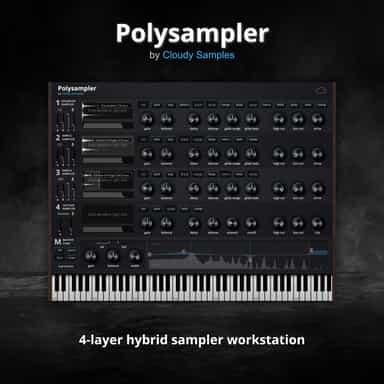
4-Layer Hybrid Sampling Workstation

Spend less time editing, more time creating.
Three phasers. No straight lines.
Separate tone, transients and air independently
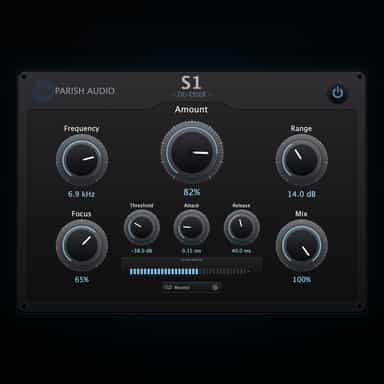
Smooth, Natural Sibilance Control
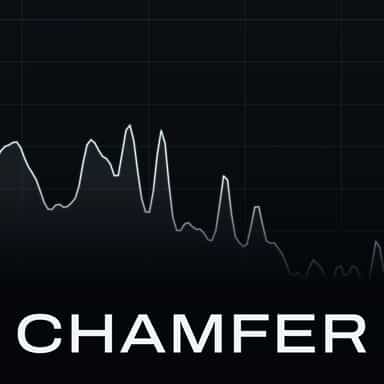
De-esser for vocals and spoken voice
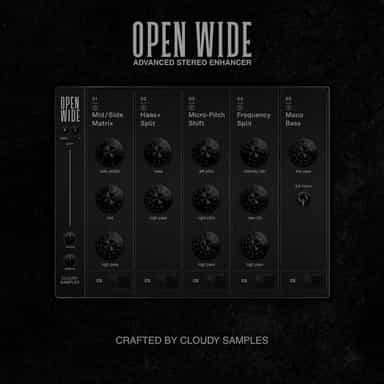
Stereo manipulation and mastering processor
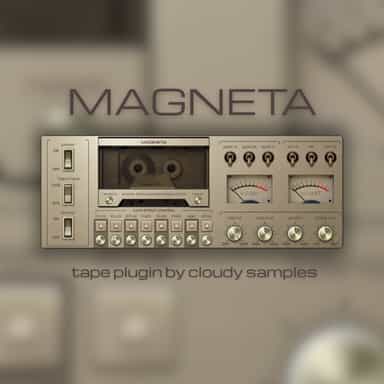
Experience the magic of authentic cassette tape.
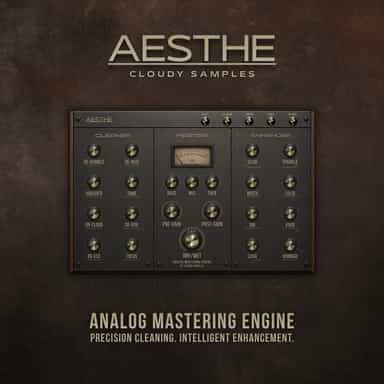
Analog Mastering Engine
Not enough reviews yet